
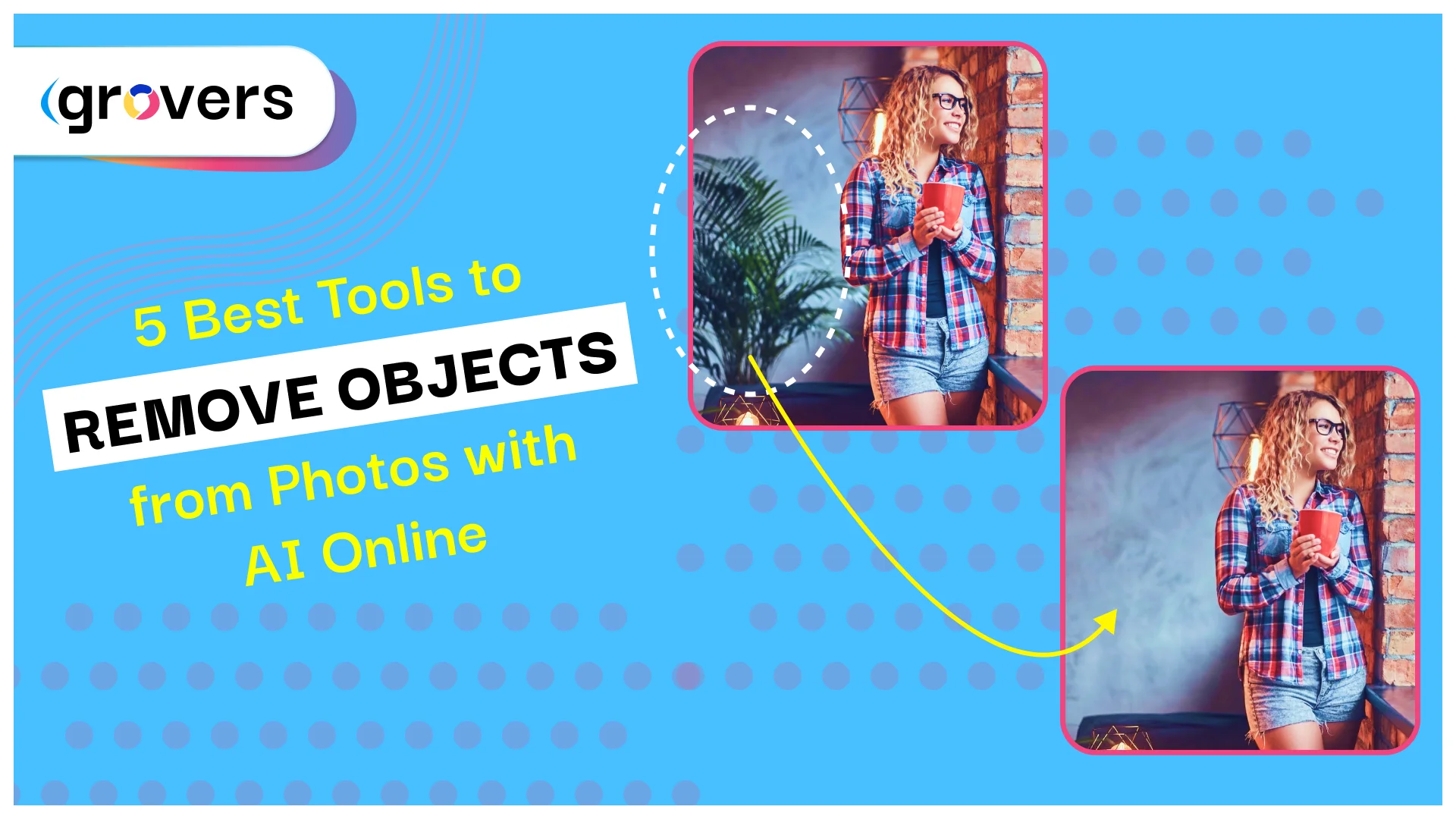
AI-powered object removal tools solve this problem completely. These intelligent systems erase unwanted elements from photos in seconds while automatically reconstructing natural-looking backgrounds.
The technology delivers real results. E-commerce brands report 93% cost reductions in photo editing. The object removal market reached $500 million in 2025 and is projected to hit $1.8 billion by 2033.
This guide examines the 5 best AI object removal tools available online in 2026.
What Is AI Object Removal?
AI object removal uses machine learning to intelligently erase unwanted elements from photographs. The technology analyzes your image, identifies the object you want removed, and reconstructs what should appear behind it.
Traditional photo editing required manually cloning pixels from surrounding areas. You copied grass from one spot and pasted it over unwanted objects. The results looked obviously fake with visible patterns and poor blending.
Modern AI tools understand images differently. They trained on millions of photographs and learned what natural backgrounds look like. The systems recognize perspective, lighting, shadows, and textures automatically.
The process works simply. You brush over an unwanted object. The AI analyzes surrounding areas. The system generates appropriate background content. The entire process completes in seconds with natural-looking results.
These tools handle complex scenarios automatically. Remove a person from a crowded street? The AI fills the space with appropriate pavement and buildings. Delete a bird from the sky? The system generates matching clouds and blue tones.
Why Object Removal Tools Matter
Over 50% of new photo editing software now includes AI-powered object removal features. This represents a fundamental shift in how people edit photos.
Adobe’s AI technology achieves over 90% accuracy in object selection and removal. This matches or exceeds manual editing by trained professionals while working exponentially faster.
The business impact proves substantial. One e-commerce retailer implemented AI object removal and saw a 20% sales increase within three months. Clean product photos without distractions directly improve conversion rates.
Professional photographers report dramatic time savings. Tasks requiring 30 minutes manually now complete in 30 seconds. The efficiency gain allows processing more images and serving more clients.
The 5 Best AI Object Removal Tools
1. Photoroom – Best for E-commerce
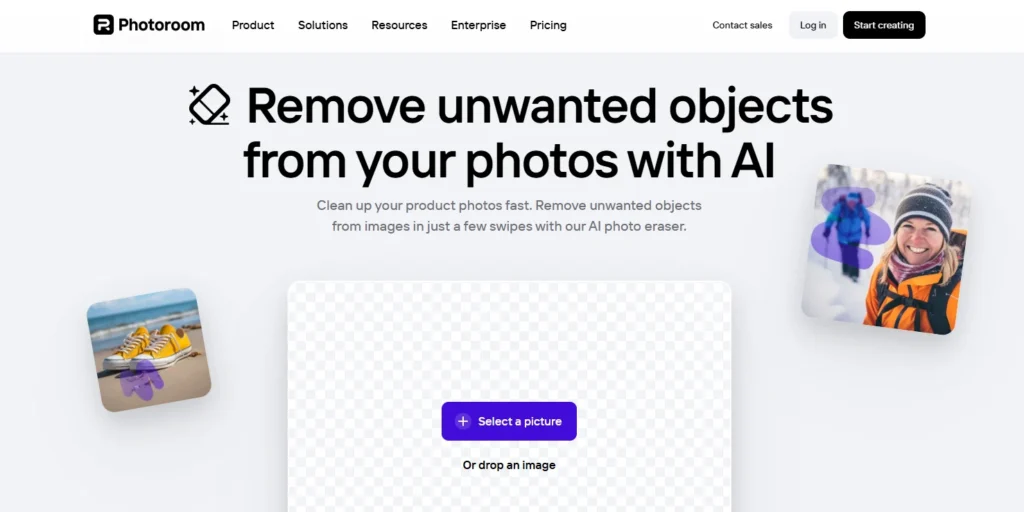
Photoroom specializes in product photography and commercial image editing. The platform helps businesses create clean, professional product images at scale.
Key Features:
- Removes objects in 2 seconds
- Batch processing for multiple images
- Additional tools for background replacement and product staging
- Mobile apps for iOS and Android
- Integration with e-commerce workflows
Why It Excels:
The object removal tool works incredibly fast. Upload your photo, brush over unwanted elements, and the AI erases them in approximately 2 seconds.
Batch processing capabilities separate Photoroom from competitors. Process dozens or hundreds of product images with consistent results. This scalability matters tremendously for online stores managing large catalogs.
The platform recently raised $43 million in funding and launched an enhanced AI photo editor. Companies using Photoroom’s suite report 93% cost reductions and 4x faster product launches.
Best For: E-commerce businesses, product photographers, online sellers, professional results at scale
Pricing: Free tier available, Pro plans starting at $10/month for high-volume users
Platform: Web-based, iOS, Android
2. Magic Eraser – Best Free Option
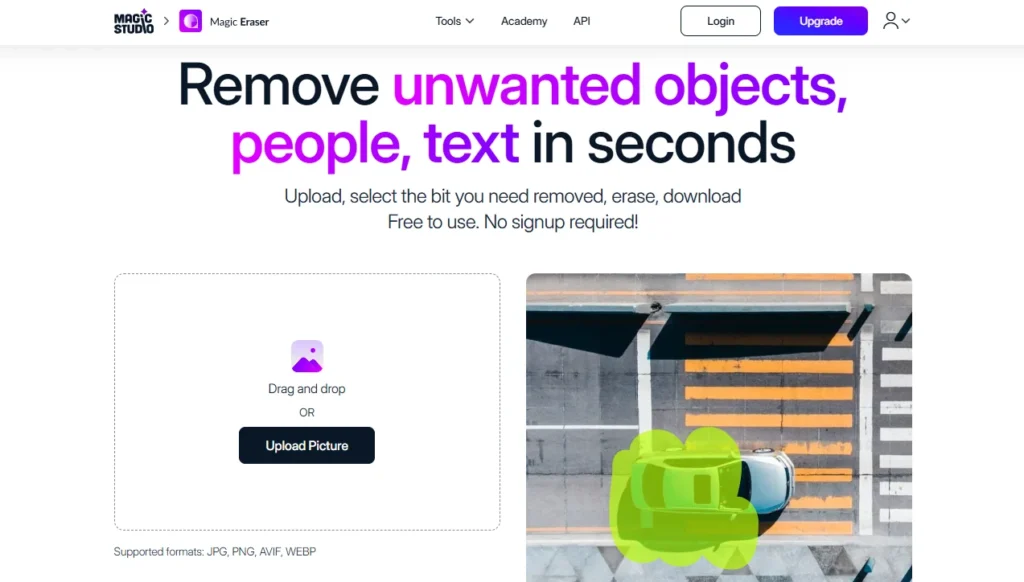
Magic Eraser delivers professional object removal completely free with no account required, no watermarks, and no hidden limitations.
Key Features:
- Completely free forever
- No signup or login required
- Supports JPG, PNG, and WebP up to 10MB
- Preserves original image quality
- Instant processing
- Zero learning curve
Why It Excels:
The simplicity makes Magic Eraser perfect for quick edits. Visit the website, upload your photo, brush over unwanted objects, and download the cleaned image. The entire process takes under 60 seconds.
The tool handles people, text, logos, watermarks, emojis, and stickers effortlessly. Complex backgrounds work just as well as simple ones. Streets, textured walls, grass, sky—everything processes naturally.
Zero friction makes this ideal for one-off edits. You don’t create another account, share email addresses, or accept terms and conditions. Just edit and leave.
Best For: Quick edits, casual users, anyone needing free object removal without compromises
Pricing: Completely free
Platform: Web-based
3. Cleanup.pictures – Best for Professionals
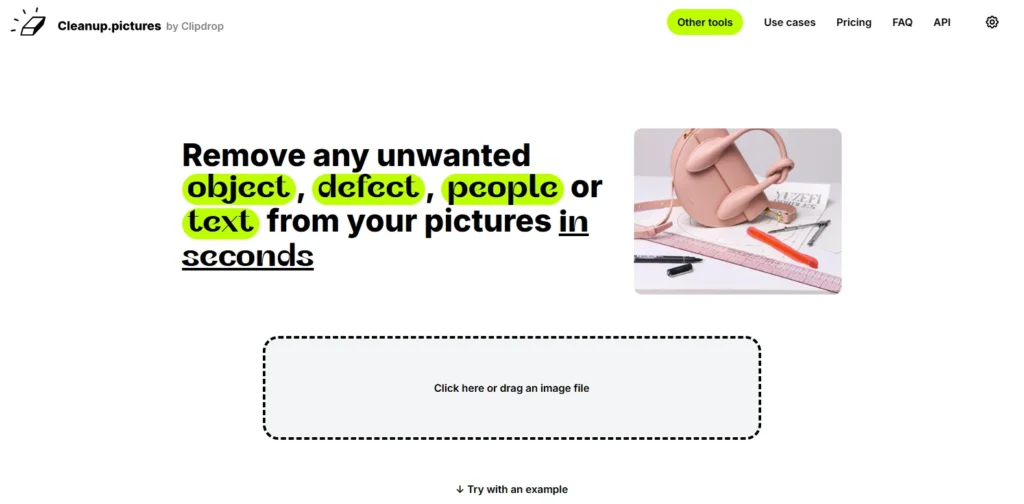
Cleanup.pictures brings advanced AI inpainting technology to professional workflows. The tool uses artificial intelligence far more sophisticated than traditional clone stamps.
Key Features:
- Advanced AI inpainting
- Processes images of any size
- Free version exports at 720px
- Pro version removes all size limits
- Works on desktop and mobile
- Handles multiple objects in one session
Why It Excels:
Traditional clone tools need background reference areas. AI inpainting actually predicts what should exist behind removed objects based on context.
The free version works perfectly for social media, blogs, and web use with 720px exports. The Pro version unlocks unlimited resolution for $5 monthly or $3 monthly annually.
Real estate agents use Cleanup.pictures constantly to depersonalize property photos. Online store owners clean product images. Social media managers remove unwanted elements from posts.
The tool offers valuable advice for best results: select a bigger brush than you think necessary. Cover more area than just the object itself. Include shadows and surrounding space. This extra context helps the algorithm create superior results.
Best For: Professional editing, real estate photography, product images, creative work
Pricing: Free for 720px exports, Pro at $5/month
Platform: Web-based, iOS, Android
4. Canva Magic Eraser – Best All-in-One Solution
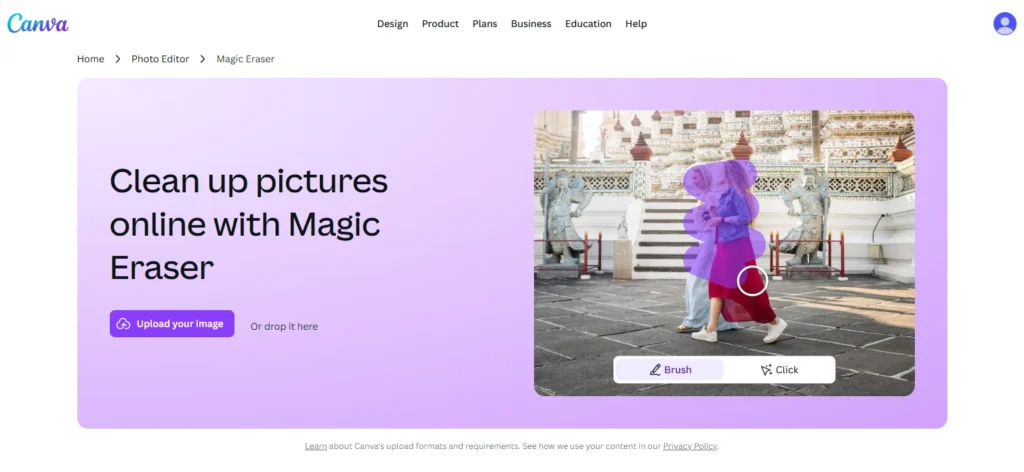
Canva integrates object removal directly into their comprehensive design platform. Edit photos and create designs in one seamless workflow.
Key Features:
- Integrated with full Canva design suite
- Magic Edit for replacing objects (not just removing)
- Manual eraser for fine adjustments
- Template library for designs
- Team collaboration features
- Works across devices
Why It Excels:
The integration advantage shines during complete creative workflows. Remove objects from photos, then add those photos to social media posts, presentations, marketing materials, or any Canva template. Everything happens in one place without switching tools.
Magic Edit goes beyond simple removal. Replace objects or add new elements by brushing and typing what you want. The AI generates appropriate content matching your description.
The manual eraser provides fine adjustments. Trim down AI edits to perfect final results. This combination of automatic AI and manual control produces superior outcomes.
Canva works brilliantly for teams. Multiple people access the same brand assets, templates, and edited photos. Collaboration features keep everyone aligned on brand consistency.
Best For: Design-integrated workflows, social media content, team collaboration, all-in-one solutions
Pricing: Free with limitations, Canva Pro ($12.99/month) unlocks Magic Eraser
Platform: Web-based, iOS, Android
5. Adobe Photoshop – Best for Maximum Control

Adobe Photoshop remains the gold standard for professional image editing. Recent AI updates transformed object removal from tedious to instant.
Key Features:
- Distraction Removal feature (October 2024 update)
- One-click wire and cable removal
- Automatic people removal
- Generative Fill for object replacement
- Full manual control options
- Integration with Adobe Creative Cloud
Why It Excels:
The Remove tool received a major upgrade with automatic Distraction Removal. The ‘Wires and Cables’ option requires zero input—click once and Photoshop automatically identifies and removes all wires and cables.
The ‘People’ option removes background strangers automatically. Refine selections if needed, then click remove. Photobombers and tourists vanish completely.
For other objects, brush over anything you want gone. The AI or Content Aware Fill handles removal automatically. You don’t need precise selections—cover the general area including shadows.
Generative Fill offers even more power. Remove objects and replace them with something else. The AI generates new content matching your prompt and the photo’s style perfectly.
Adobe’s accuracy exceeds 90% for object selection and removal. This professional-grade precision makes Photoshop the choice for critical commercial work requiring absolute quality.
Best For: Professional photographers, commercial projects, maximum control, Adobe workflow users
Pricing: $54.99/month (Photography plan with Lightroom), or $22.99/month (Photoshop only)
Platform: Desktop (Mac, Windows), iPad
How to Choose the Right Tool
Different situations require different tools. Consider these factors:
For Quick Personal Edits: Use Magic Eraser. The free, no-signup approach works perfectly for occasional photo fixes.
For E-commerce and Product Photos: Choose Photoroom. The batch processing and business features justify the investment.
For Professional Client Work: Use Adobe Photoshop or Cleanup.pictures Pro. The quality and resolution options meet professional standards.
For Social Media and Design: Pick Canva Magic Eraser. The integrated design workflow saves tremendous time.
For Real Estate: Use Cleanup.pictures. The depersonalization features work specifically well for property photos.
Professional Tips for Best Results
Select Generously
The biggest mistake is selecting too precisely. Select larger areas than the object. Include shadows and the surrounding space. Extra context helps AI generate better results.
Use Large Brushes
Large brushes cover areas quickly and provide better context for AI processing.
Work at Full Resolution
Start with full-resolution files. Process at maximum quality. You can downsize later, but can’t upsize successfully.
Save Original Files
Always keep originals. Export edited versions with different filenames. Object removal is destructive and can’t be undone.
Check Results Carefully
Zoom to 100% or 200%. Examine edges for halos or color shifts. Use manual touch-up tools for any artifacts.
Common Mistakes to Avoid
Removing Important Shadows
Shadows establish ground planes and spatial relationships. Preserve shadows unless they belong solely to removed objects.
Ignoring Pattern Continuity
Objects on patterned backgrounds need careful inspection. Verify brick walls, tile floors, and fabric textures continue correctly after removal.
Over-Processing
Each removal pass can slightly degrade the quality. Accept good-enough results instead of chasing perfection through excessive processing.
Forgetting Context
Remove too much, and the images lose believability. Maintain enough background elements to preserve a natural appearance.
Who Benefits Most from Object Removal Tools
E-commerce Businesses
Online stores need clean product photos without distractions. AI object removal cleans images in seconds. Process hundreds of products daily. Maintain visual consistency across entire catalogs.
Real Estate Professionals
Property photos sell houses. Remove personal items, furniture, or clutter digitally. Help buyers imagine their own belongings in empty spaces.
Social Media Managers
Social media demands constant visual content. Remove photobombers, clean backgrounds, delete watermarks—all in seconds. The speed enables responsive posting schedules.
Professional Photographers
Process thousands of images efficiently. Remove tourists from travel photos. Delete visible equipment. Fix accidental photobombs. Faster turnaround creates happier clients.
Content Creators
Clean screenshots quickly. Remove personal information from captures. Delete watermarks from reference images. Polish visuals without learning complex software.
The Technology Behind Object Removal
Modern AI object removal uses deep learning neural networks trained on millions of photographs. These systems recognize objects, understand context, and predict appropriate background content.
The technology uses two approaches: Content-Aware Fill analyzes surrounding pixels and fills removed areas with similar patterns. Generative AI creates entirely new background content based on context. Both happen automatically in seconds.
Market Growth
The AI image editor market reached $88.7 billion in 2025 with projections hitting $229.6 billion by 2035. Object removal tools grew to $500 million expected to reach $1.8 billion by 2033.
Key trends include mobile-first editing, real-time cloud processing, batch operations for businesses, and integration into broader creative platforms.
Step-by-Step Object Removal Guide
Step 1: Choose Your Tool. Select based on needs. Quick fix? Magic Eraser. Professional work? Photoroom or Photoshop. Design project? Canva.
Step 2: Upload Image. Most tools accept JPG, PNG, and WebP formats. File size limits vary from 10MB to unlimited.
Step 3: Adjust Brush Size. Select a brush larger than the object. Cover the entire element, including edges and shadows.
Step 4: Brush Over Objects. Paint over unwanted elements completely. The AI needs a rough indication of what to remove.
Step 5: Process and Review. Click remove. The AI processes in 2-10 seconds. Zoom in to check edges and blended areas.
Step 6: Make Adjustments. If needed, brush the same areas again. The AI often improves on second passes.
Step 7: Export. Download your cleaned image at maximum quality. Save as PNG for graphics or JPG for photos.
Advanced Tips
Remove multiple objects sequentially for best results. Use generous selection on complex backgrounds. Include shadows in your selection. The AI handles these automatically.
Real-World Applications
Product Photography
E-commerce sellers need clean product images. AI object removal cleans photos instantly by removing props, hands, or background elements. Traditional retouching takes 10-15 minutes per photo. AI tools process images in seconds. Catalog updates complete in hours instead of days.
Travel Photography
Tourist attractions include strangers, cars, and modern elements. Remove crowds from landmarks, delete cars from streets, erase modern signs from historical buildings. Professional travel photographers use these tools for every client deliverable.
Event Photography
Weddings and conferences produce thousands of photos with unwanted elements. Remove photobombers from ceremony photos, delete visible equipment, clean background clutter. The speed enables same-day delivery.
Real Estate Marketing
Property photos need empty rooms and clean spaces. Remove furniture digitally, delete personal items, clean up yards. Properties present professionally without expensive staging. Agents process listings faster for quicker sales.
Understanding AI Capabilities and Limitations
What Works Best
Simple objects against uniform backgrounds work perfectly. People, vehicles, and common objects remove cleanly. Complex backgrounds with textures and patterns process well including brick walls, wood grain, and foliage.
Current Challenges
Transparent objects like glass or water require careful handling. Reflective surfaces including mirrors and polished metals create complications. Overlapping objects need sequential removal. Very large objects removing 50%+ of content may produce artificial results.
When Manual Editing Helps
Critical commercial work requiring perfection needs manual verification. Historical restoration demands manual control. Complex artistic projects combining multiple techniques work better with traditional tools.
Cost Comparison and ROI
Free Options
Magic Eraser provides unlimited free removals with no restrictions. Cleanup.pictures offers free exports at 720px resolution. These work perfectly for social media and web use.
Paid Plans
Photoroom Pro costs $10-20 monthly for businesses processing many images. Cleanup.pictures Pro removes resolution limits for $5 monthly. Canva Pro unlocks unlimited Magic Eraser for $12.99 monthly. Adobe Photoshop costs $22.99-54.99 monthly for professional features.
Return on Investment
E-commerce businesses see immediate ROI. Manual editing costs $10-20 per photo through freelancers. AI tools cost $10 monthly for unlimited processing. Process 50 products monthly and save $500-1000 immediately.
Professional photographers value time saved. Processing 100 client photos manually takes 20-30 hours. AI tools reduce this to 2-3 hours.
Privacy Considerations
Web-based tools upload photos to cloud servers for processing. Magic Eraser processes and deletes images immediately. Photoroom and Canva store images in your account. Photoshop processes locally when possible.
Read each platform’s terms regarding uploaded content. Avoid uploading confidential or sensitive images to free online tools. Use desktop software or paid platforms with clear security policies for sensitive work.
Final Thoughts
AI object removal transformed photo editing from a specialized skill to a universal capability. Tools requiring hours of training now work instantly for everyone.
The five tools covered handle every use case imaginable. Photoroom dominates professional e-commerce with lightning-fast processing and batch capabilities. Magic Eraser delivers completely free results with zero friction. Cleanup.pictures offers sophisticated AI for professional workflows. Canva integrates removal into complete design processes. Photoshop provides maximum control for demanding commercial work.
The market reached $500 million in 2025 with explosive growth projected. This reflects genuine value delivered to millions of users daily.
Start experimenting today. Upload a photo to Magic Eraser. Brush over something unwanted. Watch it disappear in seconds. You’ll immediately understand why this technology changed photo editing forever.
Your photos deserve professional polish. AI object removal tools deliver it instantly, affordably, and accessibly.



