

Modern AI-powered background removers process images in 3 seconds or less. Upload your photo, the AI automatically detects subjects, and download results with perfect transparent backgrounds and no manual selection required.
The technology delivers remarkable accuracy. The image background remover market reached $500 million in 2025 and is projected to hit $1.8 billion by 2033 with 15% annual growth. Over 50% of image editing tasks now involve AI tools. Some 85% of businesses use AI for photo editing, with 90% reporting reduced editing time.
Professional quality became universally accessible. E-commerce sellers, social media creators, graphic designers, and marketers all create clean product photos, professional portraits, and engaging content instantly.
This guide examines the 10 best AI background eraser tools available online in 2026.
What Is an AI Background Eraser?
AI background eraser tools automatically separate subjects from backgrounds using artificial intelligence and machine learning. The systems analyze images, identifies foreground objects, and removes everything else, producing transparent PNG files ready for any use.
Traditional background removal required manual selection. Designers used Photoshop’s pen tool to trace around subjects pixel by pixel. Hair, fur, and complex edges demanded painstaking work. A single product photo consumed 15-30 minutes.
AI changed everything. Computer vision algorithms trained on millions of images learned to recognize subjects automatically. The systems understand the difference between people, products, pets, and backgrounds. Complex edge detection handles hair and fur accurately.
The process works instantly. Upload your JPEG or PNG image. The AI processes the photo in seconds. Download your transparent PNG with the background completely removed. No software installation, no technical skills, no manual work required.
These tools handle various subjects. People and portraits work perfectly. Product photography for e-commerce receives precise treatment. Pets with fur process cleanly. Vehicles, furniture, food, and objects all separate successfully from backgrounds.
Why Background Removal Matters in 2026
The market growth reveals a genuine transformation. From $500 million in 2025 to a projected $1.8 billion by 2033 represents sustained 15% annual growth. Over 70% of image editing tasks will involve AI tools by 2026.
Business impact proves substantial. E-commerce businesses see a 93% cost reduction using AI background removal versus manual editing. Product photo preparation time drops from days to hours. Listing launches happen 4X faster with automated processing.
Professional quality remains consistent. Manual editing quality varies with designer skill and fatigue. AI delivers identical results on every image. Batch processing maintains perfect consistency across entire product catalogs.
Social media engagement increases dramatically. Posts with clean, professional backgrounds receive 80% more interactions than cluttered alternatives. The visual clarity helps content stand out in crowded feeds.
The 10 Best AI Background Eraser Tools
| Tool | Best Use Case | Average Processing Time | Free Output Quality | Bulk Processing | Hair and Edge Accuracy |
| Remove.bg | Speed and accuracy at scale | 5 seconds | Low resolution | Yes | Excellent |
| Photoroom | E-commerce product photos | 4 to 6 seconds | Standard HD | Yes | Very good |
| Pixelcut | Unlimited free background removal | 3 seconds | Full HD | Yes | Very good |
| Adobe Express | Creative Cloud workflows | 5 seconds | Standard | No | Good |
| Cutout.Pro | Video and image background removal | 6 to 10 seconds | Low resolution | Yes | Very good |
| Clipping Magic | Precise manual control | 10 to 20 seconds | Full HD | Yes | Excellent |
| Erase.bg | High-volume bulk processing | 4 to 7 seconds | HD on paid plans | Yes | Good |
| Pixlr | Editing plus background removal | 5 seconds | Standard | No | Good |
| Removal.AI | Presentations and graphics | 4 to 6 seconds | Standard | Yes | Good |
| EzRemove | 4K and privacy-focused work | 5 to 8 seconds | 4K supported | No | Excellent |
1. Remove.bg – Best Overall Speed and Accuracy
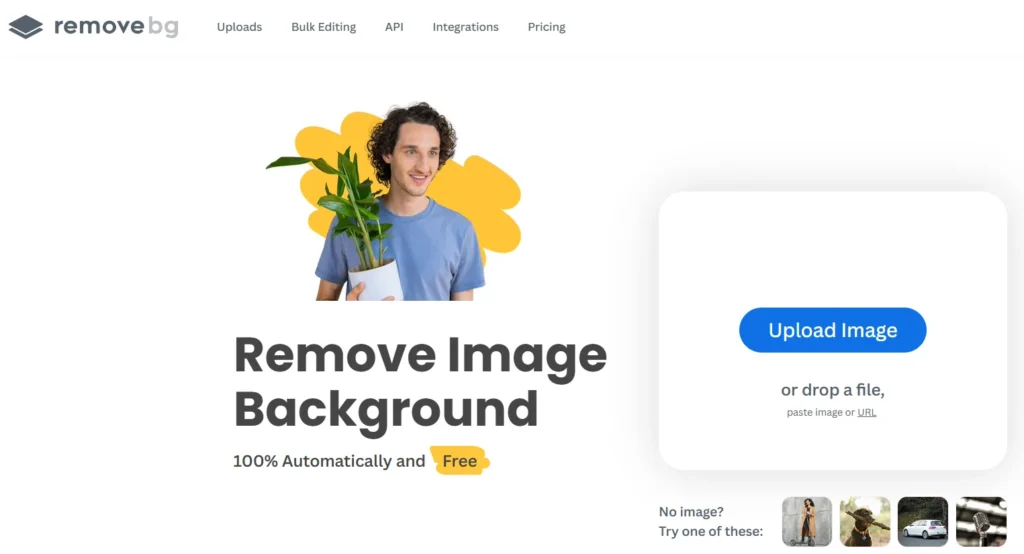
Remove.bg pioneered automatic background removal and remains the industry standard for speed and precision.
Key Features:
- 5-second automatic background removal
- Batch processing (up to 500 images/minute)
- High-resolution downloads
- API integration
- Figma, Photoshop, and Zapier plugins
- Mobile app (iOS/Android)
- AI background generator
- Transparent or custom background colors
Why It Excels:
The speed sets Remove.bg apart. Process entire product catalogs in minutes rather than days. The 500 images per minute batch capability handles enterprise-scale operations effortlessly.
Edge detection handles complex subjects brilliantly. Hair, fur, transparent objects, and intricate edges all separate cleanly from backgrounds. The AI achieves near-perfect results on difficult images requiring extensive manual work.
Integration capabilities streamline professional workflows. The API connects directly to e-commerce platforms, content management systems, and custom applications. Plugins bring automatic background removal into existing design tools seamlessly.
The mobile app enables on-the-go editing. Shoot product photos with your phone, remove backgrounds immediately, and upload to listings without a desktop computer.
Best For: E-commerce, batch processing, professional workflows, integration needs
Pricing: Free for low-resolution, subscriptions from $9/month, API pricing available
Platform: Web-based, mobile apps, API, plugins
2. Photoroom – Best for E-Commerce and Product Photography

Photoroom specializes in creating marketplace-ready product photos with studio-quality backgrounds.
Key Features:
- Instant automatic background removal
- AI background generator
- Product beautifier (enhance lighting/details)
- Batch editing
- Virtual model tool
- Image expansion and resizing
- Text overlays
- API integration
- Team collaboration
Why It Excels:
The e-commerce focus delivers exactly what sellers need. Not just background removal and complete product photography solutions. Generate professional backgrounds, enhance lighting automatically, and create marketplace-compliant images instantly.
The Product Beautifier transforms ordinary photos. Upload smartphone shots and watch AI enhance lighting, sharpen details, and improve colors automatically. Results match professional studio photography quality.
Virtual model integration helps fashion brands. Show products on diverse AI-generated models without photoshoots. Export ready-to-use images for websites and marketplace listings.
Batch processing handles hundreds of images with consistent quality. Apply the same backgrounds, effects, and sizing across entire catalogs in minutes.
Best For: E-commerce sellers, product photography, marketplace listings, fashion brands
Pricing: Free tier available, Pro from $10/month
Platform: Web-based, mobile apps (iOS/Android), API
3. Pixelcut – Best Free Option

Pixelcut offers professional background removal completely free with no watermarks or limitations.
Key Features:
- 3-second background removal
- Zero watermarks on free tier
- Batch background removal
- AI background generator
- Magic Eraser
- Image upscaler
- AI Photo Shoot
- No sign-up required
- HD quality exports
Why It Excels:
The free tier provides genuinely professional features. No watermarks clutter your exports. No artificial limitations restrict image sizes or monthly quotas. Unlimited background removals without payment.
The 3-second processing speed matches paid competitors. Upload, process, download and the entire workflow completes instantly. No waiting for renders or queues.
Additional AI tools create complete workflows. Remove backgrounds, generate new ones, erase unwanted objects, and upscale resolution—all free within one platform.
The API enables developers to integrate background removal into applications affordably.
Best For: Budget-conscious users, small businesses, unlimited free processing, developers
Pricing: Completely free
Platform: Web-based, mobile apps, API
4. Adobe Express Background Remover – Best Creative Cloud Integration

Adobe Express integrates background removal seamlessly into the Creative Cloud ecosystem for professional workflows.
Key Features:
- One-click background removal
- Adobe Stock integration
- Template library
- Creative Cloud sync
- Brand kit management
- Additional editing tools
- Mobile and desktop apps
- Free tier available
Why It Excels:
The Creative Cloud integration streamlines professional production. Remove backgrounds, access thousands of stock photos, apply edits, and create final designs and everything syncs across devices automatically.
The template library accelerates content creation. Remove backgrounds, then drop subjects into pre-designed social posts, flyers, presentations, or marketing materials instantly.
Brand kit functionality ensures consistency. Save brand colors, fonts, and design elements once. Every project automatically uses approved assets, maintaining visual identity.
Cross-device continuity enables flexible workflows. Start on desktop, continue on mobile, finish on tablet. All work saves and syncs automatically.
Best For: Adobe users, professional designers, multi-device workflows, brand consistency
Pricing: Free tier available, Premium from $9.99/month
Platform: Web-based, iOS, Android, desktop
5. Cutout.Pro – Best for Video Background Removal
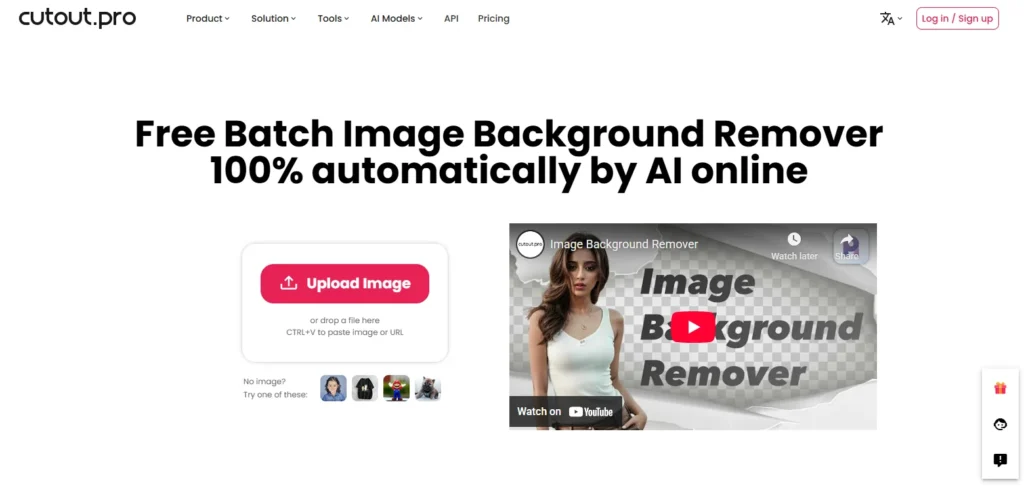
Cutout.Pro handles both images and videos with advanced AI tools and batch processing capabilities.
Key Features:
- Automatic image background removal
- Video background removal
- Batch processing
- API integration
- Manual refinement tools
- Desktop app available
- High-precision object detection
- Product photo optimization
Why It Excels:
The video background removal capability separates Cutout.Pro from competitors. Remove backgrounds from video footage automatically, and functionality previously requiring complex motion tracking and rotoscoping.
High-precision object detection handles difficult subjects. People, pets, and products all separate cleanly, even with challenging backgrounds or lighting conditions.
The desktop app enables offline processing. Work without internet connectivity when needed. Process sensitive images locally without cloud uploads.
Manual refinement tools provide perfect control. The automatic AI handles 95% of the work. Manual eraser and restore brushes fix any remaining imperfections quickly.
Best For: Video content, batch processing, desktop workflows, manual refinement needs
Pricing: Free for low-resolution; HD downloads require credits
Platform: Web-based, desktop app, API
6. Clipping Magic – Best Manual Control

Clipping Magic combines automatic AI with comprehensive manual tools for perfect results on challenging images.
Key Features:
- Auto-Clip AI
- Smart Keep/Remove tools
- Dedicated hair tool
- Scalpel for precision cuts
- Auto crop and alignment
- Color correction tools
- Batch default settings
- Background replacement
Why It Excels:
The manual control delivers 100% success rates. Automatic AI handles most work instantly. Manual tools produce perfect results on the most challenging images requiring specific treatment.
The hair tool separates complex hair from backgrounds remarkably well. Works with clean backgrounds, gradients, and distinct colors. Results match painstaking manual work without hours of effort.
Smart edge detection understands boundaries intelligently. The AI recognizes where subjects end and backgrounds begin, even with subtle color differences or complex textures.
Batch processing with default settings maintains consistency across catalogs. Configure settings once, then process hundreds of similar images automatically.
Best For: Complex images, hair/fur subjects, professional control, consistent quality
Pricing: Pay-per-image or subscriptions from $3.99/month
Platform: Web-based
7. Erase.bg – Best Bulk Processing

Erase.bg specializes in high-volume background removal with robust bulk processing capabilities.
Key Features:
- Single and bulk image processing
- Automatic AI detection
- Multiple format support (PNG, JPG, JPEG, WebP, HEIC)
- High-resolution support
- Mobile availability
- Fast processing speeds
- Simple interface
Why It Excels:
The bulk processing handles enterprise volumes efficiently. Upload hundreds of images simultaneously. The system processes them in parallel, delivering results quickly.
Format flexibility accommodates various sources. Import from phones (HEIC), cameras (JPG), or design programs (PNG). Export in formats matching your destination requirements.
The simple interface eliminates learning curves. Upload, process, download three steps to clean backgrounds. No confusing menus or unnecessary features.
Mobile availability enables field work. Photographers and sales teams remove backgrounds on-site without returning to offices or desktops.
Best For: High-volume processing, simple workflows, mobile users, multiple formats
Pricing: Free tier available, paid plans for bulk and HD
Platform: Web-based, mobile browser compatible
8. Pixlr Background Remover – Best All-in-One Editor
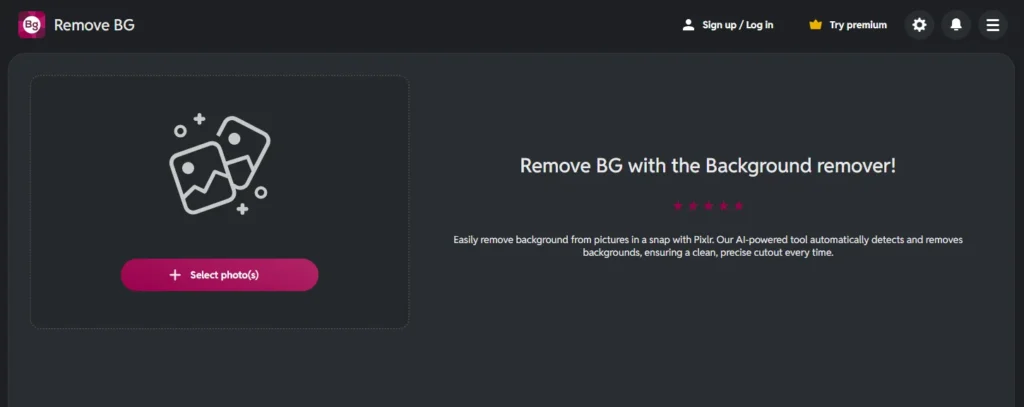
Pixlr integrates professional background removal into their comprehensive photo editing platform.
Key Features:
- AI-powered background removal
- Advanced editing tools
- Layering capabilities
- Retouching features
- Multiple format support
- Transparent or colored backgrounds
- Free plan available
- Desktop-quality browser tools
Why It Excels:
The editing integration enables complete workflows. Remove backgrounds, then retouch subjects, adjust colors, add effects, and create final compositions, all within one platform.
Layer-based editing provides professional flexibility. Combine multiple images, apply different effects to different layers, and create complex compositions matching desktop software capabilities.
The free plan delivers genuinely useful functionality. Not limited to demos and actual professional tools accessible without payment.
Format support handles professional requirements. Save as transparent PNGs, JPEGs with custom backgrounds, or other formats matching project needs.
Best For: Complete editing workflows, layered compositions, professionals, free access
Pricing: Free plan available, premium subscriptions for advanced features
Platform: Web-based
9. Removal.AI – Best for Presentations and Graphics

Removal.AI focuses on creating clean graphics perfect for presentations, social media, and design projects.
Key Features:
- Automatic background removal
- Preset templates for marketplaces
- Manual foreground editor
- No sign-up required (free tier)
- API integration
- Developer-friendly
- Multiple resolution options
Why It Excels:
The presentation focus optimally on outputs for slides, graphics, and visual content. Clean edges, perfect transparency, and sizes optimized for common presentation formats.
Marketplace presets create platform-compliant images instantly. Amazon, eBay, Etsy, and other marketplace requirements are met automatically without manual sizing or formatting.
No sign-up requirement removes friction. Start working immediately without creating accounts or providing information. Download results directly.
The API enables custom integrations. Developers embed background removal into applications, websites, or workflows programmatically.
Best For: Presentations, graphic design, marketplace sellers, developers
Pricing: Free tier available, paid plans for HD and bulk
Platform: Web-based, API
10. EzRemove – Best AI Prompt Customization
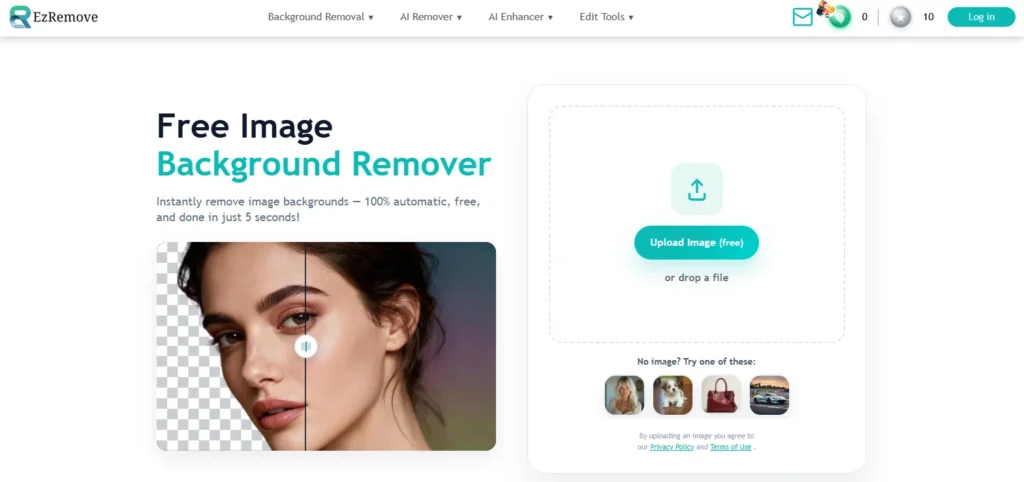
EzRemove offers multiple AI models with customization options for specialized background removal needs.
Key Features:
- Multiple AI models (ByteDance Seedream 4.0, Google Nano Banana)
- 4K resolution support
- Enhanced character uniformity
- Professional-grade editing
- Fast generation
- High consistency
- Encrypted uploads
- Auto-deletion for privacy
Why It Excels:
The multiple AI models enable specialized processing. Different models excel at different subject types. Choose the optimal algorithm for your specific images.
4K resolution support maintains maximum quality. Professional photographers and print designers get full-resolution outputs without degradation.
Privacy features protect sensitive content. Encrypted uploads and automatic deletion ensure images don’t persist on servers beyond processing.
Model selection optimizes results. ByteDance Seedream 4.0 handles complex subjects. Google Nano Banana excels at character uniformity. EzRemove models work for general purposes.
Best For: Professional photographers, 4K requirements, privacy needs, model selection
Pricing: Free with credits, paid tiers available
Platform: Web-based
How to Choose the Right Background Eraser
Different needs require different tools:
For E-Commerce: Choose Photoroom or Remove.bg. Both optimize for product photography with marketplace-ready outputs and batch processing.
For Budget: Pick Pixelcut. Completely free with professional features and no watermarks.
For Creative Cloud Users: Use Adobe Express. The integration streamlines professional workflows and syncs across devices.
For Video: Select Cutout.Pro. The video background removal handles motion footage AI competitors don’t support.
For Control: Choose Clipping Magic. Manual tools perfect for challenging images requiring specific treatment.
For Volume: Pick Erase.bg or Remove.bg. Bulk processing handles hundreds of images efficiently.
Professional Removal Tips
Shoot with Removal in Mind: Use simple backgrounds, solid colors, and good lighting. Natural lighting produces cleaner edges than harsh shadows.
Use Appropriate Resolution: Upload the highest resolution available. Don’t upscale before processing.
Refine When Necessary: Manual tools perfect the 5-10% of images needing touchups on complex edges or hair.
Choose Correct Formats: Export as PNG for transparency. WebP supports transparency with smaller file sizes.
Test Batch Settings: Verify settings on 5-10 samples before processing hundreds of images.
Common Mistakes to Avoid
Wrong Subject Focus: AI sometimes removes incorrect elements when subjects blend with backgrounds. Always review results.
Insufficient Resolution: Low-resolution inputs produce poor edges. Use highest resolution available.
Wrong File Format: Never save as JPEG after background removal. Always export as PNG for transparency.
Skipping Quality Checks: Verify samples throughout large batches ensuring consistent results.
Ignoring Licensing: Review terms before commercial use or large projects.
The Technology Behind AI Removal
AI background removers use semantic segmentation to divide images into regions, edge detection to identify boundaries, matting algorithms for semi-transparent elements, and neural networks trained on millions of images. Cloud infrastructure with powerful GPUs delivers results in seconds.
Market Growth
The image background remover market shows explosive growth from $500 million in 2025 to projected $1.8 billion by 2033 with 15% annual growth. Cloud-based solutions dominate, AI integration accelerates across 70% of editing tasks, e-commerce demand drives adoption, and mobile processing increases rapidly.
Real-World Applications
E-Commerce: Create marketplace-compliant product images with white backgrounds meeting Amazon, eBay, and Etsy requirements.
Social Media: Produce professional posts with clean backgrounds, attracting higher engagement.
Marketing: Create graphics, advertisements, and promotional content with custom backgrounds.
Professional Portraits: Offer background replacement services with digital location selection.
Real Estate: Remove clutter, replace skies, and enhance property listing photos.
Final Thoughts
AI background eraser tools transformed image editing from tedious manual work to instant automatic processing. Professional results that required expensive software and trained designers now generate in seconds for free.
The 10 tools covered handle every scenario. Remove.bg leads in speed and accuracy. Photoroom optimizes for e-commerce. Pixelcut offers unlimited free processing. Adobe Express integrates professional workflows. Cutout.Pro handles videos. Clipping Magic provides perfect manual control. Erase.bg excels at bulk processing. Pixlr combines editing comprehensively. Removal.AI targets presentations. EzRemove offers model selection.
The market reached $500 million in 2025 with 15% annual growth projected. Over 50% of image editing tasks now use AI tools. Some 85% of businesses adopted AI photo editing, with 90% reporting reduced editing time.
Start immediately with free options. Upload a product photo to Pixelcut, Remove.bg, or Photoroom. Watch backgrounds disappear in seconds. Download transparent PNGs. Your images deserve professional quality.
AI background removal became accessible to everyone. These tools deliver it instantly and affordably.



