
Modern AI-powered tools deliver professional-quality edits in seconds without technical knowledge. Remove backgrounds automatically. Enhance image quality with one click. Fix lighting, remove objects, and transform ordinary photos into stunning visuals, all for free.
The technology works remarkably well. The AI image editor market reached $88.7 billion in 2025 and is projected to hit $229.6 billion by 2035. Some 83% of creative professionals now use AI in their work. Photo editing costs dropped from $25-500 per image to just $0.10-2.00 with AI tools.
This guide examines the 10 best free AI photo editing tools available online in 2026.
What Is AI Photo Editing?
AI photo editing uses artificial intelligence and machine learning to automatically enhance and transform images. The technology analyzes photos, identifies improvements, and applies professional-grade adjustments without manual input.
Traditional editing required adjusting dozens of sliders for brightness, contrast, saturation, sharpness, and color balance. You needed to understand how each setting affected your image. Results varied dramatically based on skill level.
AI tools understand images differently. They trained on millions of photographs and learned what makes images look professional. The systems recognize faces, objects, lighting conditions, and composition automatically.
The process works simply. Upload your photo. The AI analyzes everything from exposure to skin tones. The system applies appropriate enhancements automatically. Results appear in seconds.
These tools handle complex tasks effortlessly. Automatic background removal identifies subjects and erases everything else. One-click enhancement fixes lighting, color, and sharpness simultaneously. Object removal intelligently fills spaces where unwanted elements have disappeared.
Why AI Photo Editing Matters
The market growth reveals a genuine transformation. AI image editing grew 441% year-over-year in 2024, the fastest-growing software category. The AI photo editors market hit $2.1 billion in 2024 and is projected to reach $8.9 billion by 2034.
Business impact proves substantial. Some 87% of retailers adopting AI report annual revenue uplifts. Companies see 3X conversion increases and 60-70% cost reductions. Small businesses report 80%+ savings using AI photography tools.
Consumer acceptance validates the technology. Some 71% of shoppers can’t distinguish between real and AI-generated images when shown side-by-side. The quality meets professional standards consistently.
Professional adoption continues accelerating. Some 62% of marketers currently use generative AI to create image assets. Design agencies use AI to supplement 45% of creative processes. Some 80% of retail executives expect AI automation adoption by 2025.
The 10 Best Free AI Photo Editing Tools
| Tool | Best Use Case | True Free Value | Speed (Avg Edit) | Output Limits | Learning Curve |
| Pixlr | All-around editing + AI generation | Full editor + generative tools | ~5–10 sec | No hard limits | Low–Medium |
| Fotor | One-click fixes & portraits | Basic enhance + retouch | ~3–5 sec | Watermark on some tools | Very Low |
| Canva | Social posts & marketing designs | Limited AI tools | ~5 sec | AI tools gated | Very Low |
| Photopea | Pro editing / PSD files | 100% free core tools | Instant | None | High |
| Remove.bg | Background removal at scale | Low-res exports | ~2–3 sec | HD paid | Very Low |
| PicWish | Free enhancement & unblur | No watermark, batch (30) | ~5–8 sec | None | Very Low |
| AI Ease | Headshots & ID photos | Tool-limited free use | ~6–10 sec | Feature caps | Low |
| Cleanup.pictures | Object removal/inpainting | 720px exports | ~5 sec | Resolution cap | Very Low |
| Luminar Neo | Pro photography (RAW) | Trial only | Local processing | Paid after trial | Medium |
| Adobe Express | Mobile + social workflows | Basic AI tools | ~4–6 sec | Feature caps | Very Low |
1. Pixlr – Best All-Around Free Editor
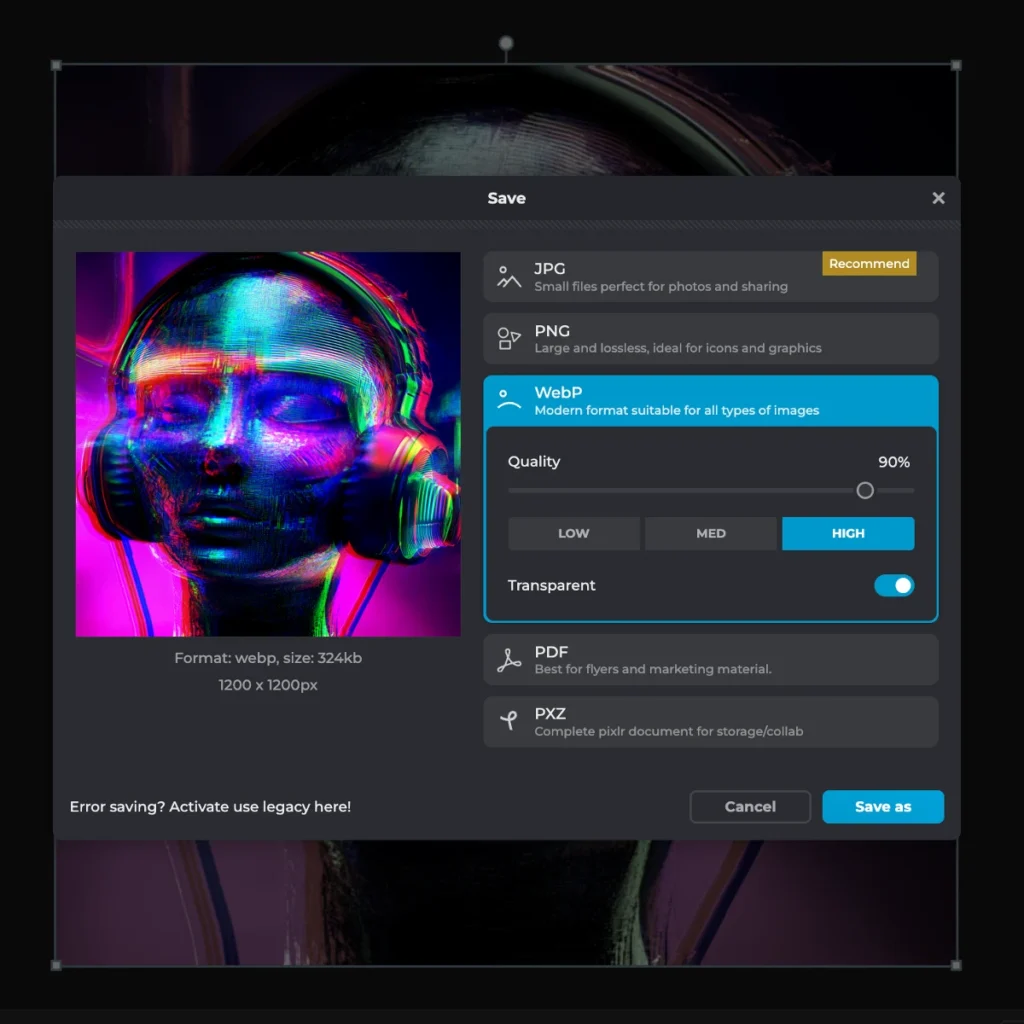
Pixlr combines professional-grade features with complete free access. The platform offers AI-powered editing alongside traditional manual controls.
Key Features:
- AI image generation from text
- Generative fill for adding/replacing elements
- Generative expand for extending images
- Background removal
- Object removal
- Image upscaling
- Photo effects and filters
- Batch editing capabilities
- Mobile apps (iOS/Android)
Why It Excels:
Pixlr maintained its position as the top web-based photo editor for over 15 years. The platform continually innovates with cutting-edge AI capabilities while keeping core features free.
The Generative Fill tool stands out particularly. Brush over any area, describe what you want, and the AI generates appropriate content. Want to add clouds to your sky? Type “fluffy clouds” and watch them appear naturally.
Generative Expand extends image borders intelligently. Change aspect ratios without cropping important content. The AI fills new space with contextually appropriate imagery.
The tool offers both beginner simplicity and professional depth. One-click enhancements work perfectly for casual users. Advanced tools satisfy professional requirements.
Best For: Everyone from beginners to professionals, comprehensive feature sets, and free access
Pricing: 100% free with optional premium features
Platform: Web-based, iOS, Android
2. Fotor – Best One-Click Enhancement
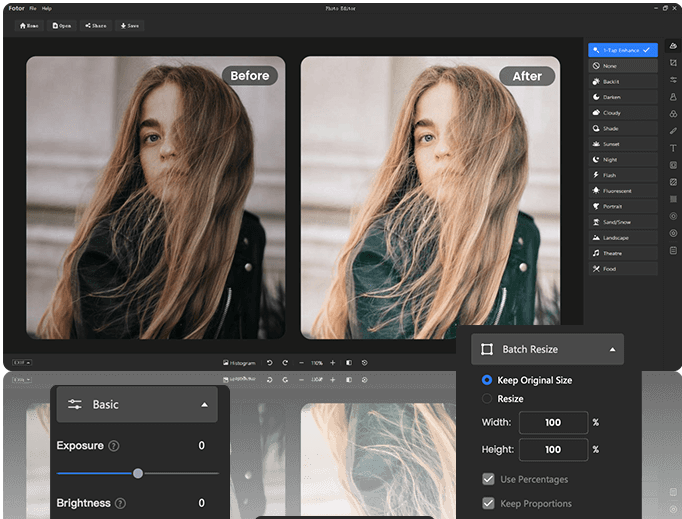
Fotor specializes in making professional photo editing accessible to everyone through AI automation.
Key Features:
- 1-Tap enhance (automatic optimization)
- AI background remover
- AI skin retouch
- AI image generator
- Magic eraser (object removal)
- AI image upscaler
- Face enhancement
- Batch processing
- Old photo restoration
Why It Excels:
The 1-Tap Enhance button delivers instant professional results. Upload any photo and click once. The AI automatically adjusts brightness, contrast, saturation, sharpness, and color balance perfectly.
Face retouching works brilliantly. Upload portraits, and the AI automatically detects faces. The system fixes blurry features, removes blemishes, and enhances skin naturally. Studio-quality portraits appear in seconds.
Old photo restoration brings damaged images back to life. The AI detects scratches and fading automatically. The system fixes damage, enhances clarity, and even colorizes black-and-white photos.
The interface requires zero learning curve. Every feature works with minimal clicks. Results appear instantly without complex adjustments.
Best For: Quick enhancements, portrait retouching, beginners, casual users
Pricing: Free plan available, Pro at $8.99/month
Platform: Web-based, iOS, Android
3. Canva – Best Design Integration
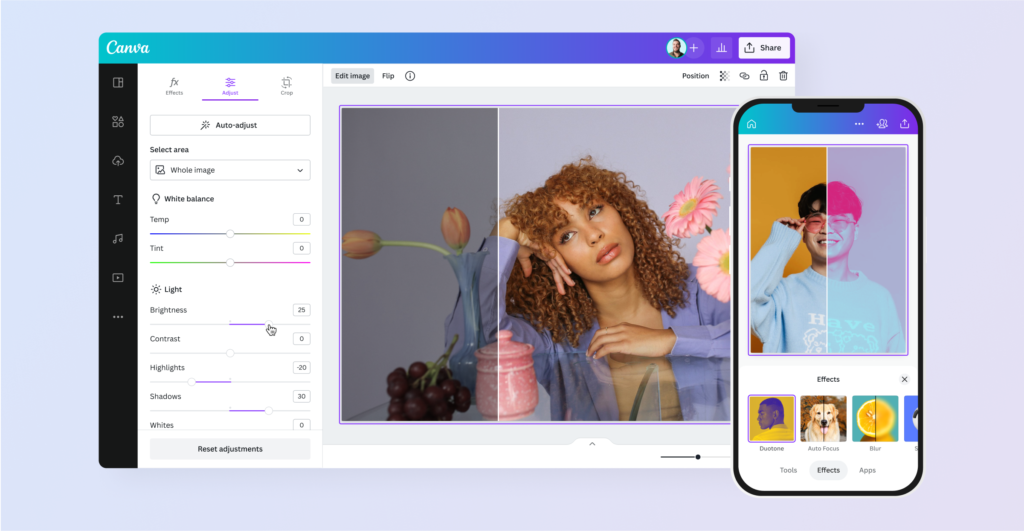
Canva integrates powerful AI photo editing directly into its comprehensive design platform.
Key Features:
- Magic eraser (object removal)
- Magic edit (object replacement)
- Background remover
- AI image generator
- Photo effects and filters
- Design templates
- Team collaboration
- Brand kit management
Why It Excels:
The integration advantage defines Canva’s value. Edit photos, then immediately use them in social media posts, presentations, marketing materials, or any of 250,000+ templates. Everything happens in one seamless workflow.
Magic Edit goes beyond simple object removal. Brush over any area, describe what you want instead, and the AI generates appropriate replacements. Transform ordinary photos into creative compositions.
The template library accelerates design processes. Edit your photo, then drop it into pre-designed templates optimized for Instagram, Facebook, LinkedIn, Pinterest, or print materials.
Team features enable collaboration. Multiple people access the same brand assets, templates, and edited photos. Everyone stays aligned on brand consistency.
Best For: Social media content, marketing materials, team workflows, all-in-one solutions
Pricing: Free with limitations, Canva Pro at $12.99/month unlocks AI features
Platform: Web-based, iOS, Android, Desktop
4. Photopea – Best Photoshop Alternative
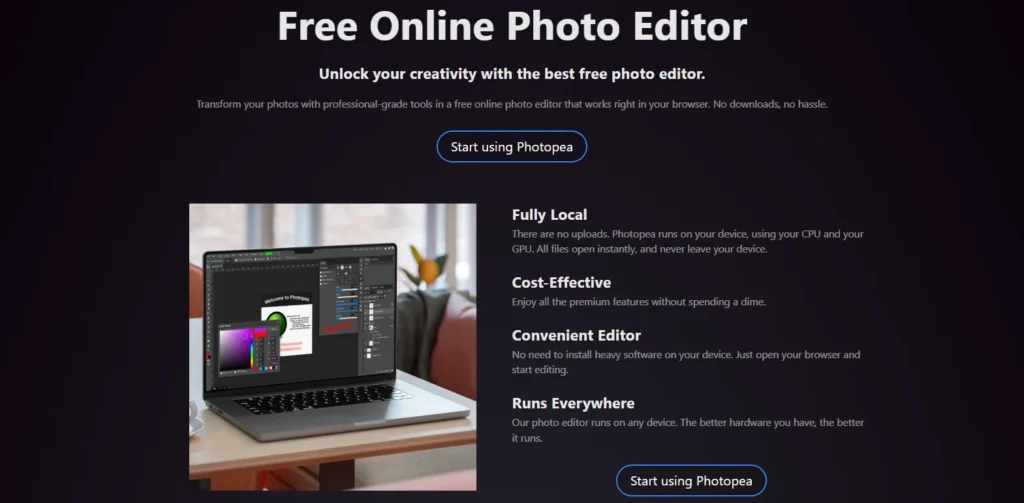
Photopea delivers professional editing capabilities completely free in your browser without installation.
Key Features:
- Opens PSD, AI, and sketch files
- Layer-based editing
- AI background removal
- Smart object selection
- Professional retouching tools
- Supports all major formats
- Works offline
- No account required
Why It Excels:
Opening Photoshop files without Photoshop solves a major problem. Receive PSD files from designers? Edit them directly in Photopea without expensive software subscriptions.
The professional toolset matches desktop applications. Layers, masks, adjustments, filters, and selection tools all work exactly like Photoshop. Experienced editors feel immediately comfortable.
AI-powered selections make complex tasks simple. Click once to select subjects automatically. Smart selection tools understand object boundaries intelligently.
Zero installation removes barriers. Work on any computer without downloading software or creating accounts. Everything processes in your browser privately.
Best For: Professional editing, photoshop compatibility, advanced users, free alternative
Pricing: Completely free with ads, Premium removes ads
Platform: Web-based
5. Remove.bg – Best Background Removal
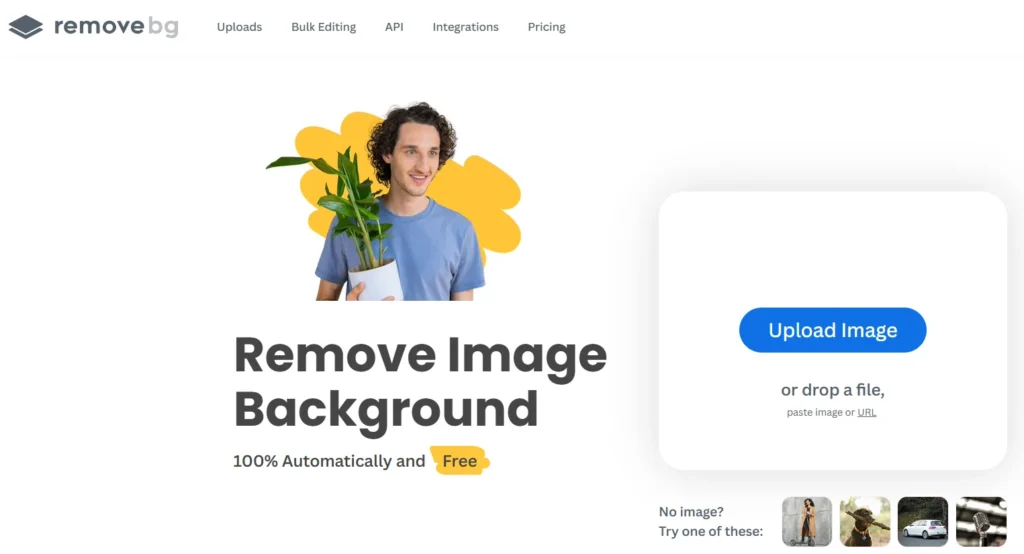
Remove.bg specializes in one task and does it better than anyone: automatic background removal.
Key Features:
- One-click background removal
- Batch processing (up to 1,000 images)
- High-resolution downloads
- API integration
- Plugins for photoshop, figma, and more
- Automatic hair detection
- Complex edge handling
Why It Excels:
The AI achieves near-perfect results on difficult subjects. Hair, fur, transparent objects, and complex edges all process beautifully. Results that required 30 minutes manually now take 5 seconds.
Batch processing transforms workflows. Upload hundreds of product photos and remove all backgrounds simultaneously. E-commerce sellers process entire catalogs in minutes.
The API enables automation. Integrate background removal directly into your applications or workflows. Process images programmatically without manual intervention.
Plugins extend functionality into existing tools. Use Remove.bg directly inside Photoshop, Figma, Sketch, or Photopea without switching applications.
Best For: Background removal, e-commerce, product photography, bulk processing
Pricing: Free for low-resolution, paid plans from $9/month
Platform: Web-based, API, plugins
6. PicWish – Best Free Enhancement Tools
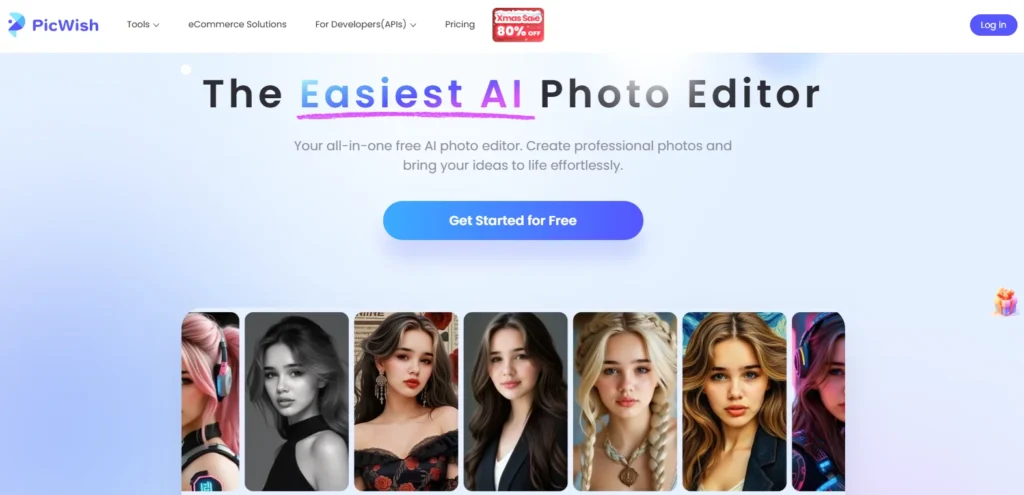
PicWish offers comprehensive AI-powered photo enhancement completely free.
Key Features:
- AI image enhancer
- Background remover
- Image unblur
- Object remover
- Image upscaler
- Face retouching
- Batch processing (up to 30 files)
- No watermarks on the free tier
Why It Excels:
The image unblur tool performs remarkably well. Upload blurry photos and watch them transform into sharp, clear images. The AI analyzes patterns and reconstructs missing details intelligently.
Batch processing handles 30 files simultaneously on the free plan. This generous limit enables real productivity without payment.
Zero watermarks on free exports separate PicWish from competitors. Many free tools add branding to outputs. PicWish delivers clean, professional results without restrictions.
The interface prioritizes simplicity. Every tool works with minimal clicks. Upload, process, and download. The workflow couldn’t be simpler.
Best For: Unblurring photos, batch processing, watermark-free results, free users
Pricing: Completely free
Platform: Web-based
7. AI Ease – Best Comprehensive Toolset
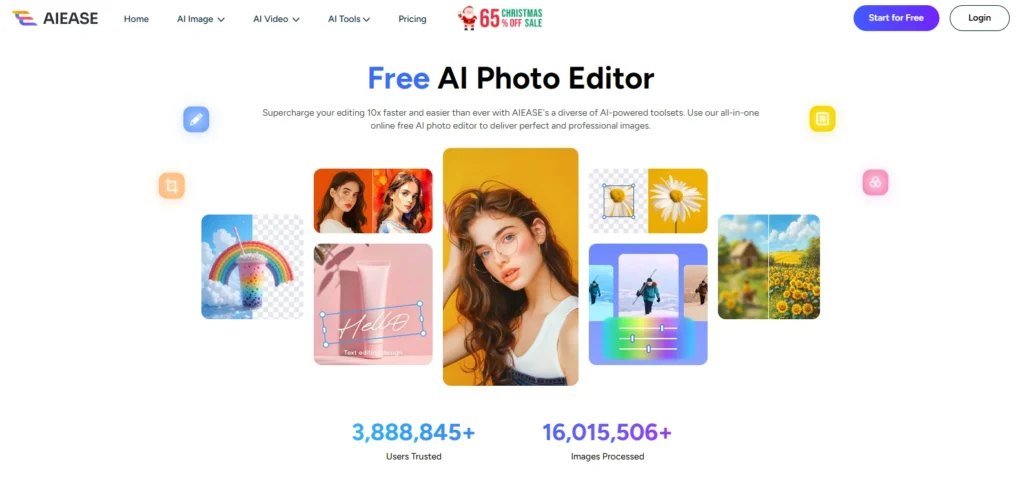
AI Ease combines dozens of specialized AI tools into one comprehensive platform.
Key Features:
- Background remover
- Watermark remover
- Image enhancer
- AI headshot generator
- Passport photo maker
- Face retouching
- Hairstyle changer
- Face swap
- Object replacer
Why It Excels:
The breadth of tools covers virtually every editing need. Rather than using five different platforms, AI Ease handles everything in one place.
The headshot generator creates professional photos without photoshoots. Upload casual photos and get business-appropriate headshots for LinkedIn, resumes, or company directories.
Face retouching removes blemishes, wrinkles, and skin problems automatically. The AI understands facial features and enhances them naturally without obvious editing.
Mobile apps bring full functionality to iOS and Android. Edit photos anywhere without desktop requirements.
Best For: Multiple editing needs, headshots, comprehensive solutions, mobile editing
Pricing: Free with limitations, Pro plans available
Platform: Web-based, iOS, Android
8. Cleanup.pictures – Best AI Inpainting
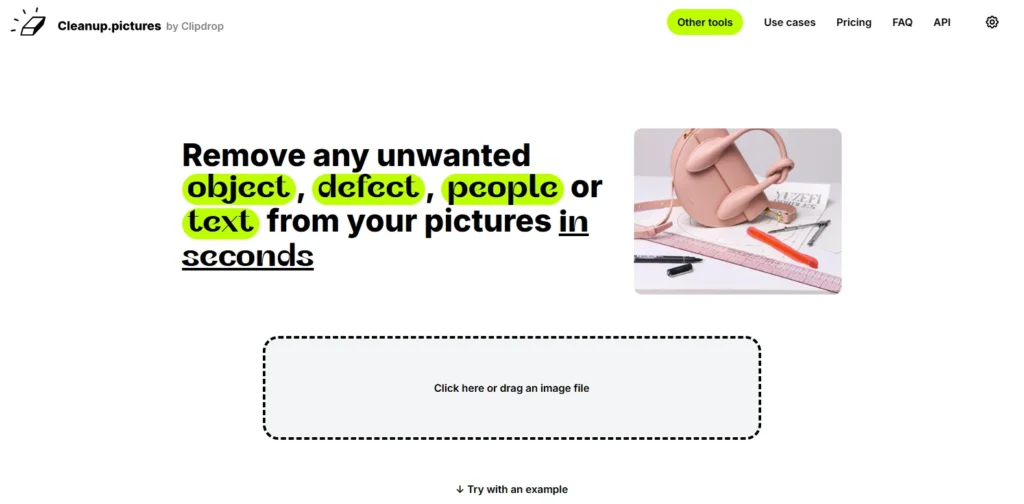
Cleanup.pictures uses advanced AI inpainting for intelligent object removal and image reconstruction.
Key Features:
- Advanced ai object removal
- Intelligent background fill
- No size limits on uploads
- Free 720px exports
- Professional ai inpainting
- Desktop and mobile apps
Why It Excels:
The AI inpainting technology surpasses simple clone stamping. The system actually predicts what should exist behind removed objects based on the surrounding context.
Real estate professionals use Cleanup.pictures constantly. Remove furniture, personal items, or clutter from property photos. Spaces look clean and professional without expensive staging.
The free tier exports at 720px resolution perfect for web use, social media, and most digital applications. Only professionals needing print resolution require paid plans.
The tool handles multiple object removals sequentially. Process one object, then another, then another. The AI maintains overall image coherence across multiple edits.
Best For: Object removal, real estate, professional inpainting, free exports
Pricing: Free for 720px, Pro at $5/month
Platform: Web-based, mobile apps
9. Luminar Neo – Best Desktop AI Editor
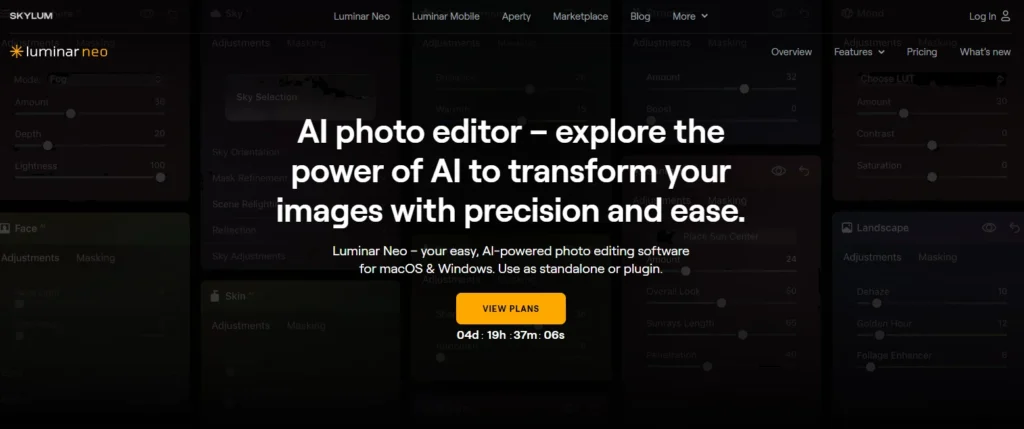
Luminar Neo brings professional AI editing to desktop applications with advanced capabilities.
Key Features:
- AI sky replacement
- AI portrait tools
- AI skin enhancement
- AI structure
- AI background removal
- Layer-based editing
- RAW file support
- Catalog management
Why It Excels:
The AI Sky Replacement tool transforms landscape photos. Select any sky from the library or upload your own. The AI matches lighting, adjusts foreground colors, and blends everything naturally.
Portrait tools deliver studio-quality results. Face retouching, body shaping, eye enhancement, and teeth whitening all work automatically with natural-looking results.
The desktop application processes locally without cloud uploads. Your photos never leave your computer, critical for sensitive or professional work.
RAW file support enables professional photography workflows. Import directly from cameras, edit with AI tools, and export at maximum quality.
Best For: Professional photographers, desktop workflows, RAW editing, privacy
Pricing: 7-day free trial, then $79/year or $199 lifetime
Platform: Desktop (Mac, Windows)
10. Adobe Express – Best Mobile AI Editor

Adobe Express brings professional AI editing to mobile devices with seamless Creative Cloud integration.
Key Features:
- Generative fill
- Background removal
- Object removal
- Quick actions (resize, crop, convert)
- Template library
- Creative cloud integration
- Adobe fonts access
- Stock photo library
Why It Excels:
Generative Fill on mobile enables powerful edits anywhere. Select areas, describe what you want, and watch AI generate appropriate content—all on your phone.
The Quick Actions streamline common tasks. Remove backgrounds, resize for different platforms, convert formats, or crop images with one tap.
Creative Cloud integration syncs everything. Start editing on mobile, continue on desktop, finish on tablet. All work saves automatically across devices.
The template library accelerates social media content creation. Edit photos, then drop them into professionally designed Instagram posts, Facebook covers, or story templates.
Best For: Mobile editing, on-the-go work, Creative Cloud users, social media
Pricing: Free plan available, Premium from $9.99/month
Platform: iOS, Android, Web
How to Choose the Right AI Photo Editor
Different needs require different tools. Consider these factors:
- For Quick Enhancements: Choose Fotor or Pixlr. Both offer one-click improvements that work instantly.
- For Social Media Content: Pick Canva. The design integration saves tremendous time creating posts.
- For Professional Work: Use Photopea or Luminar Neo. Both provide advanced control for demanding projects.
- For Background Removal: Choose Remove.bg. The specialized focus delivers superior results.
- For Free Access: Try Pixlr, PicWish, or Photopea. All offer professional features without payment.
- For Mobile Editing: Use Adobe Express or AI Ease. Both work brilliantly on smartphones.
Professional Editing Tips
- Start with Enhancement: Fix brightness, contrast, and color first. Then tackle specific edits like backgrounds or objects.
- Use AI for Repetitive Tasks: Batch process hundreds of images automatically. Save manual work for creative decisions.
- Combine Tools: Use the best tool for each task. Remove.bg for backgrounds, Fotor for faces, Canva for designs.
- Save Originals: Keep unedited versions. You can’t undo after downloading.
- Check at Full Size: Zoom to 100% or 200% to examine edges and details carefully.
Common Mistakes to Avoid
- Over-Processing: AI makes editing easy, but you risk overdoing enhancements. Excessive smoothing looks plastic. Know when to stop.
- Ignoring Context: AI doesn’t understand your brand or audience. Use suggestions as starting points, not final decisions.
- Skipping Manual Refinement: AI delivers 90% results quickly. Manual adjustments perfect the remaining 10%.
- Using Wrong Tools: Match tool sophistication to project requirements. One-click enhancers suit casual photos but not professional product photography.
The Technology Behind AI Editing
AI photo editors use deep learning neural networks trained on millions of images. Computer Vision identifies image elements. Machine Learning applies appropriate adjustments. Generative AI creates new content when needed. All processing happens in seconds through cloud computing.
Market Trends
The AI image editor market shows explosive growth from $88.7 billion in 2025 to a projected $229.6 billion by 2035.
Key trends include mobile-first editing, real-time cloud processing, platform integration, and accessibility through free tiers. Professional editing became universal through AI automation.
Final Thoughts
AI photo editing transformed image enhancement from a specialized skill to a universal capability. Tools requiring years of training now work for everyone instantly.
The market reached $88.7 billion in 2025, with explosive growth projected. This reflects genuine value delivered to millions daily.
Start experimenting today. Upload a photo to Pixlr or Fotor. Click enhance and watchthe transformation happen in seconds. You’ll immediately understand why 83% of creative professionals now use AI in their work.
Professional photo editing became accessible to everyone. AI tools deliver it instantly, affordably, and effectively.



