
Your static logo sits there doing nothing.
Meanwhile, animated logos grab attention instantly, increase brand recognition by up to 80%, and make your business look professional across every digital platform. A spinning logo on your YouTube intro, a glowing reveal in your social media posts, or dynamic movement in your website header—these animations transform ordinary branding into memorable experiences.
Modern tools create professional logo animations in minutes using artificial intelligence. Upload your logo, choose an animation style, and download studio-quality results, no animation experience required.
The animation market demonstrates explosive growth. The global animation industry reached $430 billion in 2025 and is projected to hit $777 billion by 2035. Some 3D animation alone commands 44% of the market. Demand for animated content across advertising grew fastest, with brands investing heavily in visual engagement.
This guide examines the 5 best AI logo animation generators available online in 2026, both free and paid options.
What Is Online Logo Animation?
Online logo animation adds movement, effects, and transitions to static logos using web-based tools. The technology transforms flat images into dynamic videos suitable for intros, outros, social media posts, website headers, and marketing materials.
Traditional animation required frame-by-frame creation. Animators manually positioned logos at different points, creating the illusion of movement through sequential frames. Professional results demanded expertise in software like After Effects, Cinema 4D, or Blender.
AI-powered generators automate this entirely. The systems analyze your logo’s structure, applies predefined motion paths, adds effects, and renders professional animations automatically. The process that took skilled animators hours now completes in seconds.
These tools offer various animation styles. Spinning logos rotate in 3D space. Reveal animations unveil logos with dramatic effects. Particle systems add fire, smoke, or electricity. Glowing effects create luminous highlights. Bounce animations add playful movement. Each style communicates different brand personalities.
Why Animated Logos Matter in 2026
The animation market’s growth reveals genuine business value. From $430 billion in 2025 to a projected $777 billion by 2035 represents sustained 6.1% annual growth. Advertising emerged as the fastest-growing segment, driven by brands seeking visual engagement.
Animated logos deliver measurable benefits. Videos with logo animations see 80% higher engagement rates than static alternatives. Branded video content generates 1200% more shares than text and images combined. Professional animated intros increase viewer retention by up to 70%.
Social media platforms prioritize video content. Instagram Reels, TikTok, YouTube Shorts, and LinkedIn videos all favor animated content in their algorithms. An animated logo helps your content stand out in crowded feeds.
Brand recognition improves dramatically. Animated logos create stronger memory associations than static versions. The movement catches attention and holds it longer, increasing the likelihood that viewers remember your brand.
Professional perception matters. An animated logo signals investment in brand quality. The polish and sophistication elevate your business above competitors using static graphics.
The 5 Best AI Logo Animation Generators
| Tool | Best Use Case | Animation Creation Time | Free Plan Value | Customization Level | Output Quality |
| Fotor Logo Animator | AI-driven custom animations | 10 to 20 seconds | Free trial with full features | High | High resolution |
| Renderforest | Pre-built animation templates | 1 to 2 minutes | Limited free exports | Medium | High resolution |
| Clipfly Logo Animation | Prompt-based creative control | Under 10 seconds | Free credits, no watermark | High | High resolution |
| 3DLogoLab | 2D to 3D logo effects | 20 to 40 seconds | Trial available | Medium | Very high (3D) |
| Adobe Express | Creative Cloud workflows | 1 to 2 minutes | Free plan with limits | Medium | High resolution |
Most brands only need one of two approaches: AI prompt-based tools for unique animations, or template-based tools for speed and consistency. Choosing the right one depends on whether creativity or turnaround time matters more.
1. Fotor Logo Animator – Best AI-Powered Generator
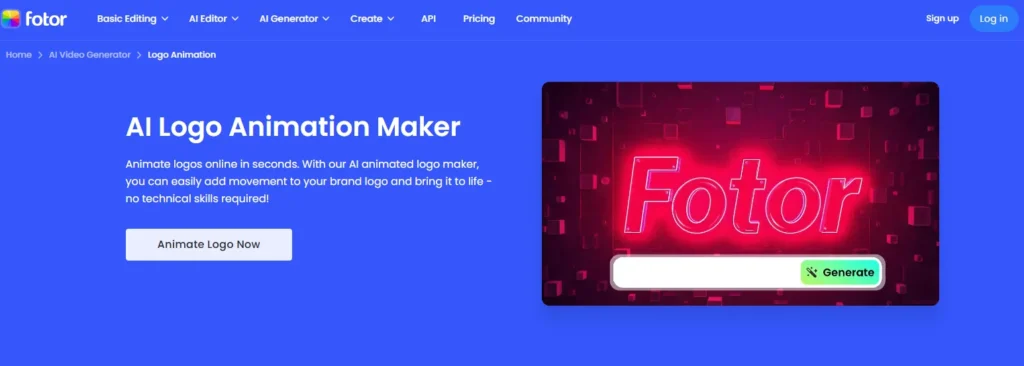
Fotor brings professional AI logo animation to everyone through its comprehensive platform.
Key Features:
- AI text-to-animation generation
- 3D logo animation effects
- Spinning, popping, bouncing animations
- Fire, glow, and particle effects
- Logo reveal animations
- Customizable movement and speed
- High-resolution exports
- No watermarks
- 7-day free trial
Why It Excels:
The AI generation from text prompts sets Fotor apart. Describe your desired animation in natural language and watch the AI create it. “Make my logo spin slowly with golden glow” produces exactly that animation automatically.
The variety of effects covers every brand style. Tech companies use sleek 3D rotations. Creative agencies choose particle explosions. Professional services prefer subtle fades and glows. The tool adapts to any brand personality.
Customization provides complete control. Adjust animation speed, change colors, modify backgrounds, and tweak effects until results match your vision perfectly. The flexibility rivals professional software without the complexity.
High-resolution exports ensure quality across all platforms. Download in sizes perfect for YouTube intros, social media posts, website headers, or presentation slides.
Best For: AI-powered customization, variety of effects, professional results, YouTubers
Pricing: 7-day free trial, Pro plans from $8.99/month
Platform: Web-based
2. Renderforest – Best Template Library
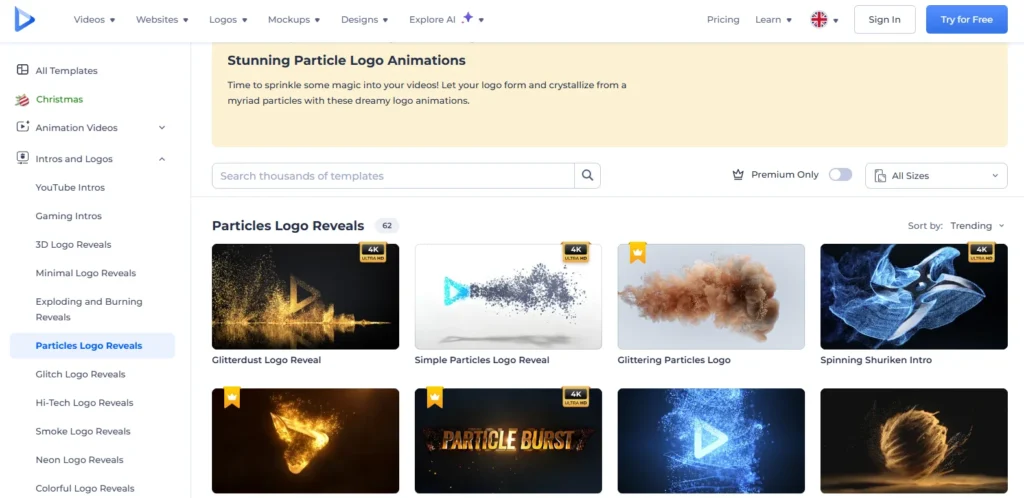
Renderforest offers the largest collection of pre-made logo animation templates with easy customization.
Key Features:
- 1000+ logo animation templates
- Category-based browsing (tech, creative, corporate, minimal)
- Drag-and-drop editor
- Music library integration
- Multiple export formats
- Batch rendering
- Cloud storage
- Team collaboration
Why It Excels:
The template library eliminates creative paralysis. Browse through organized categories matching your industry. Tech companies find futuristic animations. Law firms discover professional reveals. Restaurants locate playful designs. Every category offers dozens of options.
The preview system shows exactly how your logo looks in each template before committing. Upload once, test multiple animations instantly. This speeds decision-making dramatically.
Music integration adds professional polish. Sync animations with background tracks from the included library. The audio-visual combination creates complete intro sequences ready for immediate use.
Batch rendering processes multiple variations simultaneously. Create vertical, horizontal, and square versions for different platforms in one export session.
Best For: Template variety, team projects, complete intro sequences, quick results
Pricing: Free tier available, Pro from $9.99/month, Business from $29.99/month
Platform: Web-based
3. Clipfly Logo Animation – Best AI Customization
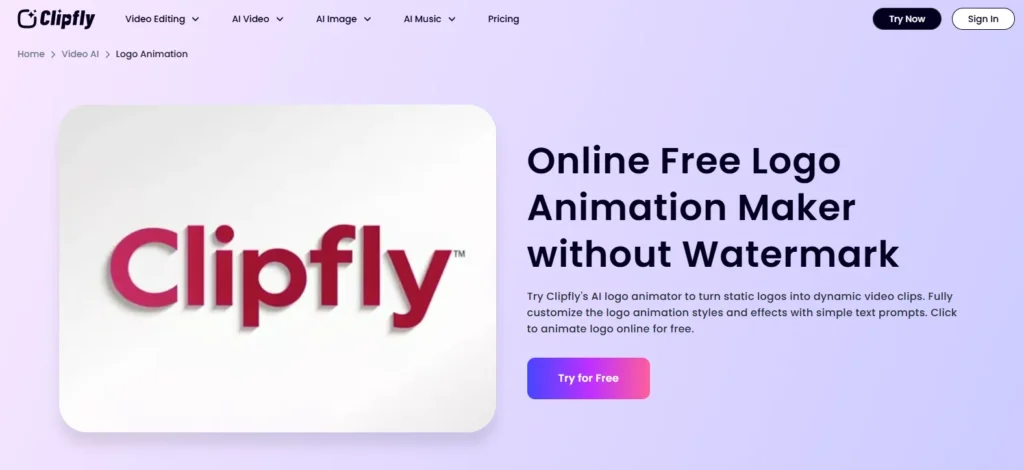
Clipfly uses advanced AI to create fully customized logo animations through natural language prompts.
Key Features:
- AI prompt-based generation
- 3D spinning animations
- Dynamic background effects
- Custom lighting and color transitions
- No watermarks
- Fast rendering (seconds)
- Multiple style options (futuristic, minimalist, cinematic)
- MP4 video export
Why It Excels:
The prompt-based system offers unlimited creative possibilities. Describe complex animations in simple English. “Spin my logo 360 degrees with blue lightning effects and dark background” creates exactly that. The AI interprets creative direction accurately.
The generation speed impresses consistently. Most animations render in under 10 seconds. This rapid iteration enables experimentation without waiting for lengthy renders.
Style versatility handles diverse brand personalities. Tech companies select futuristic chrome effects. Luxury brands choose elegant gold animations. Creative agencies prefer bold, experimental designs. The AI adapts to any aesthetic.
Zero watermarks on all exports separate Clipfly from competitors. Many free tools add branding to outputs. Clipfly delivers clean, professional results regardless of plan.
Best For: AI prompt customization, fast rendering, no watermarks, creative control
Pricing: Free with credits, paid plans from $12/month
Platform: Web-based
4. 3DLogoLab – Best 3D Effects
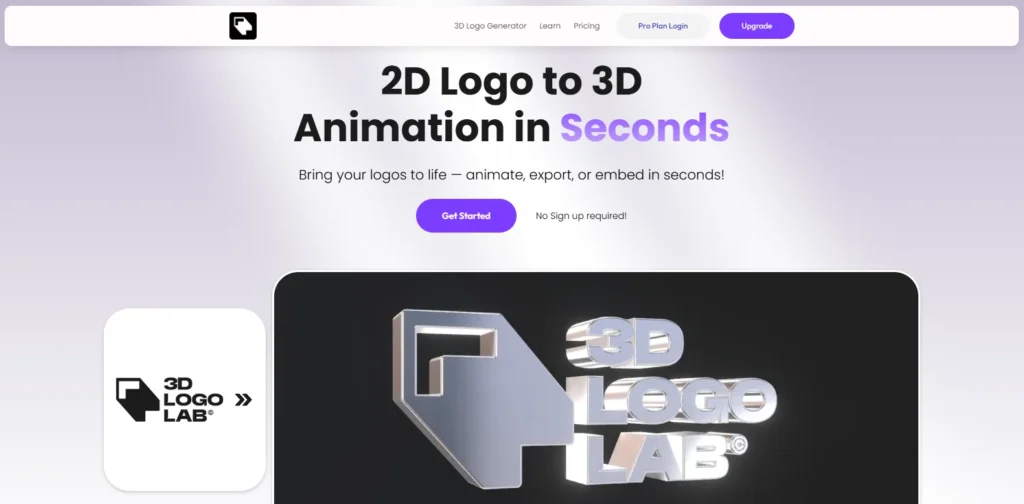
3DLogoLab specializes in converting 2D logos into stunning 3D rotating animations with premium materials.
Key Features:
- 2D to 3D logo conversion
- Chrome, gold, and gradient effects
- 360-degree rotation
- Realistic lighting and shadows
- Material customization
- Video export
- 3D model export
- Instant generation
Why It Excels:
The 3D conversion creates depth automatically. Flat logos gain dimension without manual modeling. The AI analyzes logo structure and generates appropriate 3D geometry.
Material effects look genuinely premium. Chrome finish creates mirror-like surfaces. Gold effects add luxury appeal. Gradient materials produce modern, colorful results. The quality matches professional 3D animation software outputs.
The 360-degree rotation showcases logos completely. Viewers see every angle, creating impressive reveals perfect for product launches or rebranding announcements.
3D model exports enable further customization. Download the actual 3D file for use in other software or websites with 3D capabilities.
Best For: 3D effects, premium materials, model exports, product launches
Pricing: Free trial available, Pro plan pricing on website
Platform: Web-based
5. Adobe Express Logo Animator – Best Creative Cloud Integration
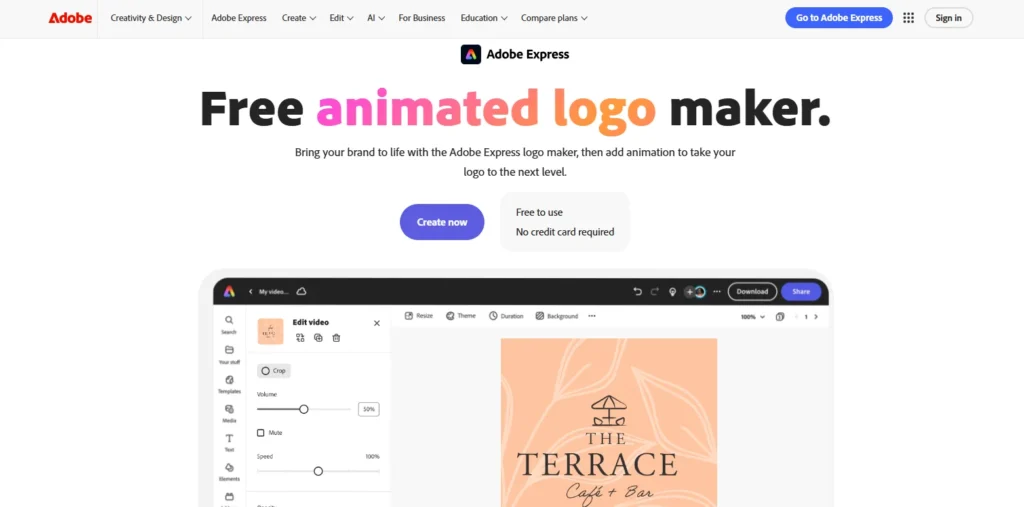
Adobe Express integrates logo animation directly into the broader Creative Cloud ecosystem.
Key Features:
- Built-in logo creator
- Animation effects library
- Text animation options
- Image animation styles
- Template library
- Brand kit integration
- MP4 export
- Creative Cloud sync
Why It Excels:
The Creative Cloud integration streamlines professional workflows. Create logos in Adobe Illustrator, animate them in Adobe Express, and incorporate them into videos in Adobe Premiere; everything syncs automatically.
The combined logo creation and animation saves time. Design your logo and animate it in one platform without switching tools or exporting between programs.
Brand kit functionality ensures consistency. Save brand colors, fonts, and logo variations once. Every animation automatically uses approved brand assets, maintaining visual identity across all content.
Template library accelerates production. Browse pre-designed animations optimized for different platforms. Instagram stories, YouTube intros, LinkedIn posts, and templates exist for every format.
Best For: Adobe users, integrated workflows, brand consistency, multiple platforms
Pricing: Free plan available, Premium from $9.99/month
Platform: Web-based, iOS, Android
How to Choose the Right Logo Animator
Different needs require different tools:
For AI Customization: Choose Fotor or Clipfly. Both offer prompt-based generation, enabling unlimited creative variations through simple text descriptions.
For Quick Results: Pick Renderforest. The template library provides instant professional animations without customization effort.
For 3D Effects: Select 3DLogoLab. The specialized 3D conversion and premium materials create distinctive depth and realism.
For Adobe Workflows: Use Adobe Express. The Creative Cloud integration streamlines professional production pipelines.
For Free Access: Try Fotor’s 7-day trial, Renderforest’s free tier, or Clipfly’s credit system. All deliver professional results without payment.
Professional Logo Animation Tips
Match Animation to Brand Personality
Fast, energetic animations suit sports brands and entertainment companies. Slow, elegant movements work for luxury goods and professional services. Playful bounces fit children’s brands and creative agencies.
Animation style communicates brand personality before viewers consciously process it. Choose effects aligning with your brand values and target audience expectations.
Keep It Short
Effective logo animations last 2-5 seconds maximum. Longer animations lose viewer attention and feel self-indulgent. Quick, impactful movement works better than extended sequences.
For YouTube intros, aim for 3-4 seconds. Social media posts work best with 2-3 seconds. Website headers need 1-2 second loops.
Consider Platform Requirements
YouTube favors horizontal 16:9 format. Instagram prefers square 1:1 or vertical 9:16. TikTok uses vertical 9:16 exclusively. LinkedIn works with both horizontal and square.
Export your animation in formats optimized for your primary platforms. Most tools offer preset sizes for popular destinations.
Add Complementary Audio
Silent animations feel incomplete. Add subtle whoosh sounds for movement, impact sounds for reveals, or ambient music for extended sequences.
Ensure audio doesn’t overpower. The logo animation supports your content—it shouldn’t distract from your message.
Test on Different Backgrounds
Your logo might animate beautifully on white backgrounds but disappear on dark ones. Test animations on light, dark, and colored backgrounds before finalizing.
Most tools let you customize background colors. Create versions optimized for different contexts you’ll use the animation.
Common Logo Animation Mistakes
Overcomplicating Effects: Simple, clean animations outperform complex, busy ones. Too many effects distract rather than enhance. One or two complementary effects work better than five competing motions.
Ignoring File Size: Huge video files slow website loading and consume mobile data. Compress exports to reasonable sizes while maintaining quality. Most platforms work fine with files under 5MB.
Using Generic Templates: Template animations work everywhere which means they differentiate nowhere. Customize templates or use AI generation to create unique animations matching your specific brand.
Forgetting Mobile Viewers: Over 60% of video content gets viewed on mobile devices. Animations must remain visible and impactful on small screens. Test on phones before publishing.
The Technology Behind AI Logo Animation
Modern AI logo animation uses several technologies working together:
Computer Vision analyzes logo structure. The AI identifies shapes, colors, text, and composition automatically.
Motion Path Generation creates animation trajectories. Based on training data, the system determines natural movement patterns for different logo types.
Effect Synthesis adds visual enhancements. Particles, glows, shadows, and lighting all generate procedurally based on style parameters.
Rendering Engines produce final videos. Cloud computing handles complex calculations enabling high-quality outputs without powerful local hardware.
All processing happens in seconds through browser interfaces. No software installation, no powerful computers required.
Animation Market Trends
The global animation market shows explosive growth from $430 billion in 2025 to projected $777 billion by 2035. Several trends drive this expansion:
3D Animation Dominance: 3D animation commands 44% of the market. Brands increasingly demand depth and realism only 3D provides.
Advertising Growth: The advertising segment grows fastest. Brands invest heavily in animated content for digital marketing and social media engagement.
AI Integration: AI-powered tools democratize animation. Small businesses and individuals now create content previously requiring professional studios.
Mobile Consumption: Over 60% of animated content gets consumed on mobile devices. Vertical formats and mobile optimization become critical.
Real-World Applications
YouTube Channel Branding: Content creators use animated logos for professional intros and outros. Successful YouTubers report 30-40% better viewer retention with animated intros.
Social Media Content: Animated logos increase engagement 80% on Instagram. TikTok videos with animated brand marks see higher completion rates and algorithm preference.
Website Headers: Landing pages with animated logos convert better. One to two-second loops create dynamic first impressions without annoying visitors.
Email Marketing: Animated GIF logos in email signatures increase click-through rates by 25%. Keep animations under 500KB for fast loading.
Presentation Materials: Business presentations benefit from animated logo reveals. The professional touch elevates pitch decks and client proposals.
Technical Specifications
Export Formats: MP4 for universal compatibility, GIF for email and social media, MOV for professional editing workflows with transparency.
Resolution Options: 1080p for YouTube and websites, 720p for mobile-optimized content, 4K for premium applications.
Frame Rates: 30 fps for standard animations, 60 fps for ultra-smooth premium content.
File Size: Compress appropriately for platforms. YouTube handles larger files, Instagram prefers smaller, websites need balance between quality and loading speed.
Future of Logo Animation
AI capabilities continue improving rapidly. Future developments include real-time generation with instant feedback, voice-controlled creation, style transfer from reference animations, AI-suggested optimal styles based on brand analysis, and interactive logos responding to user interaction on websites.
The technology democratizing animation access will continue advancing, making professional results even more accessible regardless of budget or skill.
Final Thoughts
AI-powered online logo animation transformed branding from static to dynamic. Professional animations that cost hundreds of dollars and required days of work now generate in minutes for minimal investment.
The five tools covered handle every scenario. Fotor excels at AI-powered customization with prompt-based generation. Renderforest offers the largest template library with 1000+ options. Clipfly provides fast rendering and creative control through text prompts. 3DLogoLab specializes in premium 3D effects with realistic materials. Adobe Express integrates seamlessly into professional workflows.
The animation market reached $430 billion in 2025 with sustained 6.1% annual growth projected. Brands investing in animated content see 80% higher engagement rates and dramatically improved brand recognition.
Start today with free trials. Upload your logo to Fotor, Clipfly, or Renderforest. Generate several animations. Compare styles. Download your favorite. Your brand deserves movement.
Professional logo animation became accessible to everyone. These AI tools deliver it instantly and affordably.



