



Best 0 AI Font GeneratorTools

Discover a wide range of innovative tools in this category, boosting productivity with reliable, consistent support.

Coming soon: AI Font Generator tools.
Please check back later.

AI Font GeneratorTools

Use Cases

Custom Brand Typography Creation

AI can design unique fonts that align with a brand’s identity, tone, and style helping businesses stand out with one-of-a-kind typography for logos, websites, and packaging.

Font Style Matching

AI analyzes existing text or images to identify and replicate matching fonts, useful for designers who want to maintain a consistent style across projects.

Multilingual Font Creation

AI can automatically generate and adapt fonts for multiple languages or character sets, ensuring global usability and consistent aesthetics across regions.

What is AI Font Generator Tool?

AI font generator tools are design aids employing artificial intelligence and machine learning to automatically produce customized typography and fonts. These smart programs scan your style choices, reference pictures, and design specifications to create distinctive, professional typefaces that fit your creative taste.The top AI font generator tools have revolutionized typography design by offering designers, marketers, and companies the ability to:
    • Create full-custom fonts from brief text descriptions
    • Design distinctive typography using uniform character styles
    • Turn handwriting illustrations into professional digital fonts
    • Create multiple font types and weight variations
    • Develop brand-specific logo fonts that reflect brand identity
    • Expand font design without the need for typography knowledge
Whether you're a brand manager, graphic designer, content marketer, or business owner, AI font creator tools provide the productivity and imagination necessary to build custom typography that enriches your visual communications and reinforces brand identity.

Choose a free AI font generator or paid AI font creator software, depending on your requirements.

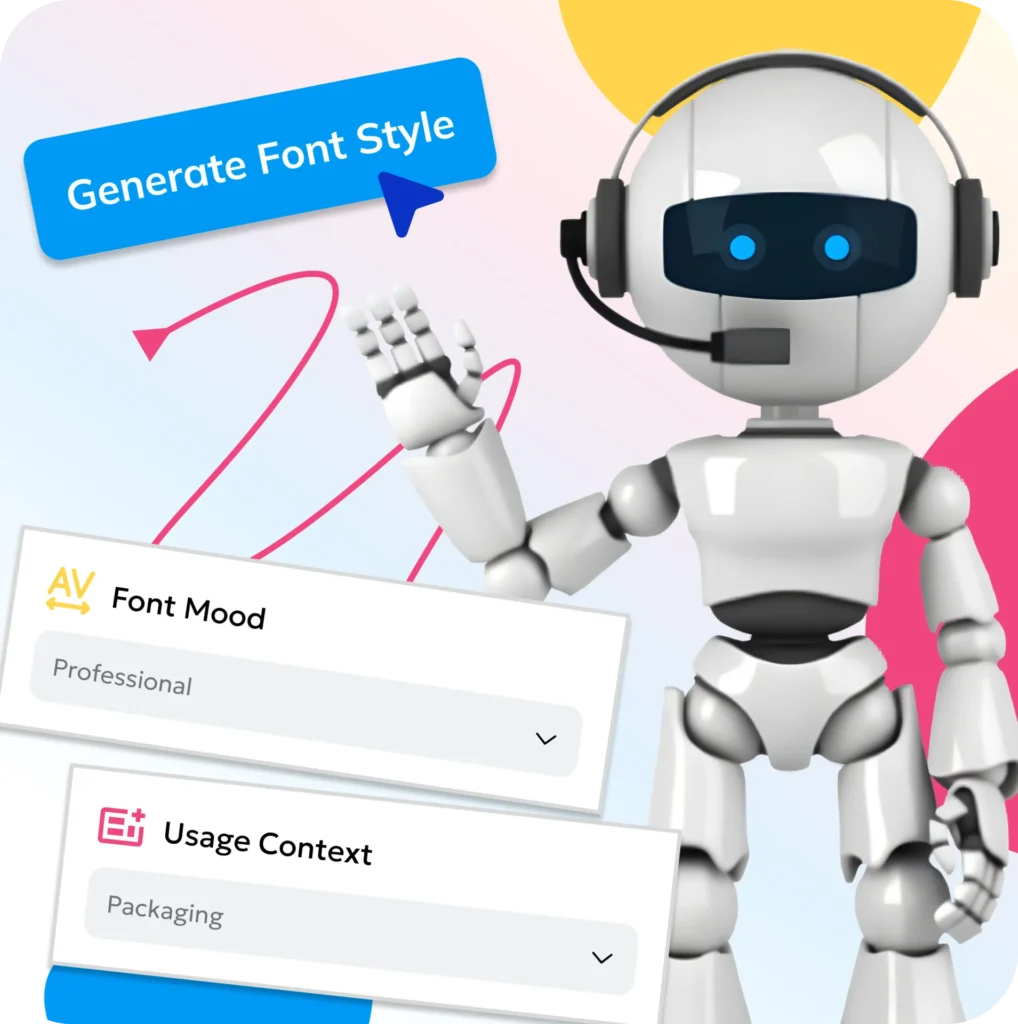
How to Generate Fonts With AI?

1

Select your font creation process

Select your font creation process (text description, image upload, or handwriting sample)

2

Enter your design parameters

Enter your design parameters such as style, weight, and character set requirements.

3

Allow the AI font generator to study

Allow the AI font generator to study your input and generate the custom font.

4

Preview the generated font

Preview the generated font at various sizes and check readability.

5

Personalize individual characters or refine

Personalize individual characters or refine spacing if necessary with the tool's editing capabilities

6

Download your font

Download your font in desired formats (TTF, OTF, WOFF) to use right away
AI Font Generators

Key Features of Modern AI Font Generator

Content Customization Options

    Font Style and Type: Change font styles from serif to sans-serif, script to display, handwriting to decorative
    Format Flexibility: Generate fonts in multiple formats (TTF, OTF, WOFF, SVG)
    Type of Designs: Create logo fonts, display fonts, text fonts, handwriting styles, and custom typefaces
    Brand Identity Consistency: Ensure consistent typography across all brand materials

Content Customization Options

Design Optimization Capabilities

    Character Generation: Complete alphabets with uppercase, lowercase, numbers, and special characters
    Vector Output: High-quality scalable vector fonts for any size application
    Style Variations: Generate multiple weight variations (light, regular, bold, extra bold)
    Kerning and Spacing: Automatic character spacing and kerning adjustments
    Preview Options: Real-time preview of fonts in different sizes and applications

Design Optimization Capabilities

Advanced Customization Features

    Image-to-Font Conversion: Upload handwriting samples or images to generate custom fonts
    Text-Based Generation: Describe desired font style and let AI create matching typography
    3D Font Creation: Generate three-dimensional font designs for creative projects
    Logo Font Development: Create unique fonts specifically designed for brand logos
    Art Font Generation: Artistic and decorative font styles for creative applications

Advanced Customization Features

DO YOU HAVE QUERIES?

Frequently Asked Questions

How accurate are fonts created by AI font generators? +

The top AI font generators produce highly precise and professional fonts through detailed algorithms and design guidelines. Free AI font generators generate functional results, but the paid version has more refinement features. Always test and inspect generated fonts on various applications to ensure their quality and legibility.

Can AI font creators generate commercial-use fonts? +

Most of the font generators for AI offer commercial use of the generated fonts, but licensing is platform-dependent. The free font generator AI might have limitations, while a paid version generally includes full commercial rights. Always review the specific terms of the license before using the fonts in commercial work.

Do AI font generators create original fonts? +

Yes, AI font generators develop original, one-of-a-kind typefaces as per your requirements. AI fonts are not copies of pre-existent fonts but new creations derived from design specifications, style indications, and input data you supply to the software.

How long does it take to generate a font with AI? +

Almost all free online AI font generators can produce a full font in minutes. This time is dependent on complexity and level of customization, but a standard customized font with the full character set takes between 2 and 10 minutes to produce and download.

Can I create fonts from my own handwriting? +

Yes, most AI font generators enable you to upload copies of your handwriting so you can customize your own fonts. Just upload crisp copies of your handwriting, and the AI will scan and produce a full font that reflects your handwriting style.

SUBSCRIBE NOW!

Receive the latest Grover’s Newsletter updates.




