
Deep AI
View DetailsDeepAI’s Text-to-Image generator instantly transforms your written prompts into unique, high-quality visuals. With multiple styles, HD and Genius modes, and simple browser access, it’s perfect…



Discover a wide range of innovative tools in this category, boosting productivity with reliable, consistent support.

DeepAI’s Text-to-Image generator instantly transforms your written prompts into unique, high-quality visuals. With multiple styles, HD and Genius modes, and simple browser access, it’s perfect…

Produce original graphics on social media, advertising campaigns, and promotional resources immediately. Create several concept versions without having to wait on designers and photographers to create A/B test concepts.

Create special-purpose featured images and thumbnails, and graphics that fit the topic of the articles perfectly. Create a cohesive visual brand without spending money on stock photo subscriptions or employing illustrators.

Conceptualize products and packaging visually and then physically prototype. Brainstorm with various design directions and make presentations to clients.
Image generators are programs that create original pictures from text descriptions. They understand objects, artistic styles, lighting, and composition to produce visuals that match what you describe without needing photos or drawings as starting points.
These creation tools have changed how people get images by making it possible to:
Whether you’re creating marketing content, designing products, illustrating articles, building games, or exploring creative ideas, these generators give you custom visuals instantly instead of searching stock libraries for hours or hiring photographers and illustrators for every project.
Step by Step
Write a clear description of the image you want, including subject, style, colors, and setting.
The program creates an original image based on your text using patterns learned from millions of images.
Review the generated result and adjust your description or settings to refine details.
Download your finished image in the quality and format you need for your project.
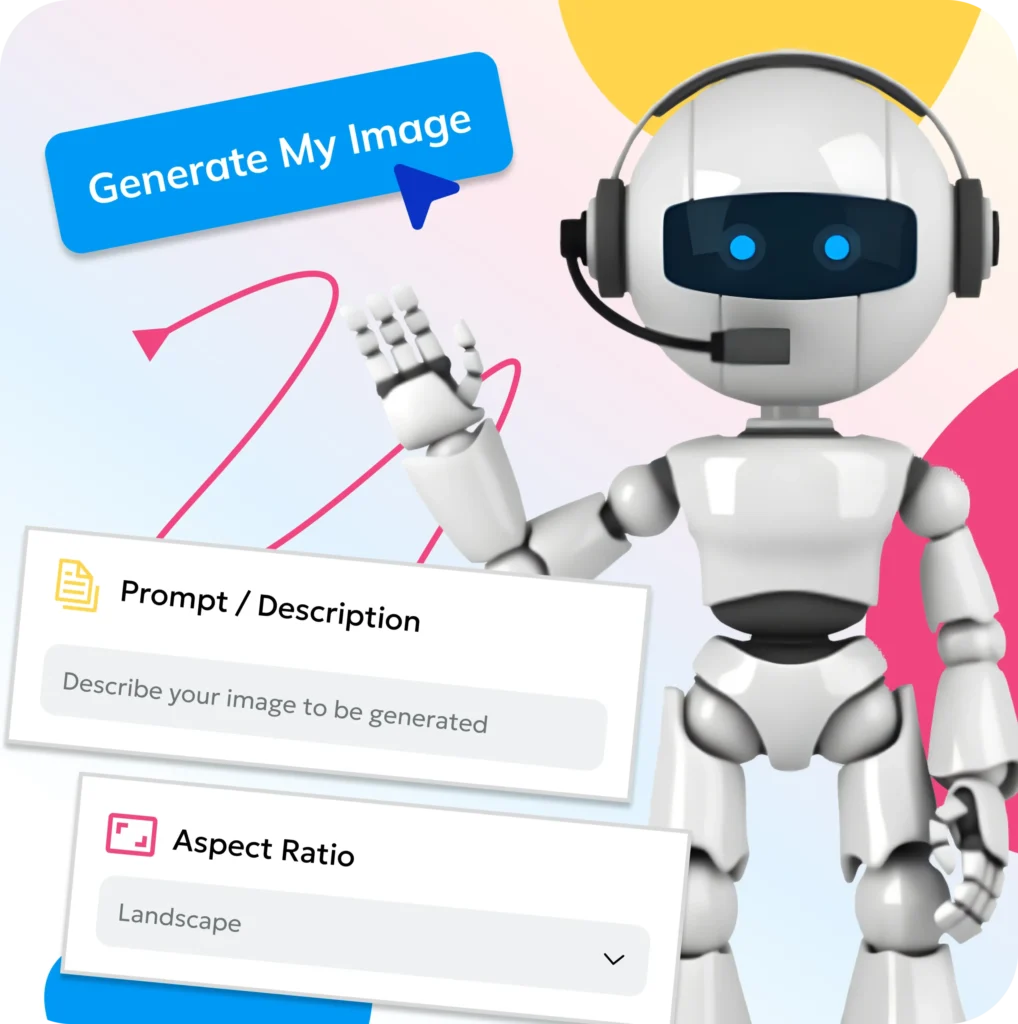
Text to Image: Type descriptions and watch images appear instantly
Style Selection: Choose from photorealistic, artistic, illustration, or abstract styles
Reference Images: Upload examples to guide the generation process
Quick Generation: See results in 10-30 seconds per image

Aspect Ratios: Create square, portrait, or landscape formats
Detail Control: Adjust how much detail appears in the final image
Color Schemes: Specify color palettes or moods
Multiple Variations: Generate several versions from one description

Image Editing: Modify specific parts without regenerating everything
Upscaling: Increase resolution for print quality
Style Mixing: Combine different artistic approaches
Negative Prompts: Tell the generator what to avoid including

Many image generators offer free tiers with limited daily generations or lower resolution outputs. Popular free options include Bing Image Creator and limited versions of paid tools. Free tiers work well for personal projects and testing. Paid plans typically cost $10-50 monthly and provide unlimited generations, higher quality, faster processing, and commercial usage rights.
Most paid image generators grant commercial rights, meaning you can sell products featuring generated images, use them in client work, or include them in materials you sell. Free versions often restrict commercial use. Always verify the specific licensing terms of your tool. Some platforms require attribution while others give you full ownership rights.
Modern generators create photorealistic images that are often indistinguishable from real photos for many subjects. Quality depends on what you’re generating - landscapes and products usually look very realistic while complex human faces or hands may occasionally show imperfections. For most marketing and content purposes, the realism is more than sufficient.
Generators can create almost anything you can describe including people, animals, objects, landscapes, abstract concepts, fantasy scenes, product mockups, architectural designs, food, fashion, and more. They handle both realistic and artistic styles. Some generators have restrictions on certain sensitive content but cover virtually unlimited creative possibilities.
No design skills required. If you can describe what you want in words, the generator creates it. The main skill is learning to write effective prompts that communicate your vision clearly. Most people get decent results immediately and improve with practice as they learn what descriptions work best.



