This may take few seconds.

0% Completed

Graphic Design · Free
Affinity logo - Graphic Design

Affinity

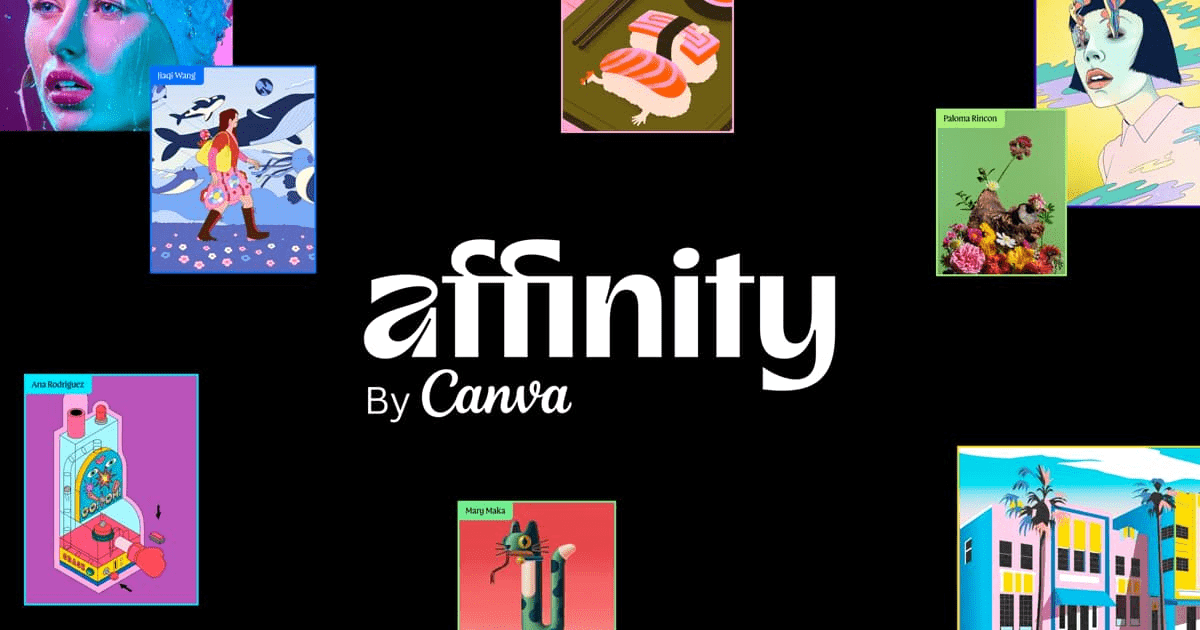
Affinity, now by Canva, is a free professional design app combining vector, pixel and layout tools in one, opening PSD, AI and IDML files, with optional Canva AI features and export to Canva, on Windows and macOS.

  • graphic design
  • affinity
  • free design software
  • vector design
  • photo editing
  • page layout
  • canva
  • adobe alternative
  • psd
  • professional
Visit Website

Updated Oct 12, 2026

Pricing Free

Rating No reviews yet

Affinity preview - Graphic Design

Standout Features

What makes Affinity stand out

  • Free pro vector, pixel and layout app
  • Opens PSD, AI and IDML files
  • Optional Canva AI
  • Works offline

Key Features

What’s in the toolkit?

  • 01

    Vector Studio

  • 02

    Pixel Studio

  • 03

    Layout

  • 04

    Opens PSD, AI, IDML and DWG

  • 05

    Non-destructive editing

  • 06

    Canva AI (Generative Fill, Remove Background)

  • 07

    Export to Canva

  • 08

    Blend Tool

  • 09

    In-app scripting

  • 10

    Cavalry integration

  • 11

    Windows and macOS

  • 12

    Offline use

What is Affinity?

Create freely

Affinity relaunched as a single free app by Canva, combining what were Designer, Photo and Publisher.

Key capabilities

  • Vector Studio, Pixel Studio and Layout in one app.
  • Opens PSD, AI, IDML and DWG with layers.
  • Non-destructive editing.
  • Canva AI such as Generative Fill (premium).
  • Export to Canva for collaboration.

Who it's for

Free for individuals with no restrictions, Affinity is a powerful professional graphic design alternative to Adobe.


Pricing
Free
Company
Affinity (Canva)
Platform Access
1 feature

Use Cases

Where teams put it to work

  • 01

    Illustration

  • 02

    Photo editing

  • 03

    Print and page layout

  • 04

    Brand design

Workflow

How to use Affinity?

  1. 01

    Create a free Canva account.

  2. 02

    Download Affinity for Windows or Mac.

  1. 03

    Open or create a design.

  2. 04

    Export or send to Canva.

Pros & Cons

Is Affinity right for you?

Pros

3
  • Completely free
  • Professional toolset
  • No subscription

Cons

2
  • Requires a Canva account
  • iPad version coming later

Pricing

Pricing for Affinity

Free

Affinity is free with all vector, pixel and layout tools. Canva AI features require a Canva premium plan.

Who is it for

Who is Affinity for?

Professional designers.Illustrators and photographers.Adobe switchers.
FAQ

Frequently Asked Questions

Everything you need to know about Affinity before you try it.

Yes, with full toolsets and export and no restrictions.

Yes. Affinity is now brought to you by Canva.

No. A premium plan is only needed for the AI tools.

Windows and macOS, with iPadOS coming later.

Only to download and activate; after that it works offline.

Reviews

Affinity Reviews

Real experiences from people who use Affinity. Share yours to help others choose the right tool.

0.0/5

No reviews yet

5
0%
4
0%
3
0%
2
0%
1
0%

No reviews yet

Have you used Affinity? Be the first to share your experience and help others decide.

Write a review

How would you rate Affinity?

0/2000

Your email is never shown publicly. Reviews appear after a quick check by our team.

Explore More Similar Tools

More tools worth checking out from the same category.

Never Miss a New AI Tool

Subscribe to get the latest AI tools, deals, and resources delivered straight to your inbox — no spam, unsubscribe anytime.