This may take few seconds.

0% Completed

Code Generator · Freemium
Blackbox AI logo - Code Generator

Blackbox AI

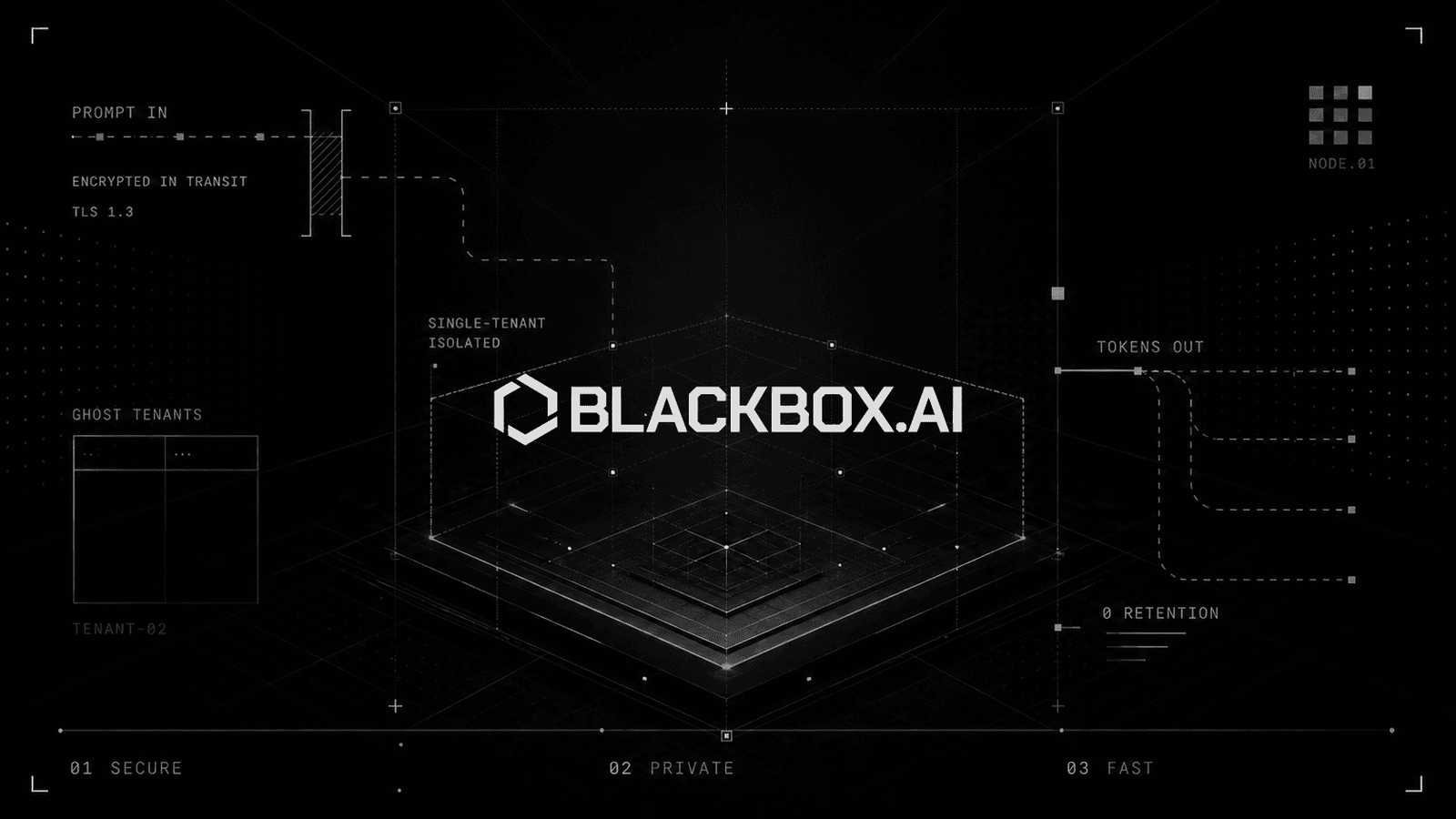
Blackbox AI offers coding agents across a VS Code extension, open-source CLI, remote cloud agents, an app builder and an AI-native IDE, plus private, end-to-end encrypted inference for 300+ models through one API.

  • code generator
  • blackbox ai
  • coding agent
  • vs code extension
  • cli
  • app builder
  • multi agent
  • encrypted inference
  • ai ide
  • api
Visit Website

Updated Oct 12, 2026

Pricing Freemium

Rating No reviews yet

Blackbox AI preview - Code Generator

Standout Features

What makes Blackbox AI stand out

  • Coding agents on every surface
  • End-to-end encrypted inference
  • 300+ models via one API
  • Free plan

Key Features

What’s in the toolkit?

  • 01

    Remote Agent in cloud sandboxes

  • 02

    Multi-agent dispatch

  • 03

    Automatic pull requests

  • 04

    VS Code extension

  • 05

    Open-source CLI

  • 06

    Plan and headless modes

  • 07

    App Builder with deploy

  • 08

    AI-native IDE

  • 09

    iOS and Android app

  • 10

    Agent API (OpenAI-compatible)

  • 11

    Client-side encryption

  • 12

    Zero data retention

  • 13

    Dedicated deployments and GPU rental

  • 14

    Fine-tuning

What is Blackbox AI?

End-to-end encrypted inference for every model

Blackbox AI combines AI coding products with a high-trust inference platform with client-side encryption and zero data retention.

Key capabilities

  • Remote Agent that runs in cloud sandboxes and opens PRs.
  • VS Code extension with completions, chat edits and multi-agent.
  • Open-source CLI with plan mode and headless CI.
  • App Builder for full-stack apps from a prompt.
  • 300+ models through one encrypted endpoint.

Who it's for

Blackbox AI is an affordable multi-surface code generator with a strong privacy angle.

Pricing
Freemium
Company
BLACKBOX AI TECHNOLOGIES INC.
Platform Access
3 features

Use Cases

Where teams put it to work

  • 01

    Autonomous coding tasks

  • 02

    App prototyping

  • 03

    Private model access

  • 04

    CI automation

Workflow

How to use Blackbox AI?

  1. 01

    Sign up at blackbox.ai.

  2. 02

    Install the VS Code extension or CLI.

  1. 03

    Dispatch agents on your repo.

  2. 04

    Review generated PRs.

Pros & Cons

Is Blackbox AI right for you?

Pros

3
  • Low entry price
  • Many surfaces
  • Privacy features

Cons

2
  • Product focus has broadened to inference
  • Model limits on Free

Pricing

Pricing for Blackbox AI

Freemium
  • Free – $0: unlimited agent requests with Minimax-M2.5.
  • Pro – $10/month: frontier models, $20 API credits.
  • Pro Plus – $20/month: $40 credits, chat encryption.
  • Pro Max – $40/month: $80 credits, priority support.
  • Enterprise: custom.

Who is it for

Who is Blackbox AI for?

Developers.Teams needing private inference.
Reviews

Blackbox AI Reviews

Real experiences from people who use Blackbox AI. Share yours to help others choose the right tool.

0.0/5

No reviews yet

5
0%
4
0%
3
0%
2
0%
1
0%

No reviews yet

Have you used Blackbox AI? Be the first to share your experience and help others decide.

Write a review

How would you rate Blackbox AI?

0/2000

Your email is never shown publicly. Reviews appear after a quick check by our team.

Explore More Similar Tools

More tools worth checking out from the same category.

Never Miss a New AI Tool

Subscribe to get the latest AI tools, deals, and resources delivered straight to your inbox — no spam, unsubscribe anytime.