This may take few seconds.

0% Completed

Art Generator · Freemium
canva-ai-image-generator-logo

Canva AI Image Generator

Canva AI Image Generator creates art from prompts with Magic Media and Dream Lab, ready to drop into designs, presentations and social posts.

  • ai art generator
  • canva ai image generator
  • magic media
  • dream lab
  • design
  • social posts
  • free
  • marketers
  • students
  • templates
Visit Website

Updated Oct 20, 2026

Pricing Freemium

Rating No reviews yet
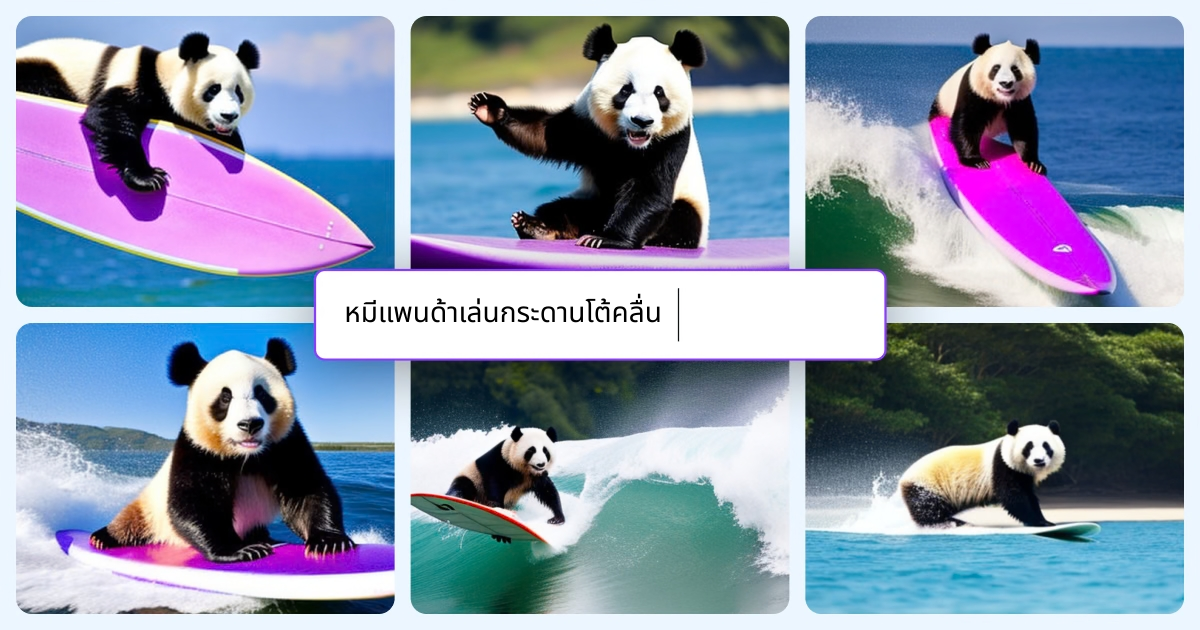
canva-ai-image-generator-thumbnail

Standout Features

What makes Canva AI Image Generator stand out

  • AI images directly inside Canva designs
  • 10+ styles
  • Magic Edit, Eraser and Expand
  • Free plan available

Key Features

What’s in the toolkit?

  • 01

    Text to image

  • 02

    10+ image styles

  • 03

    Aspect ratio options

  • 04

    Reference photo input

  • 05

    Dream Lab

  • 06

    Magic Edit

  • 07

    Magic Eraser

  • 08

    Magic Expand

  • 09

    Background remover

  • 10

    Photo editor

  • 11

    Export to PNG, JPG and PDF

  • 12

    Text to video and graphics

  • 13

    17 languages

What is Canva AI Image Generator?

Dream it up, describe it, and watch it appear

Canva puts AI art right into your designs.

Key capabilities

  • Magic Media.
  • Dream Lab.
  • Art styles.
  • Design integration.
  • Free uses.

Who it's for

Canva AI Image Generator is a design-integrated AI art generator.

Pricing
Freemium
Company
Canva
Platform Access
1 feature

Use Cases

Where teams put it to work

  • 01

    Art for designs

  • 02

    Social visuals

Workflow

How to use Canva AI Image Generator?

  1. 01

    Open Canva and choose the AI image generator.

  2. 02

    Describe your image and pick a style.

  1. 03

    Generate and choose a result.

  2. 04

    Add it to a design and edit.

Pros & Cons

Is Canva AI Image Generator right for you?

Pros

4
  • Seamless with Canva designs
  • Easy for beginners
  • Free plan
  • Web and mobile

Cons

2
  • AI uses are capped per plan
  • Models used are not named

Pricing

Pricing for Canva AI Image Generator

Freemium
  • Free – $0: up to 20 standard or premium AI uses.
  • Pro – $144/year: up to 200 premium or 20 ultra uses.
  • Business – $250/year per person: up to 400 premium or 40 ultra uses.
  • Enterprise: contact sales.

Prices in USD. Nonprofits get free Pro-level access.

Who is it for

Who is Canva AI Image Generator for?

Marketers.Students.Small businesses.
FAQ

Frequently Asked Questions

Everything you need to know about Canva AI Image Generator before you try it.

On paid plans, standard AI tools like Translate and Magic Write don't count toward the allowance.

Other AI tools share a monthly pooled allowance.

Yes, nonprofits get free Pro-level access for up to 50 users.

Canva accepts PayPal and major credit cards; prices exclude tax.

Reviews

Canva AI Image Generator Reviews

Real experiences from people who use Canva AI Image Generator. Share yours to help others choose the right tool.

0.0/5

No reviews yet

5
0%
4
0%
3
0%
2
0%
1
0%

No reviews yet

Have you used Canva AI Image Generator? Be the first to share your experience and help others decide.

Write a review

How would you rate Canva AI Image Generator?

0/2000

Your email is never shown publicly. Reviews appear after a quick check by our team.

Never Miss a New AI Tool

Subscribe to get the latest AI tools, deals, and resources delivered straight to your inbox — no spam, unsubscribe anytime.