Canva animates logos with one-click effects in its free editor.
Key capabilities
- One-click logo animations.
- Text effects.
- Motion paths.
- 1M+ templates.
- MP4 and GIF.
Who it's for
Canva is a free, easy logo animation generator.
This may take few seconds.
0% Completed


Canva's animated logo maker lets you upload or design a logo and apply effects such as Pop, Tumble, Stomp, Drift, Fade and Breathe, plus text animations and motion paths, then export as MP4 or GIF for free.
Updated Oct 27, 2026
Pricing Freemium
Rating No reviews yet
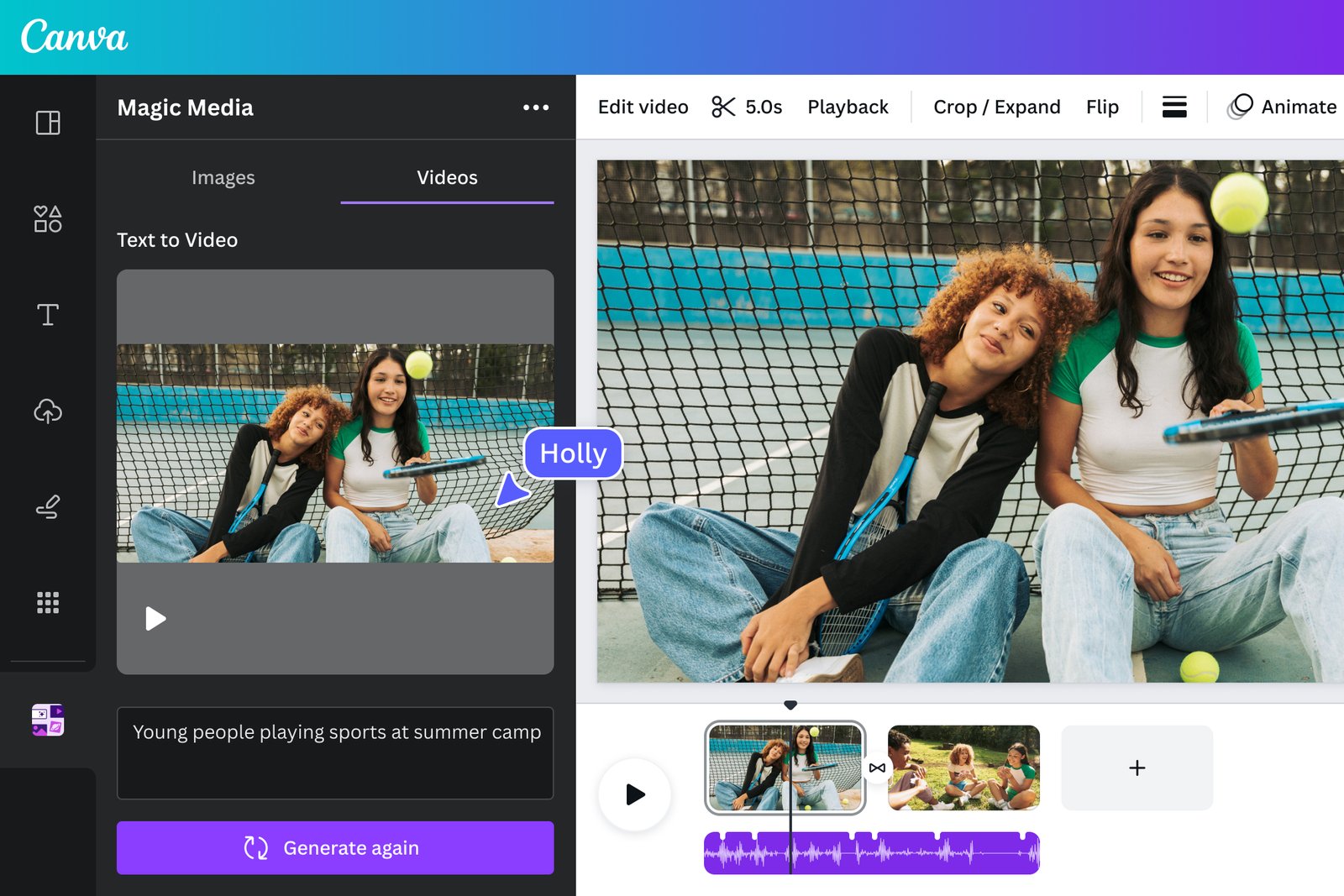
Standout Features
Key Features
What is Canva?
Canva animates logos with one-click effects in its free editor.
Canva is a free, easy logo animation generator.
Use Cases
Social media logos
Video intros
Workflow
Upload or design your logo.
Click Animate and pick an effect.
Add text effects or a motion path.
Download as MP4 or GIF.
Pros & Cons
Pricing
Who is it for
Everything you need to know about Canva before you try it.
Start from a template or from scratch, match your brand, animate the elements, then export as an MP4 or GIF.
Click Animate in the editor to apply effects like Rise, Pan or Pop, and animate text separately with effects like Typewriter or Burst.
Real experiences from people who use Canva. Share yours to help others choose the right tool.
0.0/5
No reviews yet
No reviews yet
Have you used Canva? Be the first to share your experience and help others decide.
More tools worth checking out from the same category.
Subscribe to get the latest AI tools, deals, and resources delivered straight to your inbox — no spam, unsubscribe anytime.