This may take few seconds.

0% Completed

AI Presentation Maker · Freemium
Canva Presentations logo - AI Presentation Maker

Canva Presentations

Canva Presentations lets you build decks from a prompt with Canva AI, which drafts an outline then slides, plus Magic Write, thousands of templates, live collaboration, presenter view and PowerPoint export.

  • ai presentation maker
  • canva presentations
  • canva ai
  • magic design
  • slides templates
  • pitch deck
  • collaboration
  • powerpoint export
  • education
  • free
Visit Website

Updated Oct 14, 2026

Pricing Freemium

Rating No reviews yet

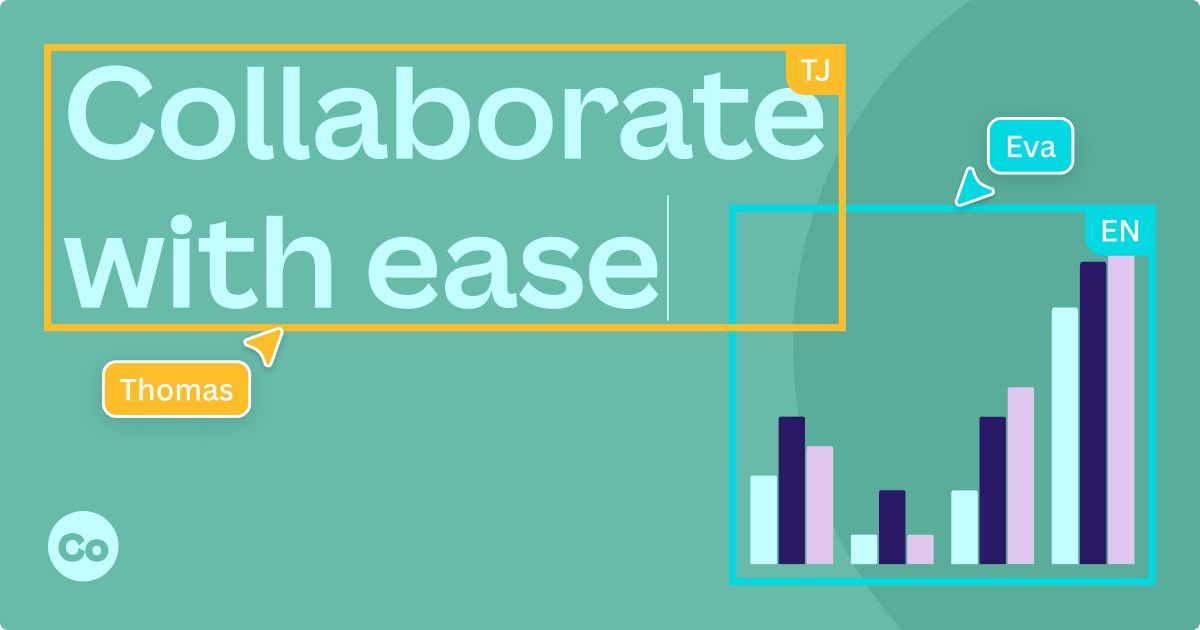
Canva Presentations preview - AI Presentation Maker

Standout Features

What makes Canva Presentations stand out

  • Guided AI decks
  • Thousands of templates
  • Free plan with AI

Key Features

What’s in the toolkit?

  • 01

    Canva AI guided presentations

  • 02

    Magic Design

  • 03

    Magic Write

  • 04

    Magic Animate and Resize

  • 05

    Translate

  • 06

    Real-time collaboration

  • 07

    Presenter view and offline presenting

  • 08

    Canva Live polls and quizzes

  • 09

    Screen recording

  • 10

    Export to PPTX, PDF, video or website

What is Canva Presentations?

The only presentation software you'll ever need

Canva Presentations pairs huge template choice with guided AI decks.

Key capabilities

  • Canva AI outline-to-slides.
  • Magic Design pitch decks.
  • Magic Write.
  • Canva Live polls and Q&A.
  • Export to PowerPoint, PDF or video.

Who it's for

Canva Presentations is a versatile AI presentation maker for everyone.

Pricing
Freemium
Company
Canva
Platform Access
1 feature

Use Cases

Where teams put it to work

  • 01

    Class presentations

  • 02

    Pitch decks

  • 03

    Marketing decks

Workflow

How to use Canva Presentations?

  1. 01

    Open Canva Presentations.

  2. 02

    Prompt Canva AI or pick a template.

  1. 03

    Edit slides.

  2. 04

    Present or export.

Pros & Cons

Is Canva Presentations right for you?

Pros

3
  • Huge template library
  • Easy to use
  • Free tier

Cons

2
  • AI uses limited on Free
  • Templates can look common

Pricing

Pricing for Canva Presentations

Freemium

Canva Presentations is free with limited Canva AI uses; Pro, Business and Enterprise unlock more AI and premium content. See canva.com/pricing.

Who is it for

Who is Canva Presentations for?

Students.Teachers.Marketers.
FAQ

Frequently Asked Questions

Everything you need to know about Canva Presentations before you try it.

Yes, with limited uses on the Free plan; Pro provides more.

Yes, through the offline presenting option.

Canva claims no copyright over content generated with Canva AI; you own your designs subject to Canva's terms.

Reviews

Canva Presentations Reviews

Real experiences from people who use Canva Presentations. Share yours to help others choose the right tool.

0.0/5

No reviews yet

5
0%
4
0%
3
0%
2
0%
1
0%

No reviews yet

Have you used Canva Presentations? Be the first to share your experience and help others decide.

Write a review

How would you rate Canva Presentations?

0/2000

Your email is never shown publicly. Reviews appear after a quick check by our team.

Explore More Similar Tools

More tools worth checking out from the same category.

Never Miss a New AI Tool

Subscribe to get the latest AI tools, deals, and resources delivered straight to your inbox — no spam, unsubscribe anytime.