This may take few seconds.

0% Completed

Graphic Design · Freemium
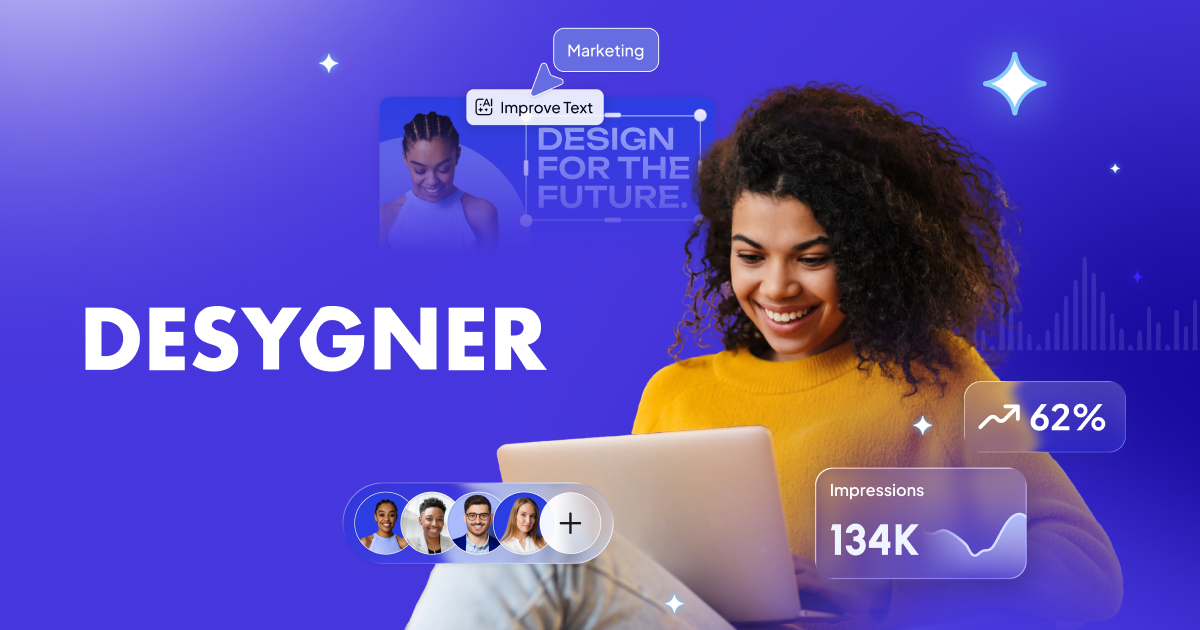
Desygner logo - Graphic Design

Desygner

Desygner is an all-in-one design platform with millions of templates, AI design, a logo maker, brand kits, PDF editing and signing, a print hub and imports from Canva, Adobe and Figma, with a free-forever plan.

  • graphic design
  • desygner
  • design platform
  • templates
  • brand kit
  • pdf editor
  • logo maker
  • print
  • canva alternative
  • team
Visit Website

Updated Oct 12, 2026

Pricing Freemium

Rating No reviews yet

Desygner preview - Graphic Design

Standout Features

What makes Desygner stand out

  • Free-forever plan
  • PDF editing and signing
  • Imports from Canva, Adobe and Figma
  • Brand kits

Key Features

What’s in the toolkit?

  • 01

    Design templates

  • 02

    Document templates

  • 03

    AI-powered design

  • 04

    Logo maker

  • 05

    Brand kits

  • 06

    PDF editor

  • 07

    PDF signing

  • 08

    Import from Canva, Adobe, Figma, Microsoft and Google

  • 09

    Print hub

  • 10

    Team workspaces

  • 11

    iOS app

  • 12

    API (Business)

What is Desygner?

One platform. Replaces everything.

Desygner positions itself as one platform to replace Canva, Adobe and Office for everyday design.

Key capabilities

  • Millions of templates and document templates.
  • AI-powered design.
  • Brand kits and logo maker.
  • PDF editor and PDF signing.
  • Print hub and team workspaces.

Who it's for

Desygner is a broad, affordable graphic design platform for businesses and teams.

Pricing
Freemium
Company
Desygner Pty Ltd
Platform Access
2 features

Use Cases

Where teams put it to work

  • 01

    Marketing designs

  • 02

    Business documents

  • 03

    PDF editing

  • 04

    Brand management

Workflow

How to use Desygner?

  1. 01

    Sign up free at desygner.com.

  2. 02

    Pick a template or import a file.

  1. 03

    Edit with brand kits and AI.

  2. 04

    Export, sign or print.

Pros & Cons

Is Desygner right for you?

Pros

3
  • Free plan
  • Broad toolset
  • Easy migration from other tools

Cons

2
  • Less known than Canva
  • Some features need Business plan

Pricing

Pricing for Desygner

Freemium
  • Free – $0: 100 projects, 20 AI credits/month.
  • Business – $19/user/month.
  • Team 100 – $333/month flat.
  • Enterprise: custom.

Annual billing saves 20%; free for verified schools and charities.

Who is it for

Who is Desygner for?

Small businesses.Teams.Schools and charities.
Reviews

Desygner Reviews

Real experiences from people who use Desygner. Share yours to help others choose the right tool.

0.0/5

No reviews yet

5
0%
4
0%
3
0%
2
0%
1
0%

No reviews yet

Have you used Desygner? Be the first to share your experience and help others decide.

Write a review

How would you rate Desygner?

0/2000

Your email is never shown publicly. Reviews appear after a quick check by our team.

Explore More Similar Tools

More tools worth checking out from the same category.

Never Miss a New AI Tool

Subscribe to get the latest AI tools, deals, and resources delivered straight to your inbox — no spam, unsubscribe anytime.