This may take few seconds.

0% Completed

AI Website Generators · Freemium
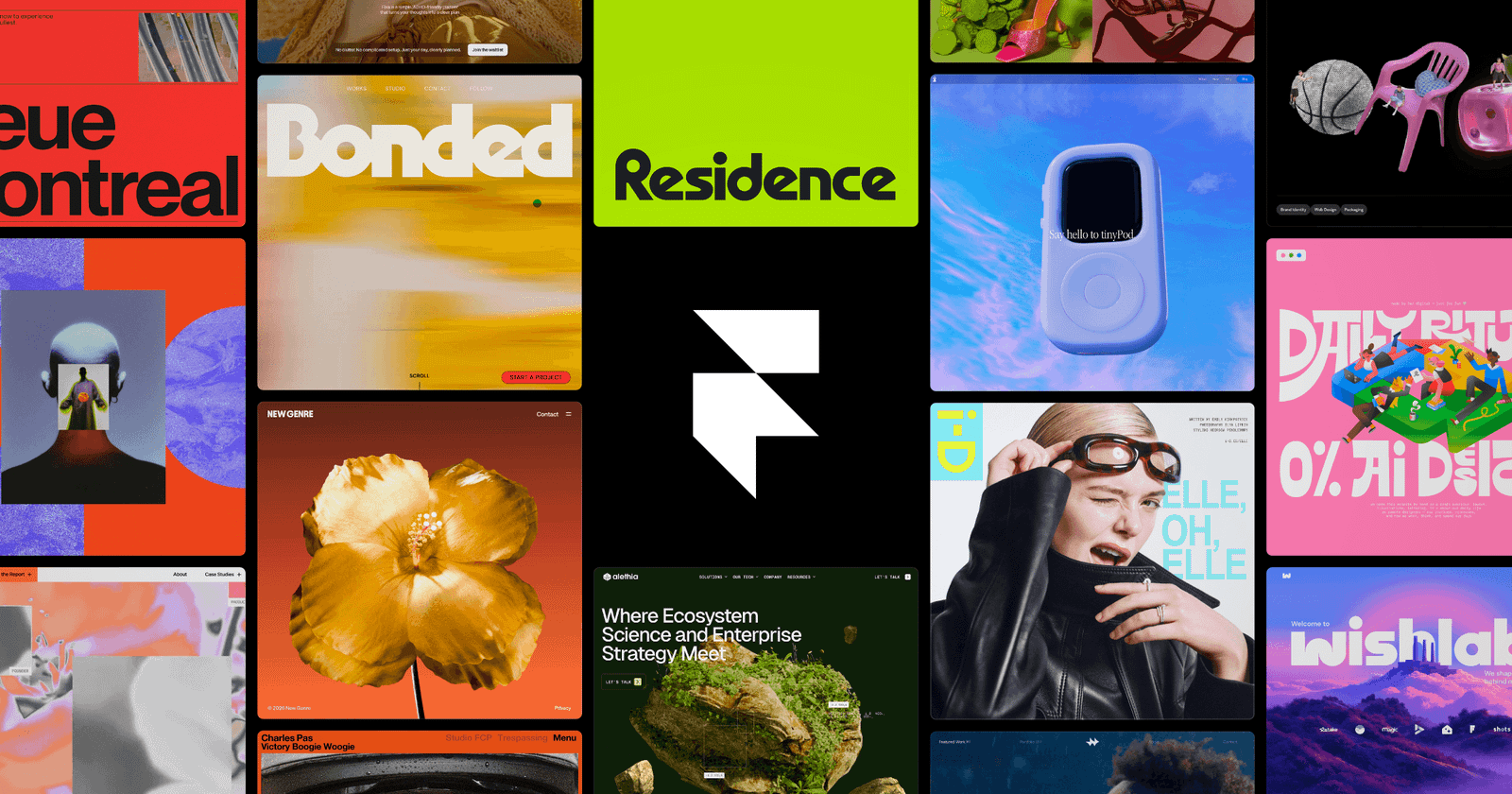
Framer logo - AI Website Generators

Framer

Framer is a website builder with a canvas-native AI design agent, CMS agent and code agent that generate and refine sites, plus hosting, CMS, localization, A/B testing, SEO and connections to Claude Code, Codex and Cursor.

  • ai website generator
  • framer
  • design agent
  • website builder
  • cms
  • no code
  • startup website
  • localization
  • a/b testing
  • designers
Visit Website

Updated Oct 13, 2026

Pricing Freemium

Rating No reviews yet

Framer preview - AI Website Generators

Standout Features

What makes Framer stand out

  • Canvas-native AI design agent
  • Pixel-perfect design control
  • Works with Claude Code, Codex and Cursor
  • Free plan

Key Features

What’s in the toolkit?

  • 01

    AI design agent

  • 02

    CMS agent

  • 03

    Code agent

  • 04

    External agent connections

  • 05

    Starter prompts

  • 06

    Hosting with 99.99% uptime

  • 07

    CMS

  • 08

    SEO tools

  • 09

    Analytics and A/B testing

  • 10

    Localization with AI translation

  • 11

    Branching collaboration

  • 12

    Templates, components and plugins marketplace

What is Framer?

Framer is the design agent for every step from idea to launch

Framer lets designers and teams go from idea to launched website with AI agents built into the canvas.

Key capabilities

  • Design agent that edits your site directly.
  • CMS agent to set up and update content.
  • Code agent for effects and interactions.
  • External agents via Slack, terminal or GitHub.
  • Hosting, CMS, localization and A/B testing.

Who it's for

Framer is a design-first AI website generator for startups, designers and agencies.

Pricing
Freemium
Company
Framer
Platform Access
1 feature

Use Cases

Where teams put it to work

  • 01

    Startup and SaaS sites

  • 02

    Portfolios

  • 03

    Landing pages

  • 04

    Agency client sites

Workflow

How to use Framer?

  1. 01

    Sign up at framer.com.

  2. 02

    Prompt a site or start from a template.

  1. 03

    Refine with the design agent.

  2. 04

    Publish to a custom domain.

Pros & Cons

Is Framer right for you?

Pros

3
  • Best-in-class design control
  • Powerful AI agents
  • Generous free plan

Cons

2
  • Add-ons raise costs
  • AI agents use credits

Pricing

Pricing for Framer

Freemium
  • Free – $0: 500 AI credits to try, Framer domain.
  • Basic – $10/month: 30 pages, 1,000 agent credits/month.
  • Pro – $30/month: 150 pages, 3,000 agent credits/month.
  • Enterprise: custom.

Extra editors $20/month; add-ons for locales, Convert and Advanced Hosting.

Who is it for

Who is Framer for?

Designers.Startups.Agencies.
FAQ

Frequently Asked Questions

Everything you need to know about Framer before you try it.

Paid plans include monthly credits for Agents, localization and other AI features, shared across the workspace.

Free for non-commercial use, Basic for students and freelancers, Pro for agencies and growing teams.

You'll be asked to upgrade for some limits; for bandwidth you get a one-month grace period.

Credit card, PayPal in some regions, and bank transfer for Enterprise.

Reviews

Framer Reviews

Real experiences from people who use Framer. Share yours to help others choose the right tool.

0.0/5

No reviews yet

5
0%
4
0%
3
0%
2
0%
1
0%

No reviews yet

Have you used Framer? Be the first to share your experience and help others decide.

Write a review

How would you rate Framer?

0/2000

Your email is never shown publicly. Reviews appear after a quick check by our team.

Explore More Similar Tools

More tools worth checking out from the same category.

Never Miss a New AI Tool

Subscribe to get the latest AI tools, deals, and resources delivered straight to your inbox — no spam, unsubscribe anytime.