
This may take few seconds.

0% Completed

Code Generator · Paid
Gemini CLI logo - Code Generator

Gemini CLI

Gemini CLI is Google's open-source (Apache 2.0) terminal AI agent that queries and edits codebases, runs commands, grounds answers with Google Search and connects to tools via MCP, now used with paid Gemini API or enterprise keys.

  • code generator
  • gemini cli
  • open source
  • terminal
  • ai agent
  • google
  • mcp
  • command line
  • gemini 3
  • apache 2.0
Visit Website

Updated Oct 12, 2026

Pricing Paid

Rating No reviews yet

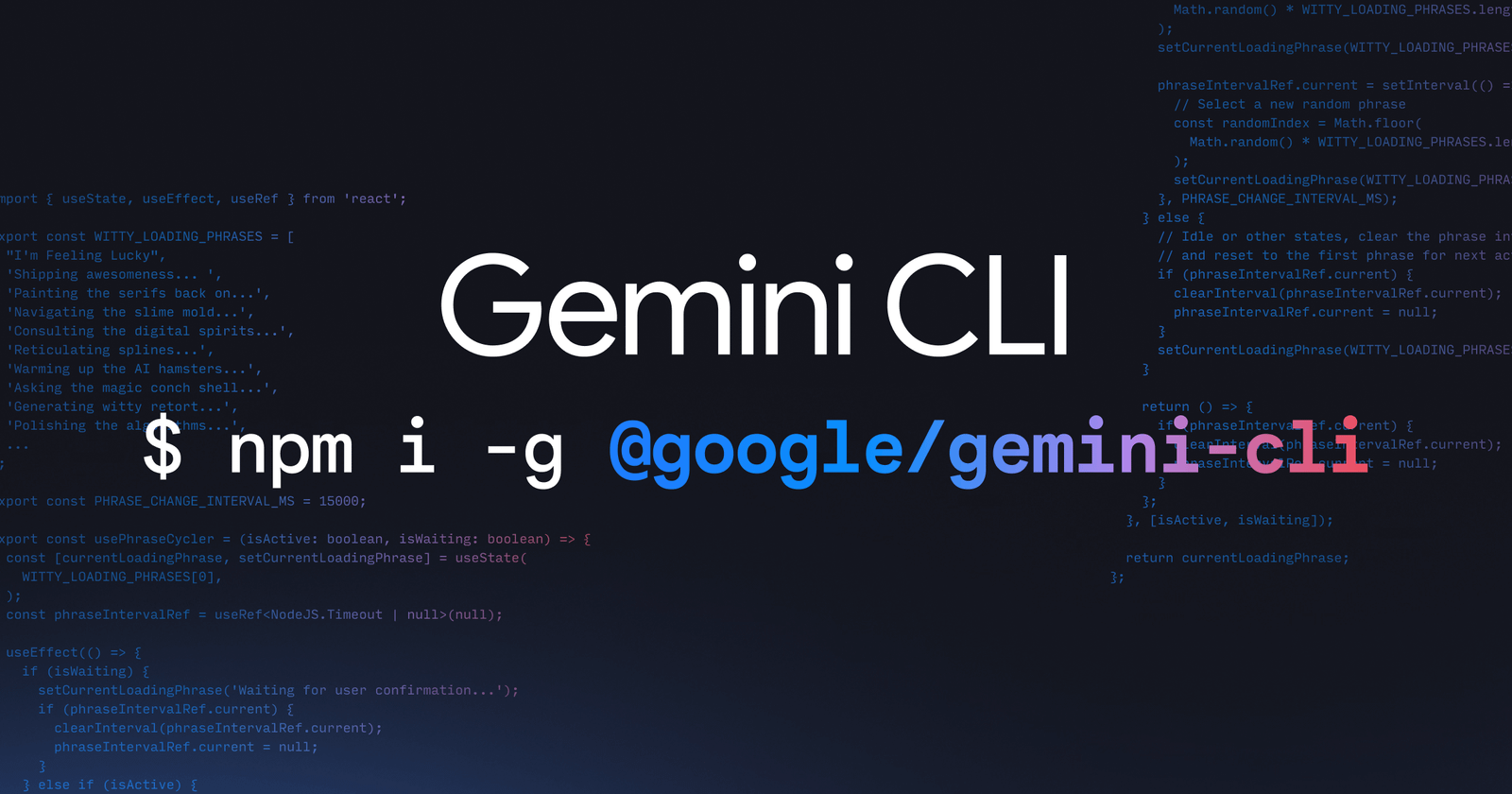
Gemini CLI preview - Code Generator

Standout Features

What makes Gemini CLI stand out

  • Open source under Apache 2.0
  • Google Search grounding
  • MCP support
  • 1M-token context

Key Features

What’s in the toolkit?

  • 01

    Gemini 3 models

  • 02

    1M-token context

  • 03

    Google Search grounding

  • 04

    File and shell tools

  • 05

    Web fetch

  • 06

    MCP support

  • 07

    GEMINI.md context files

  • 08

    Conversation checkpointing

  • 09

    Non-interactive JSON output

  • 10

    Build apps from PDFs, images or sketches

  • 11

    Gemini CLI GitHub Action

  • 12

    npm, Homebrew and MacPorts install

What is Gemini CLI?

An open-source AI agent that brings the power of Gemini directly into your terminal

Gemini CLI brings Gemini into the terminal as an open-source agent. Since June 18, 2026, Google directs free and consumer users to the closed-source Antigravity CLI, while Gemini CLI remains available with paid API and enterprise keys.

Key capabilities

  • Gemini 3 models with a 1M-token context.
  • File and shell tools and web fetch.
  • Google Search grounding.
  • MCP support and GEMINI.md context files.
  • Non-interactive mode and a GitHub Action.

Who it's for

Gemini CLI is a flexible open-source code generator for terminal-first developers.

Pricing
Paid
Company
Google
Platform Access
2 features

Use Cases

Where teams put it to work

  • 01

    Terminal coding tasks

  • 02

    Scripting and automation

  • 03

    CI pipelines

  • 04

    Codebase Q&A

Workflow

How to use Gemini CLI?

  1. 01

    Install via npm or Homebrew.

  2. 02

    Authenticate with a Gemini API or Vertex AI key.

  1. 03

    Run gemini in your project folder.

  2. 04

    Ask it to edit, explain or run tasks.

Pros & Cons

Is Gemini CLI right for you?

Pros

3
  • Open source
  • Powerful context window
  • Scriptable

Cons

2
  • Free consumer access moved to Antigravity CLI
  • Requires paid keys for usage

Pricing

Pricing for Gemini CLI

Paid

Gemini CLI is free and open source to install. Since June 18, 2026, usage requires a paid Gemini API key, an enterprise agent platform key or a Gemini Code Assist Standard/Enterprise subscription; free consumer users are directed to Antigravity CLI.

Who is it for

Who is Gemini CLI for?

Terminal-first developers.DevOps engineers.
Reviews

Gemini CLI Reviews

Real experiences from people who use Gemini CLI. Share yours to help others choose the right tool.

0.0/5

No reviews yet

5
0%
4
0%
3
0%
2
0%
1
0%

No reviews yet

Have you used Gemini CLI? Be the first to share your experience and help others decide.

Write a review

How would you rate Gemini CLI?

0/2000

Your email is never shown publicly. Reviews appear after a quick check by our team.

Explore More Similar Tools

More tools worth checking out from the same category.

Never Miss a New AI Tool

Subscribe to get the latest AI tools, deals, and resources delivered straight to your inbox — no spam, unsubscribe anytime.