Meshy takes AI art into the third dimension.
Key capabilities
- Text to 3D.
- Image to 3D.
- AI texturing.
- Rigging.
- Export formats.
Who it's for
Meshy (3D Art) is a 3D AI art generator.
This may take few seconds.
0% Completed


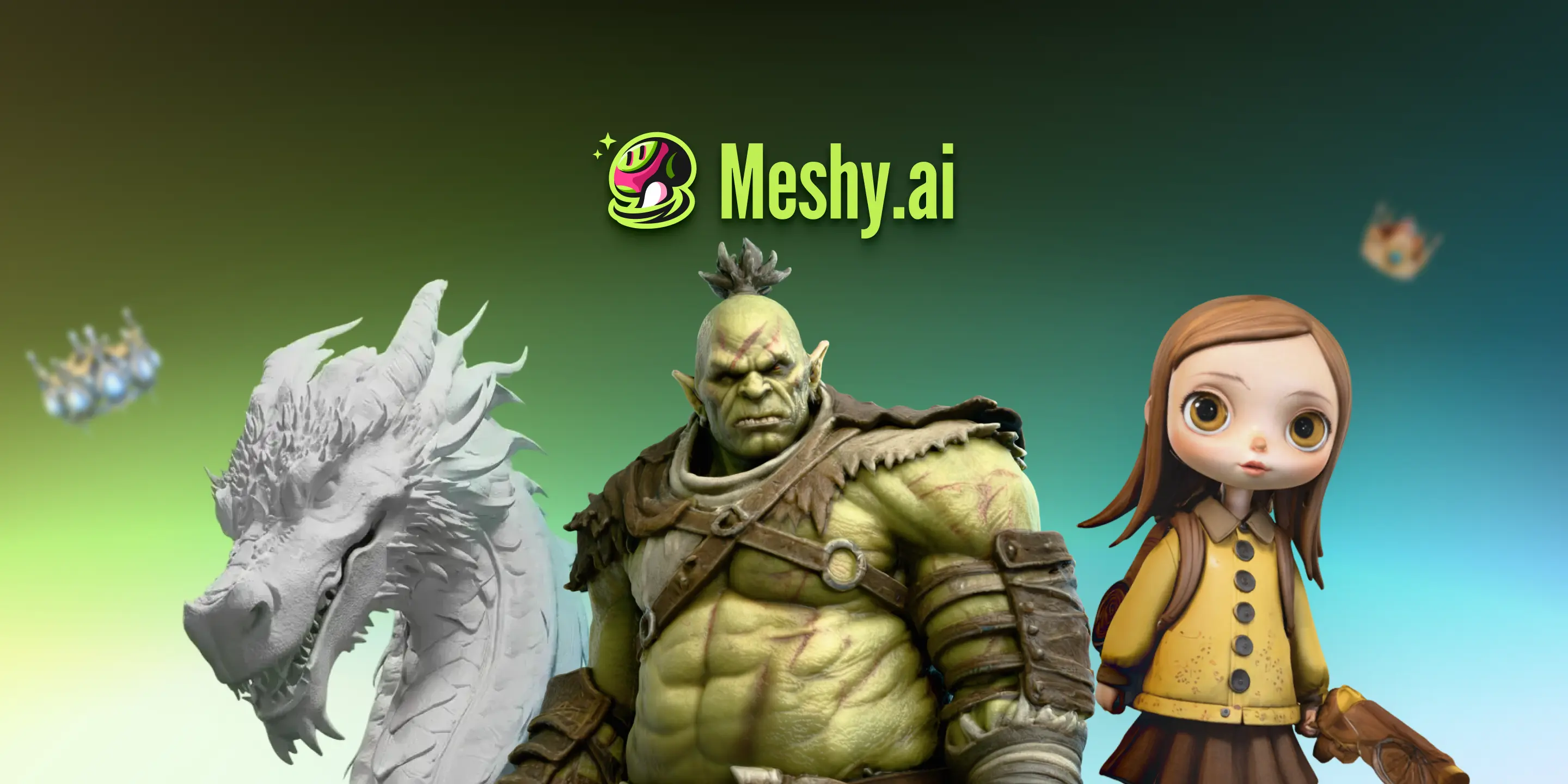
Meshy AI turns text prompts and images, including AI art, into textured 3D models for games, 3D printing and XR, with AI texturing and rigging.
Updated Oct 20, 2026
Pricing Freemium
Rating No reviews yet
Standout Features
Key Features
What is Meshy (3D Art)?
Meshy takes AI art into the third dimension.
Meshy (3D Art) is a 3D AI art generator.
Use Cases
3D art
Game assets
3D printing
Workflow
Sign up free at meshy.ai (no credit card required).
Generate a model with Text to 3D or Image to 3D, or upload your own model for AI texturing.
Refine it with texturing, remeshing or low-poly mode.
Rig and animate characters with AI Auto-Rigging and choose from 600+ motion presets.
Export to FBX, GLB, OBJ, USDZ, STL, 3MF or .blend, send it to your slicer, or automate generation through the API.
Pros & Cons
Pricing
Meshy offers Free, Pro, Studio and Enterprise plans with monthly or yearly billing.
Plan credits reset monthly, while purchased or earned permanent credits never expire. New users get 50% off the first month on monthly plans and 20% off annual plans. See meshy.ai/pricing for current prices.
Who is it for
Everything you need to know about Meshy (3D Art) before you try it.
Yes. The Free plan is available with no credit card required and includes 100 credits per month. Free-plan outputs are licensed under CC BY 4.0, which allows commercial use with attribution, and queue priority is lower than on paid plans.
For AI texturing, you can upload models in .fbx, .obj, .stl, .gltf and .glb formats (up to 100MB on the web app). For Text to 3D and Image to 3D, you can download models in .fbx, .obj, .usdz, .glb, .stl and .blend formats.
Yes. Meshy provides API services, with documentation at docs.meshy.ai.
Yes, Meshy currently has a Blender plugin and a Unity plugin.
Yes. Under Meshy's Terms of Use you own the assets you create, provided you did not use materials that violate others' copyrights. Premium plan users own all assets they create; free plan users receive a CC BY 4.0 license instead.
There are two types of credits. Monthly credits are part of your subscription and reset every month, while permanent credits, including purchased credits and earned rewards, do not expire.
Yes. Web app data is stored securely with Amazon Web Services in the United States, and Meshy will not share your data or use it for training without your consent.
Real experiences from people who use Meshy (3D Art). Share yours to help others choose the right tool.
0.0/5
No reviews yet
No reviews yet
Have you used Meshy (3D Art)? Be the first to share your experience and help others decide.
More tools worth checking out from the same category.
Subscribe to get the latest AI tools, deals, and resources delivered straight to your inbox — no spam, unsubscribe anytime.