Napkin AI makes business visuals from plain text.
Key capabilities
- Text to visuals with Autospark.
- Napkin Slides (beta).
- Diagrams and charts.
- 60+ languages.
- API.
Who it's for
Napkin AI is a visual-storytelling AI presentation maker.
This may take few seconds.
0% Completed



Napkin AI turns text into diagrams, flowcharts, mind maps, infographics and charts with one click, and Napkin Slides (beta) builds complete presentation decks, with editing in 60+ languages.
Updated Oct 14, 2026
Pricing Freemium
Rating No reviews yet
Standout Features
Key Features
What is Napkin AI?
Napkin AI makes business visuals from plain text.
Napkin AI is a visual-storytelling AI presentation maker.
Use Cases
Slide visuals
Reports and docs
Explainers
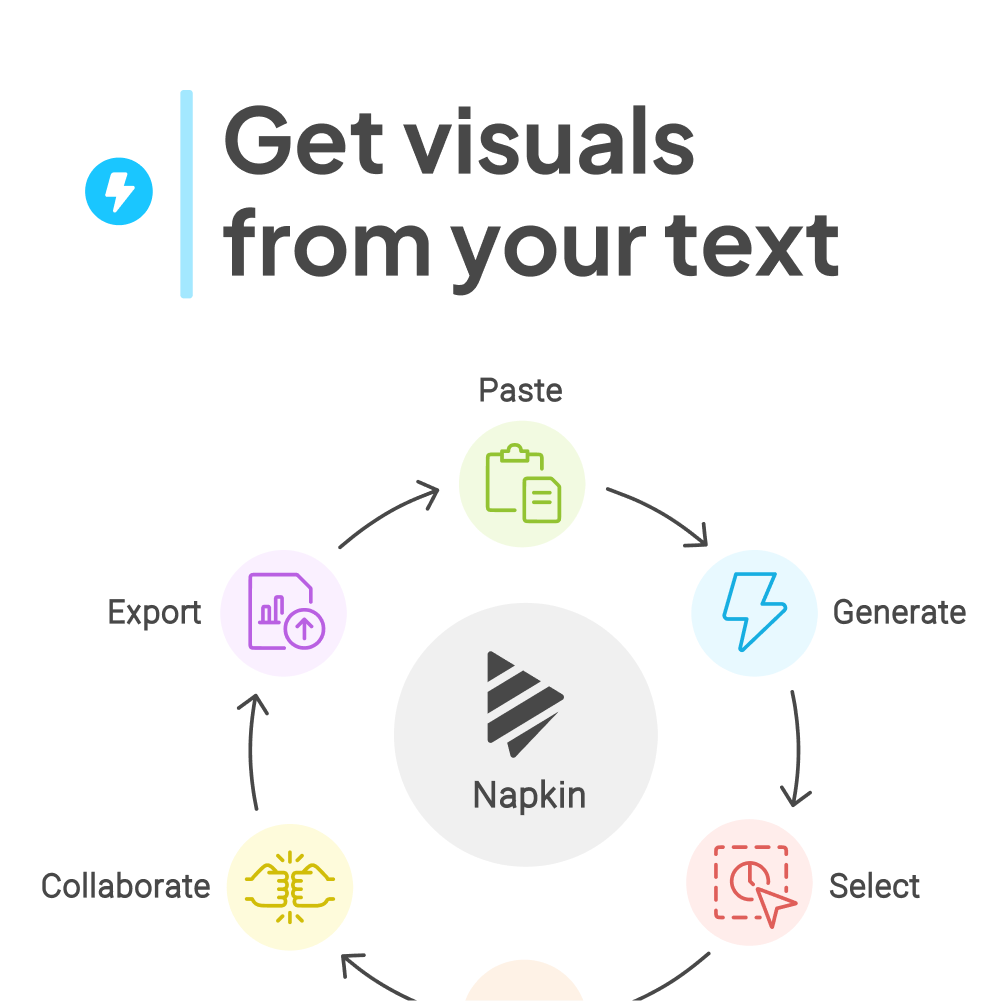
Workflow
Sign up free.
Paste your text.
Click Autospark.
Export or build slides.
Pros & Cons
Pricing
Free plan with weekly AI credits; Plus and Pro add credits, PPT/SVG export and branding. See napkin.ai/pricing.
Who is it for
Everything you need to know about Napkin AI before you try it.
Yes, with a free plan that includes weekly AI credits.
No, paste or import text and choose from generated visuals.
Yes, colors, fonts, layouts, icons and individual elements are editable.
Visuals and presentations can be created in 60+ languages.
Real experiences from people who use Napkin AI. Share yours to help others choose the right tool.
0.0/5
No reviews yet
No reviews yet
Have you used Napkin AI? Be the first to share your experience and help others decide.
More tools worth checking out from the same category.
Subscribe to get the latest AI tools, deals, and resources delivered straight to your inbox — no spam, unsubscribe anytime.