This may take few seconds.

0% Completed

Graphic Design · Freemium
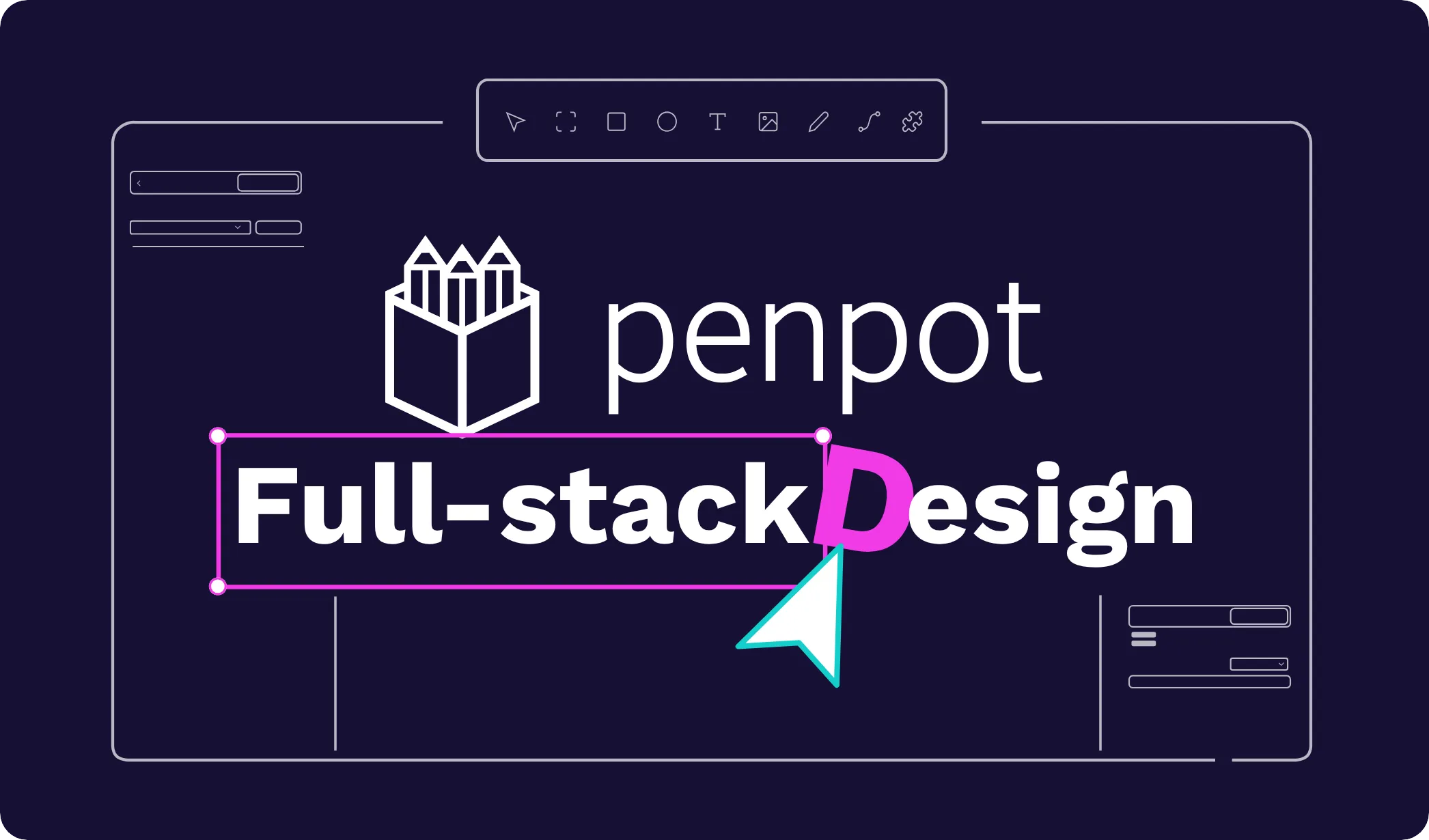
Penpot logo - Graphic Design

Penpot

Penpot is an open-source design and prototyping platform built on open standards, with CSS Grid and Flex layouts, native design tokens, components, plugins, code inspection, an MCP server and free cloud or self-hosted use.

  • graphic design
  • penpot
  • open source
  • ui design
  • prototyping
  • design tokens
  • self hosted
  • figma alternative
  • mcp
  • collaboration
Visit Website

Updated Oct 12, 2026

Pricing Freemium

Rating No reviews yet

Penpot preview - Graphic Design

Standout Features

What makes Penpot stand out

  • Open source and self-hostable
  • Native design tokens
  • CSS Grid and Flex layouts
  • Free Professional plan

Key Features

What’s in the toolkit?

  • 01

    UI design and prototyping

  • 02

    CSS Grid and Flex layouts

  • 03

    Native design tokens

  • 04

    Components

  • 05

    Shared libraries

  • 06

    Templates

  • 07

    Real-time collaboration

  • 08

    Plugins

  • 09

    Code inspection

  • 10

    API

  • 11

    AI workflows

  • 12

    MCP server

  • 13

    Self-hosting

What is Penpot?

Think and build digital products. Together.

Penpot is the open-source alternative for designing digital products, built on CSS, SVG and HTML.

Key capabilities

  • UI design with CSS Grid and Flex layouts.
  • Native design tokens and design systems.
  • Components and shared libraries.
  • Code inspection, plugins and API.
  • MCP server and AI workflows.

Who it's for

Teams who want openness and self-hosting choose Penpot as their graphic design and UI platform.

Pricing
Freemium
Company
KALEIDOS Subsidiary SL
Platform Access
2 features

Use Cases

Where teams put it to work

  • 01

    UI and web design

  • 02

    Design systems

  • 03

    Self-hosted design

  • 04

    Developer collaboration

Workflow

How to use Penpot?

  1. 01

    Sign up free at penpot.app or self-host.

  2. 02

    Create a project.

  1. 03

    Design and prototype with your team.

  2. 04

    Inspect code and hand off.

Pros & Cons

Is Penpot right for you?

Pros

3
  • Open source
  • Self-hostable
  • Free for unlimited use

Cons

2
  • No native desktop apps
  • Smaller plugin ecosystem than Figma

Pricing

Pricing for Penpot

Freemium
  • Professional – $0.
  • Unlimited – $7/editor/month: capped at $175/month.
  • Enterprise – $25/member/month.
  • Private Server: custom annual pricing.

Who is it for

Who is Penpot for?

Product designers.Developers.Open-source advocates.
Reviews

Penpot Reviews

Real experiences from people who use Penpot. Share yours to help others choose the right tool.

0.0/5

No reviews yet

5
0%
4
0%
3
0%
2
0%
1
0%

No reviews yet

Have you used Penpot? Be the first to share your experience and help others decide.

Write a review

How would you rate Penpot?

0/2000

Your email is never shown publicly. Reviews appear after a quick check by our team.

Explore More Similar Tools

More tools worth checking out from the same category.

Never Miss a New AI Tool

Subscribe to get the latest AI tools, deals, and resources delivered straight to your inbox — no spam, unsubscribe anytime.