This may take few seconds.

0% Completed

Graphic Design · Freemium
Piktochart logo - Graphic Design

Piktochart

Piktochart is a browser-based tool for infographics, reports, presentations and videos, with an AI Design Generator, Pikto AI Studio image tools, AI video with Sora 2 and Veo 3.1, charts, maps and brand kits.

  • graphic design
  • piktochart
  • infographic maker
  • ai design
  • reports
  • presentations
  • charts
  • video editor
  • brand kit
  • education
Visit Website

Updated Oct 12, 2026

Pricing Freemium

Rating No reviews yet

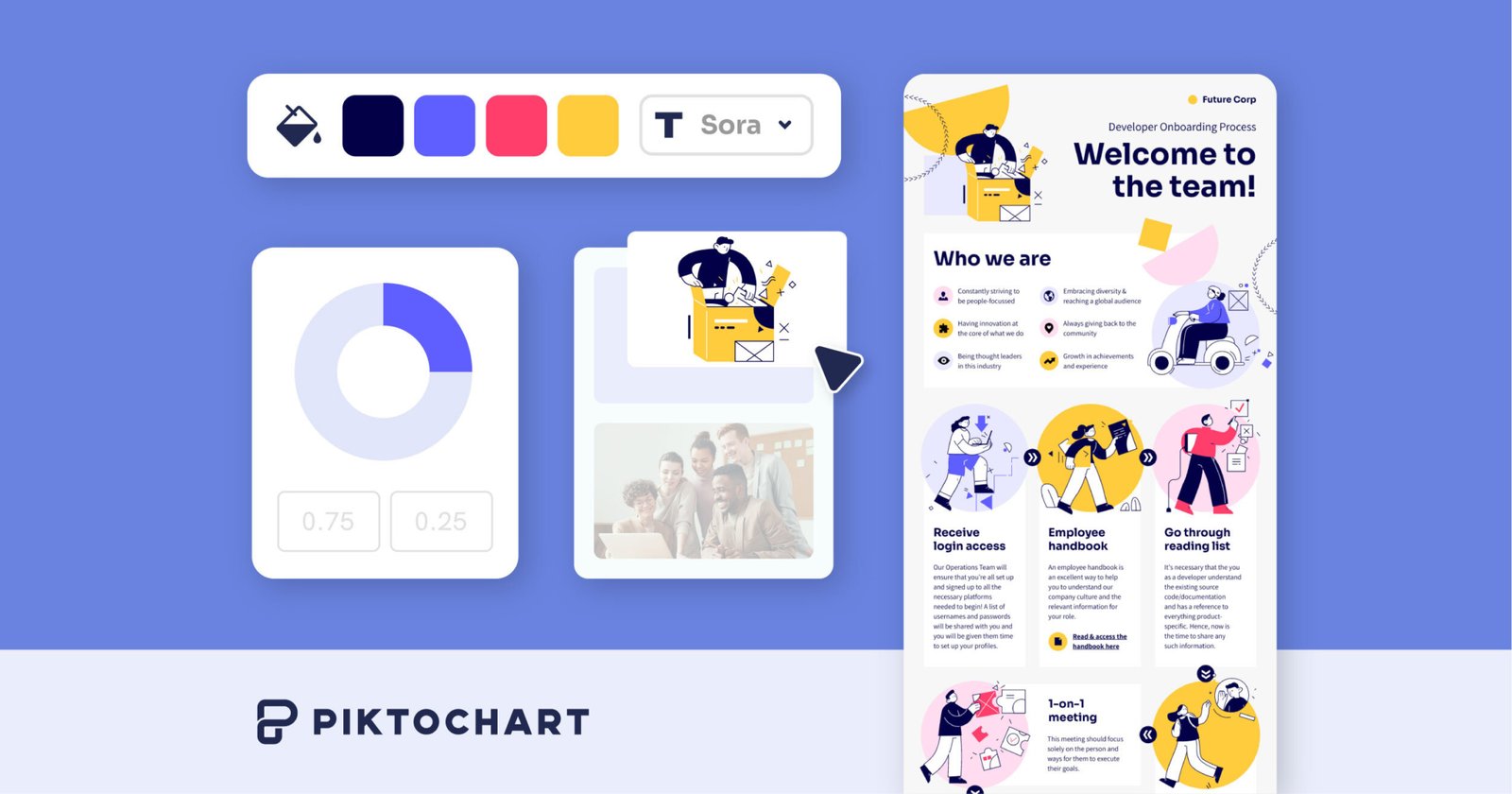
Piktochart preview - Graphic Design

Standout Features

What makes Piktochart stand out

  • AI infographic and report generation
  • Pikto AI Studio
  • AI video with Sora 2 and Veo 3.1
  • Education and nonprofit pricing

Key Features

What’s in the toolkit?

  • 01

    AI Design Generator

  • 02

    Pikto AI Studio

  • 03

    AI Image Generator and Modifier

  • 04

    AI Image Upscaler

  • 05

    AI Background and Text Remover

  • 06

    AI Icon Generator

  • 07

    AI Video Generator (Sora 2, Veo 3.1)

  • 08

    AI Presentation Maker

  • 09

    AI Report Generator

  • 10

    Infographic Maker

  • 11

    Video editor and screen recorder

  • 12

    Charts, graphs, maps and tables

  • 13

    Brand Kit

  • 14

    Shared workspace

What is Piktochart?

Meet the next generation of infographics

Piktochart helps non-designers turn text and data into infographics and visual reports with AI.

Key capabilities

  • AI Design Generator and infographic maker.
  • Pikto AI Studio image tools.
  • AI video generator with Sora 2 and Veo 3.1.
  • Charts, maps and tables.
  • Brand Kit and shared workspace.

Who it's for

Educators, HR and marketing teams use Piktochart as a data-friendly graphic design tool.

Pricing
Freemium
Company
Piktochart LLC
Platform Access
1 feature

Use Cases

Where teams put it to work

  • 01

    Infographics

  • 02

    Reports

  • 03

    Presentations

  • 04

    Training videos

Workflow

How to use Piktochart?

  1. 01

    Sign up free at piktochart.com.

  2. 02

    Describe your content or pick a template.

  1. 03

    Add charts and brand elements.

  2. 04

    Download or share.

Pros & Cons

Is Piktochart right for you?

Pros

3
  • Great for data visuals
  • AI generation
  • Education discounts

Cons

2
  • Free plan limited to 2 PNG downloads
  • Web only

Pricing

Pricing for Piktochart

Freemium
  • Free – $0: 2 PNG downloads, 60 AI credits.
  • Pro – $10/member/month billed annually ($15 monthly).
  • Business – $17/member/month billed annually ($20 monthly).
  • Education – $39/member/year.
  • Nonprofit – $60/member/year.

Who is it for

Who is Piktochart for?

Educators.HR and comms teams.Marketers.
FAQ

Frequently Asked Questions

Everything you need to know about Piktochart before you try it.

Yes. Upgrading adds unlimited downloads and up to 1,000 AI credits.

Yes, from Account Settings.

Visa, Mastercard and PayPal; bank deposit for larger purchases.

Refunds are generally not given and are reviewed case by case.

Business adds unlimited branding tools for colors, fonts and logos.

Reviews

Piktochart Reviews

Real experiences from people who use Piktochart. Share yours to help others choose the right tool.

0.0/5

No reviews yet

5
0%
4
0%
3
0%
2
0%
1
0%

No reviews yet

Have you used Piktochart? Be the first to share your experience and help others decide.

Write a review

How would you rate Piktochart?

0/2000

Your email is never shown publicly. Reviews appear after a quick check by our team.

Explore More Similar Tools

More tools worth checking out from the same category.

Never Miss a New AI Tool

Subscribe to get the latest AI tools, deals, and resources delivered straight to your inbox — no spam, unsubscribe anytime.