This may take few seconds.

0% Completed

AI Presentation Maker · Freemium
Slidesgo AI Presentation Maker logo - AI Presentation Maker

Slidesgo AI Presentation Maker

Slidesgo AI Presentation Maker generates editable slides from a topic or prompt using Slidesgo's professional templates, with text, color and layout editing and PPTX export for PowerPoint, Google Slides or Figma.

  • ai presentation maker
  • slidesgo
  • text to ppt
  • google slides templates
  • powerpoint templates
  • teachers
  • students
  • freepik
  • pptx
  • free
Visit Website

Updated Oct 14, 2026

Pricing Freemium

Rating No reviews yet

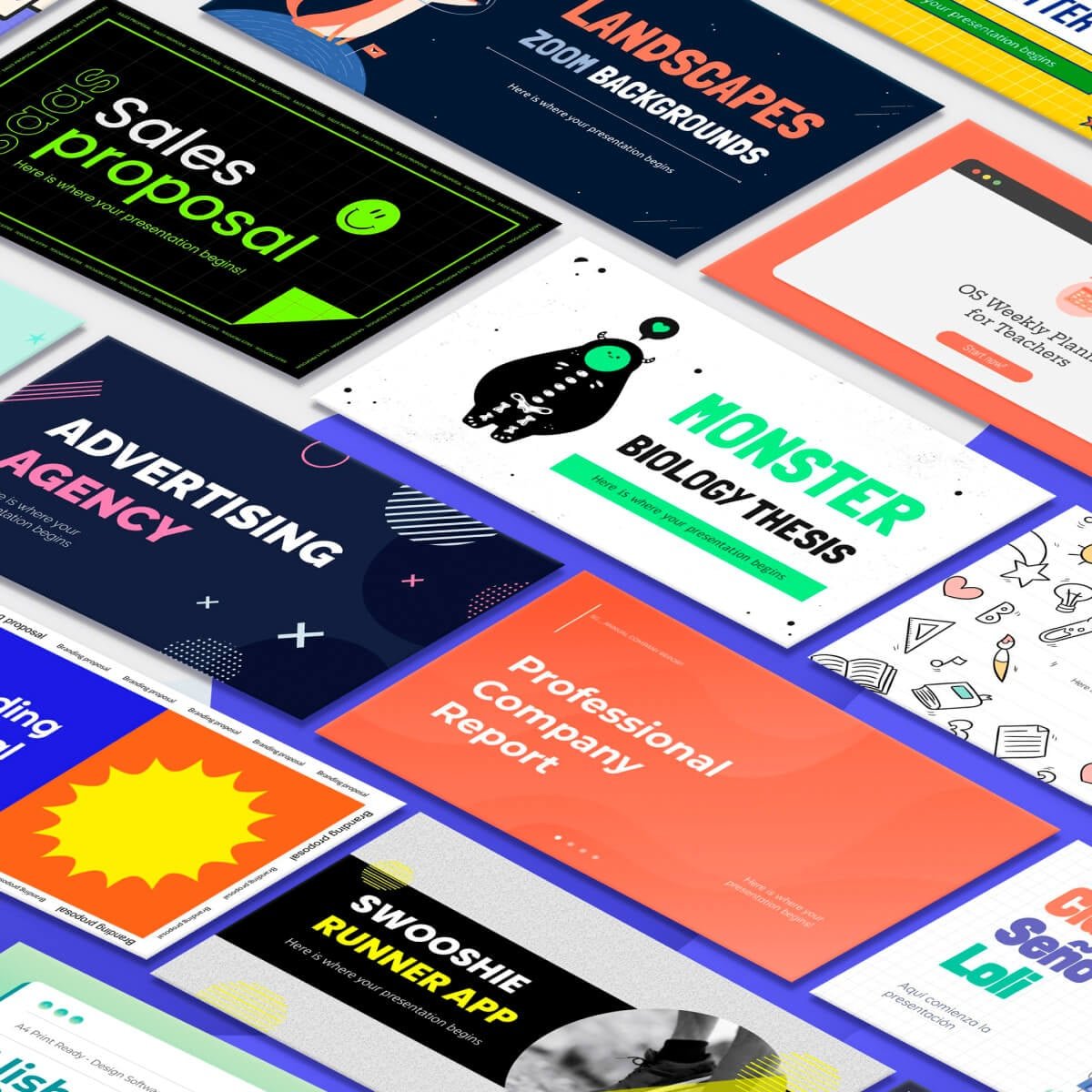
Slidesgo AI Presentation Maker preview - AI Presentation Maker

Standout Features

What makes Slidesgo AI Presentation Maker stand out

  • Slidesgo template quality
  • PPTX export
  • Free monthly decks

Key Features

What’s in the toolkit?

  • 01

    Topic or prompt to slides

  • 02

    Professional template styles

  • 03

    Edit text, colors, layouts and visuals

  • 04

    PPTX export for PowerPoint, Google Slides and Figma

What is Slidesgo AI Presentation Maker?

Create presentations with AI

Slidesgo brings its popular template library to AI generation.

Key capabilities

  • Text-to-PPT.
  • Professional templates.
  • Edit text, colors and layouts.
  • PPTX export.
  • 3 free decks a month.

Who it's for

Slidesgo is a template-rich AI presentation maker for teachers and students.
Pricing
Freemium
Company
Freepik Company S.L.U.
Platform Access
1 feature

Use Cases

Where teams put it to work

  • 01

    Lesson slides

  • 02

    School projects

  • 03

    Business decks

Workflow

How to use Slidesgo AI Presentation Maker?

  1. 01

    Sign in.

  2. 02

    Enter a topic.

  1. 03

    Pick a style.

  2. 04

    Edit and download PPTX.

Pros & Cons

Is Slidesgo AI Presentation Maker right for you?

Pros

2
  • Attractive templates
  • Free tier

Cons

2
  • Can't upload own images yet
  • Account required

Pricing

Pricing for Slidesgo AI Presentation Maker

Freemium

Free for up to 3 presentations a month; Premium unlocks more. See slidesgo.com/pricing.

Who is it for

Who is Slidesgo AI Presentation Maker for?

Teachers.Students.Freelancers.
FAQ

Frequently Asked Questions

Everything you need to know about Slidesgo AI Presentation Maker before you try it.

Yes, up to 3 presentations per month; Premium is needed for more.

Yes, an account is needed to generate and download.

Not currently; the feature is in development.

PPTX, editable in PowerPoint, Google Slides and Figma.

Reviews

Slidesgo AI Presentation Maker Reviews

Real experiences from people who use Slidesgo AI Presentation Maker. Share yours to help others choose the right tool.

0.0/5

No reviews yet

5
0%
4
0%
3
0%
2
0%
1
0%

No reviews yet

Have you used Slidesgo AI Presentation Maker? Be the first to share your experience and help others decide.

Write a review

How would you rate Slidesgo AI Presentation Maker?

0/2000

Your email is never shown publicly. Reviews appear after a quick check by our team.

Explore More Similar Tools

More tools worth checking out from the same category.

Never Miss a New AI Tool

Subscribe to get the latest AI tools, deals, and resources delivered straight to your inbox — no spam, unsubscribe anytime.