
This may take few seconds.

0% Completed

AI Document Assistant · Freemium
UPDF AI logo - AI Document Assistant

UPDF AI

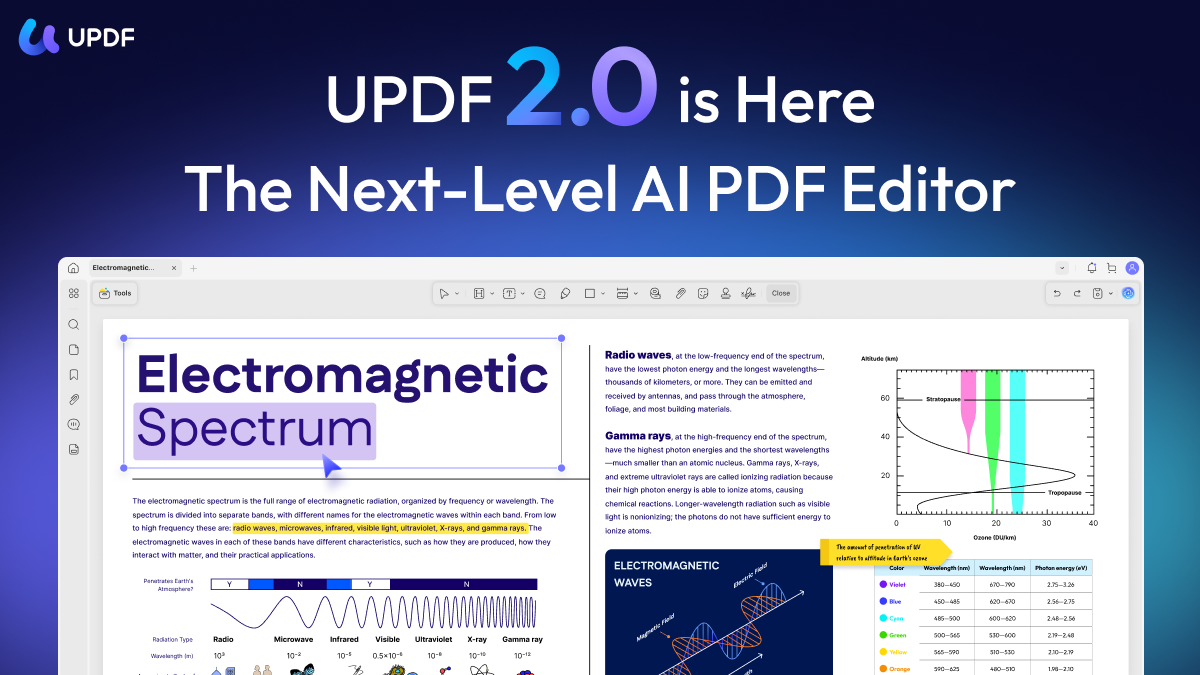
UPDF is an AI-powered PDF editor for Windows, Mac, iOS, Android and web, and UPDF AI chats with PDFs and images, summarizes, translates, explains and turns PDFs into mind maps with 10+ AI agents.

  • ai document assistant
  • updf
  • updf ai
  • ai pdf editor
  • chat with pdf
  • pdf translator
  • mind map
  • ocr
  • pdf converter
  • adobe alternative
Visit Website

Updated Oct 14, 2026

Pricing Freemium

Rating No reviews yet

UPDF AI preview - AI Document Assistant

Standout Features

What makes UPDF AI stand out

  • One license on 4 devices
  • AI agents
  • Mind maps
  • 30-day money-back

Key Features

What’s in the toolkit?

  • 01

    Chat with PDF and images

  • 02

    Summarize

  • 03

    Translate 12+ languages

  • 04

    Explain PDF

  • 05

    PDF to mind map

  • 06

    AI agents (search, research, finance, legal)

  • 07

    PDF editing

  • 08

    OCR

  • 09

    Conversion

  • 10

    Annotation

  • 11

    eSign

What is UPDF AI?

AI-powered PDF editor

UPDF pairs a full PDF editor with an AI assistant.

Key capabilities

  • Chat with PDF and images.
  • Summarize and translate.
  • PDF to mind map.
  • 10+ AI agents.
  • Edit, OCR, convert and sign.

Who it's for

UPDF is an affordable all-in-one AI document assistant and editor.

Pricing
Freemium
Company
Superace Software
Platform Access
1 feature

Use Cases

Where teams put it to work

  • 01

    Editing and reading PDFs

  • 02

    Translating documents

  • 03

    Study notes

Workflow

How to use UPDF AI?

  1. 01

    Download UPDF.

  2. 02

    Open a PDF.

  1. 03

    Click UPDF AI.

  2. 04

    Chat, summarize or translate.

Pros & Cons

Is UPDF AI right for you?

Pros

2
  • Cross-platform
  • Low cost vs Acrobat

Cons

2
  • AI is a separate add-on
  • Free version watermarks

Pricing

Pricing for UPDF AI

Freemium

UPDF Pro is sold yearly or as a one-time lifetime license; UPDF AI is an add-on with a 7-day free trial. A free version is available. See updf.com/pricing.

Who is it for

Who is UPDF AI for?

Students.Professionals.Small businesses.
FAQ

Frequently Asked Questions

Everything you need to know about UPDF AI before you try it.

A purchase covers up to 4 devices across desktop and mobile.

Yearly auto-renews with updates for the term; lifetime is a one-time fee with lifetime updates.

Windows, Mac, iOS, Android and the web.

Reviews

UPDF AI Reviews

Real experiences from people who use UPDF AI. Share yours to help others choose the right tool.

0.0/5

No reviews yet

5
0%
4
0%
3
0%
2
0%
1
0%

No reviews yet

Have you used UPDF AI? Be the first to share your experience and help others decide.

Write a review

How would you rate UPDF AI?

0/2000

Your email is never shown publicly. Reviews appear after a quick check by our team.

Explore More Similar Tools

More tools worth checking out from the same category.

Never Miss a New AI Tool

Subscribe to get the latest AI tools, deals, and resources delivered straight to your inbox — no spam, unsubscribe anytime.