This may take few seconds.

0% Completed

AI Website Generators · Freemium
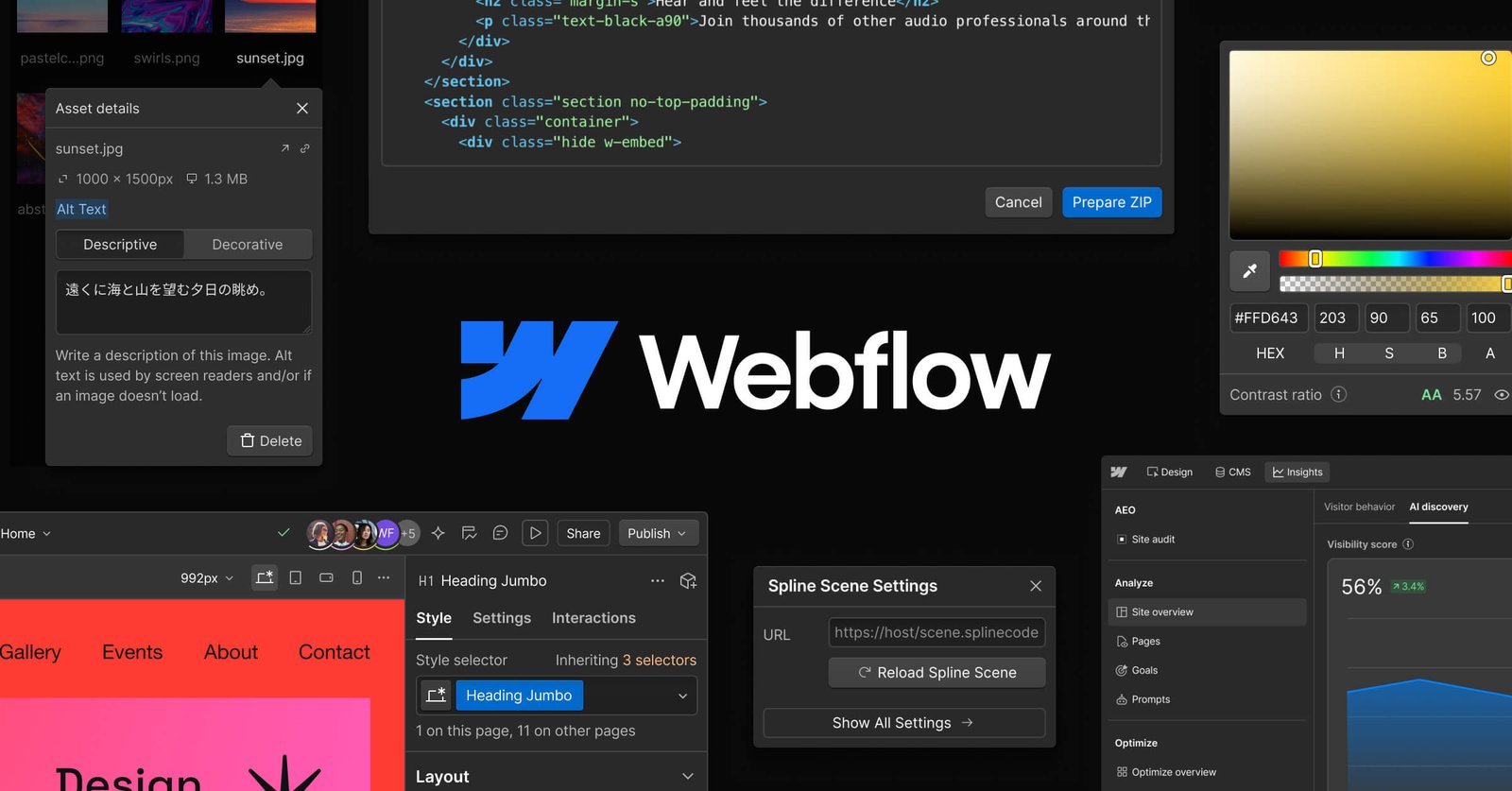
Webflow logo - AI Website Generators

Webflow

Webflow is a professional visual website platform with Webflow AI for building sites, sections, copy, CMS items and code components, plus MCP for Claude and Cursor, CMS, hosting, localization, SEO and AEO tools.

  • ai website generator
  • webflow
  • webflow ai
  • visual development
  • cms
  • no code
  • mcp
  • seo
  • aeo
  • enterprise website
Visit Website

Updated Oct 13, 2026

Pricing Freemium

Rating No reviews yet

Webflow preview - AI Website Generators

Standout Features

What makes Webflow stand out

  • Professional visual development
  • Webflow AI and MCP
  • Powerful CMS
  • Free Starter plan

Key Features

What’s in the toolkit?

  • 01

    Webflow AI site and section generation

  • 02

    AI copy and CMS item generation

  • 03

    AI code components

  • 04

    SEO and AEO improvement

  • 05

    MCP for Claude and Cursor

  • 06

    Optimize AI personalization

  • 07

    Source (research preview)

  • 08

    Visual designer and interactions

  • 09

    CMS

  • 10

    Hosting

  • 11

    Localize

  • 12

    Figma to Webflow

  • 13

    DevLink and Webflow Cloud

  • 14

    Ecommerce

  • 15

    REST API

What is Webflow?

Build for what's next

Webflow gives teams the tools to build, manage and grow websites that drive revenue, now with AI throughout.

Key capabilities

  • Webflow AI to build sites and design sections.
  • Generate copy, CMS items and code components.
  • MCP to build with Claude and Cursor.
  • Optimize AI testing and personalization.
  • CMS, hosting, localization and SEO/AEO.

Who it's for

Webflow is a professional-grade AI website generator for designers, marketers and enterprises.

Pricing
Freemium
Company
Webflow, Inc.
Platform Access
1 feature

Use Cases

Where teams put it to work

  • 01

    Marketing websites

  • 02

    Enterprise sites

  • 03

    Agency client work

  • 04

    Content-heavy sites

Workflow

How to use Webflow?

  1. 01

    Sign up free.

  2. 02

    Generate a site with Webflow AI or start from a template.

  1. 03

    Design visually and add CMS content.

  2. 04

    Choose a site plan and publish.

Pros & Cons

Is Webflow right for you?

Pros

3
  • Pixel-perfect control
  • Robust CMS
  • Scales to enterprise

Cons

2
  • Steeper learning curve
  • Separate site and workspace plans

Pricing

Pricing for Webflow

Freemium
  • Starter site – free: webflow.io domain, 2 pages.
  • Basic – $15/month: custom domain, 300 pages.
  • Premium – $25/month: CMS, code components, site search.
  • Team – $2,500/month: platform plan.
  • Enterprise: custom.

Site prices billed yearly. Workspace plans from free to $49/month; AI credits add-on $20/month for 2,000 credits.

Who is it for

Who is Webflow for?

Web designers.Marketing teams.Agencies.
FAQ

Frequently Asked Questions

Everything you need to know about Webflow before you try it.

Workspaces hold sites and teammates; Site plans cover publishing, hosting and site features.

Yes, by exporting code on paid Workspace plans, but forms stop working.

No. Sites are built only in Webflow.

Yes, a REST API for CMS items.

Reviews

Webflow Reviews

Real experiences from people who use Webflow. Share yours to help others choose the right tool.

0.0/5

No reviews yet

5
0%
4
0%
3
0%
2
0%
1
0%

No reviews yet

Have you used Webflow? Be the first to share your experience and help others decide.

Write a review

How would you rate Webflow?

0/2000

Your email is never shown publicly. Reviews appear after a quick check by our team.

Explore More Similar Tools

More tools worth checking out from the same category.

Never Miss a New AI Tool

Subscribe to get the latest AI tools, deals, and resources delivered straight to your inbox — no spam, unsubscribe anytime.