
Remember when building a website meant either hiring an expensive developer or spending months learning code? Those days are over.
The website builder market hit $2.02 billion in 2024 and is projected to reach $3.71 billion by 2033. That’s 7% annual growth driven by businesses discovering they don’t need technical expertise anymore. Over 18 million websites now run on DIY website builders, with AI features becoming standard across platforms.
How AI Website Generators Actually Work
Think about having a professional web designer and developer available all day and night for way less money than you’d normally pay. That’s basically what AI website generators do for you.
You just talk to the system about your business, what industry you’re in, and what you’re trying to accomplish. The AI looks at millions of successful website patterns, applies good design principles on its own, and builds a complete site that fits your specific needs.
The technology uses several different AI capabilities working at the same time. There’s natural language processing that figures out what you’re describing and what you need.
Machine learning algorithms look at which layouts work best for your type of business. Computer vision picks out the right images and color schemes. And content generation writes the initial copy for your pages.
Regular website builders just hand you templates and tools, then leave you to figure out the rest on your own. AI generators actually help you throughout the whole process. They make suggestions for improvements, point out common mistakes before you make them, and optimize everything for both looks and conversion.
What you end up with looks like a custom-designed site that someone paid thousands of dollars for, but you built it yourself in one afternoon for less than what you spend on coffee each month.
What’s Actually Happening in the Market
Here’s the thing – everyone kept saying that people would learn to code, but most people still can’t build websites. That gap between needing a website and actually having the technical skills to build one created the perfect situation for AI solutions to step in and help.
Small and medium businesses make up about 46% of people adopting website builders. It shows you how smaller businesses really embrace this kind of accessible technology. And get this, 52% of users prefer no-code platforms that need zero technical knowledge. They just want something that works without having to learn programming.
North America leads the pack with 38% of the global market, worth around $1.58 billion in 2024. But the Asia Pacific is growing the fastest at 19.4% each year. This growth comes from digital transformation picking up speed, more people getting internet access, and ecommerce taking off across India, China, and Southeast Asia.
The shift from desktop to mobile is making AI adoption happen faster. Mobile website builders are growing at 18.2% per year because businesses know they need mobile-first experiences now. AI handles responsive design automatically, which used to require serious development expertise that cost a lot of money.
Cloud-based solutions represent 67% of usage, reflecting demand for accessibility from anywhere. You start your site on a laptop, make edits from your phone, and preview changes on a tablet. All changes sync automatically.
Pricing tiers under $15 monthly captured 38.52% of market demand in 2024, proving businesses want professional websites without enterprise budgets. The sweet spot sits between $15-50 monthly, projected to grow 20.4% annually through 2030.
Top 7 AI Website Generators
| Feature | Wix | Squarespace | Shopify | Hostinger | Durable | Framer | 10Web |
| Setup Time | 10 min | 15-20 min | 5-10 min | 5 min | 30 sec | 20-30 min | 10-15 min |
| Learning Curve | Easy | Easy | Easy | Very Easy | Very Easy | Moderate | Moderate |
| Starting Price | $17/mo | $16/mo | $29/mo | $2.99/mo | $12/mo | $15/mo | $10/mo |
| Template Count | 2,000+ | 150+ | 100+ | 100+ | Limited | 50+ | 1,000+ |
| AI Content Quality | 9/10 | 9/10 | 8/10 | 7/10 | 7/10 | 8/10 | 8/10 |
| Customization | High | High | Medium | Low | Low | Very High | High |
| Best For | Beginners | Creatives | Ecommerce | Budget | Speed | Designers | WordPress |
1. Wix AI Website Builder
Best For: Most users and complete beginners
Wix completely dominates the AI website builder space right now. They have the most features available, hands down. The platform mixes really intuitive design with powerful AI capabilities that work great for everyone – whether you’re a solo entrepreneur just starting out or running a growing business.
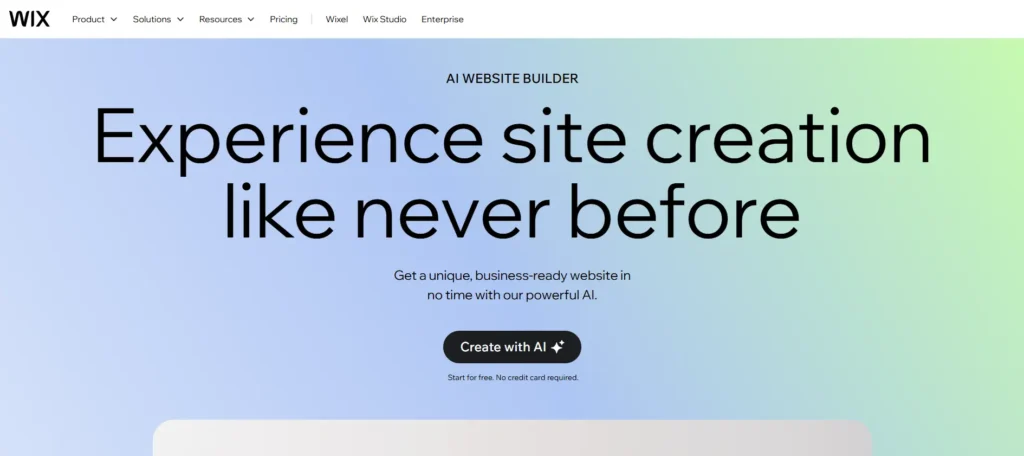
Here’s how the AI Website Builder works. You answer just four questions about your business, what industry you’re in, your design preferences, and what goals you have. Then the system creates a fully functional website with the right layouts, relevant content, and professional-looking images. The whole thing takes less than 10 minutes to finish.
After it generates your site, you’ve got options. You can regenerate the entire design if you want a completely different look, or just tweak specific elements for smaller changes.
This gives you flexibility to experiment without any commitment. Don’t like the color scheme? Just change it. Want different sections? Swap them out. Need more pages? Add them in.
The AI content generator will write copy for any section you need. You click the AI icon, describe what you’re looking for, and professional text shows up right there. The system understands context, changes the tone to match your industry, and keeps everything consistent across all your pages. Product description? Blog post? About page? The AI handles all of it.
Wix AI Image Editor provides serious control over visuals. Remove backgrounds automatically. Expand images beyond their original borders. Generate entirely new images from text descriptions. Replace objects within photos. These capabilities traditionally required Photoshop expertise and hours of work.
The AI SEO Assistant analyzes your site and provides specific recommendations for improving search rankings. It checks page titles, meta descriptions, image alt text, and content structure. Then it tells you exactly what to fix and why.
Template library includes over 2,000 professionally designed options if you prefer starting with existing layouts rather than AI generation. Every template is fully customizable. The drag-and-drop editor lets you modify anything without code.
Advanced features include AI chatbot creation for customer service, business name generator, logo maker, and email marketing with AI content suggestions. Wix provides an all-in-one ecosystem for building and growing your online presence.
Pricing: Free plan available with Wix branding and limited features. Paid plans start at $17/month (billed annually). Business plans begin at $29/month for online sales with 0% transaction fees.
Drawbacks: The vast feature set can overwhelm beginners initially. Site loading times occasionally lag behind competitors. You cannot switch between AI-generated and template-based designs after choosing one without rebuilding from scratch.
2. Squarespace Blueprint AI
Best For: Design-focused users and creative professionals
Squarespace made its name by creating beautiful, minimalist designs that just look good. Blueprint AI takes over 20 years of its design expertise and puts it into AI-powered website generation. The result is probably the most aesthetically sophisticated sites you can get right now.
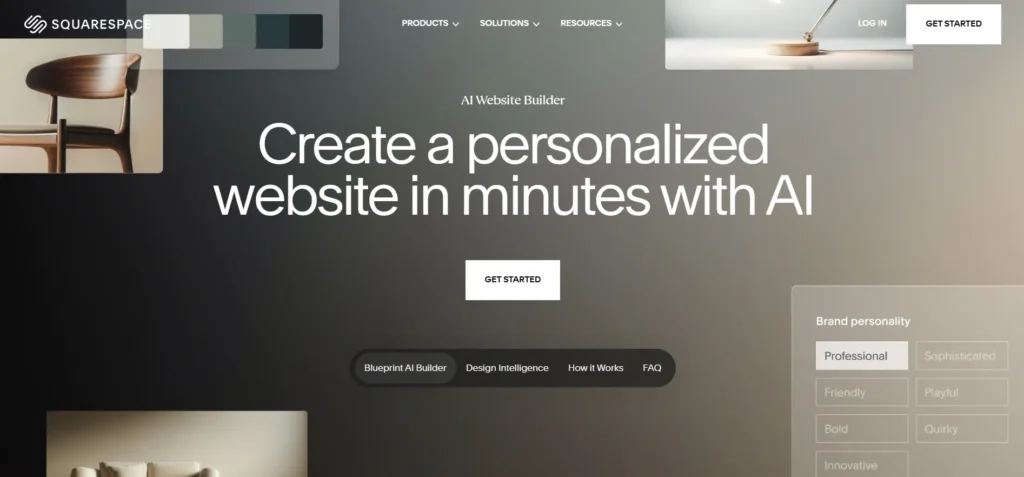
The guided design system walks you through strategic decisions instead of just asking you generic questions that could apply to anyone. You pick a brand personality from seven different options – Professional, Playful, Sophisticated, Friendly, Bold, Quirky, or Innovative. Whatever you choose influences every single design element, from the color palettes to the typography to how the content sounds.
Building your homepage happens section by section, which gives you real control over the structure. Blueprint AI recommends sections based on what goals you told it about, then lets you approve or change each one. Want testimonials above your services? That’s easy to do. Prefer a video hero section instead? Done. The system shows you multiple layout options for each section so you can pick what actually fits your vision.
Color palette curation is exceptional. Squarespace designers create coordinated color schemes that work together professionally. The AI suggests palettes matching your brand personality, but you can explore alternatives until you find perfect colors.
Font pairing follows similar principles. Typography makes or breaks website aesthetics. Blueprint AI suggests professionally designed font combinations that complement your content and maintain readability across devices.
The platform excels at maintaining brand consistency. Define your brand voice, tone, and key messaging once. Every AI-generated piece of content, from page copy to blog posts to product descriptions, maintains that established identity.
Additional pages generate quickly with appropriate content. Need an About page? Contact page? Services page? Blueprint AI creates each one with relevant structure and initial content you refine as needed.
Site Themes let you change your entire site’s appearance with one click. Want to see how your content looks with a vintage aesthetic? A modern minimalist style? A bold, colorful approach? Switch themes instantly without recreating content.
Pricing: Free 14-day trial available. Paid plans start at $16/month (Personal plan). Business plans begin at $23/month for ecommerce with 0% transaction fees on higher tiers.
Drawbacks: Less template variety than Wix. Fewer third-party integrations are available. The clean, minimalist aesthetic may not suit businesses wanting more elaborate designs.
3. Shopify AI Store Builder
Best For: Ecommerce businesses and online stores
Shopify built its entire platform specifically for online selling. So when they made the AI Store Builder, they focused on creating professional ecommerce sites that are optimized for conversion. It’s backed by what’s basically the world’s most trusted ecommerce infrastructure at this point.
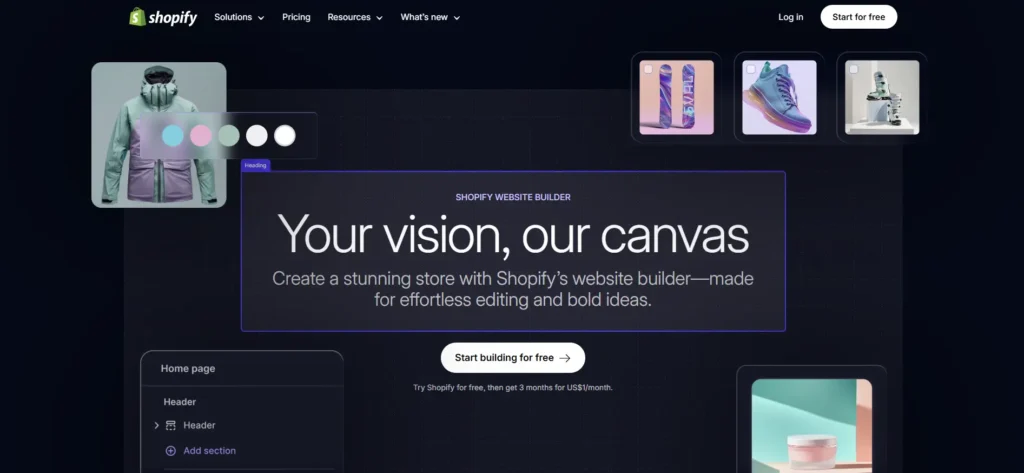
The generation process is really simple. You just describe your business in a few sentences. Shopify AI then creates three complete store designs instantly, each one with a different visual approach. You can preview all three options, pick whichever one you like best, and then start customizing it to make it your own.
The stores come already loaded with suggested products, professional images, and complete product descriptions written out. The AI looks at your business description and adds relevant inventory automatically. So if you’re selling handmade jewelry, you’ll see jewelry products show up. Running a fitness supplement brand? You’ll get fitness products appearing in your store.
Shopify Magic takes the AI capabilities throughout your entire store. You can generate product descriptions from just basic details. Write marketing emails without starting from scratch. Respond to customer questions faster. Create blog posts and optimize your SEO content. The assistant understands the ecommerce context specifically and creates copy that’s focused on actually making sales.
Product image enhancement uses AI to improve photo quality automatically. Remove backgrounds. Adjust lighting. Crop for optimal presentation. Create lifestyle images showing products in use. These enhancements typically require professional photography or advanced editing skills.
Checkout optimization is unmatched. Shopify’s checkout converts better than any competitor. The company obsesses over conversion rates, continuously testing and improving the buying process. Your store benefits from billions of transactions worth of optimization.
Inventory management, order fulfillment, shipping calculations, and payment processing integrate seamlessly. Connect multiple sales channels, including Instagram, Facebook, Amazon, and eBay, to sell everywhere from one dashboard.
Pricing: 3-day free trial available. Basic plan starts at $29/month. Shopify often offers $1/month for the first three months (promotion subject to change).
Drawbacks: More expensive than website-focused builders. Geared heavily toward ecommerce, less ideal for simple informational sites. Transaction fees apply unless using Shopify Payments.
4. Hostinger AI Website Builder
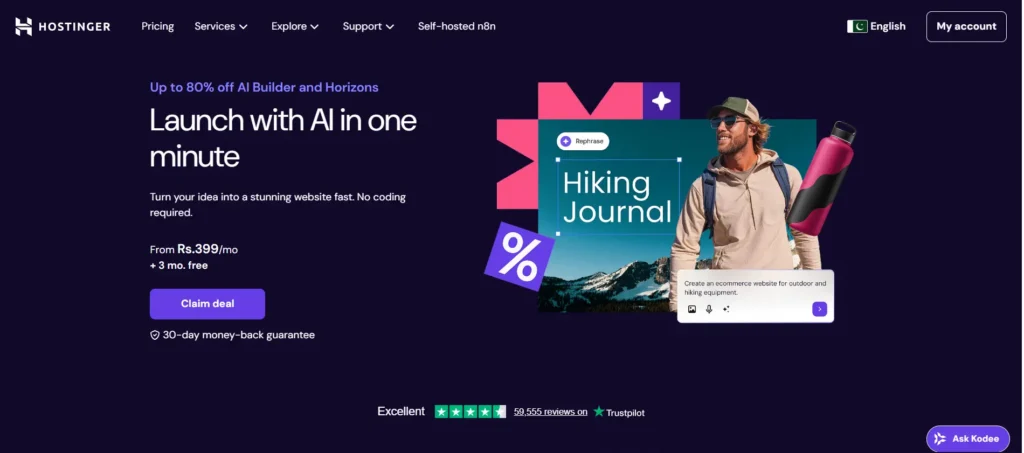
Best For: Budget-conscious users and simple business sites
Hostinger gives you AI website building at the lowest price you’re going to find without sacrificing quality. The platform really focuses on affordability and simplicity, which makes it accessible to pretty much anyone who’s just starting out.
Setup takes just a few minutes – I’m talking literal minutes here. You enter your business name and describe what you do in a few sentences. The AI then generates a complete website with the right sections, stock images, and initial copy already written. You’re online before your coffee even gets cold.
The sites it generates work great for portfolios, small business websites, landing pages, and simple blogs. The designs are clean and modern, which appeals to a broad audience without getting unnecessarily complicated.
The customization tools are really straightforward to use. You can change colors, swap out images, edit text, add new sections, and rearrange layouts through an interface that’s pretty intuitive. You definitely don’t need any design expertise to make the site feel like your own.
AI Writer generates content throughout the building process. Need better headlines? Product descriptions? Service explanations? The AI creates professional copy instantly.
AI Logo Maker helps if you don’t have branding yet. Describe your business and style preferences. The system generates multiple logo options that you customize and download.
Pricing: Plans start from $2.99/month with current promotions. No free plan, but the refund policy provides risk-free testing.
Drawbacks: Less design flexibility than premium competitors. Fewer AI features overall. Basic templates may feel generic without significant customization.
5. Durable AI Website Builder
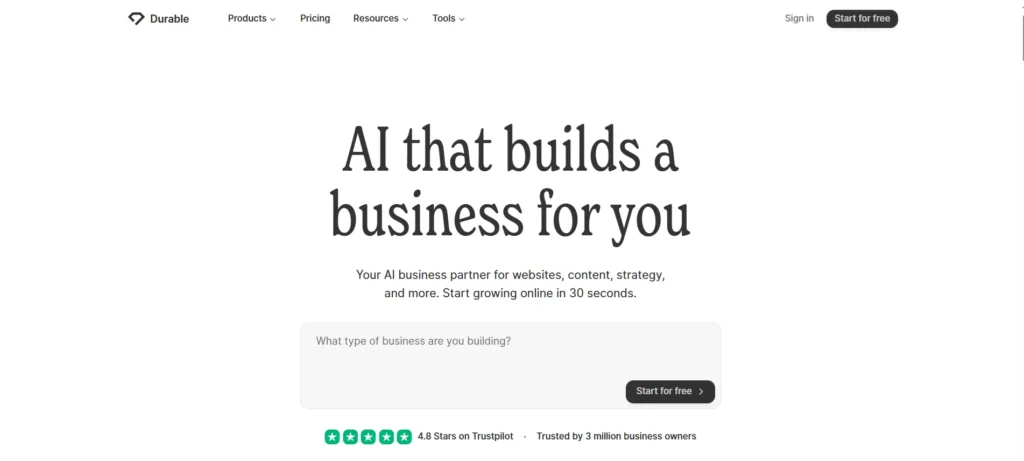
Best For: Speed and non-technical solopreneurs
Durable promises a website in 30 seconds. That’s not marketing hype. The platform genuinely generates functional sites in under a minute, making it the fastest option available.
Enter your business type and location. That’s it. Durable’s AI creates a one-page website with your business name, contact information, service descriptions, call-to-action buttons, and relevant imagery. The site is immediately live and shareable.
The focus on speed serves specific use cases perfectly. Need a quick online presence for a side hustle? Done. Want to test a business idea before investing heavily? Perfect. Require a simple landing page for local services? Ideal.
Generated content is surprisingly contextual. Describe a dog grooming business and receive dog grooming copy. Mention wedding photography and get wedding-focused messaging. The AI understands industry contexts and creates appropriate content automatically.
Customization options are intentionally limited. This isn’t a weakness for the target audience. Solo entrepreneurs often get paralyzed by too many choices. Durable removes decision fatigue by offering essential customization only: change colors, swap fonts, edit text, replace images.
The AI handles business essentials automatically. Contact forms, appointment scheduling, service listings, and testimonial sections appear pre-configured. You focus on running your business rather than building websites.
Built-in CRM manages customer relationships directly from your site. Capture leads, track interactions, send follow-ups, and manage your pipeline without separate software.
AI marketing tools help promote your business. Generate social media posts, email campaigns, and ad copy that maintain consistent messaging across channels.
Pricing: Starts at $12/month with a custom domain included. No free plan or trial offered.
Drawbacks: Very limited customization compared to competitors. One-page format doesn’t suit businesses needing extensive content. Not ideal if you want significant control over design details.
6. Framer AI (Wireframer)
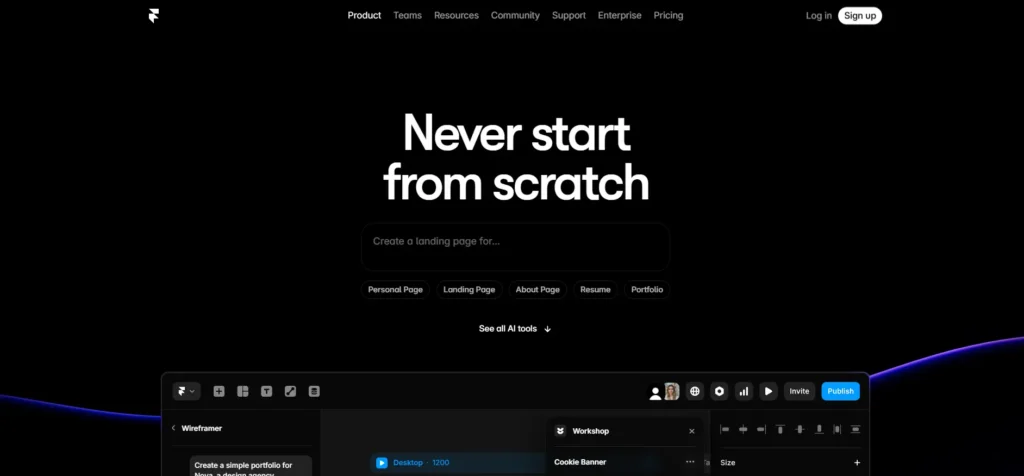
Best For: Designers and visual perfectionists
Framer targets users who care deeply about aesthetics and interaction design. The platform creates stunningly beautiful websites with smooth animations and modern visual effects.
Wireframer operates differently from other AI builders. Instead of generating complete sites, it creates wireframes showing structure and layout. This approach gives you a solid foundation to build upon with full creative control.
Chat-based interface feels conversational. Describe what you want: “Portfolio site for a wedding photographer with a gallery, about section, and contact form.” Framer AI generates appropriate wireframes showing how those elements arrange on the page.
The generated designs are remarkably modern. Smooth transitions between sections. Subtle hover effects. Elegant typography. Careful spacing. These details separate professional sites from amateur ones.
Customization is Framer’s strength. The visual editor provides granular control over every element. Adjust spacing by pixels. Create custom animations. Design unique interactions. Build complex layouts that are responsive across devices.
Component library speeds up common tasks. Pre-built elements like navigation menus, hero sections, testimonials, and contact forms can be added and customized rather than being built from scratch.
The platform supports complex functionality without code. Add forms, videos, maps, calendars, and dynamic content through visual tools. Integration with external services connects your site to the broader web.
Performance is exceptional. Framer sites load quickly and run smoothly across all devices. The platform handles optimization automatically, ensuring visitors have excellent experiences regardless of their connection speed.
Pricing: Free for one site. Pro plan starts at $15/month for additional sites and features.
Drawbacks: Steeper learning curve than simpler builders. The design focus may intimidate non-designers. More complex than needed for basic business sites.
7. 10Web AI Website Builder
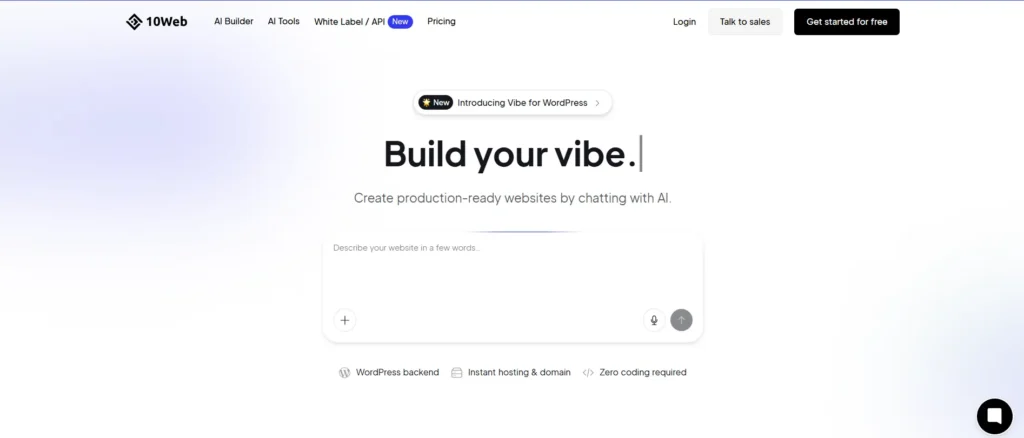
Best For: WordPress users and businesses needing flexibility
10Web combines AI website generation with WordPress flexibility. This unique approach provides AI speed with the world’s most popular content management system’s power and extensibility.
The AI builder works by recreating existing websites or generating new ones from descriptions. Have a website you like? Give 10Web the URL. The AI analyzes the site’s structure, design, and content, then recreates it as a WordPress site you fully own and control.
Alternatively, describe your business and requirements. The AI generates complete WordPress sites with appropriate themes, plugins, and content. The result looks professional immediately, but offers unlimited customization potential through WordPress’s massive ecosystem.
Content generation goes beyond basic copy. The AI creates homepage sections, service descriptions, about pages, blog post outlines, and SEO-friendly meta information. Everything WordPress needs to function effectively.
Image suggestions are pulled from stock photo libraries based on your content and industry. The AI selects relevant, professional images that enhance your messaging rather than distract from it.
WordPress plugin integration is seamless. Need contact forms? SEO optimization? Ecommerce functionality? Security enhancements? Thousands of plugins extend your site’s capabilities infinitely.
The platform includes hosting, security, and automatic updates. You get WordPress’s power without the traditional maintenance headaches. Everything stays current automatically.
Pricing: Free plan available with basic features. Premium plans range from $10-$50/month, depending on hosting requirements and feature needs.
Drawbacks: WordPress complexity can overwhelm complete beginners. Not as streamlined as dedicated AI builders. Some features require WordPress familiarity to utilize fully.
Picking the Right AI Website Generator for You
The right platform really depends on your specific needs, your skill level, and what you’re trying to accomplish.
If You’re a Complete Beginner: Just start with Wix. The interface makes sense, there are tons of tutorials available, and the AI features guide you through every single step. You’ll create a professional site without feeling lost or overwhelmed by too many options.
If You Care About Visual Perfection: Go with either Squarespace or Framer. Both platforms put beautiful design first. Squarespace gives you more guidance and is easier to learn, while Framer provides deeper customization if you’re comfortable with design concepts already.
If You’re Selling Online: Shopify wins this one hands down. The platform was built from the ground up for ecommerce, and it provides tools for online stores that other platforms just can’t match. Everything from inventory management to payment processing to marketing works together without headaches.
If You’re on a Tight Budget: Hostinger delivers impressive functionality at prices that won’t stress your finances. The features are more limited compared to premium competitors, but you get solid value for very little money invested.
If You Need It Done Yesterday: Durable gets you online the fastest. If you need a web presence right now and you don’t need extensive customization options, Durable removes all the friction between having an idea and getting it executed.
For WordPress Power: 10Web combines AI convenience with WordPress flexibility. You get a quick setup plus access to thousands of plugins and themes for infinite customization potential.
For Design Control: Framer gives designers the tools to create exactly what they envision. The learning curve is steeper, but the results are worth the effort for those who care about design details.
How to Actually Get Started Successfully
Even with AI helping you out, there are some basic principles that’ll make sure you get better results.
Be Clear Instead of Clever: When you’re describing your business to AI generators, just be straightforward and specific. Saying “I run a boutique marketing agency helping local restaurants increase customer traffic through social media management and email campaigns” works way better than just saying “I’m in marketing.” The more context you give it, the better the AI understands what you need and creates designs that actually make sense.
Start Small, Add More Later: Don’t try to build everything all at once. Get a basic site up and running quickly, then add more pages, features, and improvements as you go. An imperfect site that’s actually online beats a perfect site that never gets launched. This is something a lot of people mess up.
Rewrite the AI Content: The initial copy that AI generates gives you decent starting points, but you should personalize it. Add your own voice, throw in some specific examples, and include your unique perspectives. Visitors connect with authentic content way more than generic descriptions that sound like every other website.
Use Your Actual Images: Stock photos work fine temporarily, but real images of your actual business, products, or team build a lot more trust with people. Even photos taken with your smartphone will outperform generic stock images, especially for local businesses trying to connect with their community.
Test It on Different Devices: Something that looks great on your desktop computer might feel cramped and hard to use on phones. Most AI builders handle responsive design automatically, but you should still check that your site works smoothly across different devices before you officially launch it.
Gather Feedback Early: Share your work-in-progress with friends, family, and potential customers. Fresh eyes catch issues you’ve overlooked after staring at the same screens for hours.
Focus on Conversion: Beautiful design matters, but sites exist to accomplish goals. Make sure calls-to-action are clear, contact information is easy to find, and the path from visitor to customer is obvious.
Mistakes People Keep Making
People make the same errors over and over when building their first sites. Here’s how to skip these problems.
Spending Too Much Time Comparing: When you spend days and days comparing every single platform and feature, you just delay making progress. Pick a builder that looks good enough for your needs and start building. You can always move to a different platform later if you really need to, but you’ll learn way more by actually doing it than by researching endlessly without taking action.
Making Things Too Complicated at First: When you add every possible feature and page right from the start, you create cluttered and confusing sites that overwhelm visitors. Start with something minimal and simple. Only add more complexity when your actual users show you that they need it.
Forgetting About Mobile Users: More than 60% of web traffic comes from mobile devices these days. If your site works poorly on phones, you’re losing more than half your potential audience right away. That’s a huge problem that’s easy to avoid.
Using Weak Calls-to-Action: Don’t just assume that visitors automatically know what you want them to do next. Tell them directly and explicitly. “Schedule Your Free Consultation” works way better than vague phrases like “Learn More.” Just be direct and clear about what the next step should be.
No Clear Value Proposition: Visitors should understand what you offer and why it matters within seconds of landing on your site. Clever taglines and vague descriptions waste the critical first impression.
Neglecting SEO Basics: Beautiful sites that nobody finds accomplish nothing. AI generators often help with SEO, but verify you have page titles, meta descriptions, image alt text, and clear headings. These basics matter enormously for search visibility.
Forgetting About Speed: Site loading speed affects both user experience and search rankings. Compress images, minimize plugins, and test load times regularly. Most AI platforms handle optimization automatically, but check periodically.
Technical Considerations
Understanding a few technical aspects helps you make informed decisions.
Domain Names: Your domain (like YourBusiness.com) serves as your web address. Most builders offer free subdomains (YourBusiness.builderName.com) on free plans, but professional businesses need custom domains. These typically cost $10-20 annually and can usually be purchased through your website builder or separately through domain registrars like Namecheap or GoDaddy.
Hosting: Website hosting stores your site’s files and makes them accessible online. Traditional hosting requires separate services like Bluehost or SiteGround. AI website builders include hosting in their plans, eliminating this complexity. You don’t need to understand servers, uptime, or bandwidth. It just works.
SSL Certificates: SSL (Secure Sockets Layer) certificates encrypt data between your site and visitors, showing the padlock icon in browsers. This security is mandatory for any site collecting information like contact forms or payments. All major AI builders include SSL certificates automatically in their plans.
SEO (Search Engine Optimization): Getting found on Google requires following certain technical practices. AI builders help by generating proper page structures, meta descriptions, and content hierarchies. However, the ultimate SEO factor is quality content that answers searchers’ questions. No AI feature beats consistently publishing valuable, relevant information.
Analytics: Understanding visitor behavior requires analytics. Most platforms integrate with Google Analytics or provide built-in analytics dashboards. Pay attention to which pages attract traffic, where visitors come from, and what actions they take. This data guides improvements.
What’s Coming Next for AI Website Building
Technology keeps evolving really fast. There are several trends that will probably shape AI website generators over the next few years.
Personalization for Each Visitor: Future AI is going to customize websites for individual visitors automatically. So someone browsing from France would see French language and Euro pricing. A person visiting for the second time would see different content than someone visiting for the first time. The site just adapts on its own to make things more relevant for each person who shows up.
Building Sites by Talking: Instead of typing out descriptions and clicking through a bunch of menus, you’ll just talk to the AI like you’re having a conversation. You could say something like “Make my pricing page more prominent and add a video testimonial section above the contact form.” The AI would make those changes while you’re speaking to it.
AI That Predicts What Works: Rather than waiting around for data to come in and then making manual improvements yourself, AI will predict what changes are going to increase conversions and just implement them on its own. Your site would continuously improve over time without you having to constantly monitor everything.
Everything Connected Together: Websites are going to connect seamlessly with every single business system you use. When you update inventory in your warehouse, prices would change on your site instantly. Customer support questions would sync with your CRM automatically. Everything just flows together smoothly without you having to manually enter data anywhere.
Advanced Interactivity: Static pages will give way to dynamic, interactive experiences. Product demonstrations, virtual tours, personalized recommendations, and immersive storytelling become standard features rather than expensive custom development.
Automated Maintenance: Sites will self-maintain completely. Security updates apply automatically. Broken links get flagged and fixed. Content freshness gets monitored, and outdated information is flagged for updates. Your site stays healthy with zero manual intervention.
What This Actually Means for Real Businesses
AI website generators deliver results you can actually measure for businesses of all different sizes.
Saving a Ton of Time: Traditional website development takes weeks or even months to finish. AI generators create working sites in minutes to hours. This compressed timeline means you can launch faster, change direction quicker, and spend more time actually running your business instead of dealing with technical details that slow you down.
Cutting Costs Dramatically: Professional web development usually costs anywhere from $3,000 to over $10,000 for just basic business sites. Larger sites with custom functionality can easily go past $50,000. AI builders cost between $10-50 per month, which reduces your web development expenses by over 90% while still delivering results that work well for most businesses.
Lower Barriers to Entry: You don’t need technical knowledge anymore to have an online presence. Solo entrepreneurs, small local businesses, and non-technical founders can set up professional websites without hiring anyone to help them. This democratization gives power to businesses that couldn’t afford a proper web presence before.
Testing Things Faster: When launching a site costs thousands of dollars and takes months to finish, you’re basically stuck with whatever you built. AI builders let you test out ideas, get feedback from real people, and remake entire sites in just hours. This flexibility really encourages experimentation and learning as you go.
Professional Appearance: The gap between amateur and professional websites has shrunk dramatically. AI-generated sites follow design best practices, use professional layouts, and maintain visual consistency. Small businesses can now compete with larger competitors in online presentation.
Being Realistic About Limitations
AI website generators are powerful tools, but they’re not some kind of magic solution. Understanding the limitations helps you avoid disappointment down the road.
The Initial Output Can Feel Generic: Sites that AI generates can feel pretty generic if you don’t customize them enough. Template-based designs often create websites that look similar to each other. What really makes the difference is your content, your images, and the personalization that you add yourself. AI gives you the foundation to start with, but you need to build the unique elements that make it yours.
Complex Stuff Still Needs Real Expertise: Simple business sites work beautifully with AI builders – no problem there. But custom web applications, complex databases, or really specialized functionality might still need traditional development work. You should know what you’re actually trying to build before you pick your tools.
AI Content Varies in Quality: Copy that AI generates gives you decent starting points, but it usually lacks personality, specific details, and that emotional connection people respond to. You should plan to rewrite or heavily edit the AI content to make it sound authentically like you and your business.
There’s Still a Learning Curve: Even platforms that are designed to be user-friendly require some learning on your part. Expect to spend a few hours getting familiar with the tools, trying out different options, and understanding how the features actually work. The learning happens much faster than traditional development, but you still need to invest some time and effort.
Ongoing Effort Needed: Building your site is just the beginning. Websites require regular updates, fresh content, security monitoring, and continuous optimization. No platform eliminates the need for ongoing maintenance entirely.
Wrapping This Up
We’ve gone from a world where websites required specialized knowledge to one where pretty much anyone can build a professional online presence. AI website generators aren’t perfect – nothing ever is – but they’re really capable for the vast majority of business websites out there.
The technology is only going to get better from here. AI keeps getting smarter, the generators keep getting more sophisticated, and the results keep getting more impressive as time goes on. Starting now, let’s you learn the ropes, grow your skills, and evolve right alongside these tools.
Your perfect website won’t just appear fully formed on the first try. That’s completely fine and normal. Launch something that’s good enough for now, get feedback from real people, make improvements based on what you learn, and keep iterating. Having an online presence beats waiting around for online perfection that might never come.
The barriers that used to exist are gone now. The tools are sitting here ready to use. The only real question left is which AI website generator you’re going to use to build the site your business actually needs. So pick one and get started.



