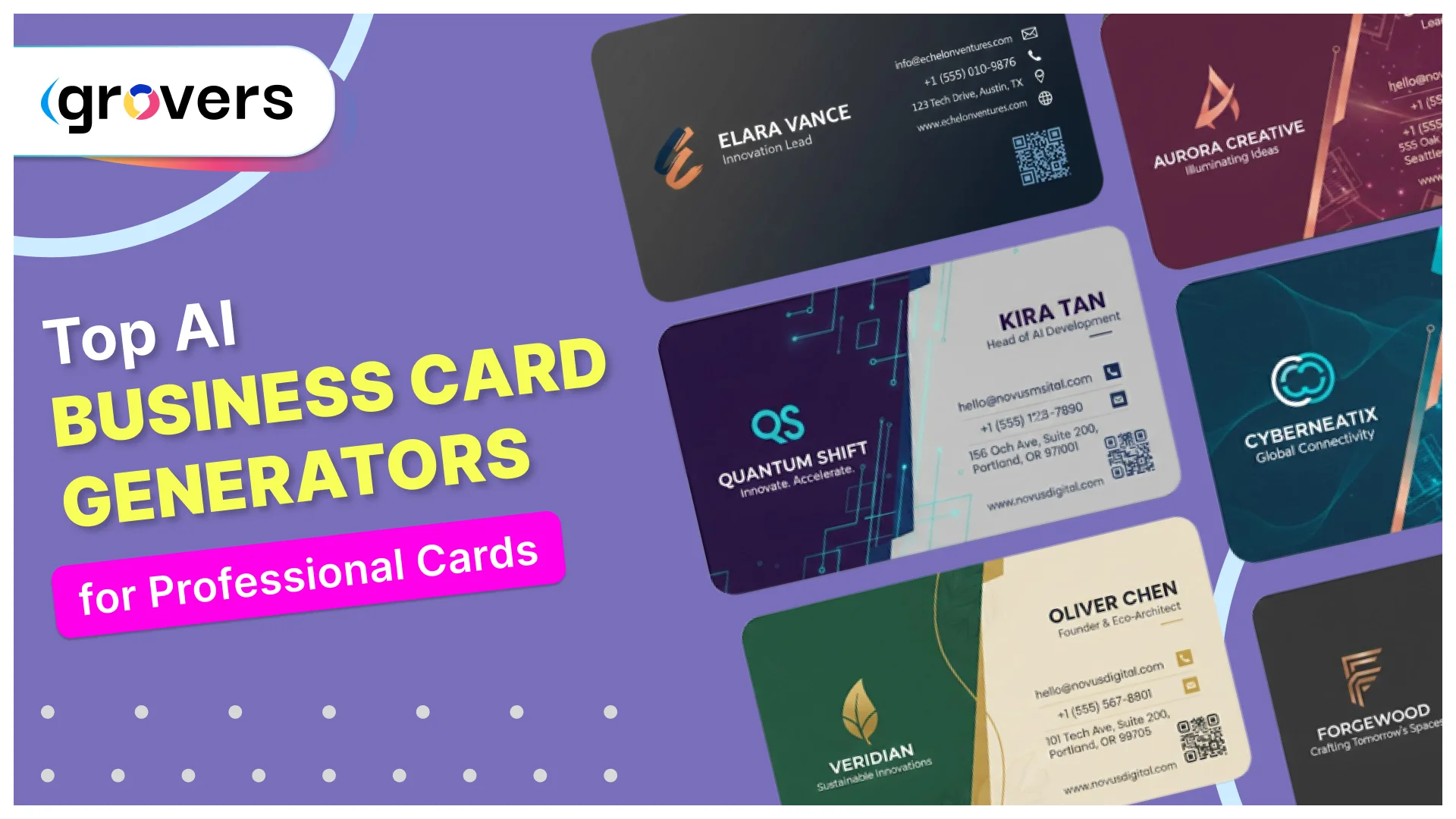





I've been there. Standing in a conference hall, fumbling with my phone, trying to save someone's contact details while they wait awkwardly. Or worse, handing out cards I made myself in Microsoft Word that looked like a middle schooler's art project. It's embarrassing, and it costs you real opportunities.
Here's what changed my perspective completely. 72% of people judge your company based on your business card quality. Think about that for a second. Before you even say a word about your business, people have already formed an opinion based on a small piece of cardstock.
But here's the really interesting part. While everyone's obsessed with getting website traffic, business cards actually convert at 12% compared to just 2.35% for websites. That means the card sitting in someone's wallet is five times more likely to turn into actual business than your fancy website.
The problem is that getting professional business cards has always been expensive and complicated. Hiring a graphic designer costs anywhere from $50 to $300 just for the design. Learning Photoshop takes months. Using online templates makes you look like everyone else in your industry.
That's exactly why AI business card generators have become such game changers. You can create something that looks like you paid a designer hundreds of dollars, except it takes about 10 minutes and costs nothing.
Why This Actually Matters to You Right Now
Before we dive into the tools, let's talk about what's happening in the business world today. Approximately 27 million business cards get printed globally every single day. The market isn't shrinking despite everyone predicting we'd go completely digital.
Here's why that matters to you. Your competitors are still using business cards. The person you're trying to impress at that conference definitely has cards. If you show up without them, or with cards that look cheap, you're immediately at a disadvantage.
The data backs this up. Research from Adobe's State of Create study shows that colored business cards get kept 10 times longer than plain ones. Premium paper stock increases retention by 25%. Every 2,000 cards you hand out typically generates a 2.5% sales increase.
Let me put that in real numbers. If your average customer is worth $1,000, distributing 2,000 cards could generate $50,000 in additional revenue. Your total investment? Maybe $200 for printing. That's a return most marketing channels can only dream about.
The 7 Best AI Business Card Generators (Tested and Ranked)
I've personally tested each of these platforms. Some I loved, some frustrated me, and some surprised me with features I didn't expect. Here's what you actually need to know.
1. Design.com’s Business Card Generator
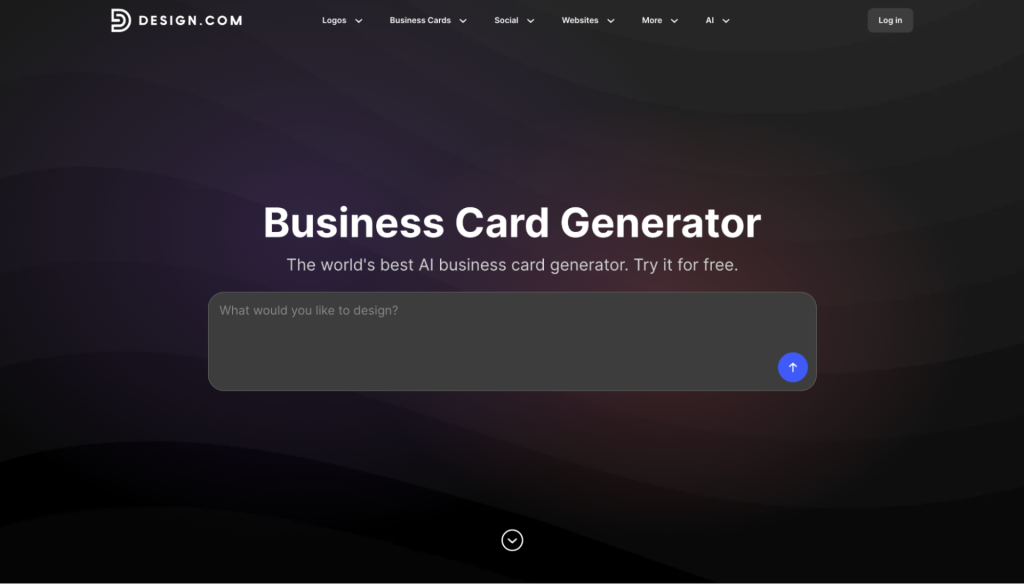
If you've ever sat down to design a business card and quit halfway through because nothing on the screen actually looked like your brand, Design.com is built for that exact moment. You type in your business name, drop a one-line description of what you do, and the AI gets to work churning out branded card concepts in seconds, not minutes.
What makes it stand out is how much the AI seems to "get" intent. Mention your industry, your aesthetic, or your target customer, and the output shifts accordingly. Each prompt produces a wide range of variations, and you can save your favorites into a shortlist to compare side-by-side before you commit. The model has been trained on thousands of designer-made layouts, which is why the generated results look print-ready straight out of the gate instead of giving off that generic AI smell.
The editor is where it really earns its keep. Once you pick a direction, you can fine-tune fonts, colors, layouts, curved text, gradients, and shapes without ever feeling locked into the original template. Beginners can ride the AI defaults; more experienced users can push deeper. And because Design.com ties into a wider brand suite, including a logo generator, email signature, digital business card, social graphics, and website builder, the card you generate slots into a cohesive identity instead of living as a one-off file on your desktop.
What you're getting:
- AI generation with prompt steering, plus unlimited regenerations and iterations
- 750+ fonts (525+ exclusive to Design.com) and 62,000+ custom vector shapes
- Full in-editor control over fonts, colors, gradients, curved text, and layouts
- Real-time front-and-back preview before you download
- Print-ready downloads in PNG, JPG, SVG, EPS, and PDF
- Automatic brand-matching with your Design.com logo and color palette
- Perpetual file storage in your account, so you can return and re-edit anytime
- Commercial use rights included on every download
- Matching social graphics, email signature, digital card, flyers, and posters from the same dashboard
Design.com is free to use, with no credit card required to generate or download a card. Premium plans start at $3 per month and open up the full design suite alongside the business card generator.
One thing to keep in mind: because Design.com gives you so many output variations and so much editor flexibility, the perfectionist in you can lose an entire afternoon to "just one more tweak." Set a 30-minute window, pick a design that's clearly working, and download it.
2. BrandCrowd’s Business Card Maker
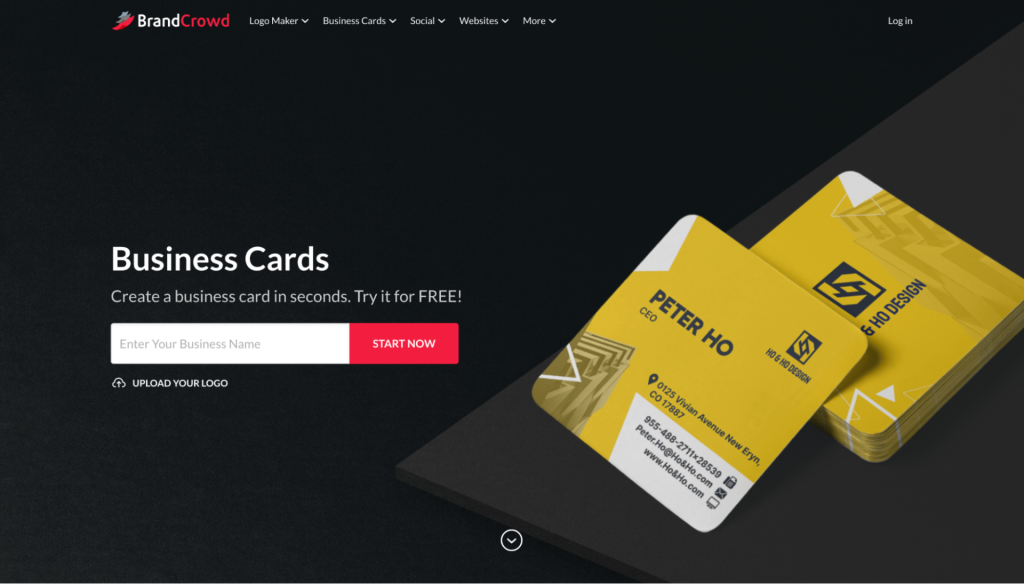
BrandCrowd is the pick if you care more about the card looking good than the card being easy. Their template library is heavy on the kind of designs that actually win attention at events: modern typography, confident color use, and clean editorial layouts that don't scream "free template."
The strength here is curation. Rather than throwing a thousand bland options at you, BrandCrowd narrows in on styles that already look intentional, so even minimal customization gets you to a polished result. That makes it a strong fit for creative studios, boutique brands, personal brands, and modern startups, basically anyone whose card needs to do a little brand work the second it leaves your hand.
Customization is light-touch by design. Swap colors, fonts, spacing, and copy, drop in a logo, experiment with shapes or accent elements, and the design holds together because the underlying layout is already balanced. You can also spin up multiple versions of a card for different roles or use cases without rebuilding from scratch, which is handy if you wear a few hats or run a small team.
Notable highlights:
- Curated library of professionally designed, modern business card templates
- Typography-led layouts that look polished with minimal editing
- Quick edits for colors, fonts, copy, spacing, taglines, and accent elements
- Front-and-back designs, plus easy duplication for team or role variations
- High-resolution and vector downloads ready for commercial printing
- Optional print service with a range of paper types, finishes, sizes, and quantities
- Pairs with BrandCrowd's logo maker and 50+ companion design tools so your card matches the rest of your identity
You can browse and edit business cards on BrandCrowd for free. The Premium plan, which unlocks downloads and the broader design toolkit, starts at $3 per month on the annual plan ($9 per month if you go month-to-month).
The catch: because the templates lean stylish and design-forward, you'll need to nudge them toward a more conservative direction if you work in a buttoned-up field like law, finance, or enterprise sales. For anyone whose brand earns points for being memorable, though, that bias is the whole feature.
3. Zoviz Business Card Generator
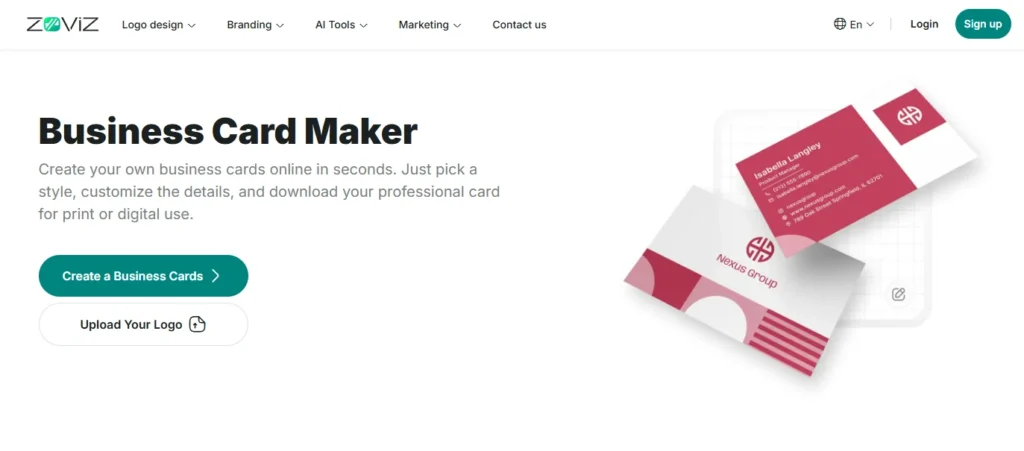
Best for: Startups building their brand from scratch with Zoviz.
Here's what makes Zoviz different. Most tools assume you already have a logo and brand colors. Zoviz assumes you're starting with nothing and need everything.
The platform creates your logo first using AI. Then it automatically generates matching business cards, letterheads, email signatures, and social media graphics. Everything uses the same colors, fonts, and style. Your entire brand identity gets built in about 20 minutes.
For someone launching a business, this is incredibly valuable. Instead of hiring a designer for your logo ($500), another designer for business cards ($200), and trying to match everything yourself, you get it all coordinated for $65.
Complete package includes:
- AI-generated logo with multiple variations
- Business cards (horizontal and vertical options)
- Letterhead template
- Email signature
- Social media profile graphics
- Multiple file formats (PNG, JPG, PDF, SVG)
This is a one-time purchase, not a subscription. Basic package is $20, premium package with everything is $65.
The catch: Because it's designed for speed and simplicity, you have less creative control than platforms like Canva or Adobe Express. If you want to completely customize every detail, you might feel limited. But if you want professional branding fast, this nails it.
4. Canva Business Card Maker
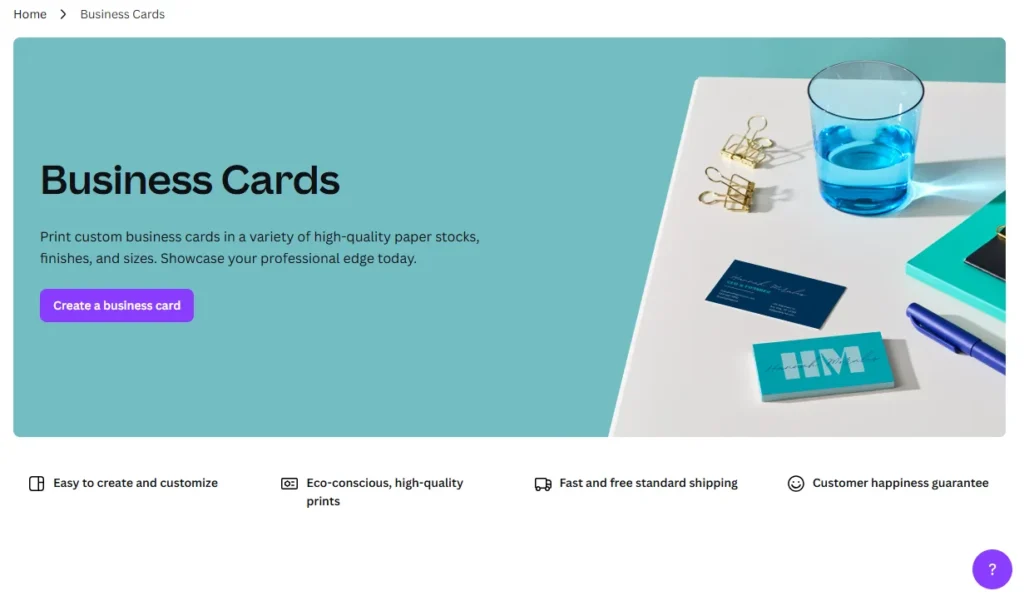
Look, if you're reading this and thinking, "I'm not creative" or "I don't know anything about design," Canva is where you start. Period.
The Magic Design feature is genuinely impressive. You literally type what you want, like "minimalist business card for financial advisor," and it generates actual professional designs. Not templates you have to figure out, but finished designs you can use immediately.
What I really appreciate about Canva is the Brand Kit feature. Upload your logo once, save your brand colors, choose your fonts, and every single card you create stays consistent. If you're making cards for yourself and five employees, this saves you hours of copying and pasting colors.
Key features that actually matter:
- Over 5,000 templates that don't look like templates
- Drag and drop editing that actually works intuitively
- Built-in QR code generator that matches your design
- One-click background removal for photos
- Direct printing with free shipping in most countries
- Mobile app so you can edit on your phone
The free version gives you plenty to work with. The Pro version at $14.99 monthly is worth it if you're creating cards for a team or want access to premium stock photos.
Real talk: The only downside is that many people use Canva, so if you stick with popular templates without customizing them, your card might look familiar to people. Spend the extra 10 minutes making it yours.
5. Adobe Express Business Card Creator
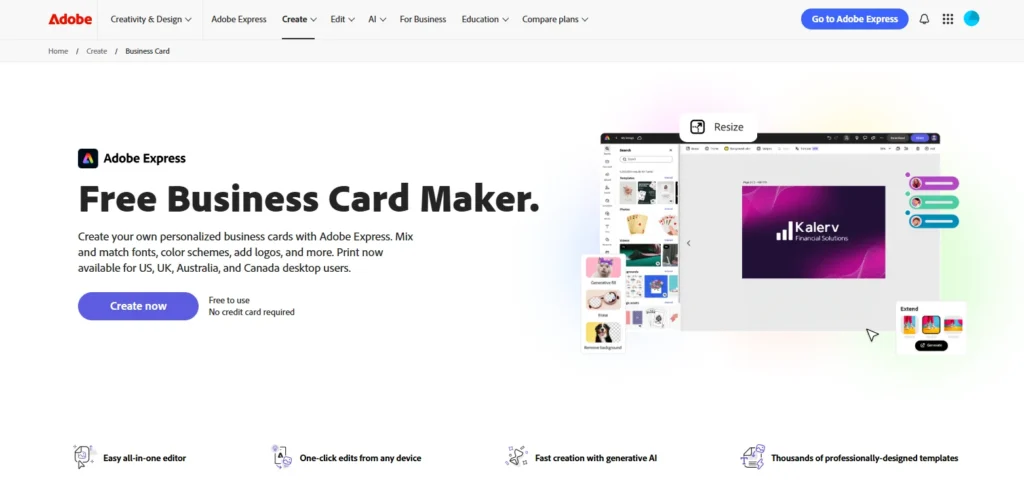
Adobe Express is what happens when a professional design company realizes normal people need to create things, too. You get Adobe's design power without the steep learning curve.
The integration with Adobe Stock is the real winner here. You have access to millions of professional photos and graphics included in your subscription. No more searching Google Images and hoping you won't get sued for copyright infringement.
I particularly like how the templates are organized by industry. Click "Legal," and you see conservative, trustworthy designs. Click "Creative Agency," and you get bold, artistic options. The AI understands that a lawyer and a tattoo artist shouldn't have the same card style.
What sets it apart:
- Professional-grade export files that printers actually want
- Brand Kit that syncs across all Adobe Express projects
- Real-time collaboration so your team can give feedback
- QR codes that you can fully customize
- Exact color matching using hex codes
- Templates that follow actual design principles
The free plan is genuinely useful. The Premium plan at $9.99 monthly is actually cheaper than Canva while giving you Adobe Stock access.
Reality check: Adobe Express is more structured than Canva. If you want complete creative freedom to put elements anywhere, you might find it slightly restrictive. But that structure is also what keeps your designs looking professional.
6. Visme Business Card Designer
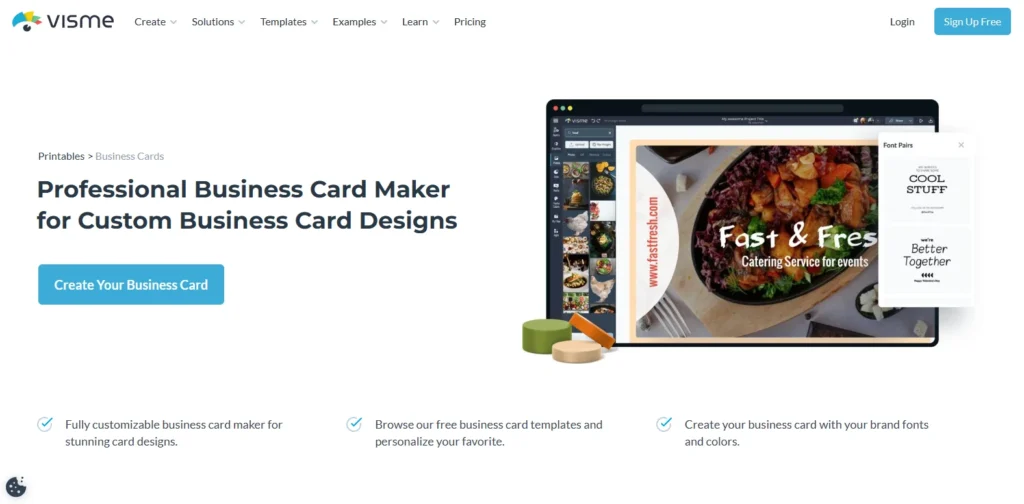
Visme is for people who need more power than basic generators offer. The platform is built for professional designers and marketing teams who create materials for multiple clients.
One feature that blew me away: you can import your website URL, and Visme's AI analyzes your site to understand your brand. It pulls colors, identifies your style, and generates cards that actually match your existing brand without you manually entering anything.
The platform also creates animated digital business cards. These work perfectly for email signatures or virtual networking events. Your card can have subtle animations, clickable elements, and embedded videos.
Advanced features worth noting:
- AI image enhancement tools (background removal, object replacement)
- Data integration for creating personalized cards in bulk
- 3D design elements and custom illustrations
- Analytics showing who viewed your digital cards
- Approval workflows for client projects
- Version history so you can revert changes
Free plan available for testing. Starter at $29 monthly includes AI features. Pro at $59 monthly adds team collaboration and unlimited AI.
Fair warning: Visme has a learning curve. If you just need a simple business card for yourself, this is overkill. But if you're an agency creating cards for dozens of clients, the advanced features justify the higher price.
7. Piktochart AI Business Card Tool
Best for: Professionals with complex information to communicate
Piktochart built its reputation by creating infographics. They apply that same expertise to business cards, which is perfect if you need to communicate a lot of information without looking cluttered.
Let's say you're a consultant with three certifications, two specialties, and five ways to contact you. Most business cards would look like a mess. Piktochart's AI organizes everything using visual hierarchy, icons, and smart spacing so it stays readable.
The icon library is exceptional. Instead of just listing your phone number, email, and website as text, you can add recognizable icons that make information scannable at a glance.
Standout features:
- Visual hierarchy AI that organizes complex information
- Thousands of professional icons and graphics
- Color palette generator from your logo
- Both static and animated export options
- Infographic-style layouts for information-heavy cards
- Team collaboration tools
Free plan includes basics. Pro at $14 monthly adds unlimited AI generation and premium templates.
My take: If your card just has your name, title, and contact info, Piktochart might be more than you need. But if you're an academic, consultant, or multi-role professional, this handles complexity better than any other platform.
Mistakes That Will Make Your Card Look Amateur
I've made every mistake possible with business cards. Learn from my expensive errors:
Using tiny fonts. If people need reading glasses to see your phone number, they won't call you. Nothing smaller than 8pt for contact details, nothing smaller than 12pt for your name.
Cramming too much information. Your card is not a resume. Name, title, company, phone, email, website. That's it. Everything else goes on your website.
Choosing weird fonts. That script font you love is unreadable at business card size. Stick with clean, professional fonts. I recommend Open Sans, Montserrat, or Roboto for modern looks. Georgia or Merriweather for traditional industries.
Ignoring white space. Empty space is not wasted space. It makes your card look expensive and professional. Crowded cards look desperate.
Cheap paper. Please spend the extra $30 for premium cardstock. The difference between 14pt and 18pt cardstock is the difference between "struggling startup" and "successful business."
No proofreading. I once printed 500 cards with a typo in my email address. Cost me $200 to reprint, and the embarrassment of explaining why I'm handing out new cards. Have three different people check your card before ordering.
These aren't vanity metrics. They represent real money and real opportunities.
Your Next Steps (Actually Do This)
Stop researching and start creating. Here's your action plan:
Today: Pick one platform from this list and create your first design. Don't aim for perfection, just get something created. Spend 30 minutes maximum.
Tomorrow: Show your design to three people whose opinions you trust. Ask specifically: "Does this look professional? Is anything hard to read? What's your first impression?"
This week: Make revisions based on feedback. Order a small test batch of 50-100 cards to see how they look printed.
Next week: If you like the printed version, order your full batch. If not, make adjustments and test again.
The biggest mistake is waiting for the perfect design. Your card doesn't need to be perfect. It needs to be professional enough that people keep it and contact you.
Final Reality Check
AI business card generators have legitimately changed the game. What cost $300 and took two weeks five years ago now costs $0 and takes 15 minutes. There's no excuse for not having professional cards anymore.
Your business card is still one of the most cost-effective marketing tools available. It costs about $0.10 per card for premium printing. If even one card out of every 100 generates a new client, you've made back your entire investment many times over.
Pick a platform, create your card, order a batch, and start handing them out. Stop overthinking it. Your competition already has cards. Make sure yours are better than theirs.
The tools are ready. The technology works. The only question is whether you'll actually use them or keep putting it off.
Start today. Your future clients are waiting to meet you.