




This isn't a neutral "here are some options, you decide" roundup. We tested each tool against the same criteria and are telling you plainly which ones are worth your money for product video work and which ones aren't including honest calls on synthesia ai competitors like HeyGen, Colossyan, D-ID, Elai.io, DeepBrain AI, Vyond, and VEED, plus where synthesia pricing actually falls apart at scale.
Why Synthesia Falls Short for Product Videos
Synthesia is a solid product for what it was built to do but it wasn't built for product video, and that shows. Here's where it actually breaks down:
- It's an avatar tool wearing a "video platform" label. The workflow is script → avatar → video. It has no real native path for turning a screen recording, a product doc, or a URL into a video. If your source material is your actual product, not a script, Synthesia makes you do extra work to fit its format.
- Custom avatars cost extra, and it's not small. A personal Studio avatar sits on top of your subscription as a separate charge. If you want a consistent branded presenter, this adds up fast which is exactly why so many people search for a "synthesia ai alternative free" option instead.
- The pricing looks simple until you actually use it. Real monthly cost depends on video length, avatar type, and translation usage, not the number on the homepage. Anyone comparing synthesia reviews across G2 or Capterra will find this complaint repeated constantly.
None of that makes Synthesia a bad company; it makes it the wrong tool for a specific, very common job. This guide covers real AI video generator alternatives built for that job instead.
Our Comparison Methodology
We scored every tool here against seven criteria, weighted toward what actually matters for product video work:
- Avatar realism - how natural the lip-sync, facial movement, and voice sound (where an avatar is even part of the workflow)
- Ease of use - real time from raw input to a shareable video, not the demo-video time
- Pricing/value - what the entry-level paid plan actually includes, not the headline number
- Video length limits - whether the tool holds up past a 60-second clip
- Customization - brand kits, custom avatars, voice cloning, editing depth
- Integrations - how well it slots into an existing content or product marketing stack
- Output quality - resolution, export options, and whether the result looks shippable or obviously AI-generated
We're not scoring these tools against each other in a vacuum, we're scoring them against "would this actually replace Synthesia for a product team." That's why a tool with fewer avatars but a better product-video workflow can rank above one with more polish and less fit.
The 8 Best Synthesia Alternatives for Product Video
1. ngram - Best for Product Videos
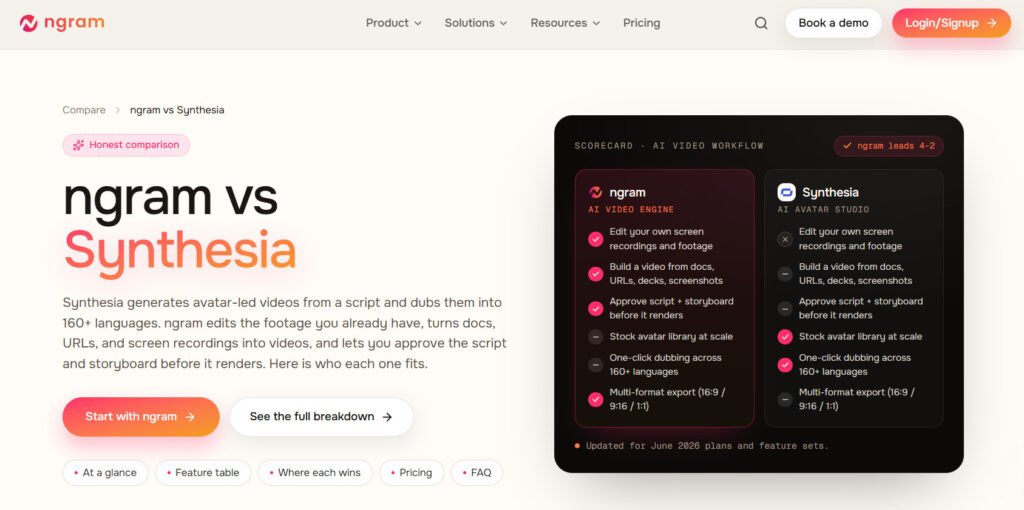
ngram is the reason this list starts here instead of with an avatar tool. Most Synthesia alternatives are still avatar-first you write a script, pick a presenter, generate a clip. ngram does the opposite: you hand it your actual product a screen recording, a doc, a URL, a deck, a rough prompt and it plans a script and scene-by-scene storyboard from that source material before rendering anything. You review and edit the plan first. That one step matters more than it sounds like, because the most common failure mode with AI video isn't bad output, it's a polished video that confidently says the wrong thing.
For product demos, this is a genuinely better fit than forcing a talking-head avatar to describe your UI. ngram's editing layer cleans up raw screen recordings on its own: it strips filler words and dead air, applies smart zoom on cursor interactions, and drops in callout annotations, no manual timeline editing required. It also generates voiceover, captions, motion graphics, and brand-matched visuals from your existing brand kit, so a feature launch or changelog video can go from raw recording to a shareable draft in minutes instead of a full production cycle.
Pricing backs up the positioning: a free plan with starter credits for evaluation, and a Basic plan from roughly $17.40/month on annual billing genuinely competitive for what it replaces. It scales through Plus and Pro tiers as volume grows, with BrandKit access and model selection unlocking at Plus.
The verdict: if your "product video" starts with a screen recording or documentation rather than a blank script, ngram is a better starting point than any avatar tool on this list, Synthesia included. ngram also supports AI avatar videos and talking-head presenters with selectable avatars, voiceover, and lip-synced delivery.
Best for: Product demos, SaaS explainers, feature launches, and onboarding videos built from screen recordings or docs.
2. HeyGen
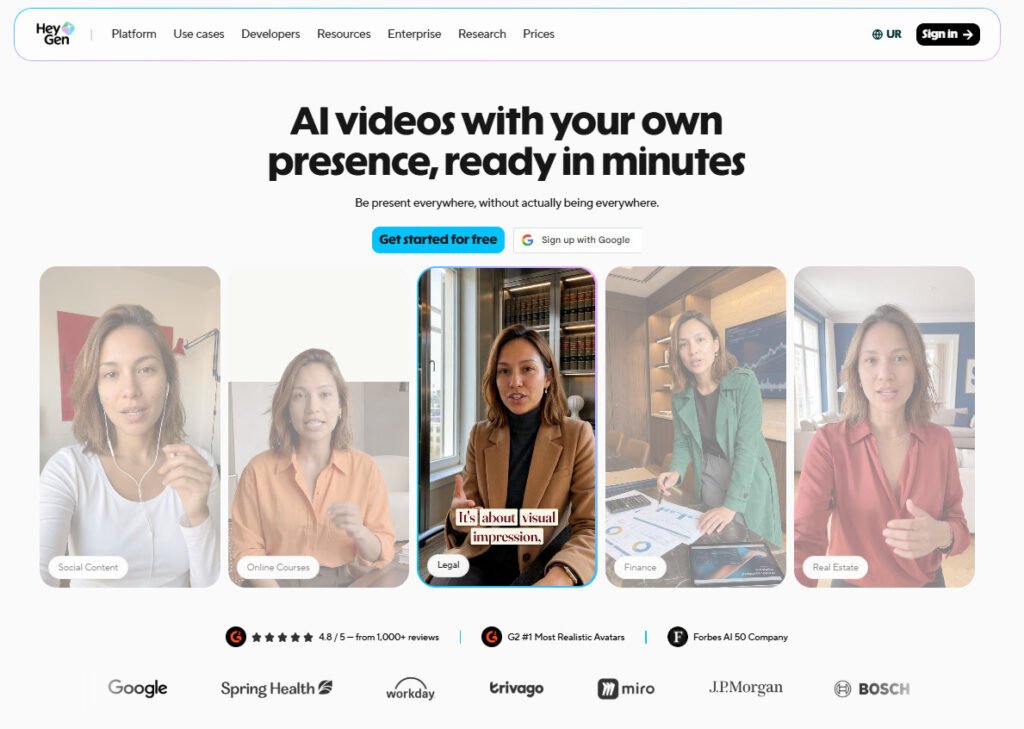
HeyGen is the most legitimate head-to-head synthesia competitor on the market, and its numbers back that up it sits around 4.8/5 on G2 across 1,800+ reviews, and its avatar realism genuinely beats Synthesia's in side-by-side testing. Facial movement and expression are more natural, and 175+ supported languages give it real reach if your product content needs to travel internationally.
Here's the catch, and it's worth knowing before you sign up: HeyGen runs on credits, not flat unlimited usage. The free plan gets you 3 videos/month at 720p with a watermark fine for testing, useless for actual publishing. The Creator plan at ~$29/month ($24/month annual) sounds reasonable until you realize premium Avatar IV generation eats credits fast; that $29/month plan covers roughly 10 minutes of premium avatar footage, not a month of regular output. Business jumps to $149/month plus $20/seat.
The verdict: if you specifically need a realistic on-camera AI presenter, HeyGen beats Synthesia on quality at a similar price point but budget for the credit ceiling before you commit, or you'll be upgrading within your first month of real use.
Best for: Teams that specifically need a realistic AI presenter for marketing or explainer-style product videos.
3. Colossyan
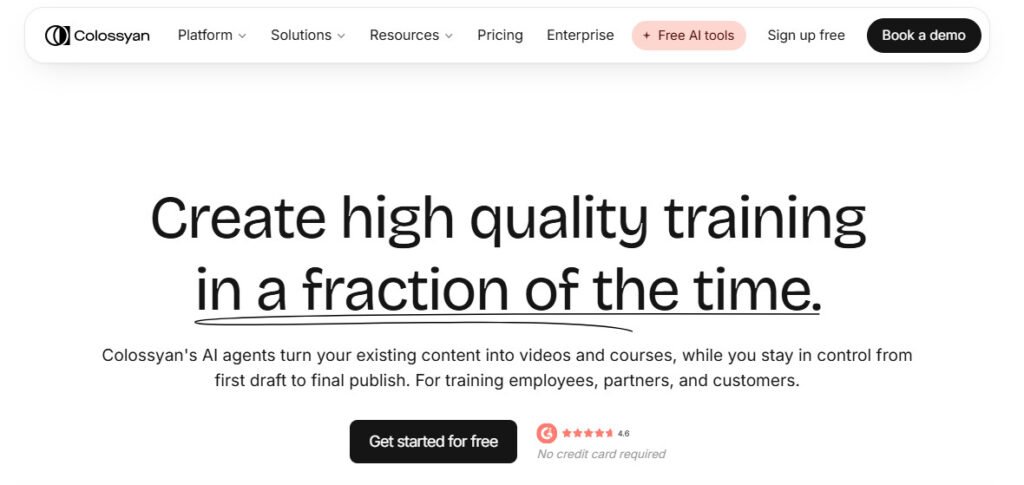
Colossyan doesn't try to be a general-purpose Synthesia replacement, and that focus is its biggest strength. It's built specifically for training and onboarding content, and it has features Synthesia simply doesn't offer at any price: branching scenarios, in-video quizzes, and a full course-authoring environment (Colossyan Learn) with SCORM export for your LMS. If your "product video" is actually a customer onboarding sequence or an internal enablement piece, nothing else on this list comes close.
It offers a genuinely usable free Starter plan, with paid Professional plans starting at $59/month. The one real trade-off: language coverage sits around 100+ languages versus Synthesia's 160+, so if you're localizing training content across a lot of markets, that gap is worth weighing.
The verdict: worth it, but only if training/onboarding is actually your use case. Don't buy Colossyan for a marketing launch video you'll be paying for interactive features you won't touch.
Best for: Product onboarding, customer education, and interactive training content with knowledge checks.
4. D-ID
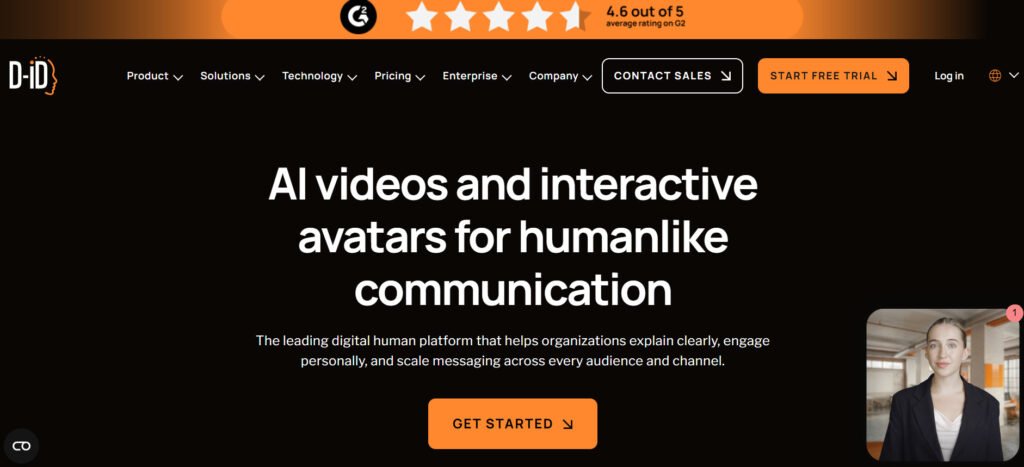
D-ID is the budget option, full stop and it's honest about that trade-off. Instead of a curated avatar library, it generates a talking presenter from a single photo. Quality is a visible step down from HeyGen and Synthesia: facial animation is less refined, head movement can feel mechanical. But at $5.90-$5.99/month on the Lite plan, it's one of the cheapest credible ways into AI avatar video, period.
The verdict: don't use D-ID for a polished customer-facing launch video the quality gap will show. Do use it for quick social announcements, internal updates, or testing whether avatar video is even worth investing in before you spend real money elsewhere.
Best for: Low-budget social product announcements, quick outreach clips, and testing avatar video before scaling up.
5. Elai.io
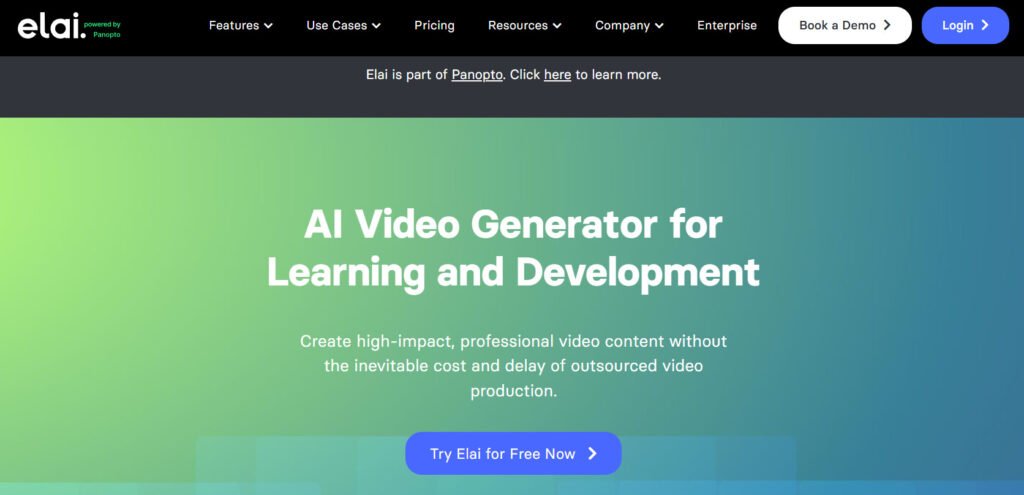
Elai.io solves a specific problem Synthesia handles poorly: turning existing written material into video without writing a new script. Drop in a PDF, a URL, or a slide deck, and Elai's AI Storyboard auto-generates scenes from it directly. For product documentation, spec sheets, or release notes, this is a real time-saver: you're not starting from a blank page, you're editing an AI-generated first draft. It also lets you build a custom avatar from a single selfie, which is a genuinely useful shortcut compared to Synthesia's studio-avatar process.
Pricing starts with a Basic plan around $23-29/month (lower annual), scaling to an Advanced tier around $100-125/month for heavier use.
The verdict: if you already have product documentation sitting around and just need it turned into video fast, Elai.io is faster than writing a fresh script for any avatar tool on this list, including Synthesia.
Best for: Converting product docs, PDFs, and existing written content into video quickly.
6. DeepBrain AI
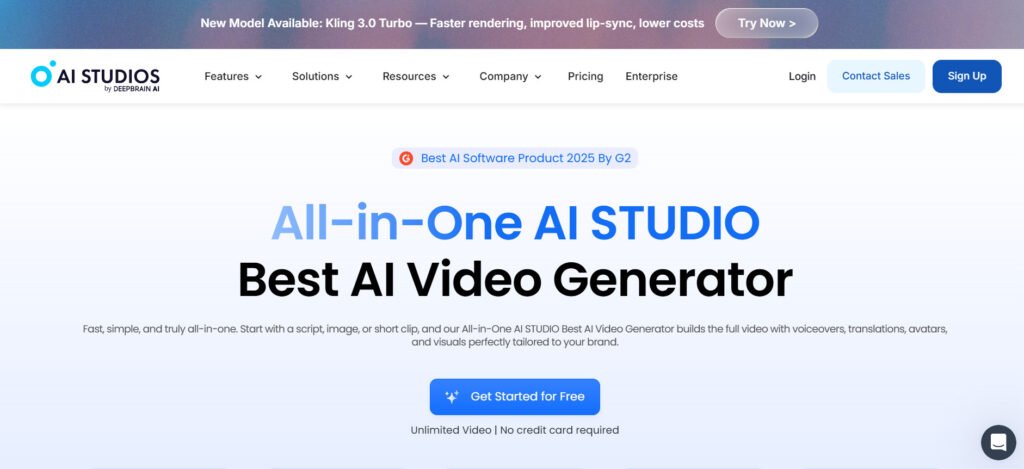
DeepBrain AI is chasing broadcast quality, and it's the closest thing on this list to actually hitting it. Its 100+ avatars are frequently cited as some of the most realistic in the category, more polished than Colossyan's, closer to HeyGen than to D-ID. That realism matters specifically for external, customer-facing product videos where a slightly-off avatar undermines trust in the product itself.
It offers a free tier to test avatar quality before paying, and paid plans start around $24-30/month. The standout here: DeepBrain's Personal tier offers unlimited video generation at a flat rate unusual in a market where almost everyone else meters output by the minute or by credits. Language support runs to 80+.
The verdict: if avatar realism is your top priority and you're producing customer-facing content regularly, DeepBrain AI's flat-rate unlimited plan is a genuinely better deal than HeyGen's credit system once you're past light usage. It's not the tool for teams that also need document import or branching training features, it's a straight avatar-video specialist.
Best for: Customer-facing product videos where avatar realism and production polish matter most.
7. Vyond
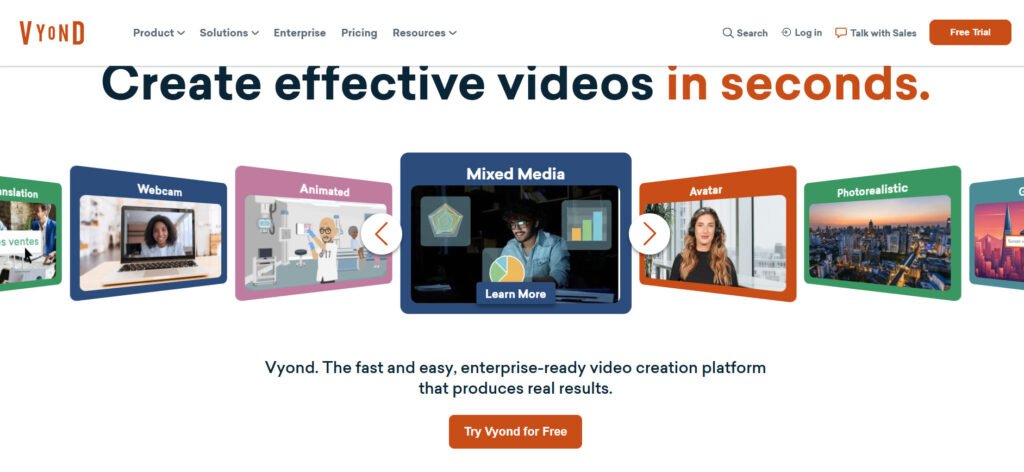
Vyond is the pick when your product video shouldn't be live-action or avatar-based at all, think character-driven process walkthroughs, stylized feature explainers, or product education content where animation reads better than a "realistic" AI face. It's not trying to be a Synthesia competitor in the avatar sense; it's a full animation studio with AI features layered on, including text/doc/URL-to-video generation, screen and webcam recording, and 650+ text-to-speech voices.
Pricing reflects that it's built for teams, not solo creators: the entry Business plan runs from about $58/month billed annually ($99/month paid monthly), scaling through Professional, Enterprise, and Agency tiers priced per seat.
The verdict: worth the higher price only if animated style is actually the right call for your brand for most SaaS product demos, it isn't. But for L&D-adjacent, character-driven product content, nothing on this list matches Vyond's animation depth.
Best for: Animated, character-driven product explainers instead of live-action or avatar-style video.
8. VEED
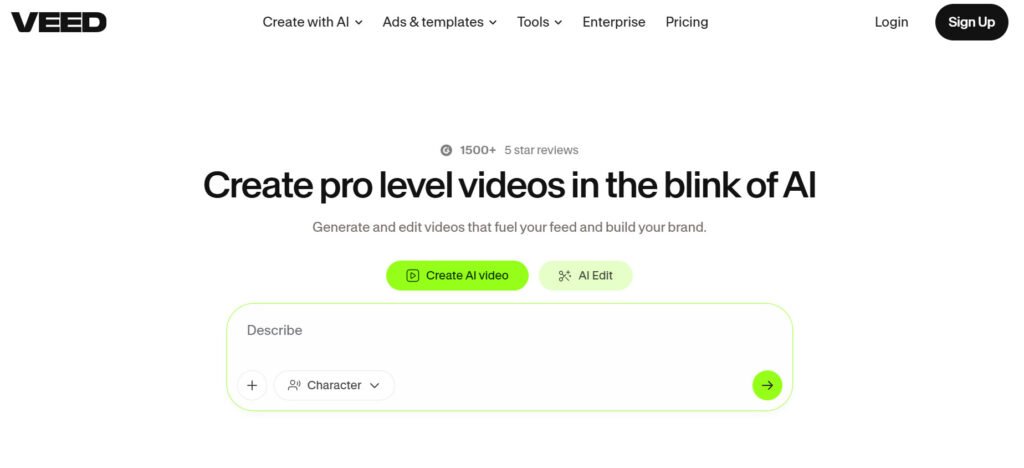
VEED isn't really a Synthesia replacement, it's a full video editor with AI tools bolted on, and that's precisely why it earns a spot here. If your product video starts as real footage, a screen capture, a demo recording and needs subtitles, translation, voiceover, or light AI-generated elements layered on top, VEED handles that better than any pure avatar tool on this list, Synthesia included.
VEED offers a genuinely usable free plan, with paid tiers starting around $12/month (Basic), $25/month (Pro), and $70/month per seat for the Business tier, the most accessible entry pricing here outside of D-ID.
The verdict: don't expect VEED to generate a video from nothing the way ngram or HeyGen can; it's an editor, not a generator. But if you already have real product footage and just need it polished, captioned, and exported fast, it's the cheapest tool on this list that actually does that job well.
Best for: Editing real product footage or screen recordings with AI-assisted subtitles, captions, and voiceover on top.
Comparison Table: Synthesia Alternatives at a Glance
| Tool | Best For | Avatar Type | Starting Price | Free Plan |
| ngram | Product demos & doc-to-video | Stock + custom avatars with voiceover | ~$17.40/mo (annual) | Yes (starter credits) |
| HeyGen | Realistic AI presenter videos | Stock + custom avatar library | ~$29/mo | verYes (3 videos/mo) |
| Colossyan | Product onboarding & training | Stock avatars + branching/quizzes | $59/mo (Professional) | Yes (Starter) |
| D-ID | Budget talking-head clips | Single-photo avatar | ~$5.99/mo | Trial only |
| Elai.io | Document-to-video | Stock + selfie-based custom avatar | ~$23–29/mo | Trial only |
| DeepBrain AI | Broadcast-quality avatar video | 100+ realistic stock avatars | ~$24–30/mo | Yes |
| Vyond | Animated explainer videos | Illustrated/animated characters | ~$58/mo (annual) | Trial only |
| VEED | Editing real product footage | Limited/add-on avatars | ~$12/mo | Yes |
Pricing reflects publicly listed 2026 rates at time of writing and is subject to change confirm current numbers on each vendor's site before purchasing.
Who Should Use Which Tool
Skip the guesswork - here's the direct call:
- Making a SaaS product demo from a screen recording? Use ngram. Nothing else on this list handles that input format as well.
- Need a realistic AI presenter for a marketing video and willing to pay for it? HeyGen, ngram or DeepBrain AI. HeyGen wins on brand recognition and language reach; DeepBrain AI wins on flat-rate pricing if you're producing avatar video regularly and want to avoid credit ceilings.
- Building product onboarding or customer training content? ngram, Colossyan, no contest, the branching and quiz features aren't available anywhere else here.
- Tight budget, need a quick talking clip, don't care about polish? ngram or D-ID. Just don't expect it to hold up for a public launch video.
- Sitting on product docs or a PDF you want turned into video fast? Elai.io's or ngram’s document import will save you real time.
- Want animated, character-driven product explainers instead of a realistic avatar? Vyond and ngram are the only serious options here.
- Already have real product footage that just needs editing and polish? VEED and ngram, at the cheapest entry price of any tool on this list besides D-ID.
If your product video needs to be repurposed into short-form content afterward, it's also worth checking our breakdown of top Instagram Reel makers for turning a longer demo into vertical, social-ready clips, a step most teams underinvest in.
How to Choose the Right Tool for Your Product Videos
Four questions, answered honestly, before you sign up for anything:
- What's your source material? Starting from a screen recording or a doc? Avatar-first tools like Synthesia and HeyGen will actively fight you on this. Use ngram, Elai.io, or VEED instead.
- Do you actually need an avatar, or are you defaulting to one because Synthesia does? A large share of product videos work better with real UI footage, voiceover, and captions than a synthetic presenter. Don't pay for avatar tech you won't use.
- What's your real monthly volume - not your best-case estimate? Credit-based pricing (HeyGen, Elai.io) gets expensive fast once you're producing at real scale, not testing. DeepBrain AI's flat-rate tier is worth a look if volume is genuinely high.
- Who's watching this - internal team or paying customer? Internal training tolerates visible AI polish. A customer-facing launch video doesn't. Match your tool's realism level to your audience's tolerance for "that looks AI-made."
If animated, motion-driven product explainers fit your brand better than either avatar video or screen-recording-based demos, our AI animation generators category covers tools built specifically for that format. And once you've settled on visual style, the design generators category is worth a look for branded templates and thumbnails to go with the finished video.
For an independent benchmark on how businesses are actually using video in 2026 not vendor marketing Wyzowl's 2026 Video Marketing Statistics report is a solid reference point on adoption and ROI trends. If you're still comparing platforms, browse the full AI Video Tools category on Grovers AI, or check the complete AI tools directory for adjacent tools like voiceover generators and caption tools that pair well with any of the eight above.
Frequently Asked Questions
Is there a free alternative to Synthesia?
Yes. HeyGen, VEED, DeepBrain AI, and ngram all offer free plans HeyGen caps you at 3 watermarked videos/month, VEED's free tier covers basic editing, and ngram gives you a one-time starter credit allocation. D-ID, Elai.io, and Vyond only offer trials, not permanent free tiers. None of these replace a paid plan for regular publishing.
What's the cheapest Synthesia alternative?
D-ID, clearly entry plans start around $5.99/month for photo-based avatar video. VEED's $12/month Basic plan is close behind if you need editing rather than generation. If you don't need an avatar at all, ngram's Basic plan (~$17.40/month annual) is the better budget pick for product-specific video.
Which Synthesia alternative is actually best for product demo videos?
ngram. This is the one tool on this list built around screen recordings, product docs, and URLs rather than a scripted avatar presenter; it's the right architecture for the job, not just a cheaper version of the same workflow.
How does Synthesia pricing actually compare to these eight?
Synthesia's Starter plan is priced similarly to HeyGen and Colossyan on paper, but its custom avatar add-on is a real, ongoing extra cost that most alternatives here either include or price far lower. DeepBrain AI's flat-rate unlimited tier is the clearest value alternative if your volume is high. Compare total cost at your expected usage, not the entry-tier number.
Do any of these tools match Synthesia's language coverage?
ngram and HeyGen support 175+ languages, Colossyan supports 100+, DeepBrain AI covers 80+, and Elai.io offers solid multilingual voice support. Synthesia's 160+ languages still lead outright if multilingual reach is your top priority over everything else, that's a real point in Synthesia's favor.
Can I use these tools for commercial product marketing?
Most permit commercial use on paid plans but free and trial tiers frequently restrict it or slap on a watermark that makes commercial use a non-starter anyway. Check each vendor's terms before you publish anything customer-facing. Grovers AI's tool guides cover more on picking tools for professional work.
What's actually different between an "avatar" tool and a "product video" tool?
Avatar tools (ngram, Synthesia, HeyGen, D-ID, DeepBrain AI) generate a synthetic presenter reading your script. The video is about the presenter. Product video tools (ngram, VEED) build the video from your actual product material screenshots, recordings, docs with voiceover and motion graphics layered on top. The video is about the product, not a face. Most product teams need the second one far more often than they think they need the first.
Do Synthesia alternatives support screen recording input?
Selectively. ngram is built around this as a core workflow, and VEED handles it well as an editor. The rest Synthesia, HeyGen, D-ID, Colossyan, DeepBrain AI, Vyond are script- or avatar-first and don't natively storyboard from screen capture footage. If screen recording is your primary source, that narrows your real options fast.