




I tried all these tools in the manner and style most individuals work in real life, rapid client requests, social postings that demand to appear polished, and brand materials that must be maintained constantly, and so I maintained my short list with the most useful AI Graphic Design Tools.
I have made this guide neutral and practical. You will find out what tools are more suitable for ordinary marketing creatives, what tools suit the UI and product workflows, and which AI generators are helpful when you want extraordinary visuals rather than stock pictures. This is aimed at assisting you in selecting the appropriate tool depending on your workflow and budget rather than hype.
Why AI graphic design tools matter in 2026
The best tools do not substitute creativity; they only eliminate boring parts. Using AI for graphic design, the biggest change was the speed of getting my idea into the first draft, followed by creating variations, rather than starting fresh. That is important when you have to sell in bulk.
It is also easier to remain consistent through them. When you do brand graphic design on the internet, uniformity is all: colours, fonts, interspacing, and tone. A nice utility will assist you in maintaining that glance upon posts, advertisements, thumbnails, and papers.
Quick comparison table
| Tool | Best for | Free plan | Starting price |
| Canva | Everyday marketing designs | Yes | Pro plan available (see Canva pricing by region) |
| Design.com | Full brand identity + all-in-one design tools | Yes | $4/month (annual) |
| BrandCrowd | Logo + brand kit + marketing assets | Yes | $6/month (annual) |
| Zoviz AI Marketing Studio | Logos, brand kit, marketing assets | Limited | Starter ₹6,839 per year |
| Figma AI | UI and product design workflows | Yes | Full seat $16 per month |
| DALL·E 3 | Text to image concepts and assets | No | From $0.04 per image (1024x1024 standard) |
| Midjourney | High style art and concepts | No | $10 per month (Basic) |
| AutoDraw | Quick icons from sketches | Yes | Free |
| Fronty | Convert design screenshot to HTML/CSS | Freemium | From $4.52 per month |
| Artistly | AI images with a simple creative workflow | Limited | One time $49 offer shown on site |
| Adobe Firefly | Pro AI generation in Adobe ecosystem | Yes (limited) | Firefly plans available on Adobe |
| Designrr | Ebooks, lead magnets, flipbooks | No | $29 per month |
| Prisma | Artistic photo effects | Yes | Subscription available (price varies by store/region) |
| Deep Dream Generator | Surreal AI art and styles | Yes | Subscription plans from $9 per month |
In Depth Reviews of the 14 Best AI Graphic Design Tools
1. Canva
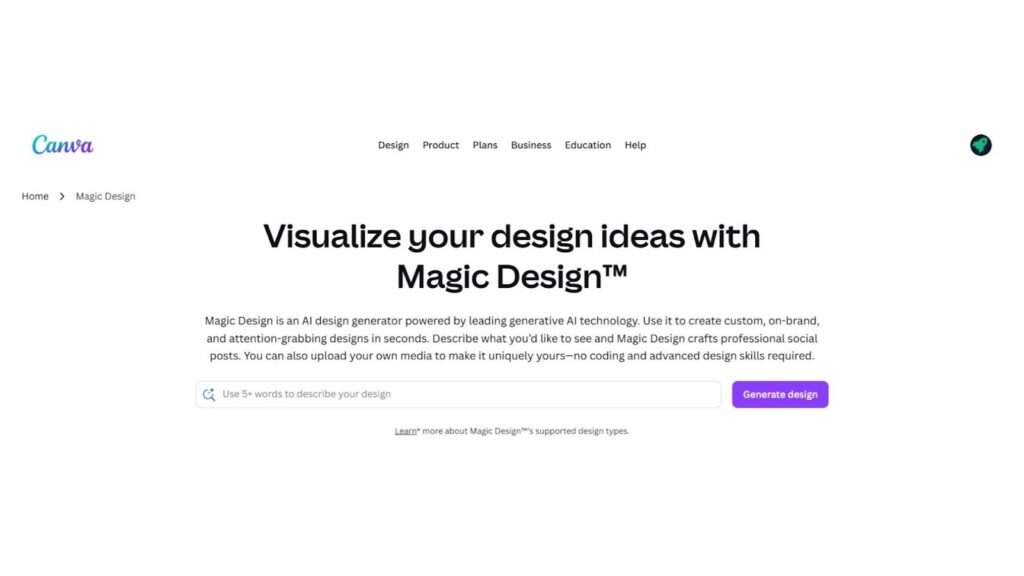
Canva is currently the fastest method that I know to make clean marketing images without a second thought. Being a graphic design platform, it is ideal in situations where you will require social posts, flyers, thumbnails, and rapid ad creatives. I also used it with client drafts and daily content, and it is always time-saving since templates and smart tools simplify the first variant. The trick here is to make it personalized to the point that your graphic designs are not the same as everyone else's.
Use cases
- Social media posts, reels covers, ad creatives, thumbnails
- Quick brand layouts for promos and announcements
- Team-friendly design workflow for marketing content
Pros
- Very easy for beginners and teams
- Huge template library
- Fast resizing and export options
Cons
- Some designs can feel templated if you rush
- Many premium features sit behind Pro
Pricing
- Free plan available; Pro plan available via Canva pricing (varies by region and billing)
2. Design.com
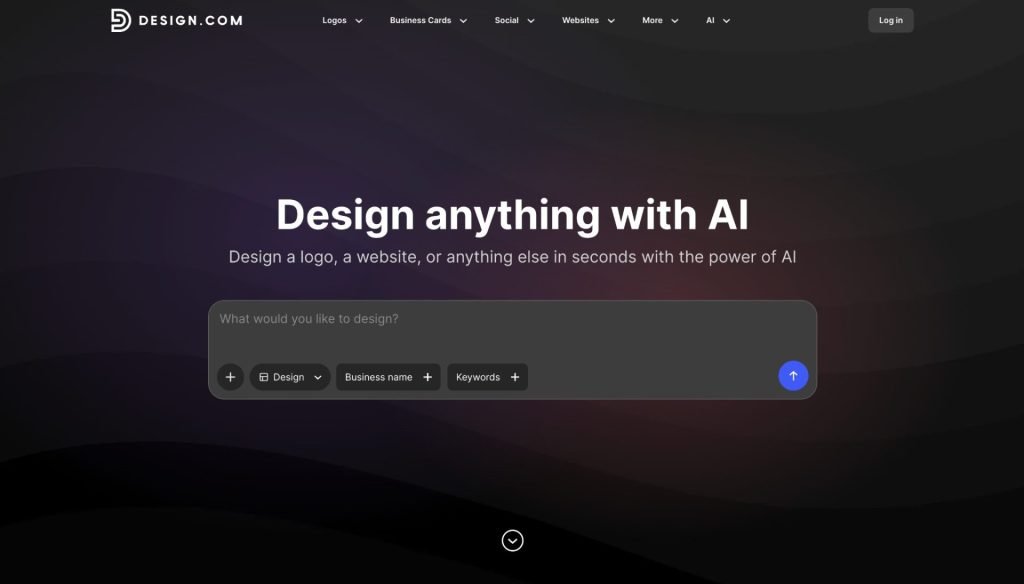
Design.com is an AI-powered branding platform that bundles 50+ design tools into a single workspace and the thing that makes it genuinely different from most graphic design tools is that it's built around brand consistency, not just individual assets. You create a logo, lock in your colors and fonts, and from that point forward, every other design you make in the platform social media posts, business cards, email signatures, flyers, presentations, letterheads automatically inherits those brand styles. That's a real time-saver if you're managing a business identity across multiple channels.
The AI logo generator is where most users start. Enter your business name, select your industry, and the system generates thousands of customizable logo options in seconds. From there, you can access over 1 million templates across the full design toolkit. The interface is deliberately simple - designed for founders and small business owners, not professional designers - so you can go from idea to finished, branded content without a steep learning curve.
It also covers the practical side: the Premium plan includes a link-in-bio page builder, digital business card creator, and website builder, all tied to the same visual identity. If you want a single platform that takes you from logo to full brand launch, Design.com is one of the most complete options at this price range.
3. BrandCrowd
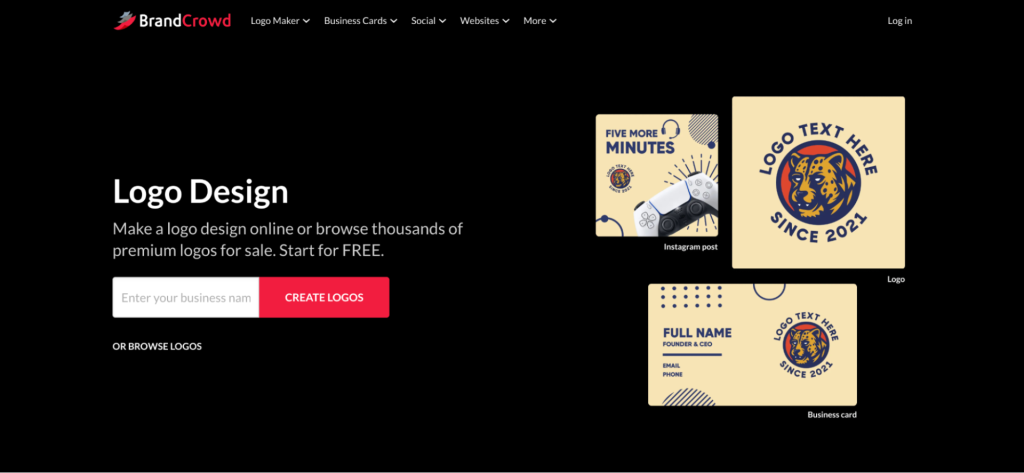
BrandCrowd is a hybrid branding platform - its 380,000+ logo templates are handcrafted by professional designers, and AI is used to surface relevant matches based on your business name and keywords. This matters for quality: the output tends to look more polished than tools that generate icons purely from algorithms. Beyond logos, the platform includes 50+ design tools covering business cards, social media graphics, email signatures, flyers, letterheads, and a website builder, all with brand styling applied automatically. BrandCrowd holds a 4.7/5 Trustpilot rating from more than 9,400 reviews, with the most consistent positives being ease of use, large template selection, and good value for launching a brand quickly. It is not suited to UI design or complex creative illustration - for those workflows, Figma or Midjourney are stronger choices.
Use cases
- Logo creation and brand kit for startups and small businesses
- Social media graphics, business cards, and print materials all brand-matched
- Fast brand identity build for founders and freelancers
Pros
- 380,000+ designer-made templates, not AI-generated icons
- Brand styling applies automatically across all asset types
- Free plan available with no credit card required
Cons
- Some users report confusion around subscription billing and renewals
- Less creative flexibility than general-purpose tools like Canva
- Templates can feel less unique in highly competitive industries
Pricing
- Free plan available
- Paid plans from $9/month or $6/month billed annually
4. Zoviz – AI-Powered Graphic Design, Logo Maker & Marketing Platform
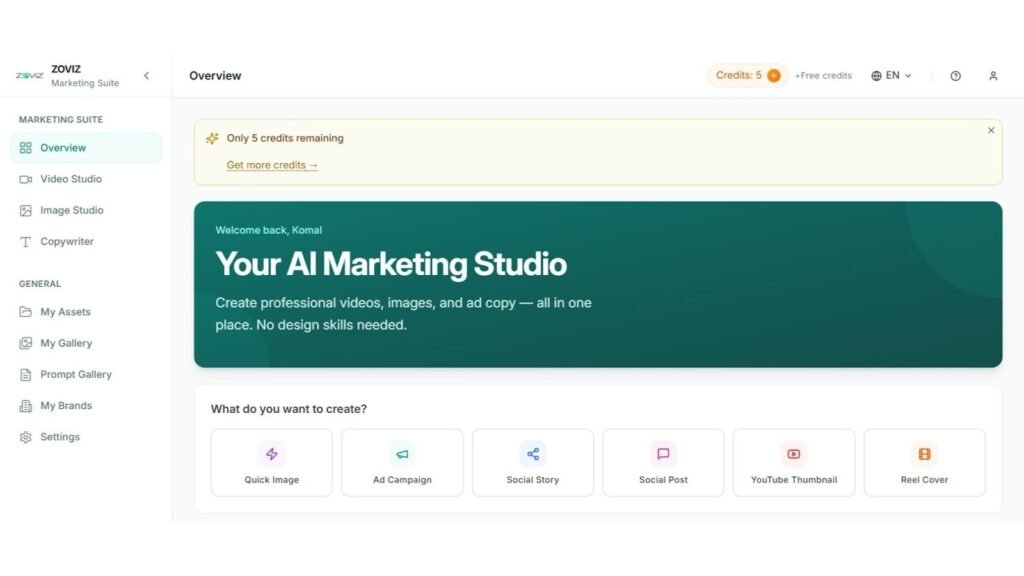
Zoviz is a comprehensive AI-powered graphic design platform built for businesses, marketers, and solopreneurs who want professional-quality visuals without needing a designer. At its core, it's a logo maker but that's just the starting point. Zoviz extends into a full website builder and marketing platform, making it one of the more versatile all-in-one tools in this list.
The design toolkit inside Zoviz is genuinely broad. Beyond logos, you get a flyer maker, poster maker, business card maker, ID card maker, flyer maker, ad templates maker, and a brand kit builder all under one roof. On the AI side, it packs an AI image generator, AI video generator, background remover, product photography tool, sketch-to-image converter, and an AI photo editor. There's even a YouTube thumbnail maker, Instagram post & story maker, Facebook post maker, and social media cover templates. Rounding it all out are utility tools like a favicon generator, email signature maker, letterhead generator, document translator, and AI presentations.
Use cases
- Logo creation and full brand kit building
- Building a business website without code
- Designing marketing assets - flyers, ads, social posts, videos
- End-to-end brand consistency across all touchpoints
Pros
- Huge range of design tools in a single platform
- AI-powered across logo, image, and video creation
- Covers design and website building and marketing in one place
- Great for small businesses and solopreneurs who want everything under one login
Cons
- The sheer breadth of tools can feel overwhelming at first
- Not a replacement for professional-grade suites like Adobe for complex projects
Pricing
Plans start at $29/year (USD)
5. Figma AI
The tool that I use is called Figma AI when the task is UI, product screens, and collaboration with other teammates. It does not intend to be a poster maker. It is constructed against organized plans, elements, and systems. In case you work in software that facilitates product design, Figma would accelerate you, decrease repetitive layout labor, and enhance collaboration within teams.
Use cases
- UI mockups, landing page layouts, product screens
- Design systems and reusable components
- Team collaboration and design reviews
Pros
- Best-in-class collaboration
- Perfect for structured UI work
- Strong ecosystem for teams and handoff
Cons
- Less ideal for casual marketing visuals
- Can feel complex for beginners
Pricing
- Full seat listed at $16 per month on the Professional plan page
6. DALL·E 3
DALL·E 3 helped me when I required newly created visuals, such as campaign ideas, backgrounds, or illustrations that were not present in stock databases. It performs optimally as an AI graphic design generator when you can compose a clear prompt, and you are interested in getting novel variations in a short time. I used it as an idea machine, and then took the best back to a design tool to be laid out.
Use cases
- Generate unique illustrations and hero images
- Create visual concepts for campaigns
- Backgrounds, textures, and creative assets
Pros
- Strong prompt understanding
- Great for concept exploration
- Quick variation generation
Cons
- You still need a design tool for layout and typography
- Outputs can require multiple attempts for perfect style
Pricing
- DALL·E 3 pricing shows $0.04 per 1024x1024 standard image (other sizes and HD cost more)
7. Midjourney
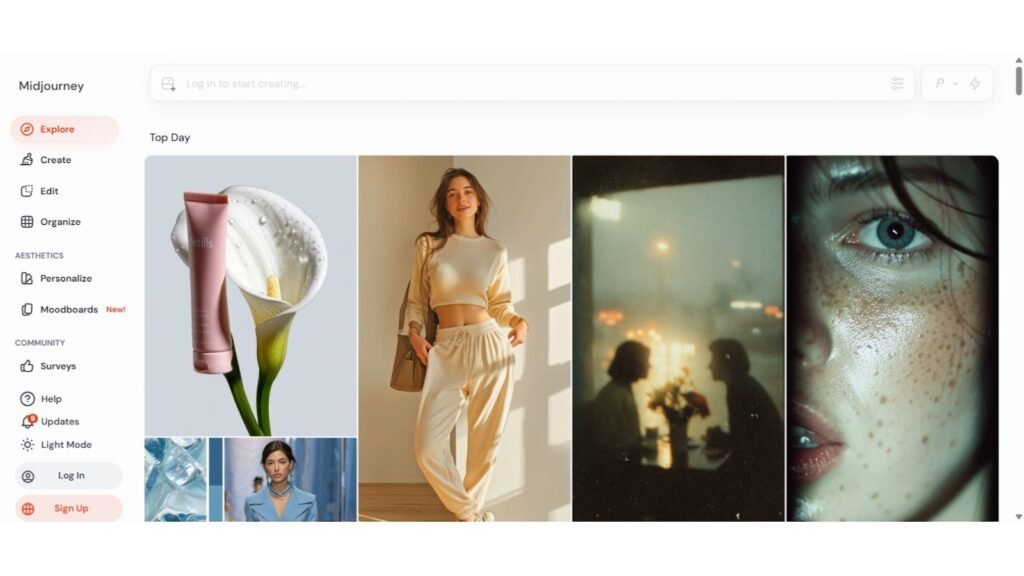
Midjourney provided the highest wow style scores, particularly when it comes to creative ideas and mood boards. When you need splendid images and glamour, it glows. In the case of AI graphic design, I necessarily applied it to produce the creative directions, and then polished them in other places. It is not a layout tool, though it is mighty in exploring visual identities.
Use cases
- Moodboards and concept art for brands
- Poster-style visuals and creative experimentation
- High style imagery for campaigns
Pros
- Stunning artistic output
- Great for inspiration and concepting
- Strong community and style variety
Cons
- You need practice writing good prompts
- Not a layout editor for final designs
Pricing
- Basic plan is $10 per month (other plans available)
8. AutoDraw
The AutoDraw is not complicated, yet it comes in handy. I had applied it in case of urgent icons, simple illustrations, or uncomplicated doodles in presentations. AutoDraw is free to use, which lets you transform any unstructured shapes into familiar icons quickly, and is designed to be used as simple graphic design software.
Use cases
- Quick icons and simple illustrations
- Whiteboard-style visuals for slides
- Fast diagram support for content
Pros
- Free and instant
- Very beginner friendly
- Great for quick icon needs
Cons
- Limited style control
- Not for complex branding work
Pricing
- Free to use
9. Fronty
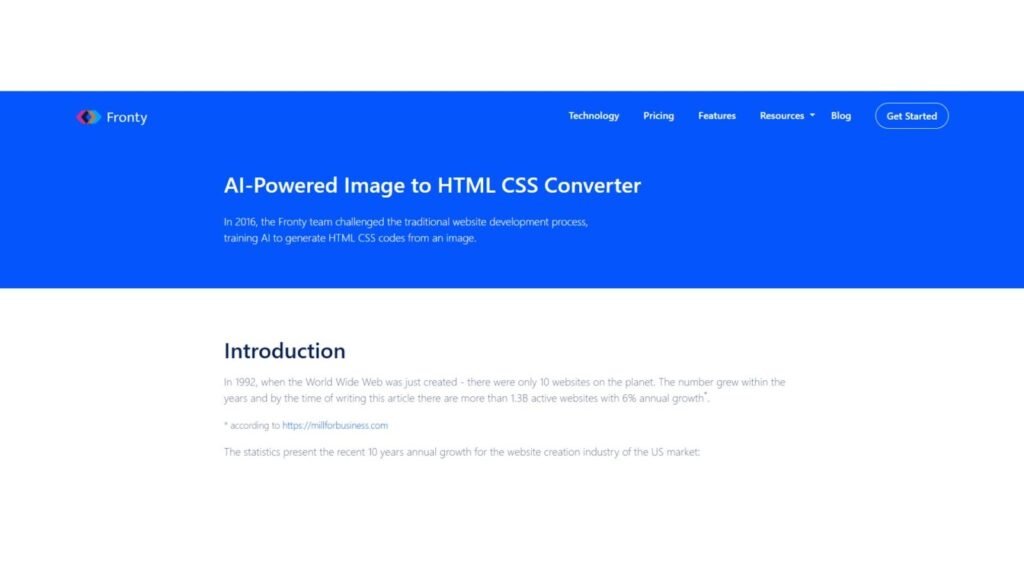
Fronty is different: it deciphers the visuals. I tried it by posting a screenshot of a design and examining the appearance of the generated HTML/CSS code. It can be useful when transitioning from a visual to an actual webpage, particularly when using online graphic design mockups, and you just want to have some head start on the coding.
Use cases
- Convert a design screenshot into HTML/CSS
- Fast prototype for landing pages
- Quicker design-to-dev handoff for simple sites
Pros
- Saves time on basic layout coding
- Useful for prototypes
- Good bridge between design and dev
Cons
- Complex designs still need manual cleanup
- Best results require clean, structured screenshots
Pricing
- Starting from $4.52 per month on the pricing page
10. Artistly
Artistly felt like a straightforward tool for generating images and using them quickly for content. I applied it to creative content, background images, and quick graphics that I could utilize in social posts. Artistly is speedier than accurate, in the sense that speed is a priority in the development of graphic design tools, rather than accuracy.
Use cases
- Generate creative images for posts and ads
- Quick visual assets for marketing content
- Creative experimentation without complex setup
Pros
- Simple workflow for image generation
- Good for content creators
- One-time pricing offer is attractive
Cons
- Not a full design editor like Canva or Figma
- You may still need another tool for typography and layout
Pricing
- Site highlights a one-time $49 offer
11. Adobe Firefly
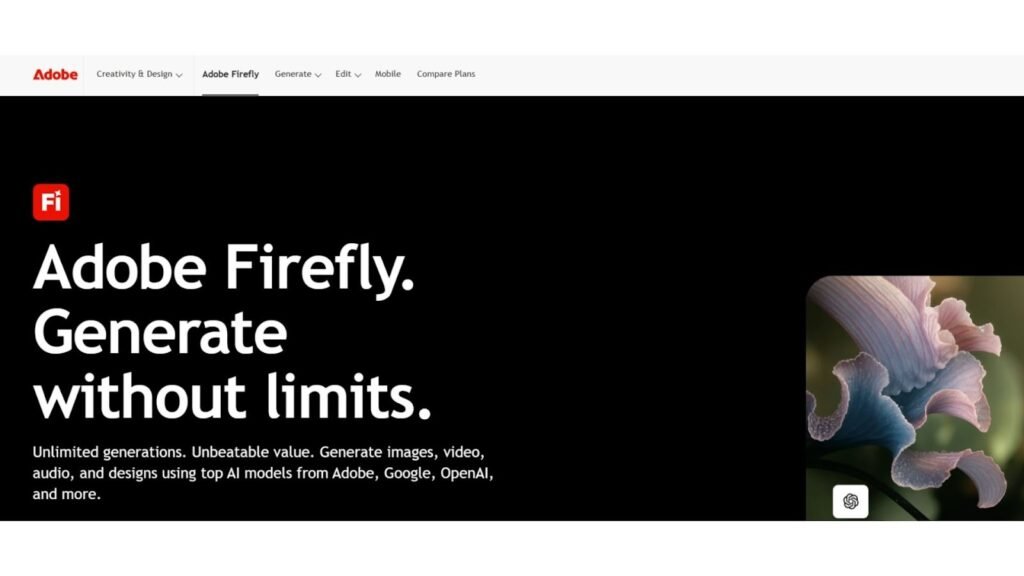
Adobe Firefly was the most professional to me when I required AI features but still desired complete control. It will suit you well if you are already living within Adobe tools. Firefly is suitable for the best graphic design software workflows as it allows the creation and editing of within a creative ecosystem, and commercial-friendly workflows that depend on plan and usage.
Use cases
- Generate images and effects for design projects
- Assist Photoshop-style workflows with AI generation
- Create marketing assets while staying in Adobe ecosystem
Pros
- Designed for professional creative workflows
- Good integration with Adobe products
- Powerful generation and editing features
Cons
- Best experience often depends on Adobe subscriptions
- Credit limits and plan details matter
Pricing
- Adobe lists Firefly plan options on its plans page (pricing depends on plan and region)
12. Designrr
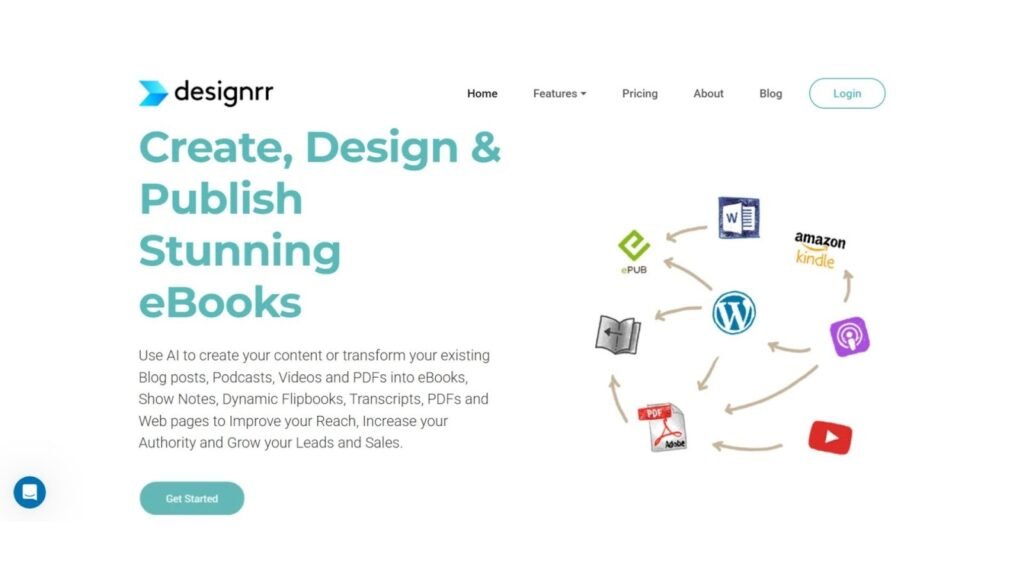
The tool that I used is Designrr when the output was a lead magnet, ebook, or a styled PDF. It concerns not posters or UI design. It is to convert content into finished papers. If you are hunting for graphic design software free alternatives, Designrr is not that, but it is worth it when document design is your pain point.
Use cases
- Convert blogs or docs into ebooks and PDFs
- Create lead magnets and reports quickly
- Make flipbooks and downloadable assets
Pros
- Saves hours on formatting long documents
- Clean templates for ebooks and lead magnets
- Good for content marketing teams
Cons
- Not ideal for single-image design tasks
- Layout customization is more structured than freeform
Pricing
- Offer page lists $29 per month
13. Prisma
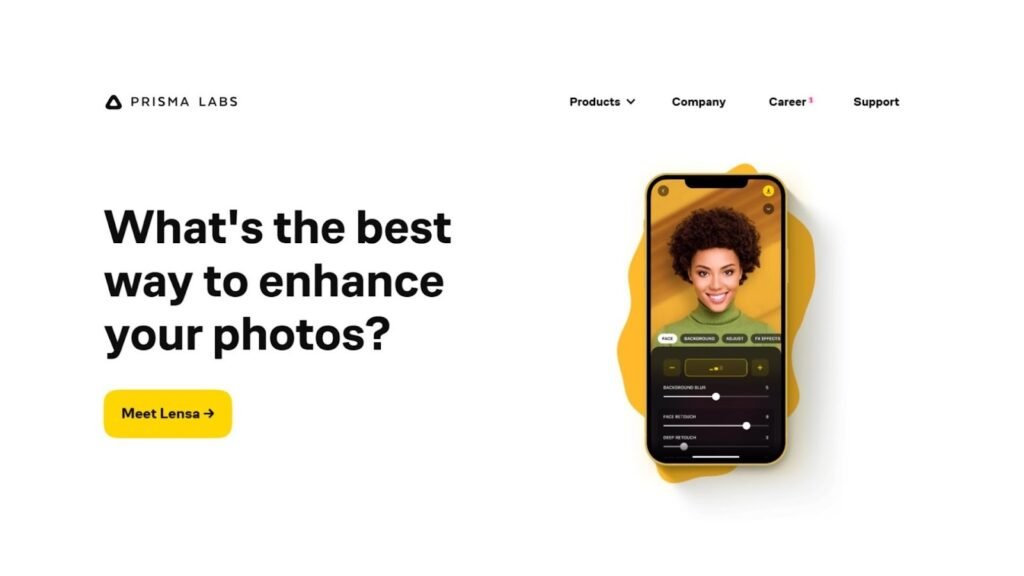
Prisma is more fashion than design. I was using it when I needed a picture to appear artistic within a short time, such as transforming an ordinary photo into a painting-like image of a campaign idea. Prisma works well and is fast in case of graphics design experiments in free style however, you will require a designing tool to apply that image to the actual layouts.
Use cases
- Artistic filters for photos and portraits
- Stylized visuals for campaigns and posts
- Turning photos into “art-like” assets fast
Pros
- Very easy to use
- Unique artistic styles
- Great for quick creative effects
Cons
- Not a layout editor
- Less control compared to pro tools
Pricing
- Prisma Premium subscription is offered in the App Store; pricing varies by region and subscription option
14. Deep Dream Generator
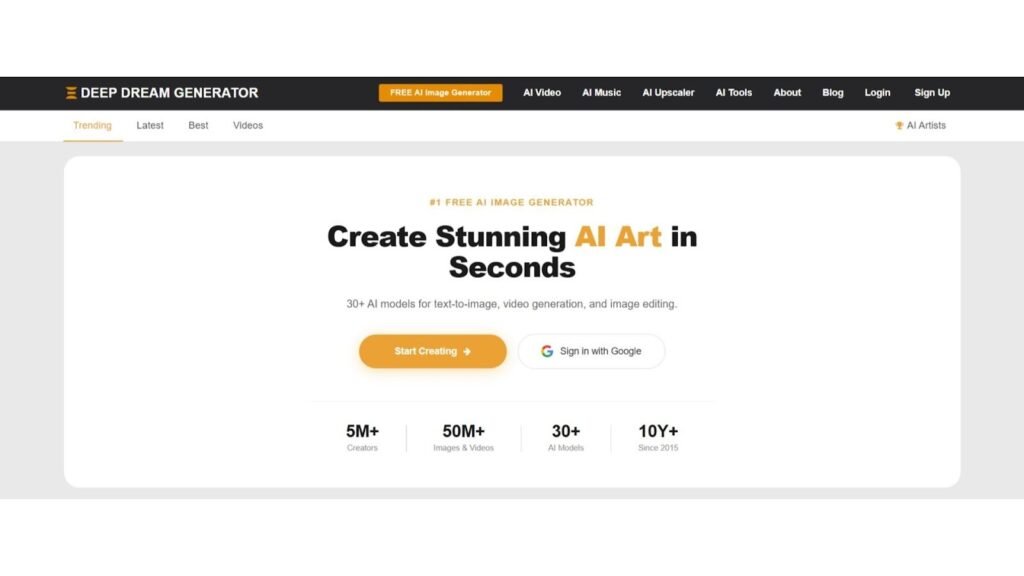
Deep Dream Generator was where I found surreal and dream-like art and experimentation. It is not clean corporate when it comes to graphics, but when it comes to bold and abstract graphics, it delivers. This tool is also using energy points and subscriptions. It is a good area to test the waters, and then take the output into an actual editor, for the best free graphic design software style exploration.
Use cases
- Surreal and abstract art creation
- Experimental visuals for posters and backgrounds
- Creative inspiration when you want something unexpected
Pros
- Strong creative styles and models
- Free tier available for experimentation
- Good for unique textures and backgrounds
Cons
- Results can be unpredictable
- You may need multiple runs to get the exact look
Pricing
- Site states subscriptions start at $9 per month (also offers energy packs)
Final Thoughts
Having tried and compared it all, I can declare that the greatest benefit of AI Graphic Design Tools is speed with form, as you can get a solid first draft in a short time and then proceed to polish instead of reinventing the wheel each time. There are the daily marketing content improved tools, those that are created by UI and product teams, and those that are created by creating original visuals that can be subsequently inserted into real layouts.
In a nutshell, Canva is difficult to contend with in quick branded content. Zoviz is a good choice in case you are accruing brand identity resources within a business workflow. Figma AI is the best fit in the case of UI and product design. And when you want special pictures to use in a campaign, DALL-E 3 and Midjourney would be my first choice, then leave typography and design to your primary editor.