This may take few seconds.

0% Completed

AI Animation Generators · Freemium
canva-logo

Canva

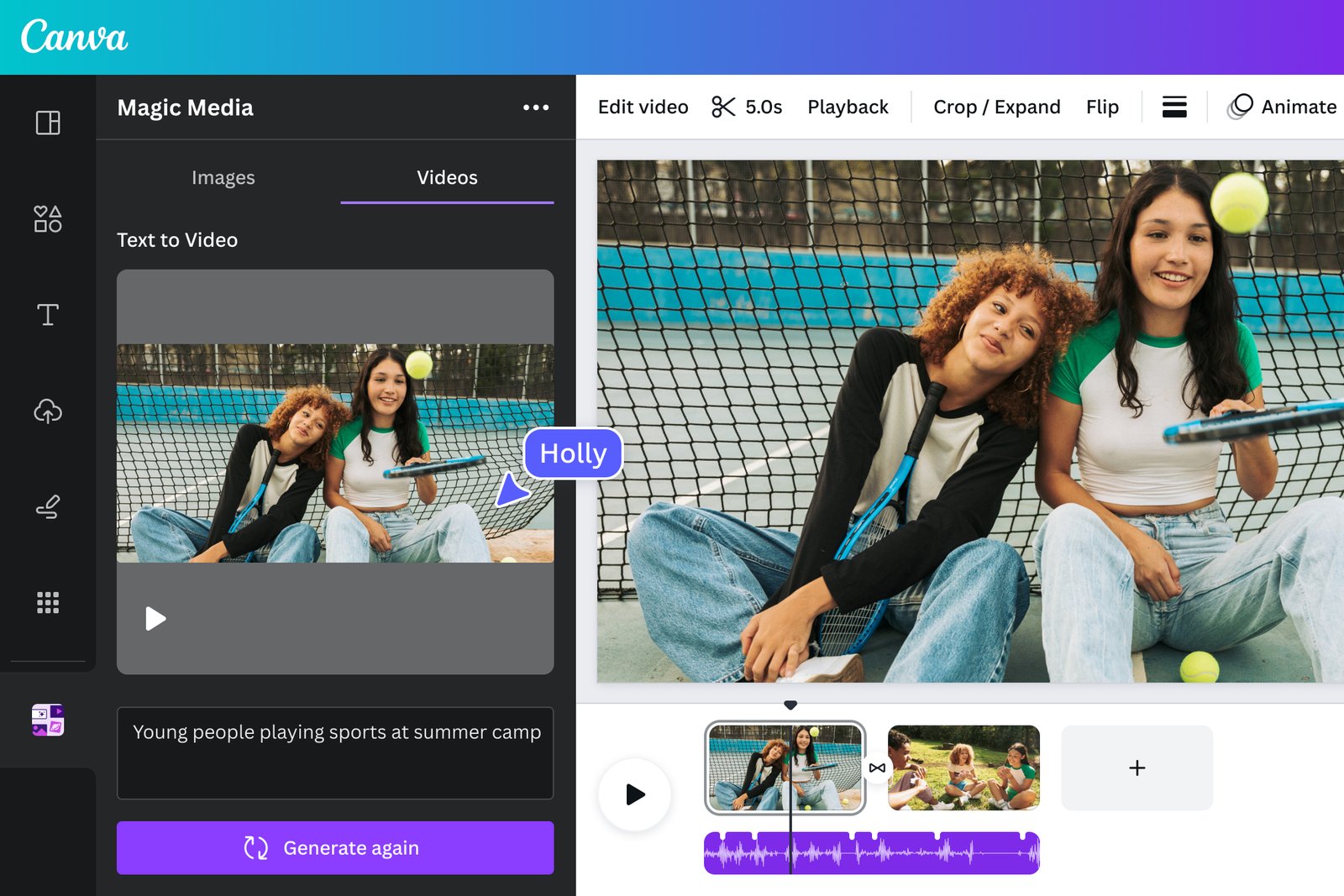
Canva animates designs with one-click effects, motion paths and animated elements, and creates AI video clips, so anyone can make animated social posts, presentations and videos.

  • ai animation generator
  • canva
  • animation
  • animated social posts
  • motion paths
  • ai video
  • templates
  • free
  • small business
  • presentations
Visit Website

Updated Nov 9, 2026

Pricing Freemium

Rating No reviews yet
canva-thumbnail

Standout Features

What makes Canva stand out

  • Free animation effects
  • Huge template library

Key Features

What’s in the toolkit?

  • 01

    Page and element animations

  • 02

    Motion paths

  • 03

    Animated stickers and elements

  • 04

    AI video generation

  • 05

    Video editor and templates

  • 06

    MP4 and GIF export

  • 07

    Collaboration

What is Canva?

Animate designs and create AI video

Canva makes animation easy inside its design editor.

Key capabilities

  • One-click animations.
  • Motion paths.
  • Animated elements.
  • AI video.
  • MP4 and GIF export.

Who it's for

Canva is a design-first AI animation generator.

Pricing
Freemium
Company
Canva
Platform Access
1 feature

Use Cases

Where teams put it to work

  • 01

    Animated social posts

  • 02

    Animated presentations

Workflow

How to use Canva?

  1. 01

    Write a prompt or upload an image.

  2. 02

    Choose a model, style and length.

  1. 03

    Generate and compare versions.

  2. 04

    Download or keep editing.

Pros & Cons

Is Canva right for you?

Pros

2
  • Free
  • Very easy

Cons

2
  • Preset effects
  • Limited character animation

Pricing

Pricing for Canva

Freemium
  • Free: templates, animation effects, MP4 and GIF.
  • Pro – $144/year for one person.
  • Business – $250/year per person.
  • Enterprise: contact sales.

Who is it for

Who is Canva for?

Small businesses.Social media managers.Educators.
Reviews

Canva Reviews

Real experiences from people who use Canva. Share yours to help others choose the right tool.

0.0/5

No reviews yet

5
0%
4
0%
3
0%
2
0%
1
0%

No reviews yet

Have you used Canva? Be the first to share your experience and help others decide.

Write a review

How would you rate Canva?

0/2000

Your email is never shown publicly. Reviews appear after a quick check by our team.

Explore More Similar Tools

More tools worth checking out from the same category.

Never Miss a New AI Tool

Subscribe to get the latest AI tools, deals, and resources delivered straight to your inbox — no spam, unsubscribe anytime.