
This may take few seconds.

0% Completed

AI Text to Video Generator · Freemium
Clipchamp logo - AI Text to Video Generator

Clipchamp

Clipchamp is Microsoft's online video editor with AI text-to-speech voiceovers, auto captions in 80+ languages, AI audio cleanup, templates and stock media, free in the browser and on Windows with 1080p watermark-free exports.

  • video editor
  • clipchamp
  • microsoft
  • text to speech
  • auto captions
  • ai voiceover
  • templates
  • screen recording
  • windows
  • free video editor
Visit Website

Updated Oct 8, 2026

Pricing Freemium

Rating No reviews yet

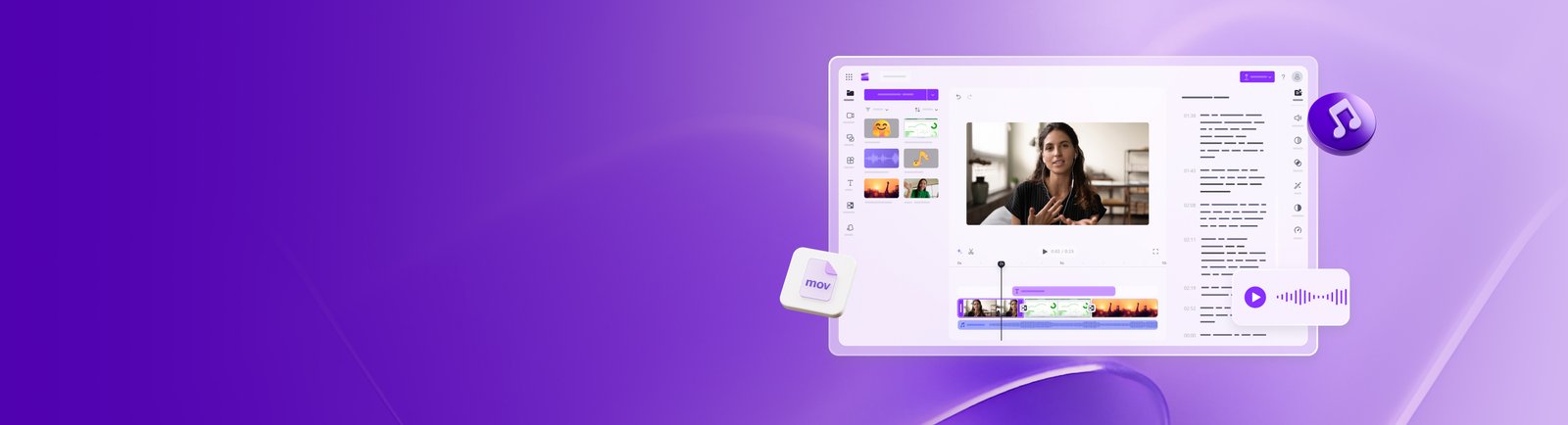
Clipchamp preview - AI Text to Video Generator

Standout Features

What makes Clipchamp stand out

  • Free 1080p exports with no watermark
  • AI text-to-speech voiceovers
  • Auto captions in 80+ languages
  • Built into Windows and Microsoft 365

Key Features

What’s in the toolkit?

  • 01

    Online video editor

  • 02

    AI text-to-speech

  • 03

    Auto captions in 80+ languages

  • 04

    AI noise, silence and filler-word removal

  • 05

    Video enhancer

  • 06

    AI background removal

  • 07

    Templates

  • 08

    Licensed music and stock footage

  • 09

    Screen and webcam recording

  • 10

    Brand kit (Premium)

  • 11

    4K export (Premium)

  • 12

    Browser and Windows app

What is Clipchamp?

Microsoft's video editor with AI voiceovers, captions and templates

Clipchamp is Microsoft's online video editor for recording, editing and sharing HD videos with AI-powered tools, no expertise required.

AI tools that speed up editing

  • Text to speech: AI voiceovers in many languages with adjustable pitch and pace.
  • Auto captions in 80+ languages.
  • AI audio editing to remove noise, pauses and filler words.
  • Video enhancer and AI background removal.

Free, with Microsoft 365 upgrades

Use templates, licensed music and stock footage, record your screen and webcam, and export up to 1080p without watermarks for free in the browser or Windows app. Microsoft 365 adds 4K, premium stock and brand kits, and AI video creation for business requires Copilot. Clipchamp is a practical editor to pair with AI text to video generators.


Pricing
Freemium
Company
Microsoft (Clipchamp)
Platform Access
1 feature

Use Cases

Where teams put it to work

  • 01

    Social media videos

  • 02

    YouTube editing

  • 03

    Presentations and tutorials

  • 04

    Business communications

  • 05

    Personal projects

Workflow

How to use Clipchamp?

  1. 01

    Open Clipchamp in your browser or on Windows.

  2. 02

    Start from a template or upload media.

  3. 03

    Add an AI voiceover from your script with text to speech.

  1. 04

    Generate captions and clean up audio.

  2. 05

    Export up to 1080p free.

Pros & Cons

Is Clipchamp right for you?

Pros

4
  • Free with no watermark
  • Built into Windows
  • Easy AI voiceovers and captions
  • Microsoft 365 integration

Cons

3
  • Not a generative text to video tool
  • AI video creation for business needs Copilot
  • No mobile app mentioned

Pricing

Pricing for Clipchamp

Freemium

Clipchamp is free with unlimited 1080p, watermark-free exports. Premium features (4K, premium stock, brand kit) are included with Microsoft 365 Personal and Family, and business versions come with eligible Microsoft 365 licenses; AI video creation for work requires Copilot.

Who is it for

Who is Clipchamp for?

Windows users.Microsoft 365 subscribers.Creators needing a free editor.
Reviews

Clipchamp Reviews

Real experiences from people who use Clipchamp. Share yours to help others choose the right tool.

0.0/5

No reviews yet

5
0%
4
0%
3
0%
2
0%
1
0%

No reviews yet

Have you used Clipchamp? Be the first to share your experience and help others decide.

Write a review

How would you rate Clipchamp?

0/2000

Your email is never shown publicly. Reviews appear after a quick check by our team.

Explore More Similar Tools

More tools worth checking out from the same category.

Never Miss a New AI Tool

Subscribe to get the latest AI tools, deals, and resources delivered straight to your inbox — no spam, unsubscribe anytime.