Kapwing: Collaborative online video editor.
Key capabilities
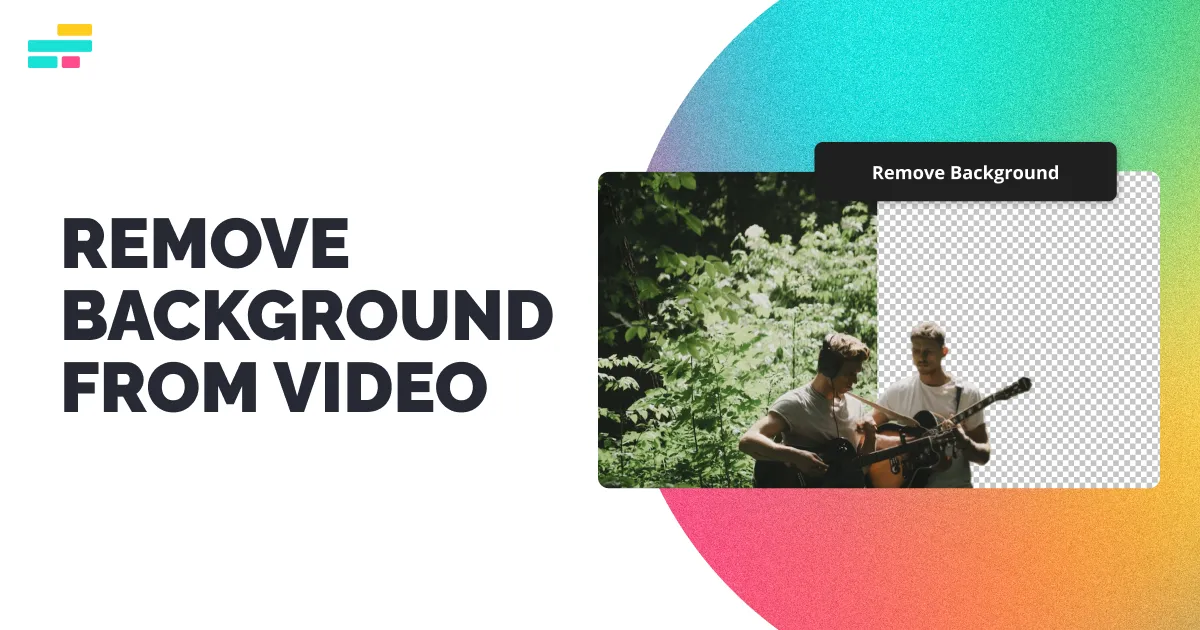
- Video background remover.
- Image background remover.
- Replace with color, image or video.
- Chroma key.
- AI editing tools.
Who it's for
Kapwing is a collaborative video AI background generator.
This may take few seconds.
0% Completed



Kapwing removes video and image backgrounds without a green screen and replaces them with colors, images or video, with chroma key and AI editing tools.
Updated Nov 2, 2026
Pricing Freemium
Rating No reviews yet
Standout Features
Key Features
What is Kapwing?
Kapwing: Collaborative online video editor.
Kapwing is a collaborative video AI background generator.
Use Cases
Talking-head videos
Social clips
Workflow
Upload your video.
Remove the background automatically.
Add a new color, image or video background.
Export the clip.
Pros & Cons
Pricing
Check kapwing.com/pricing for current rates.
Who is it for
Everything you need to know about Kapwing before you try it.
It is free to try after registering with an email. Full use and personal exports require a paid plan.
Yes. The background is removed in the video editor with one click.
Yes, it's free in the Effects tab alongside the Background Remover.
MP4, MOV, WebM and more. Videos can be exported as MP4, GIF, MP3 or PNG.
Real experiences from people who use Kapwing. Share yours to help others choose the right tool.
0.0/5
No reviews yet
No reviews yet
Have you used Kapwing? Be the first to share your experience and help others decide.
More tools worth checking out from the same category.
Subscribe to get the latest AI tools, deals, and resources delivered straight to your inbox — no spam, unsubscribe anytime.