This may take few seconds.

0% Completed

Logo Generator · Freemium
Logo Diffusion logo - Logo Generator

Logo Diffusion

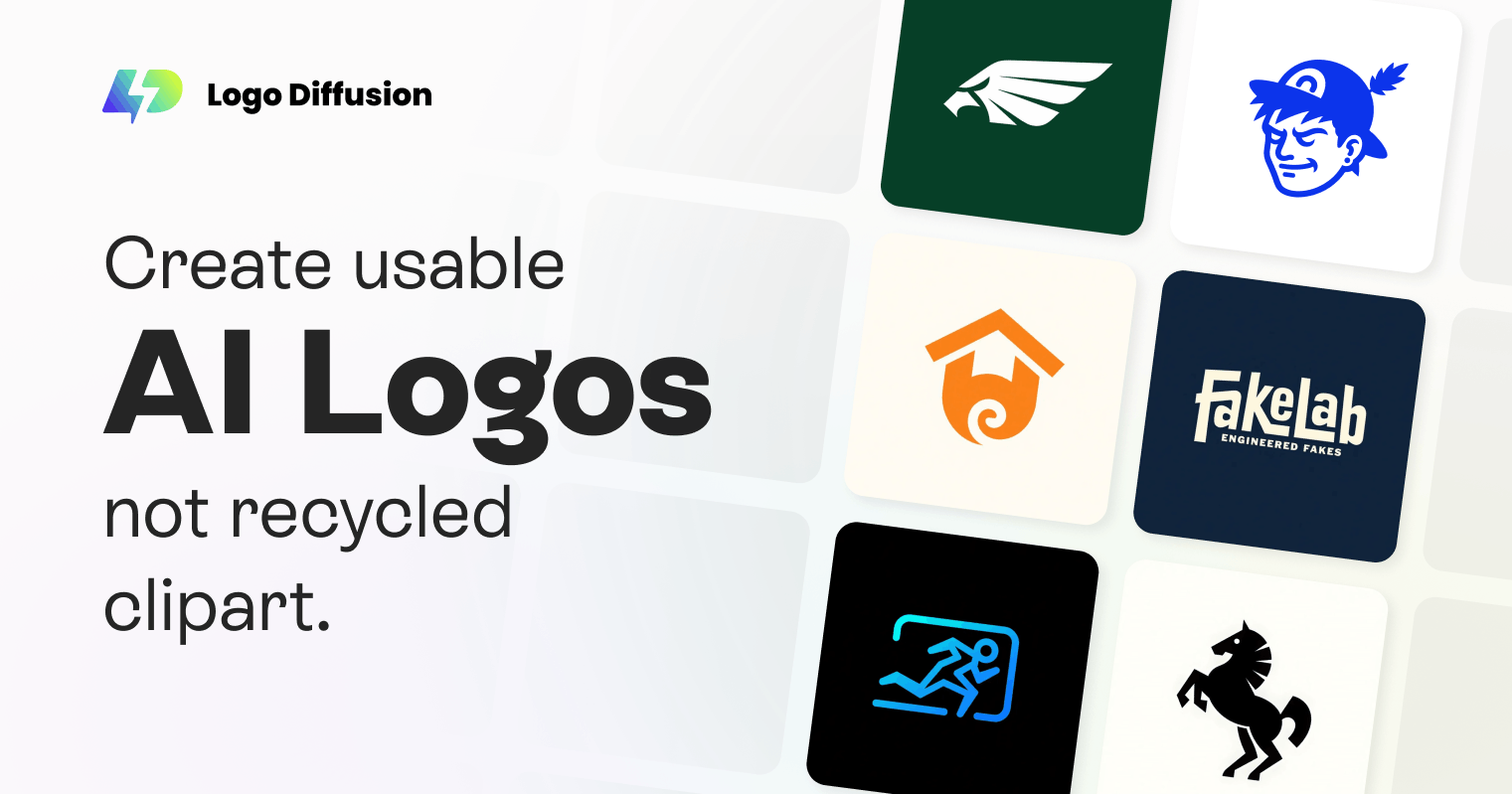
Logo Diffusion is an AI logo generator built only for logos, turning text, sketches or images into concepts you can edit with Magic Editor, restyle with 70+ styles, vectorize to layered SVG, mock up and export up to 4K.

  • logo generator
  • logo diffusion
  • ai logo generator
  • sketch to logo
  • vectorizer
  • svg logo
  • logo mockups
  • style transfer
  • designers
  • generative ai
Visit Website

Updated Oct 9, 2026

Pricing Freemium

Rating No reviews yet

Logo Diffusion preview - Logo Generator

Standout Features

What makes Logo Diffusion stand out

  • Text, sketch and image to logo
  • Layered SVG vectorizer
  • 70+ style transfers
  • AI mockups

Key Features

What’s in the toolkit?

  • 01

    Text-to-Logo

  • 02

    Sketch-to-Logo canvas

  • 03

    Image-to-Logo

  • 04

    Magic Editor

  • 05

    70+ style transfers

  • 06

    Vectorizer (layered SVG)

  • 07

    AI mockups

  • 08

    2x/4x creative upscaler

  • 09

    Custom and brand colors

  • 10

    Background remover

  • 11

    Up to 4K export

  • 12

    Private generation (paid)

  • 13

    Commercial license (paid)

What is Logo Diffusion?

Generate logo concepts you can edit, mock up and export as vector

Logo Diffusion creates original logo concepts with AI instead of templates, and gives you a complete toolkit to finish them.

Features

  • Text-to-Logo with up to 4 options per generation.
  • Sketch-to-Logo and Image-to-Logo.
  • Magic Editor for text swaps, variations and icon sets.
  • Vectorizer to layered SVG that keeps gradients.
  • AI mockups, upscaler and background remover.

For designers

Paid plans include a commercial license and private generation. Logo Diffusion is a powerful generative logo generator for designers and agencies.


Pricing
Freemium
Company
Logo Diffusion Inc.
Platform Access
1 feature

Use Cases

Where teams put it to work

  • 01

    Logo concept exploration

  • 02

    Turning sketches into logos

  • 03

    Brand mockups

  • 04

    Agency work

Workflow

How to use Logo Diffusion?

  1. 01

    Sign up at logodiffusion.com.

  2. 02

    Describe, sketch or upload your idea.

  3. 03

    Generate logo options.

  1. 04

    Edit and vectorize.

  2. 05

    Mock up and export.

Pros & Cons

Is Logo Diffusion right for you?

Pros

3
  • Original AI concepts, not templates
  • True vector export
  • Professional toolkit

Cons

2
  • Free plan is watermarked and non-commercial
  • Subscription needed for regular use

Pricing

Pricing for Logo Diffusion

Freemium
  • Free – $0: 24 credits, watermarked 512px, no commercial rights.
  • Basic – $24/month: 1,000 credits, 200 vector exports.
  • Pro – $49/month: 2,500 credits, 500 vectors.
  • Elite – $99/month: 6,000 credits, 1,200 vectors.
  • Starter Pack – $59 one-time: 1,500 credits.

Yearly billing saves 2 months.

Who is it for

Who is Logo Diffusion for?

Designers and agencies.Founders exploring concepts.Creators.
FAQ

Frequently Asked Questions

Everything you need to know about Logo Diffusion before you try it.

Your text, sketch or image becomes multiple logo options you can refine and export, including as vectors.

No.

Yes, up to 4.

Yes, including matching your brand palette.

Paid tiers include a commercial license; free access is limited.

Reviews

Logo Diffusion Reviews

Real experiences from people who use Logo Diffusion. Share yours to help others choose the right tool.

0.0/5

No reviews yet

5
0%
4
0%
3
0%
2
0%
1
0%

No reviews yet

Have you used Logo Diffusion? Be the first to share your experience and help others decide.

Write a review

How would you rate Logo Diffusion?

0/2000

Your email is never shown publicly. Reviews appear after a quick check by our team.

Explore More Similar Tools

More tools worth checking out from the same category.

Never Miss a New AI Tool

Subscribe to get the latest AI tools, deals, and resources delivered straight to your inbox — no spam, unsubscribe anytime.