This may take few seconds.

0% Completed

AI Invoice Generator · Free
PayPal Invoicing logo - AI Invoice Generator

PayPal Invoicing

PayPal Invoicing lets you create branded invoices and get paid by PayPal, Venmo, cards, Apple Pay, Pay Later and bank, even from customers without PayPal, with QR codes, recurring invoices, reminders and QuickBooks or Xero sync.

  • ai invoice generator
  • paypal invoicing
  • paypal
  • venmo
  • online invoice
  • qr code
  • pay later
  • recurring invoices
  • freelancers
  • small business
Visit Website

Updated Oct 13, 2026

Pricing Free

Rating No reviews yet

PayPal Invoicing preview - AI Invoice Generator

Standout Features

What makes PayPal Invoicing stand out

  • No monthly fee
  • Customers pay without PayPal account
  • Pay Later installments
  • QR codes

Key Features

What’s in the toolkit?

  • 01

    Branded invoices

  • 02

    Taxes, discounts and shipping

  • 03

    PayPal and Venmo

  • 04

    Cards and Apple Pay

  • 05

    Pay Later

  • 06

    Pay by Bank (ACH)

  • 07

    Email, SMS, social and QR sharing

  • 08

    Status tracking

  • 09

    Recurring invoices

  • 10

    Automatic reminders

  • 11

    QuickBooks and Xero sync

  • 12

    PayPal app

What is PayPal Invoicing?

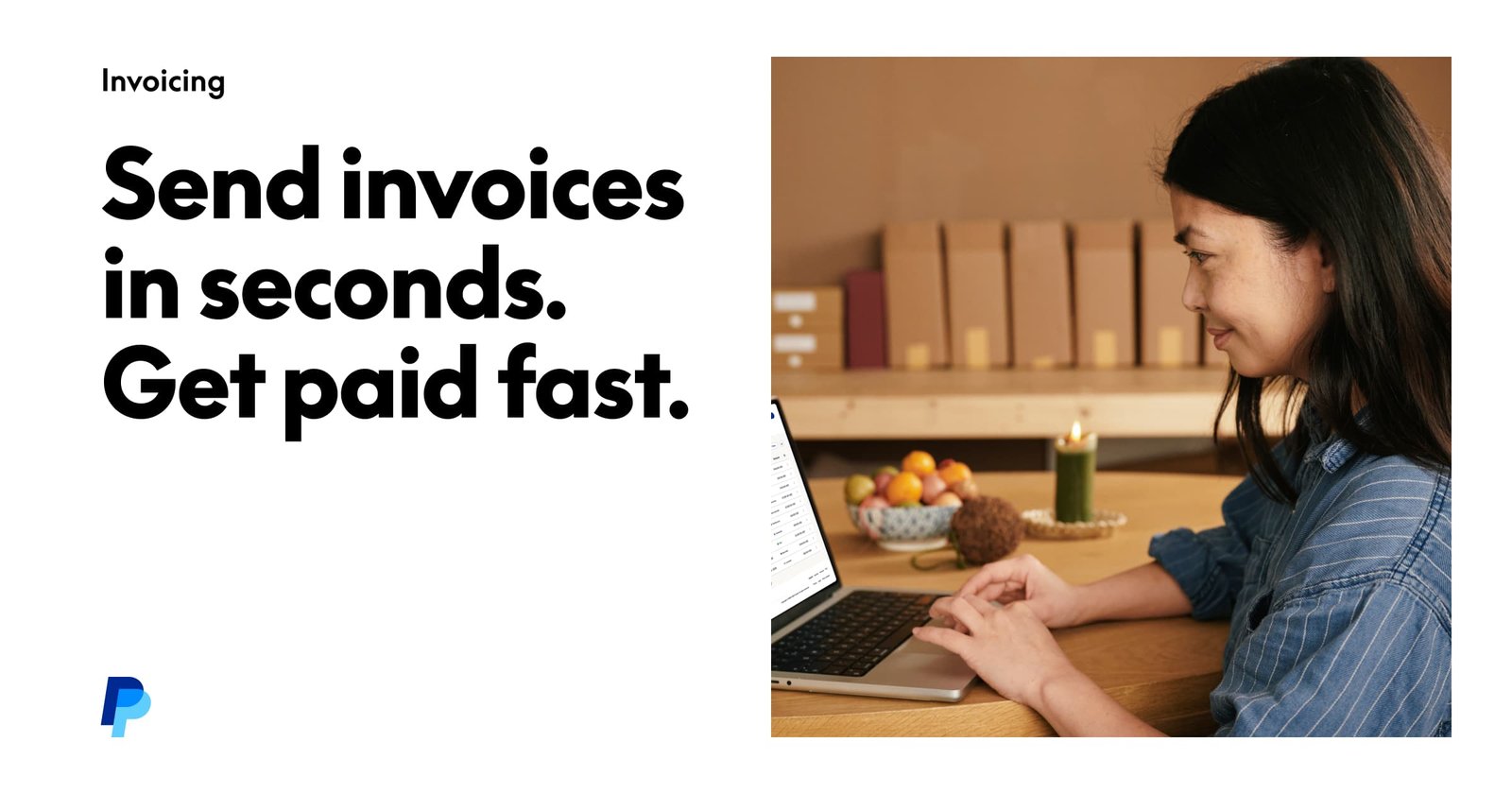
Send invoices in seconds. Get paid fast.

PayPal Invoicing is included with every PayPal business account.

Key capabilities

  • Branded invoices with taxes and discounts.
  • PayPal, Venmo, cards and Pay Later.
  • Share by email, SMS or QR code.
  • Recurring invoices and reminders.
  • QuickBooks and Xero sync.

Who it's for

PayPal Invoicing is a trusted AI invoice generator option for freelancers and small businesses.

Pricing
Free
Company
PayPal, Inc.
Platform Access
1 feature

Use Cases

Where teams put it to work

  • 01

    Freelancers

  • 02

    Online sellers

  • 03

    International clients

Workflow

How to use PayPal Invoicing?

  1. 01

    Log in to PayPal Business.

  2. 02

    Create an invoice.

  1. 03

    Send by email, link or QR.

  2. 04

    Get paid.

Pros & Cons

Is PayPal Invoicing right for you?

Pros

3
  • No subscription
  • Trusted brand
  • Flexible payment options

Cons

2
  • Per-transaction fees
  • Basic invoicing features

Pricing

Pricing for PayPal Invoicing

Free
  • Invoicing – free.
  • PayPal and Venmo: 3.49% + $0.49.
  • Cards and Apple Pay: 2.99% + $0.49.
  • Pay Later: 4.99% + $0.49.
  • Pay by Bank: 1%, capped at $10.

US fees per transaction.

Who is it for

Who is PayPal Invoicing for?

Freelancers.Small businesses.
FAQ

Frequently Asked Questions

Everything you need to know about PayPal Invoicing before you try it.

A PayPal account, which includes invoicing.

No.

Yes, with Pay Later.

By email, link or QR code.

Reviews

PayPal Invoicing Reviews

Real experiences from people who use PayPal Invoicing. Share yours to help others choose the right tool.

0.0/5

No reviews yet

5
0%
4
0%
3
0%
2
0%
1
0%

No reviews yet

Have you used PayPal Invoicing? Be the first to share your experience and help others decide.

Write a review

How would you rate PayPal Invoicing?

0/2000

Your email is never shown publicly. Reviews appear after a quick check by our team.

Explore More Similar Tools

More tools worth checking out from the same category.

Never Miss a New AI Tool

Subscribe to get the latest AI tools, deals, and resources delivered straight to your inbox — no spam, unsubscribe anytime.