
This may take few seconds.

0% Completed

Color Palette Generator · Free
adobe-color-logo

Adobe Color

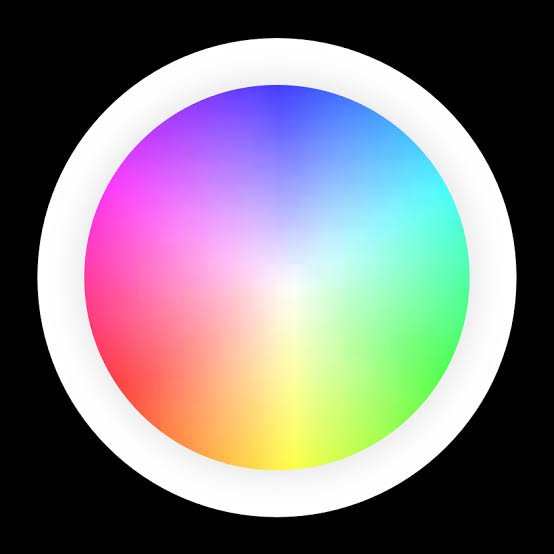
Adobe Color builds palettes with a color wheel and harmony rules, extracts palettes and gradients from images, checks contrast and color blindness, and saves themes to Creative Cloud Libraries.

  • color palette generator
  • adobe color
  • color wheel
  • harmony rules
  • extract from image
  • accessibility
  • creative cloud
  • designers
  • adobe users
Visit Website
Updated:
Pricing:
Free
Rating:
No reviews yet
adobe-color-thumbnail

Standout Features

What makes Adobe Color stand out

  • Harmony rules plus Creative Cloud sync

Key Features

What’s in the toolkit?

  • 01

    Color wheel with harmony rules

  • 02

    Extract palette or gradient from image

  • 03

    Contrast and color-blind checker

  • 04

    Trends and community themes

  • 05

    Creative Cloud Libraries

What is Adobe Color?

Adobe's free color wheel and palette tool

Adobe Color builds palettes with a color wheel and harmony rules, extracts palettes and gradients from images, checks contrast and color blindness, and saves themes to Creative Cloud Libraries.

Key capabilities

  • Color wheel with harmony rules.
  • Extract palette or gradient from image.
  • Contrast and color-blind checker.
  • Trends and community themes.
  • Creative Cloud Libraries.

Who it's for

Adobe Color is a free color palette generator.

Pricing
Free
Company
Adobe
Platform Access
1 feature

Use Cases

Where teams put it to work

  • 01

    Brand palettes from color theory

  • 02

    Palettes from photos

  • 03

    Accessible color checks

  • 04

    Themes for Adobe apps

Workflow

How to use Adobe Color?

  1. 01

    Pick a base color on the wheel.

  2. 02

    Choose a harmony rule.

  1. 03

    Check accessibility.

  2. 04

    Save to Libraries or copy the codes.

Pros & Cons

Is Adobe Color right for you?

Pros

3
  • Free
  • Strong color theory tools
  • Syncs with Adobe apps

Cons

2
  • Saving needs an Adobe account
  • Applying palettes in Express needs a paid plan

Pricing

Pricing for Adobe Color

Free

Adobe Color is free. Saving to Libraries needs a free Adobe account; applying palettes automatically in Adobe Express needs a paid plan.

Who is it for

Who is Adobe Color for?

Designers.Adobe Creative Cloud users.Students.
FAQ

Frequently Asked Questions

Everything you need to know about Adobe Color before you try it.

A curated set of colors that forms a cohesive scheme for branding, websites, social media and other design work.

Most palettes use 3–5 core colors, often with neutrals; the right number depends on your goals and brand guidelines.

Yes, after saving them to your Creative Cloud library. Applying them to designs automatically requires a paid plan.

A palette is the specific set of colors used in a design; a theme is the overall mood or style those colors create.

Reviews

Adobe Color Reviews

Real experiences from people who use Adobe Color. Share yours to help others choose the right tool.

0.0/5

No reviews yet

5
0%
4
0%
3
0%
2
0%
1
0%

No reviews yet

Have you used Adobe Color? Be the first to share your experience and help others decide.

Write a review

How would you rate Adobe Color?

0/2000

Your email is never shown publicly. Reviews appear after a quick check by our team.

Explore More Similar Tools

More tools worth checking out from the same category.

Never Miss a New AI Tool

Subscribe to get the latest AI tools, deals, and resources delivered straight to your inbox — no spam, unsubscribe anytime.