This may take few seconds.

0% Completed

3D Animation Generator · Freemium
iclone-logo

iClone

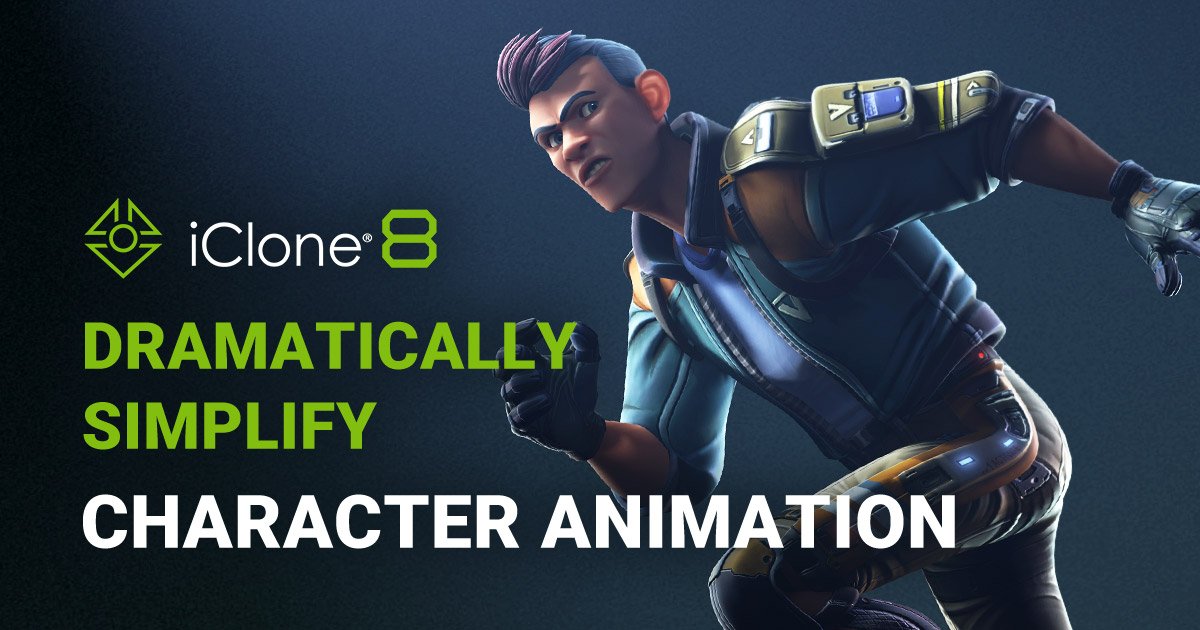
iClone by Reallusion is a real-time 3D animation software that simplifies character animation, mocap editing, facial animation, AI lip-sync and crowd simulation, with exports to Unreal, Unity, Blender, Maya and Omniverse.

  • 3d character animation
  • real time animation
  • facial animation
  • ai lip sync
  • motion capture editing
  • crowd simulation
  • reallusion
  • character creator
  • unreal live link
  • previs
Visit Website
Updated:
Pricing:
Freemium
Rating:
No reviews yet
iclone-thumbnail

Standout Features

What makes iClone stand out

  • AccuLips AI lip-sync from audio
  • Video mocap for body, hands and face
  • Motion Director game-style character control
  • Live Link to Unreal Engine and Omniverse

Key Features

What’s in the toolkit?

  • 01

    Real-time body animation

  • 02

    Mocap editing and correction

  • 03

    Curve Editor

  • 04

    Facial animation and puppeteering

  • 05

    AccuLips AI lip-sync

  • 06

    AccuFACE face tracking

  • 07

    Video Mocap for body and hands

  • 08

    AccuPOSE AI posing

  • 09

    Motion Director

  • 10

    Crowd simulation

  • 11

    Character Creator integration

  • 12

    2,000+ free assets

  • 13

    FBX, Alembic, USD and OBJ export

  • 14

    Unreal Live Link

  • 15

    Omniverse connector

  • 16

    Auto Setup for Unreal, Unity, Blender, Maya and 3ds Max

  • 17

    AI Studio

What is iClone?

Real-time 3D character animation software by Reallusion

iClone is Reallusion's real-time 3D animation software for orchestrating full character performances, from body motion and facial expression to scene design and cinematic storytelling, all in one place.

Body and facial animation, simplified

  • Body animation with real-time preview, mocap correction and a built-in Curve Editor.
  • Facial animation with muscle-level editing and real-time puppeteering.
  • AccuLips: AI lip-sync generated from audio.
  • Video Mocap and AccuFACE: capture body, hands and face from video or a live feed.
  • AccuPOSE: controllable AI-assisted posing.
  • Motion Director: drive characters game-style with a keyboard, controller or waypoints, plus crowd simulation.

Part of a complete character pipeline

iClone pairs with Character Creator for building characters and ships with 2,000+ free assets. Animations export as FBX, Alembic, USD and OBJ, with free Auto Setup tools for Unreal, Unity, Blender, Maya, 3ds Max and Marmoset, an Unreal Live Link and a free Omniverse connector. A new AI Studio connects 3D scenes to AI image and video models. With a free iClone Personal edition, it is one of the most complete 3D animation generator tools for indie filmmakers, game developers and previs artists.


Pricing
Freemium
Company
Reallusion Inc.
Platform Access
2 features

Use Cases

Where teams put it to work

  • 01

    Indie animated films

  • 02

    Previsualization

  • 03

    Game cinematics and character animation

  • 04

    Virtual production with Unreal Engine

  • 05

    Talking characters and dialogue scenes

  • 06

    Crowd scenes

Workflow

How to use iClone?

  1. 01

    Download iClone from Reallusion and start with iClone Personal for free.

  2. 02

    Load or build a character from the asset library or Character Creator.

  3. 03

    Animate the body with motion clips, video mocap, AccuPOSE or Motion Director.

  1. 04

    Add facial performance with AccuLips from audio, AccuFACE or puppeteering.

  2. 05

    Render in iClone or export to Unreal, Unity, Blender, Maya or Omniverse.

Pros & Cons

Is iClone right for you?

Pros

6
  • Free iClone Personal edition
  • Strong facial animation and AI lip-sync
  • Real-time workflow
  • Video-based mocap built in
  • Exports to all major engines and DCCs
  • Large free asset library

Cons

3
  • Free Personal edition restricts 3D export
  • Some features and plugins are sold separately
  • Windows-focused

Pricing

Pricing for iClone

Freemium
  • iClone Personal – Free: no time limit, with restricted 3D export.
  • iClone 8 Standard – $599: includes Motion LIVE, Curve Editor and partial 3DXchange.

Subscription and perpetual options are available, and some plugins and Live Link tools are sold separately. Check reallusion.com/iclone for current pricing.

Who is it for

Who is iClone for?

Indie filmmakers and animators producing character-driven stories.Game developers creating cinematics and character motion.Previs and virtual production teams working with Unreal Engine.Educators and content creators making talking-character videos.
Reviews

iClone Reviews

Real experiences from people who use iClone. Share yours to help others choose the right tool.

0.0/5

No reviews yet

5
0%
4
0%
3
0%
2
0%
1
0%

No reviews yet

Have you used iClone? Be the first to share your experience and help others decide.

Write a review

How would you rate iClone?

0/2000

Your email is never shown publicly. Reviews appear after a quick check by our team.

Explore More Similar Tools

More tools worth checking out from the same category.

Never Miss a New AI Tool

Subscribe to get the latest AI tools, deals, and resources delivered straight to your inbox — no spam, unsubscribe anytime.