This may take few seconds.

0% Completed

AI Image Generator · Freemium
Krea AI logo - AI Image Generator

Krea AI

Krea AI is a creative AI suite with real-time image generation, its own Krea 1 and Krea 2 models, dozens of partner models, an enhancer that upscales up to 22K, an AI image editor, LoRA training and node-based workflows.

  • ai image generator
  • krea ai
  • real time ai
  • ai upscaler
  • image enhancer
  • lora training
  • krea 2
  • ai image editor
  • multi model
  • creative suite
Visit Website

Updated Oct 9, 2026

Pricing Freemium

Rating No reviews yet

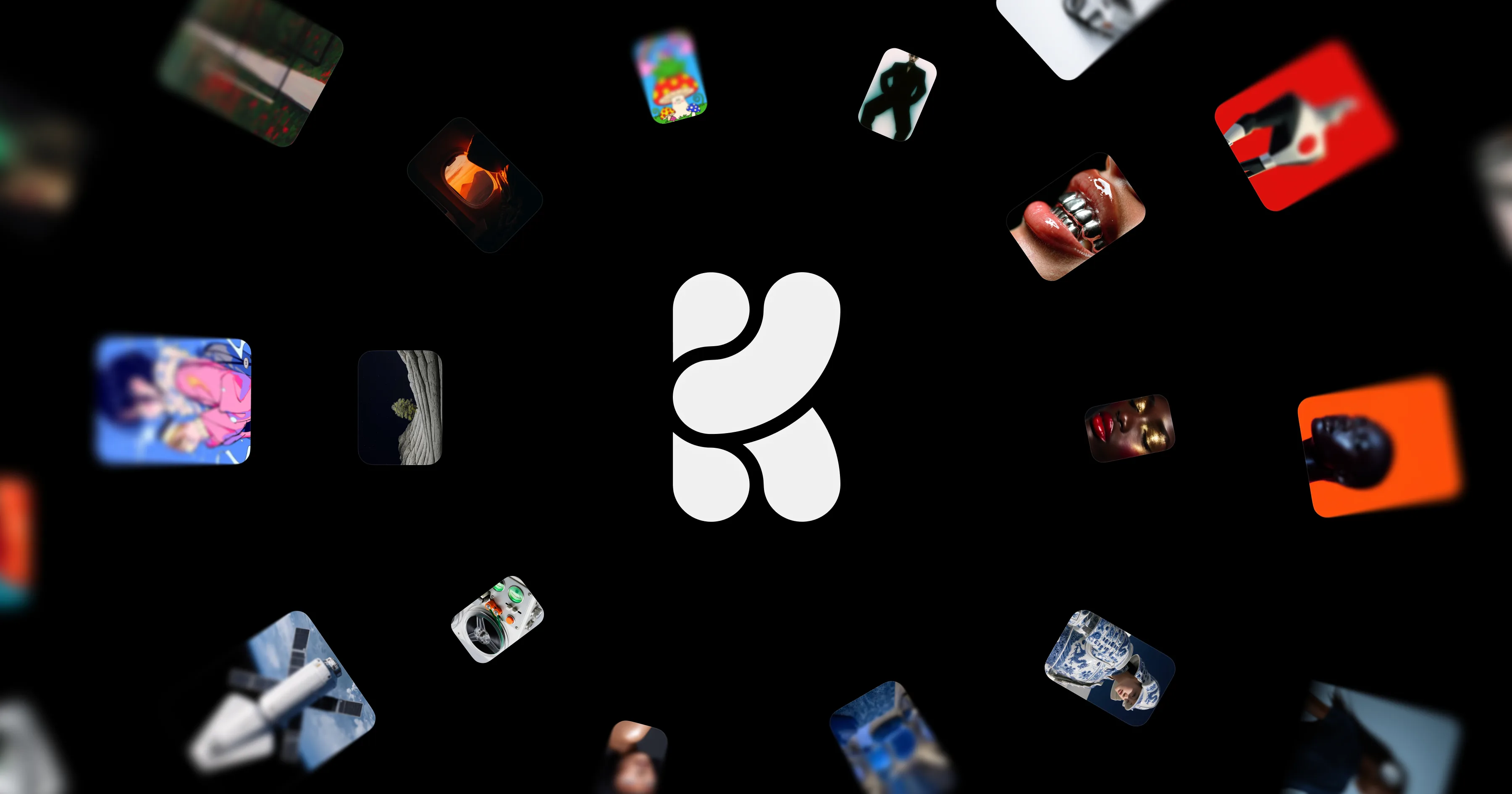
Krea AI preview - AI Image Generator

Standout Features

What makes Krea AI stand out

  • Real-time generation under 50ms
  • Enhancer up to 22K
  • Own Krea 2 models plus partner models
  • LoRA training and node workflows

Key Features

What’s in the toolkit?

  • 01

    Krea 1

  • 02

    Krea 2 Medium, Large and Turbo

  • 03

    Realtime Canvas

  • 04

    Enhancer and upscaler up to 22K

  • 05

    AI Image Editor

  • 06

    LoRA training

  • 07

    Krea Nodes

  • 08

    App Builder

  • 09

    Krea Agent

  • 10

    Partner models: FLUX, GPT Image 2.5, Ideogram 4.5, Nano Banana Pro, Seedream 5 Pro, Recraft V4

  • 11

    Photoshop, Blender and other plugins

  • 12

    iOS app

What is Krea AI?

The world's most powerful creative AI suite

Krea AI is a creative suite for images and video, known for real-time generation and powerful upscaling.

Image features

  • Krea 1 and Krea 2 (Medium, Large, Turbo) foundation models, with open releases.
  • Realtime Canvas with under 50ms generation.
  • Enhancer upscaling up to 22K with models including Topaz.
  • AI Image Editor with models like Nano Banana and Flux Kontext.
  • LoRA training, Krea Nodes and Krea Agent.

Every major model

Krea brings partner models such as FLUX, GPT Image 2.5, Ideogram 4.5, Nano Banana Pro, Seedream 5 Pro and Recraft V4 into one workspace, with plugins for Photoshop, Blender and more. It is a flexible, pro-grade AI image generator.

Pricing
Freemium
Company
Krea
Platform Access
3 features

Use Cases

Where teams put it to work

  • 01

    Concept art and ideation

  • 02

    Upscaling images

  • 03

    Product visuals

  • 04

    Custom style training

Workflow

How to use Krea AI?

  1. 01

    Sign up free at krea.ai.

  2. 02

    Open Realtime or the image generator.

  3. 03

    Pick a model and prompt.

  1. 04

    Edit or enhance the result.

  2. 05

    Download.

Pros & Cons

Is Krea AI right for you?

Pros

4
  • Instant real-time feedback
  • Best-in-class upscaling
  • Huge model selection
  • Free daily plan

Cons

2
  • Compute units can run out quickly
  • No Android app

Pricing

Pricing for Krea AI

Freemium
  • Free – $0: 100 compute units/day.
  • Pro – $21/month (discounted from $35): 20,000 units/month.
  • Max – $63/month (from $105): 60,000 units/month.
  • Business – $160/month (from $200): 80,000 units, up to 50 seats.
  • Enterprise: custom.

Save 40% with yearly billing; compute packs are available.

Who is it for

Who is Krea AI for?

Designers and artists.Creative studios.Power users wanting many models.
Reviews

Krea AI Reviews

Real experiences from people who use Krea AI. Share yours to help others choose the right tool.

0.0/5

No reviews yet

5
0%
4
0%
3
0%
2
0%
1
0%

No reviews yet

Have you used Krea AI? Be the first to share your experience and help others decide.

Write a review

How would you rate Krea AI?

0/2000

Your email is never shown publicly. Reviews appear after a quick check by our team.

Explore More Similar Tools

More tools worth checking out from the same category.

Never Miss a New AI Tool

Subscribe to get the latest AI tools, deals, and resources delivered straight to your inbox — no spam, unsubscribe anytime.