This may take few seconds.

0% Completed

AI Text to Video Generator · Freemium
Krea AI logo - AI Text to Video Generator

Krea AI

Krea AI's video generator creates videos from text or images with leading models including Seedance 2.5, Veo 3.1, Kling 3.0, Sora 2, Wan 2.6, Runway Gen-4.5 and MiniMax H3, with lip sync, video upscaling and a free daily allowance.

  • text to video
  • krea
  • ai video generator
  • multi model
  • image to video
  • lip sync
  • video upscaling
  • veo 3.1
  • kling
  • seedance
Visit Website

Updated Oct 8, 2026

Pricing Freemium

Rating No reviews yet

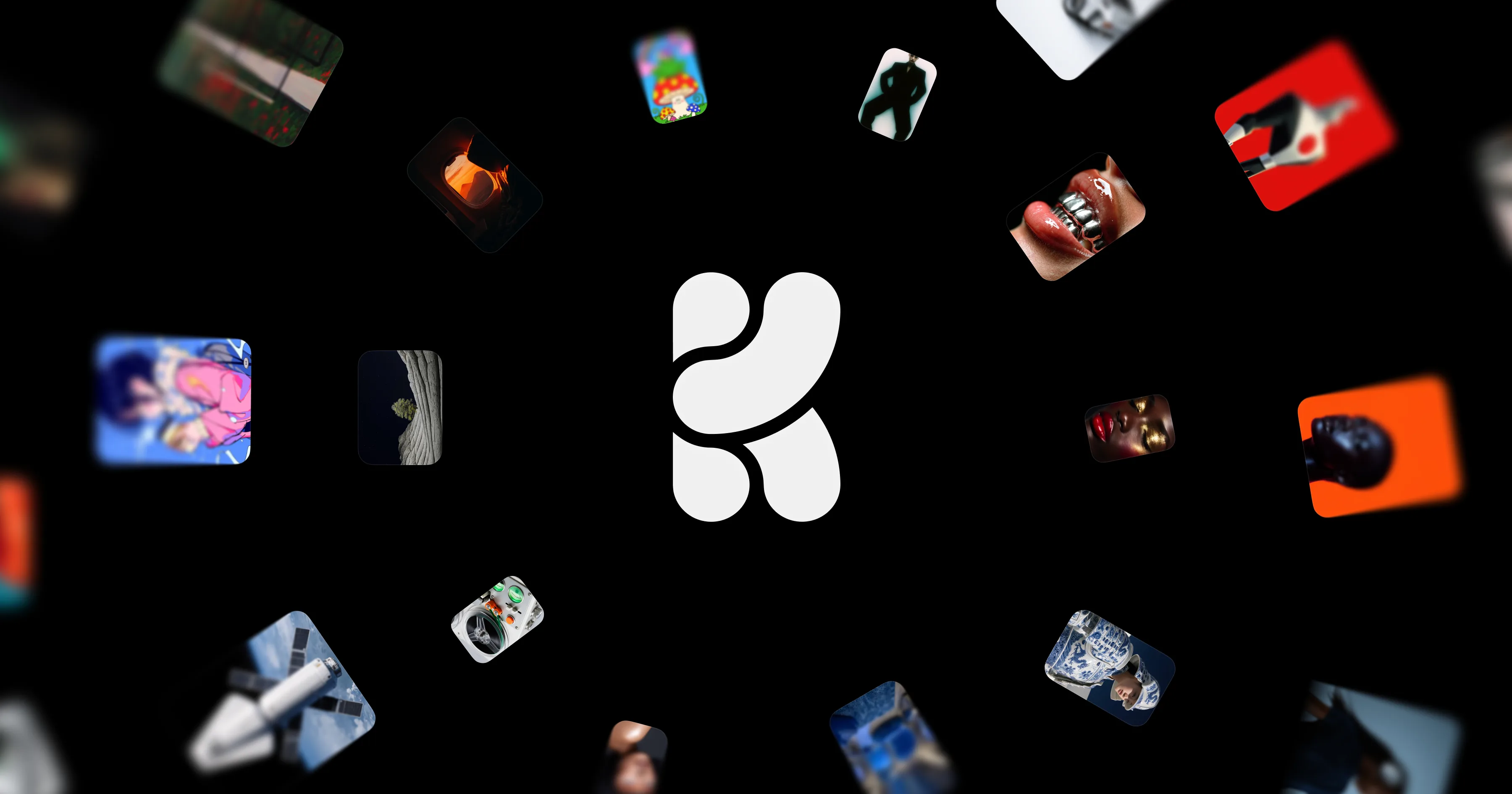
Krea AI preview - AI Text to Video Generator

Standout Features

What makes Krea AI stand out

  • Many top video models in one workspace
  • First- and last-frame control
  • Lip sync and video upscaling
  • Free daily compute units

Key Features

What’s in the toolkit?

  • 01

    Text to video

  • 02

    Image to video

  • 03

    Seedance 2.5, Veo 3.1, Kling 3.0, Sora 2, Wan 2.6, Runway Gen-4.5 and MiniMax H3

  • 04

    First and last frame control

  • 05

    Synchronized audio

  • 06

    Extend and merge clips

  • 07

    Parallel generation

  • 08

    Lip sync

  • 09

    Video upscaling

  • 10

    API

What is Krea AI?

Generate, compare and refine AI video with top models in one workspace

Krea AI is an AI creative suite, and its AI Video Generator lets you generate, compare and refine clips from many top models in one workspace.

Every major model

  • Seedance 2.5, Veo 3.1, Kling 3.0, Sora 2, Wan 2.6, Runway Gen-4.5, MiniMax H3 and Hailuo.
  • Text to video and image to video with first- and last-frame control.
  • Synchronized audio on supported models.

Refine and enhance

Extend and merge clips, run parallel generations, add lip sync and upscale video, all alongside Krea's image generation, real-time canvas and editing tools. With 100 free compute units per day and affordable plans, Krea is one of the most flexible AI text to video generators.

Pricing
Freemium
Company
Krea
Platform Access
2 features

Use Cases

Where teams put it to work

  • 01

    Comparing models for the best shot

  • 02

    Concept and mood videos

  • 03

    Marketing clips

  • 04

    Music videos

  • 05

    Creative experimentation

Workflow

How to use Krea AI?

  1. 01

    Sign up free at krea.ai.

  2. 02

    Open the Video Generator.

  3. 03

    Enter a prompt or upload start and end frames.

  1. 04

    Choose a model and generate, or run several in parallel.

  2. 05

    Extend, lip sync or upscale, then download.

Pros & Cons

Is Krea AI right for you?

Pros

4
  • Access to almost every top model
  • Compare outputs side by side
  • Free daily usage
  • Upscaling and lip sync included

Cons

2
  • Compute-unit pricing takes time to learn
  • Premium models use more credits

Pricing

Pricing for Krea AI

Freemium
  • Free – $0: 100 compute units per day.
  • Basic – $9/month: 5,000 compute units.
  • Pro – $35/month: 20,000 compute units, all video models.
  • Max – $105/month: 60,000 compute units.
  • Business – $200/month and Enterprise custom.

Yearly billing saves 40%.

Who is it for

Who is Krea AI for?

Creators who want many models.Designers and agencies.AI artists.

Explore More Similar Tools

More tools worth checking out from the same category.

Never Miss a New AI Tool

Subscribe to get the latest AI tools, deals, and resources delivered straight to your inbox — no spam, unsubscribe anytime.