
This may take few seconds.

0% Completed

AI Text to Video Generator · Paid
LTX Studio logo - AI Text to Video Generator

LTX Studio

LTX by Lightricks offers open video models, including LTX-2.5, that generate cinematic video from text in native 4K at up to 50 FPS, with open weights, language-based camera control, an API and LTX Studio for creative workflows.

  • text to video
  • ltx
  • lightricks
  • open source video model
  • 4k video
  • ai video api
  • storyboarding
  • camera control
  • ltx studio
  • generative video
Visit Website

Updated Oct 8, 2026

Pricing Paid

Rating No reviews yet

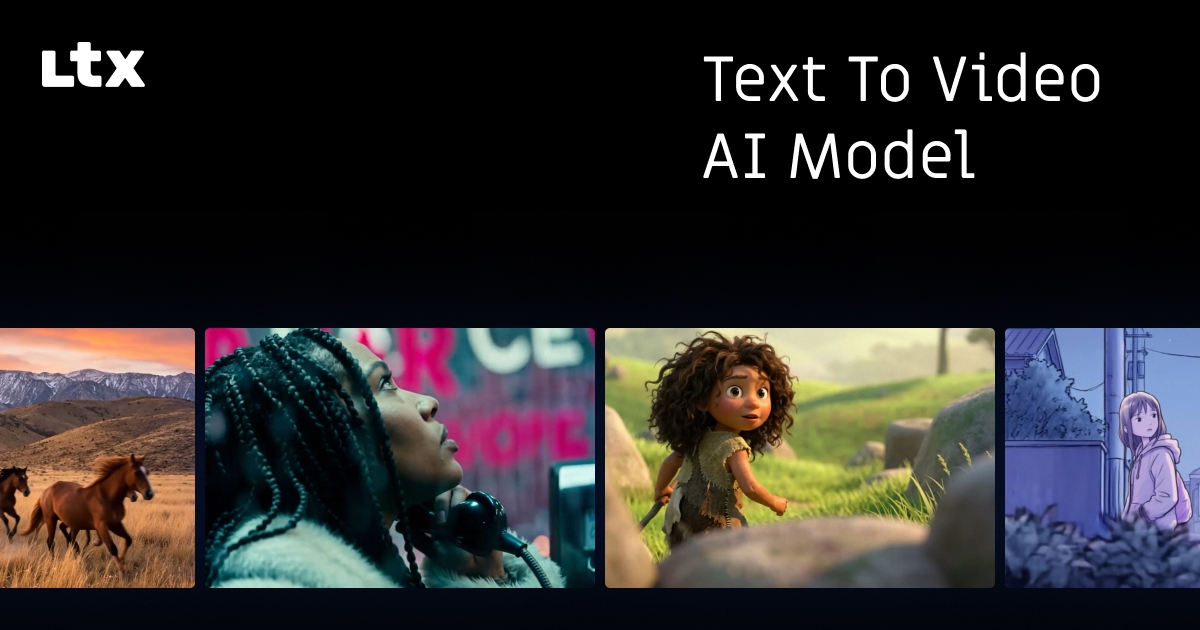
LTX Studio preview - AI Text to Video Generator

Standout Features

What makes LTX Studio stand out

  • Native 4K at up to 50 FPS
  • Open weights for local use and fine-tuning
  • Language-based camera control
  • Pay-per-second API

Key Features

What’s in the toolkit?

  • 01

    Text to video

  • 02

    LTX-2.5 and LTX-2.3 models

  • 03

    Native 4K output

  • 04

    Up to 50 FPS

  • 05

    About 20 seconds per generation

  • 06

    Image and keyframe conditioning

  • 07

    Camera control via prompts

  • 08

    Open weights (GitHub and Hugging Face)

  • 09

    Hosted API

  • 10

    LTX Studio

What is LTX Studio?

Text to video with LTX open models in native 4K at up to 50 FPS

LTX, from Lightricks, builds open world models for video and audio. Its text to video capability turns prompts into cinematic video with precise control, speed and production-ready workflows.

LTX-2.5 text to video

  • Native 4K output at up to 50 FPS.
  • Up to about 20 seconds per generation, chainable for longer sequences.
  • Camera control through language: angles, movement, pacing and lighting.
  • Optional image or keyframe conditioning.

Open and production ready

LTX models ship with open weights on GitHub and Hugging Face, so teams can run them locally, fine-tune and integrate them, or use the hosted API with per-second pricing. LTX Studio adds a creative workspace for storyboarding and production. For teams that want control and openness, LTX is a standout AI text to video generator.


Pricing
Paid
Company
Lightricks (LTX)
Platform Access
3 features

Use Cases

Where teams put it to work

  • 01

    Previsualization and storyboarding

  • 02

    Cinematic content

  • 03

    Production pipelines

  • 04

    Local and fine-tuned deployments

  • 05

    Developer integrations

Workflow

How to use LTX Studio?

  1. 01

    Choose how to run LTX: LTX Studio, the API or open weights.

  2. 02

    Write a detailed prompt with action, camera and style.

  3. 03

    Set resolution, FPS and duration.

  1. 04

    Generate, optionally anchoring with images or keyframes.

  2. 05

    Chain generations for longer sequences and export MP4.

Pros & Cons

Is LTX Studio right for you?

Pros

4
  • Very high resolution and frame rate
  • Open weights
  • Transparent per-second API pricing
  • Strong prompt-based camera control

Cons

2
  • Clips limited to about 20 seconds per generation
  • 4K output costs more per second

Pricing

Pricing for LTX Studio

Paid

LTX-2.5 Pro API pricing per second:

  • 720p: $0.12
  • 1080p: $0.17
  • 1440p: $0.25
  • 4K: $0.39

LTX-2.3 Pro is cheaper (from $0.04/second). Open weights can be run locally. Check ltx.io for LTX Studio plans.

Who is it for

Who is LTX Studio for?

Studios and production teams.Developers building on open models.Previs artists and filmmakers.

Frequently Asked Questions

Yes, through language alone, including angles, movement, pacing and lighting.

About 20 seconds per generation.

Yes, with weights you can run locally, fine-tune and integrate.

Yes, for hybrid workflows.

Explore More Similar Tools

More tools worth checking out from the same category.

Never Miss a New AI Tool

Subscribe to get the latest AI tools, deals, and resources delivered straight to your inbox — no spam, unsubscribe anytime.