This may take few seconds.

0% Completed

AI Text to Video Generator · Freemium
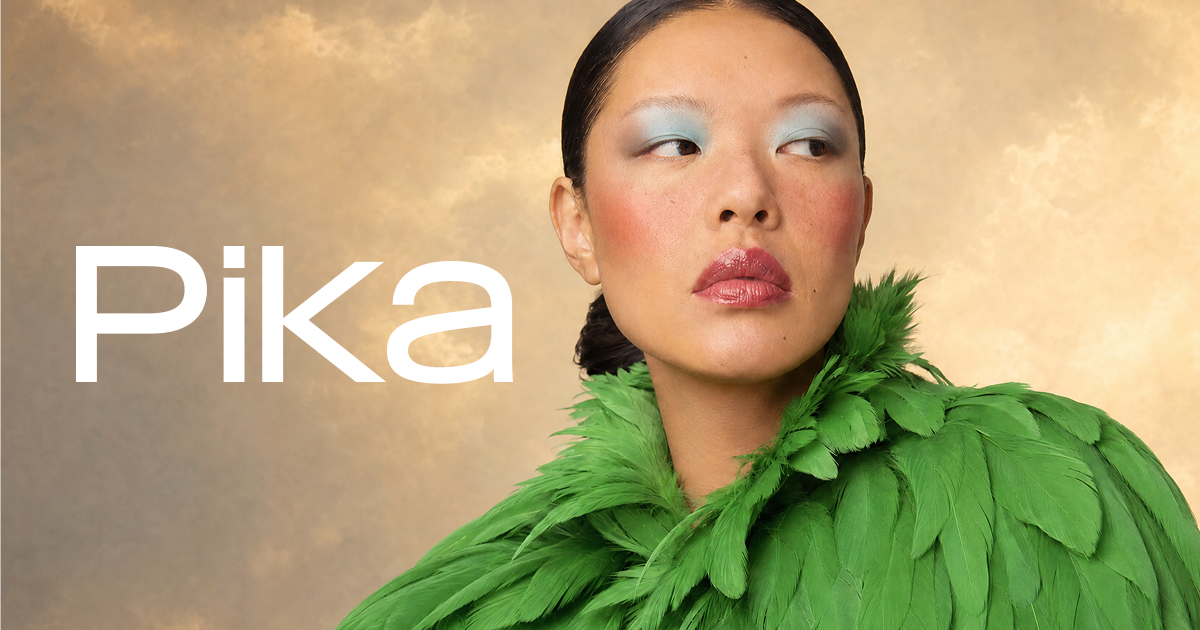
Pika logo - AI Text to Video Generator

Pika

Pika is an AI creative platform for video, image and audio, with a Video Studio for clips and 30-second multi-shot videos, Pikaframes, Swap Anything, Motion Transfer and access to models like Seedance 2.5.

  • text to video
  • ai video generator
  • pika
  • pikaframes
  • video effects
  • ai audio
  • image to video
  • social video
  • creative ai
  • motion transfer
Visit Website

Updated Oct 8, 2026

Pricing Freemium

Rating No reviews yet

Pika preview - AI Text to Video Generator

Standout Features

What makes Pika stand out

  • Video Studio for 30-second multi-shot videos
  • Pikaframes keyframe video
  • Swap Anything and Motion Transfer
  • Video, image and audio in one platform

Key Features

What’s in the toolkit?

  • 01

    Video Studio

  • 02

    30-second multi-shot videos

  • 03

    Pikaframes

  • 04

    Extend Video

  • 05

    Swap Anything

  • 06

    Motion Transfer

  • 07

    Product Ad

  • 08

    Image Studio

  • 09

    Character Studio

  • 10

    Color Grade

  • 11

    Pika Soundtrack

  • 12

    Speech and SFX generation

  • 13

    Seedance 2.5 and other models

What is Pika?

AI creative tools for video, image and audio, built for creatives

Pika is an AI creative platform that brings video, image and audio creation together, with simple tools built on top of several generative media models.

Video tools

  • Video Studio: generate short clips or 30-second multi-shot videos.
  • Pikaframes for keyframe-based video.
  • Extend Video, Swap Anything, Motion Transfer and Product Ad.
  • Models including Seedance 2.5.

Images and audio too

Pika also offers Image Studio, Edit Image, Character Studio, Product Shot, Color Grade, Pika Soundtrack and audio tools for speech and sound effects. With a free plan, credit packs and affordable subscriptions, Pika is a fun and capable AI text to video generator for creators.

Pricing
Freemium
Company
Pika
Platform Access
1 feature

Use Cases

Where teams put it to work

  • 01

    Social media videos

  • 02

    Product ads

  • 03

    Character videos

  • 04

    Music and soundtrack content

  • 05

    Creative experiments

Workflow

How to use Pika?

  1. 01

    Sign up at pika.art.

  2. 02

    Open Video Studio and enter a prompt or upload images.

  3. 03

    Choose a model and settings.

  1. 04

    Generate, then extend, swap or add a soundtrack.

  2. 05

    Download your video.

Pros & Cons

Is Pika right for you?

Pros

4
  • Free plan with all models
  • No watermark even on free
  • Video, image and audio together
  • Affordable plans

Cons

2
  • Free plan includes no monthly credits
  • Commercial license starts on Creator

Pricing

Pricing for Pika

Freemium
  • Free – $0: all models, no watermark; buy credit packs ($1 for 60 credits).
  • Starter – $10/month ($8 annually): 900 credits.
  • Creator – $35/month ($28 annually): 3,150 credits, commercial license.
  • Fancy – from $95/month: 8,550+ credits, priority queue.
  • Enterprise: custom.

Who is it for

Who is Pika for?

Social creators.Marketers making product ads.Artists and hobbyists.

Explore More Similar Tools

More tools worth checking out from the same category.

Never Miss a New AI Tool

Subscribe to get the latest AI tools, deals, and resources delivered straight to your inbox — no spam, unsubscribe anytime.