This may take few seconds.

0% Completed

AI Text to Video Generator · Freemium
PixVerse logo - AI Text to Video Generator

PixVerse

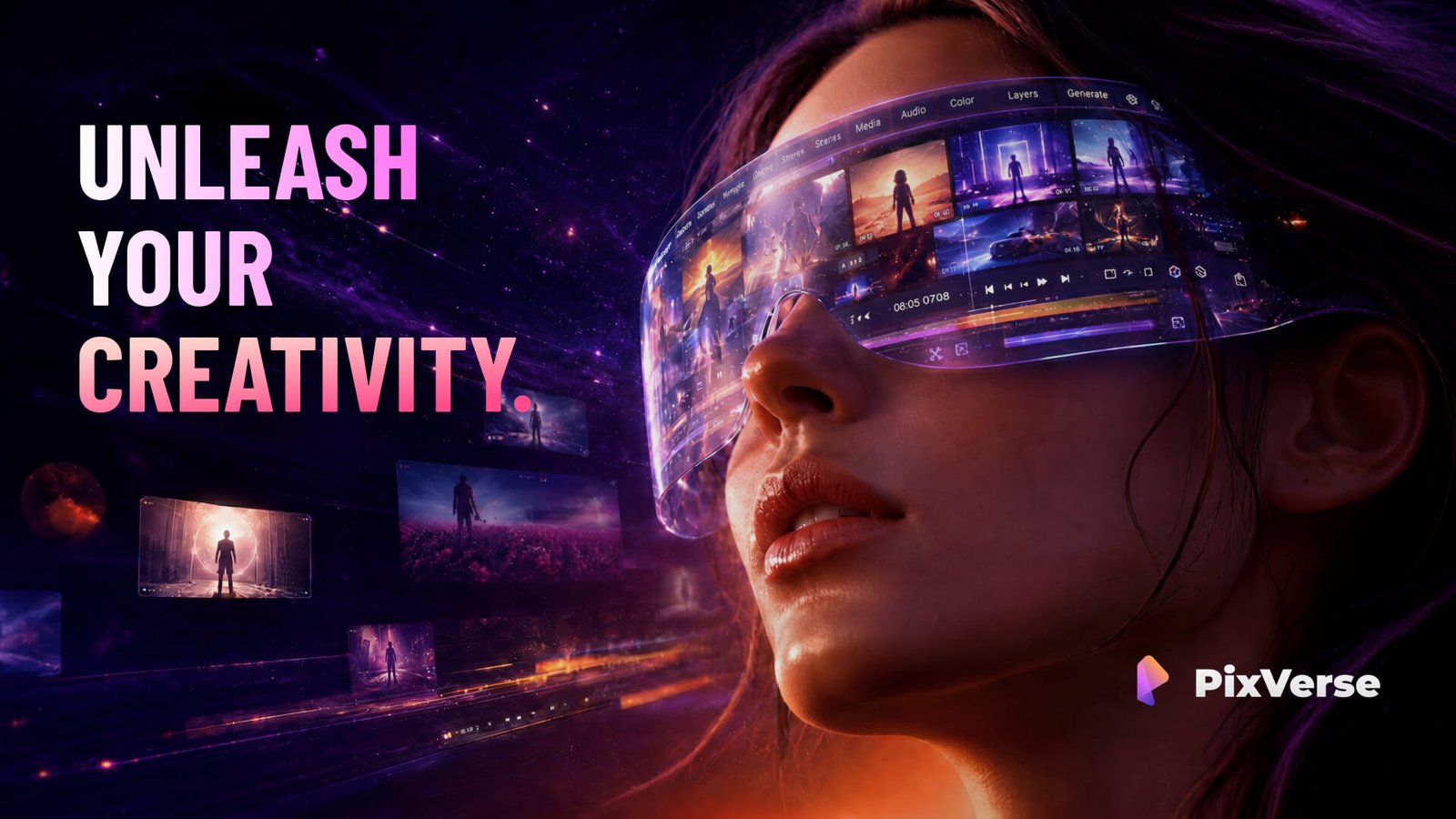
PixVerse is an AI video platform that turns text prompts and images into video with its V6 model at 1080p with native audio, plus templates, mobile apps, an API and the R2 real-time world model.

  • text to video
  • pixverse
  • ai video generator
  • image to video
  • native audio
  • video templates
  • mobile app
  • video api
  • real time world model
  • social video
Visit Website

Updated Oct 8, 2026

Pricing Freemium

Rating No reviews yet

PixVerse preview - AI Text to Video Generator

Standout Features

What makes PixVerse stand out

  • PixVerse V6 with 1080p and native audio
  • Ready-made templates
  • Mobile apps and API
  • R2 real-time world model

Key Features

What’s in the toolkit?

  • 01

    Text to video

  • 02

    Image to video

  • 03

    PixVerse V6 model

  • 04

    1080p output

  • 05

    Native audio

  • 06

    Templates

  • 07

    iOS and Android apps

  • 08

    API platform

  • 09

    Enterprise tools

  • 10

    PixVerse R2 real-time world model

What is PixVerse?

AI video generation from text and images with PixVerse V6

PixVerse builds proprietary AI for video generation and production, extending into real-time worlds and interactive entertainment.

Create video from prompts and images

  • Text to video: turn prompts into video.
  • Image to video: bring images to life in motion.
  • PixVerse V6: flagship model with 1080p and native audio.
  • Templates for quick creative starts.

Beyond clips

PixVerse also offers PixVerse R2, a real-time world model, plus apps for iOS and Android, an API platform and enterprise tools. For creators who want quick, high-quality clips with sound, PixVerse is a capable AI text to video generator.

Pricing
Freemium
Company
PixVerse
Platform Access
3 features

Use Cases

Where teams put it to work

  • 01

    Social media videos

  • 02

    Viral effects and templates

  • 03

    Product promos

  • 04

    Interactive experiences

  • 05

    Developer integrations

Workflow

How to use PixVerse?

  1. 01

    Sign up at pixverse.ai or in the app.

  2. 02

    Enter a prompt or upload an image, or pick a template.

  1. 03

    Generate with PixVerse V6.

  2. 04

    Download and share.

Pros & Cons

Is PixVerse right for you?

Pros

4
  • Native audio at 1080p
  • Templates for fast creation
  • Mobile apps
  • API access

Cons

1
  • Plan prices not shown on the homepage

Pricing

Pricing for PixVerse

Freemium

PixVerse offers free use with credits and paid subscription plans, plus API pricing (for example, around $4.80 per minute for PixVerse V6). Check pixverse.ai for current plans.

Who is it for

Who is PixVerse for?

Social creators.Mobile-first users.Developers and enterprises.

Explore More Similar Tools

More tools worth checking out from the same category.

Never Miss a New AI Tool

Subscribe to get the latest AI tools, deals, and resources delivered straight to your inbox — no spam, unsubscribe anytime.