This may take few seconds.

0% Completed

AI Image Generator · Paid
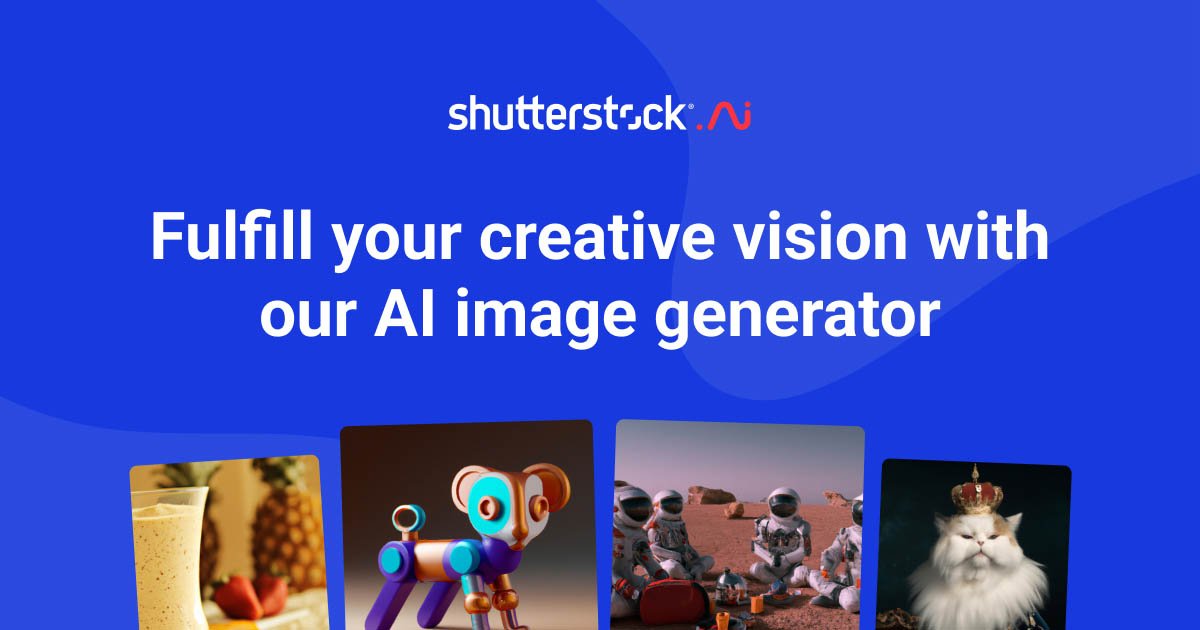
Shutterstock logo - AI Image Generator

Shutterstock

Shutterstock AI Image Generator creates images from text using models like GPT Image 2, Imagen 4 Ultra, Runway Gen-4 and Gemini 3.1 Flash, with style presets, Magic Brush, Expand, Variations and a Standard License on downloads.

  • ai image generator
  • shutterstock
  • licensed ai images
  • stock photos
  • gpt image
  • imagen
  • commercial use
  • magic brush
  • business
  • text to image
Visit Website

Updated Oct 9, 2026

Pricing Paid

Rating No reviews yet

Shutterstock preview - AI Image Generator

Standout Features

What makes Shutterstock stand out

  • Top models including GPT Image 2 and Imagen 4 Ultra
  • Standard License on downloads
  • Built into the Shutterstock library
  • Magic Brush and Expand

Key Features

What’s in the toolkit?

  • 01

    GPT Image 2

  • 02

    Imagen 4 Ultra

  • 03

    Runway Gen-4

  • 04

    Gemini 3.1 Flash

  • 05

    Style presets

  • 06

    Aspect ratio selection

  • 07

    Prompt enrichment

  • 08

    Image reference

  • 09

    Magic Brush

  • 10

    Expand Image

  • 11

    Variations

  • 12

    Background remover

  • 13

    AI Design Assistant (beta)

  • 14

    Standard License on downloads

What is Shutterstock?

Create stunning images from text

Shutterstock's AI Image Generator is built into the Shutterstock stock library, so you can generate images and license them in one place.

Features

  • Models: GPT Image 2, Imagen 4 Ultra, Runway Gen-4 and Gemini 3.1 Flash.
  • Style presets and aspect ratios.
  • Prompt enrichment and image reference.
  • Magic Brush, Expand Image and Variations.
  • Background remover and AI Design Assistant (beta).

Licensed for business

Each generation produces 4 images, and downloads include a Standard License. AI generations are included in Shutterstock's Unlimited plans, making it a business-ready AI image generator.

Pricing
Paid
Company
Shutterstock, Inc.
Platform Access
1 feature

Use Cases

Where teams put it to work

  • 01

    Marketing and ads

  • 02

    Blog and web imagery

  • 03

    Presentations

  • 04

    Commercial projects

Workflow

How to use Shutterstock?

  1. 01

    Open the AI Image Generator on Shutterstock.

  2. 02

    Choose a model and style.

  3. 03

    Enter a prompt and generate 4 images.

  1. 04

    Edit with Magic Brush or Expand.

  2. 05

    License and download.

Pros & Cons

Is Shutterstock right for you?

Pros

3
  • Licensing included
  • Strong models
  • Part of a stock library

Cons

2
  • Only 2 free generations
  • Requires a Shutterstock subscription for regular use

Pricing

Pricing for Shutterstock

Paid
  • Unlimited Images – $29/month or $348/year: 50 AI generations/month.
  • Unlimited Plus – $69/month or $828/year: 100 AI generations/month with the newest models.
  • Free: 2 free generations.

Who is it for

Who is Shutterstock for?

Marketing teams.Businesses needing licensed images.Existing Shutterstock customers.
Reviews

Shutterstock Reviews

Real experiences from people who use Shutterstock. Share yours to help others choose the right tool.

0.0/5

No reviews yet

5
0%
4
0%
3
0%
2
0%
1
0%

No reviews yet

Have you used Shutterstock? Be the first to share your experience and help others decide.

Write a review

How would you rate Shutterstock?

0/2000

Your email is never shown publicly. Reviews appear after a quick check by our team.

Explore More Similar Tools

More tools worth checking out from the same category.

Never Miss a New AI Tool

Subscribe to get the latest AI tools, deals, and resources delivered straight to your inbox — no spam, unsubscribe anytime.