
This may take few seconds.

0% Completed

AI Background Remover · Freemium
Erase.bg

Erase.bg

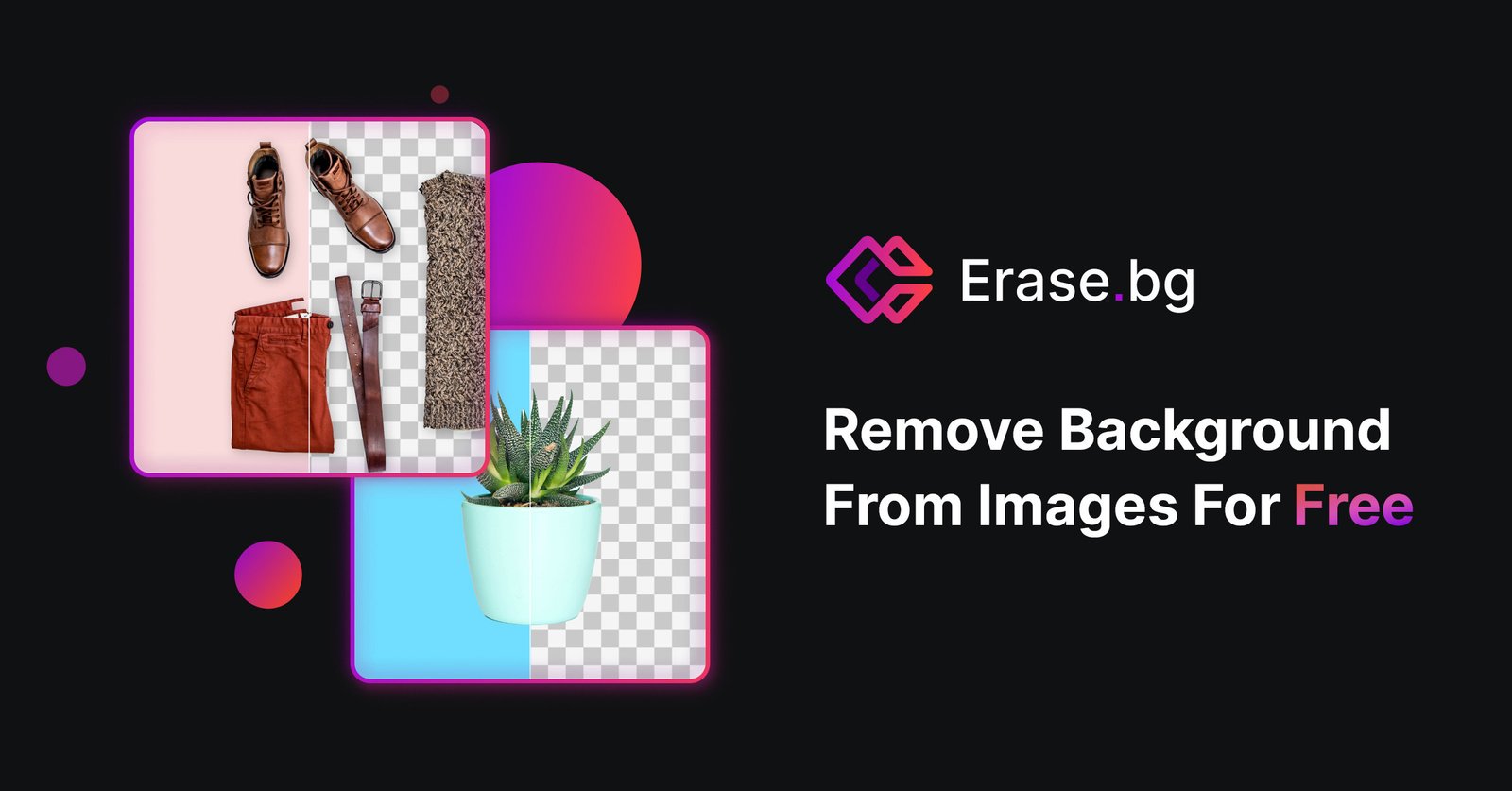
Erase.bg by Pixelbin is a free AI background remover for people, animals, products and cars that supports images up to 10,000 x 10,000 px, free HD and 4K downloads, video background removal, an API and mobile apps.

Free HD and 4K downloads for personal useSupports images up to 10,000 x 10,000 pxVideo background removal up to 30 secondsBulk and API via Pixelbin
Visit Website

Updated Oct 8, 2026

Pricing Freemium

Rating No reviews yet

Key Features

What’s in the toolkit?

  • 01

    Automatic background removal

  • 02

    Free HD and 4K downloads

  • 03

    Up to 10,000 x 10,000 px and 25 MB

  • 04

    PNG, JPG, WebP and HEIC support

  • 05

    Change background with scenes or colors

  • 06

    Video background removal (MP4, MOV, WebM)

  • 07

    Bulk editing via Pixelbin

  • 08

    Remove Background API

  • 09

    Android and iOS apps

  • 10

    Passport Photo Maker

  • 11

    AI Background Generator

What is Erase.bg?

Free AI background removal for HD and 4K images

Erase.bg, from Pixelbin, is an AI background remover that makes backgrounds transparent for images of people, animals, products and cars, free for personal use on its website.

HD results at no cost

  • Free HD and 4K downloads for personal use.
  • Images up to 10,000 × 10,000 px and 25 MB in PNG, JPG, JPEG, WebP and HEIC.
  • Change background with themed scenes or solid colors.
  • Video background removal for MP4, MOV and WebM clips up to 30 seconds.

Tools for business

Businesses can use Pixelbin.io for bulk editing, real-time transformations and an API, and Erase.bg also offers Android and iOS apps, a passport photo maker and an AI background generator. For individuals who want free, high-resolution cutouts, Erase.bg is a standout AI background remover.


Pricing
Freemium
Company
Pixelbin (Shopsense Retail Technologies Limited)
Platform Access
3 features

Use Cases

Where teams put it to work

  • 01

    Personal photo cutouts

  • 02

    E-commerce product images

  • 03

    Passport and ID photos

  • 04

    Logo and signature extraction

  • 05

    Short video background removal

Workflow

How to use Erase.bg?

  1. 01

    Open erase.bg or the mobile app.

  2. 02

    Upload your image (up to 25 MB).

  3. 03

    Wait a few seconds for the AI to remove the background.

  1. 04

    Edit to choose a themed background or solid color if you like.

  2. 05

    Download your HD result.

Pricing

Pricing for Erase.bg

Freemium

Erase.bg is free for personal use on its website, and new users get 3 free credits on sign-up. Commercial, bulk and API use is offered through Pixelbin.io subscription plans. Check pixelbin.io for current pricing.

Who is it for

Who is Erase.bg for?

Individuals needing free HD cutouts.E-commerce sellers (via Pixelbin for commercial use).Developers using the API.

Frequently Asked Questions

Yes, for personal use on the website. Pixelbin.io offers paid plans for commercial use.

Erase.bg supports images up to 10,000 × 10,000 px and 25 MB.

PNG, JPG, JPEG, WebP and HEIC. The subject should be clearly defined, such as a person, animal, product or car.

Use Pixelbin.io for batch processing, real-time transformations and media storage.

Upload the image, let it process, select Edit, choose white and download.

Explore More Similar Tools

More tools worth checking out from the same category.

Never Miss a New AI Tool

Subscribe to get the latest AI tools, deals, and resources delivered straight to your inbox — no spam, unsubscribe anytime.





