This may take few seconds.

0% Completed

AI Background Remover · Paid
Luminar Neo

Luminar Neo

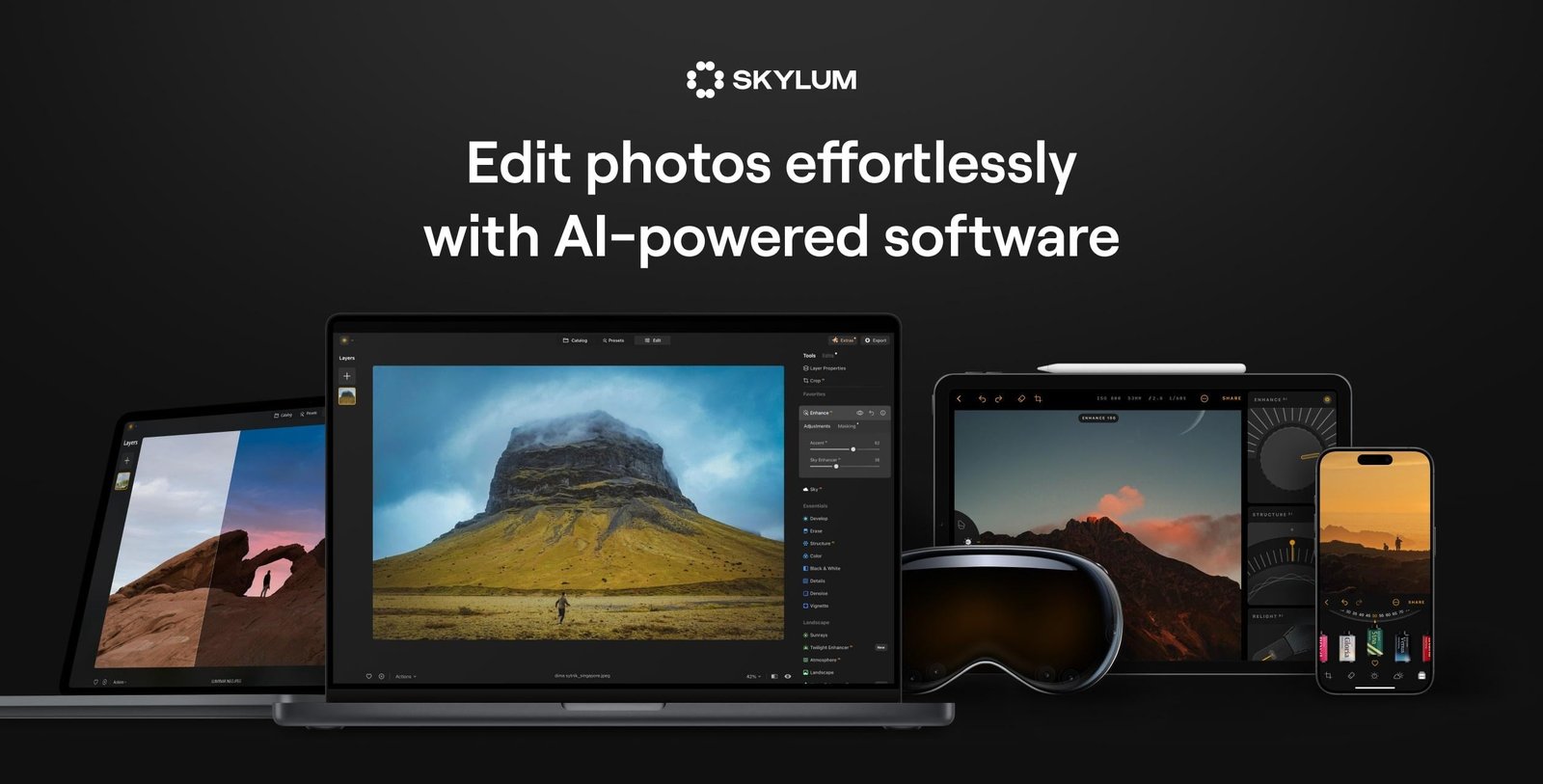
Luminar Neo by Skylum is an AI photo editor for desktop and mobile with Background Removal AI, Portrait Background Removal and AI masking, plus sky replacement, generative erase and enhancement tools, sold as a one-time purchase.

Background Removal AI and Portrait Background RemovalAI masking and layer masksGenerative tools (GenErase, GenSwap, GenExpand)One-time purchase pricing
Visit Website

Updated Oct 8, 2026

Pricing Paid

Rating No reviews yet

Key Features

What’s in the toolkit?

  • 01

    Background Removal AI

  • 02

    Portrait Background Removal

  • 03

    AI Masking

  • 04

    AI Layer Mask

  • 05

    One-slider AI enhancement

  • 06

    SkyAI sky replacement

  • 07

    Relighting and Light Depth

  • 08

    Supersharp AI and Noiseless AI

  • 09

    Upscale

  • 10

    GenErase, GenSwap and GenExpand

  • 11

    HDR Merge, Panorama Stitching and Focus Stacking

  • 12

    Lightroom Classic and Photoshop plugin

  • 13

    Mac, Windows, iPad and iPhone

What is Luminar Neo?

AI photo editor with Background Removal AI and AI masking

Luminar Neo, from Skylum, is an AI photo editor for photographers, with layer-based workflows and precise control. Its Background Removal AI and Portrait Background Removal make it easy to isolate subjects and replace backgrounds.

Background and masking tools

  • Background Removal AI and Portrait Background Removal.
  • AI Masking and AI Layer Mask for targeted edits.
  • Replace backgrounds in portraits easily.

A complete AI photo editor

Luminar Neo also includes one-slider AI enhancement, SkyAI sky replacement, relighting, Supersharp AI, Noiseless AI, upscaling, GenErase, GenSwap and GenExpand, plus HDR merge, panoramas and focus stacking. It runs on Mac and Windows (also as a Lightroom and Photoshop plugin) and on iPad and iPhone. For photographers who want background removal inside a full editor, Luminar Neo is a strong AI background remover.


Pricing
Paid
Company
Skylum
Platform Access
1 feature

Use Cases

Where teams put it to work

  • 01

    Portrait photography

  • 02

    Landscape editing

  • 03

    Product photos

  • 04

    Photo composites

  • 05

    Professional photo workflows

Workflow

How to use Luminar Neo?

  1. 01

    Buy Luminar Neo and install it on Mac or Windows (or use it as a plugin).

  2. 02

    Open your photo.

  3. 03

    Apply Background Removal AI or Portrait Background Removal.

  1. 04

    Refine with AI masking and add a new background.

  2. 05

    Export your image.

Pricing

Pricing for Luminar Neo

Paid
  • Desktop Only – $129 (one-time).
  • All Platforms – $159 (one-time; desktop, mobile and web).
  • Max – $199 (one-time, includes 1 year of Luminar Prime).

The apps are yours forever, while AI tools and assets are included for 365 days and renew with Luminar Prime. A 30-day money-back guarantee applies. Check skylum.com/luminar/pricing for current offers.

Who is it for

Who is Luminar Neo for?

Photographers.Lightroom and Photoshop users wanting AI plugins.Hobbyists who prefer one-time pricing.

Frequently Asked Questions

Each license covers two activations, in any combination of Mac and Windows. Licenses can be reset for free when you change computers.

Yes. Educational, military and loyalty discounts for owners of previous Luminar or Aurora HDR versions are available.

Explore More Similar Tools

More tools worth checking out from the same category.

Never Miss a New AI Tool

Subscribe to get the latest AI tools, deals, and resources delivered straight to your inbox — no spam, unsubscribe anytime.