This may take few seconds.

0% Completed

AI Background Remover · Free
retoucheronline-logo

Retoucher.online

Retoucher.online is a free AI background remover with no sign-up that automatically removes backgrounds from personal and product photos, logos and icons, with white, transparent or custom backgrounds, batch uploads and a built-in editor.
  • background remover
  • free background remover
  • no signup
  • white background
  • transparent png
  • batch upload
  • product photos
  • logo background removal
  • photo editor
  • retoucher
Visit Website
Updated:
Pricing:
Free
Rating:
5.0 /5
retoucheronline-thumbnail

Standout Features

What makes Retoucher.online stand out

  • Free with no sign-up
  • White, transparent or custom backgrounds
  • Batch upload and download
  • Built-in editor with shadows

Key Features

What’s in the toolkit?

  • 01

    One-click AI background removal

  • 02

    White, transparent or custom backgrounds

  • 03

    PNG and JPG export

  • 04

    Built-in editor

  • 05

    Shadows

  • 06

    Color change

  • 07

    Crop and resize

  • 08

    Batch upload and download

What is Retoucher.online?

3-in-1 free background remover: white, transparent or custom backgrounds

Retoucher.online is a free online AI tool that removes image backgrounds automatically in one click, with no sign-up and no payment required.

3-in-1 backgrounds

  • Automatic removal for personal and product photos, logos and icons.
  • Choose a white, transparent or custom background.
  • Export as PNG or JPG.

Edit and batch

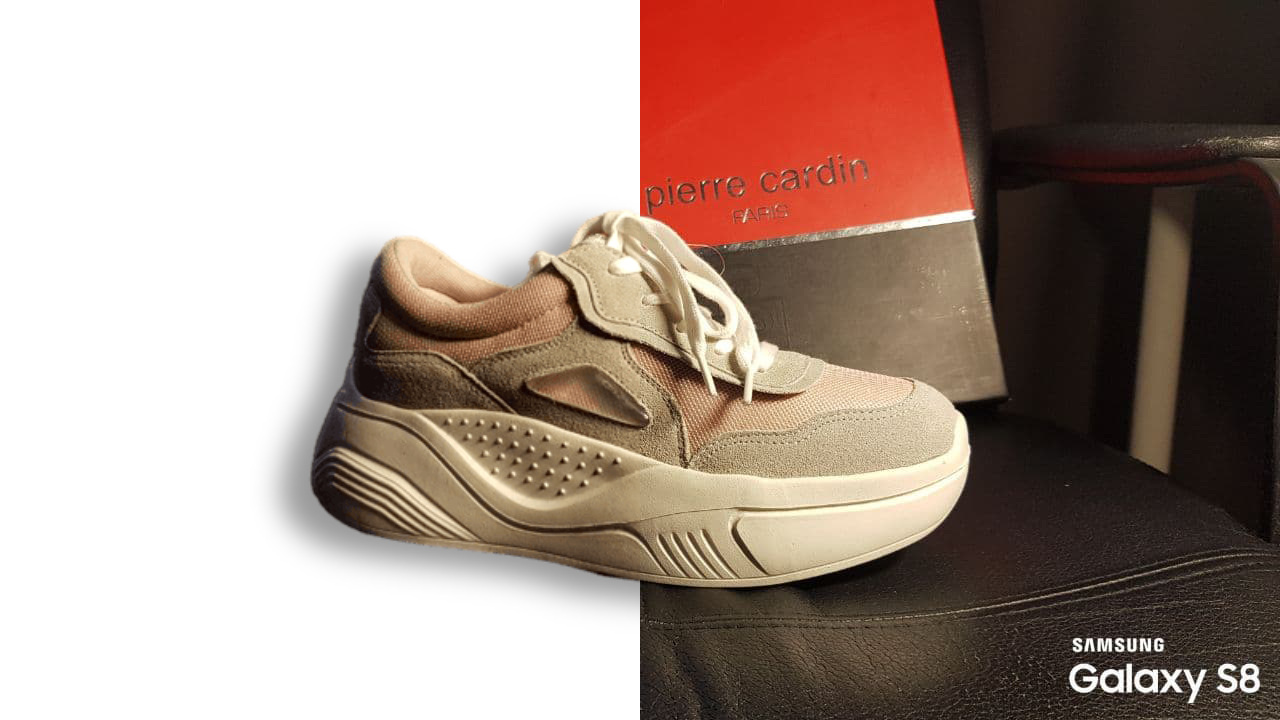
A built-in editor adds shadows, color changes, cropping and resizing, and you can upload multiple images and download results one by one or in a batch. For anyone who wants free cutouts without creating an account, Retoucher.online is a simple AI background remover.

Pricing
Free
Company
Retoucher Online
Platform Access
1 feature

Use Cases

Where teams put it to work

  • 01

    Product photos

  • 02

    Personal photos

  • 03

    Logos and icons

  • 04

    Marketplace listings

Workflow

How to use Retoucher.online?

  1. 01

    Open retoucher.online (no sign-up).

  2. 02

    Upload one or more images.

  3. 03

    Let the AI remove the background.

  1. 04

    Choose white, transparent or custom, and edit if needed.

  2. 05

    Download one by one or as a batch.

Pros & Cons

Is Retoucher.online right for you?

Pros

4
  • Completely free per the site
  • No sign-up required
  • Batch processing
  • Built-in editing

Cons

2
  • API availability is unclear
  • Fewer advanced features than paid tools

Pricing

Pricing for Retoucher.online

Free

Retoucher.online says background removal is free, with no sign-up and no limits. A separate pricing page lists any additional options.

Who is it for

Who is Retoucher.online for?

Individuals wanting free cutouts.Small sellers.
Reviews

Retoucher.online Reviews

Real experiences from people who use Retoucher.online. Share yours to help others choose the right tool.

5.0/5

Based on 1 review

5
100%
4
0%
3
0%
2
0%
1
0%

All reviews (1)

Most recent first

ayesha

Nov 4, 2026

5 out of 5 stars

The overall performance is smooth, and the interface is clean, simple, and easy to navigate.

Write a review

How would you rate Retoucher.online?

0/2000

Your email is never shown publicly. Reviews appear after a quick check by our team.

Never Miss a New AI Tool

Subscribe to get the latest AI tools, deals, and resources delivered straight to your inbox — no spam, unsubscribe anytime.