This may take few seconds.

0% Completed

AI Background Remover · Freemium
kittl-logo

Kittl

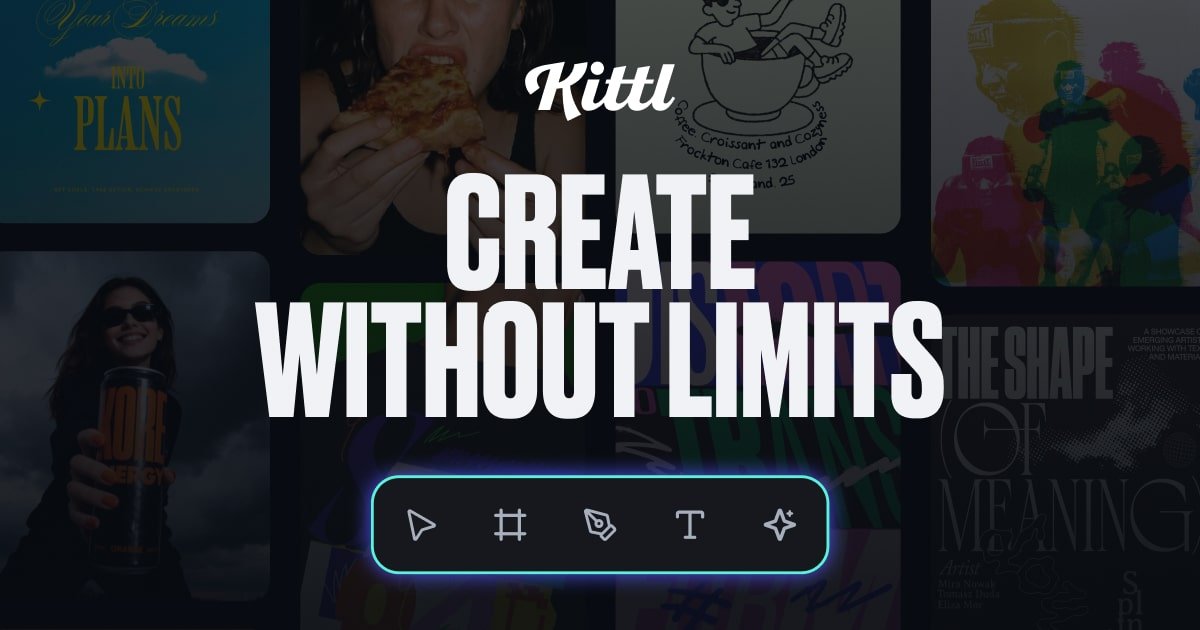
Kittl is an AI-first design platform for creators whose background remover cleanly removes backgrounds in seconds, alongside AI image, vector and video generation, mockups, text effects, templates and real-time collaboration.
  • ai design platform
  • background remover
  • merch design
  • mockups
  • text effects
  • vectorizer
  • ai image generator
  • graphic design
  • templates
  • kittl
Visit Website
Updated:
Pricing:
Freemium
Rating:
5.0 /5
kittl-thumbnail

Standout Features

What makes Kittl stand out

  • Background removal on the design canvas
  • AI image, vector and video generation
  • Mockups and text effects
  • Real-time collaboration

Key Features

What’s in the toolkit?

  • 01

    AI background remover

  • 02

    AI image generator

  • 03

    AI vector generator

  • 04

    AI video generator

  • 05

    Image upscaler

  • 06

    Vectorizer

  • 07

    AI Workflows

  • 08

    Infinite canvas

  • 09

    Real-time collaboration

  • 10

    Text effects

  • 11

    Brand Studio

  • 12

    Templates, mockups, fonts and graphics

What is Kittl?

AI-first design platform with a fast background remover

Kittl is an AI-first design platform for creators, designers and businesses, and its background remover cleanly removes backgrounds in seconds, right on the design canvas.

Cutouts that go straight into designs

Remove a background and immediately use the subject in merch designs, social graphics, logos and mockups, without exporting to another app.

A creative design toolkit

  • AI image, vector and video generation with models from OpenAI, Google, ByteDance, Ideogram, Recraft, Black Forest Labs and Kling.
  • Image upscaler and vectorizer.
  • Infinite canvas with real-time collaboration.
  • Text effects, Brand Studio, templates, mockups, fonts and graphics libraries.

Free to start, with Pro, Expert and Max upgrades, Kittl is a powerful AI background remover option for merch designers and creative teams.

Pricing
Freemium
Company
Kittl
Platform Access
1 feature

Use Cases

Where teams put it to work

  • 01

    Merch and print-on-demand designs

  • 02

    Social media graphics

  • 03

    Logos and branding

  • 04

    Product mockups

  • 05

    Marketing visuals

Workflow

How to use Kittl?

  1. 01

    Sign up free at kittl.com.

  2. 02

    Upload an image to your canvas.

  3. 03

    Apply the background remover.

  1. 04

    Design with text effects, templates or mockups.

  2. 05

    Export your design.

Pros & Cons

Is Kittl right for you?

Pros

4
  • Background removal inside a design tool
  • Strong AI generation options
  • Mockups and templates
  • Free to start

Cons

2
  • Free plan is for personal use only
  • Commercial license requires a paid plan

Pricing

Pricing for Kittl

Freemium
  • Free: personal use, no commercial rights.
  • Pro – $12/month per editor billed annually: commercial license.
  • Expert – $26/month per editor billed annually: 200 daily AI tokens plus a monthly balance.
  • Max – $48/month per editor billed annually: 600 daily AI tokens plus a monthly balance.

Check kittl.com/pricing for current rates.

Who is it for

Who is Kittl for?

Merch and print-on-demand designers.Creators and small businesses.Design teams collaborating in real time.
Reviews

Kittl Reviews

Real experiences from people who use Kittl. Share yours to help others choose the right tool.

5.0/5

Based on 1 review

5
100%
4
0%
3
0%
2
0%
1
0%

All reviews (1)

Most recent first

salwa

Nov 11, 2026

5 out of 5 stars

What I like about Kittl is the flexibility it offers for different design projects. You can create professional-looking visuals without starting everything from scratch.

Write a review

How would you rate Kittl?

0/2000

Your email is never shown publicly. Reviews appear after a quick check by our team.

Never Miss a New AI Tool

Subscribe to get the latest AI tools, deals, and resources delivered straight to your inbox — no spam, unsubscribe anytime.