This may take few seconds.

0% Completed

AI Background Remover · Freemium
LightX

LightX

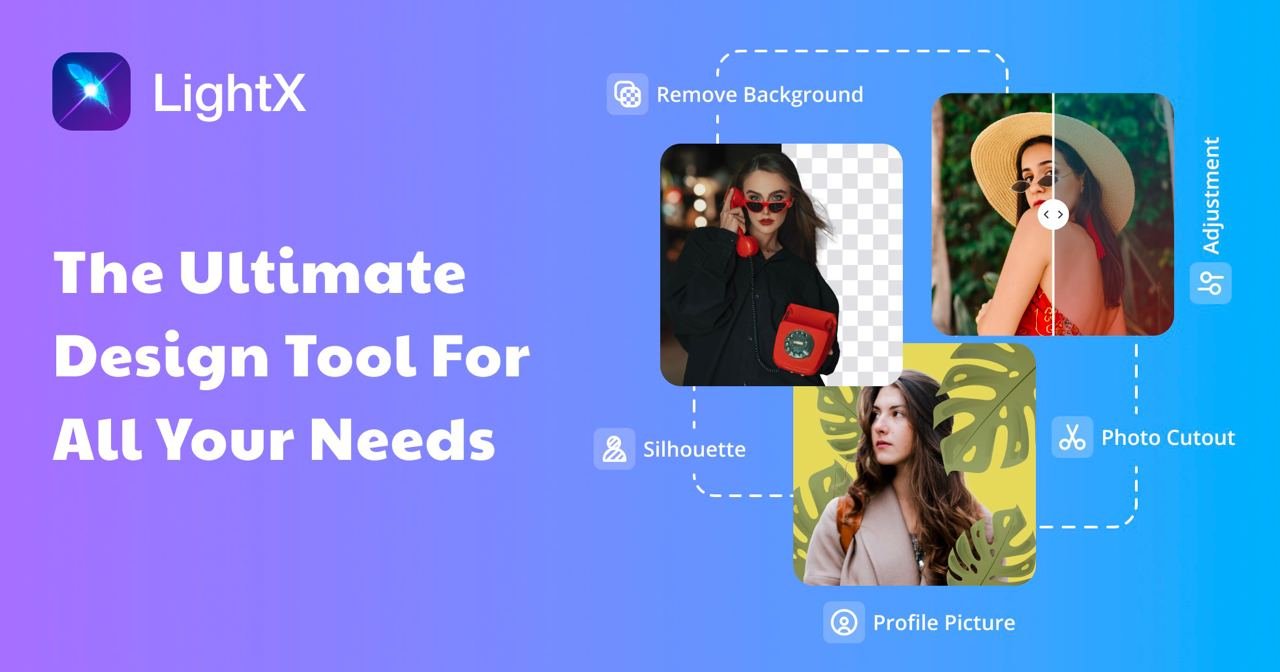
LightX is an all-in-one AI photo and video editor with a background remover for clean cutouts and product images, plus AI product photoshoots, retouching, image generation, a developer API and iOS, Android and web apps.

Background remover with precise edgesAI product and person photoshootsDeveloper API with remove-background endpointiOS, Android and web apps
Visit Website

Updated Oct 8, 2026

Pricing Freemium

Rating No reviews yet

Key Features

What’s in the toolkit?

  • 01

    AI background remover

  • 02

    Background replacement

  • 03

    AI product photoshoot

  • 04

    AI person photoshoot

  • 05

    Face and body retouch

  • 06

    AI photo editor

  • 07

    Image to video

  • 08

    AI headshot generator

  • 09

    AI image generator

  • 10

    AI logo maker

  • 11

    Developer API

  • 12

    iOS, Android and web apps

What is LightX?

All-in-one AI editor with background removal for photos and products

LightX is an all-in-one AI workspace for creating, editing and enhancing photos, designs and videos, and it includes a fast background remover with precise edges.

Background removal

  • Quick cutouts with clean edges for people and products.
  • Make products stand out with new backgrounds and AI product photoshoots.
  • API endpoint for removing backgrounds from an image URL and setting a background color.

A full AI editing suite

LightX adds AI photo editing, face and body retouching, AI person and product photoshoots, image-to-video, AI headshots, avatars, logos and image generation with leading models. It runs on the web, iOS and Android, with a free Starter plan and a low-cost Pro subscription, making it a broad AI background remover option for creators and sellers.


Pricing
Freemium
Company
LightX
Platform Access
2 features

Use Cases

Where teams put it to work

  • 01

    Product photos

  • 02

    Portraits and headshots

  • 03

    Social media content

  • 04

    Marketing visuals

  • 05

    App and web integrations via API

Workflow

How to use LightX?

  1. 01

    Open LightX on the web or app.

  2. 02

    Choose Remove Background and upload a photo.

  3. 03

    Let the AI cut out the subject.

  1. 04

    Add a new background or create an AI product photoshoot.

  2. 05

    Download or share your image.

Pricing

Pricing for LightX

Freemium
  • Starter – €0: 6 free AI credits daily, photo editor tools and free templates.
  • Pro – €8.99/month or €51.99/year: 1,000 AI credits monthly, 7-day free trial.
  • AI credit packs: e.g. 1,000 credits for €8.99.

Check lightxeditor.com for current pricing.

Who is it for

Who is LightX for?

Social creators.Online sellers.Developers using the LightX API.

Explore More Similar Tools

More tools worth checking out from the same category.

Never Miss a New AI Tool

Subscribe to get the latest AI tools, deals, and resources delivered straight to your inbox — no spam, unsubscribe anytime.