
This may take few seconds.

0% Completed

AI Background Remover · Freemium
Pokecut

Pokecut

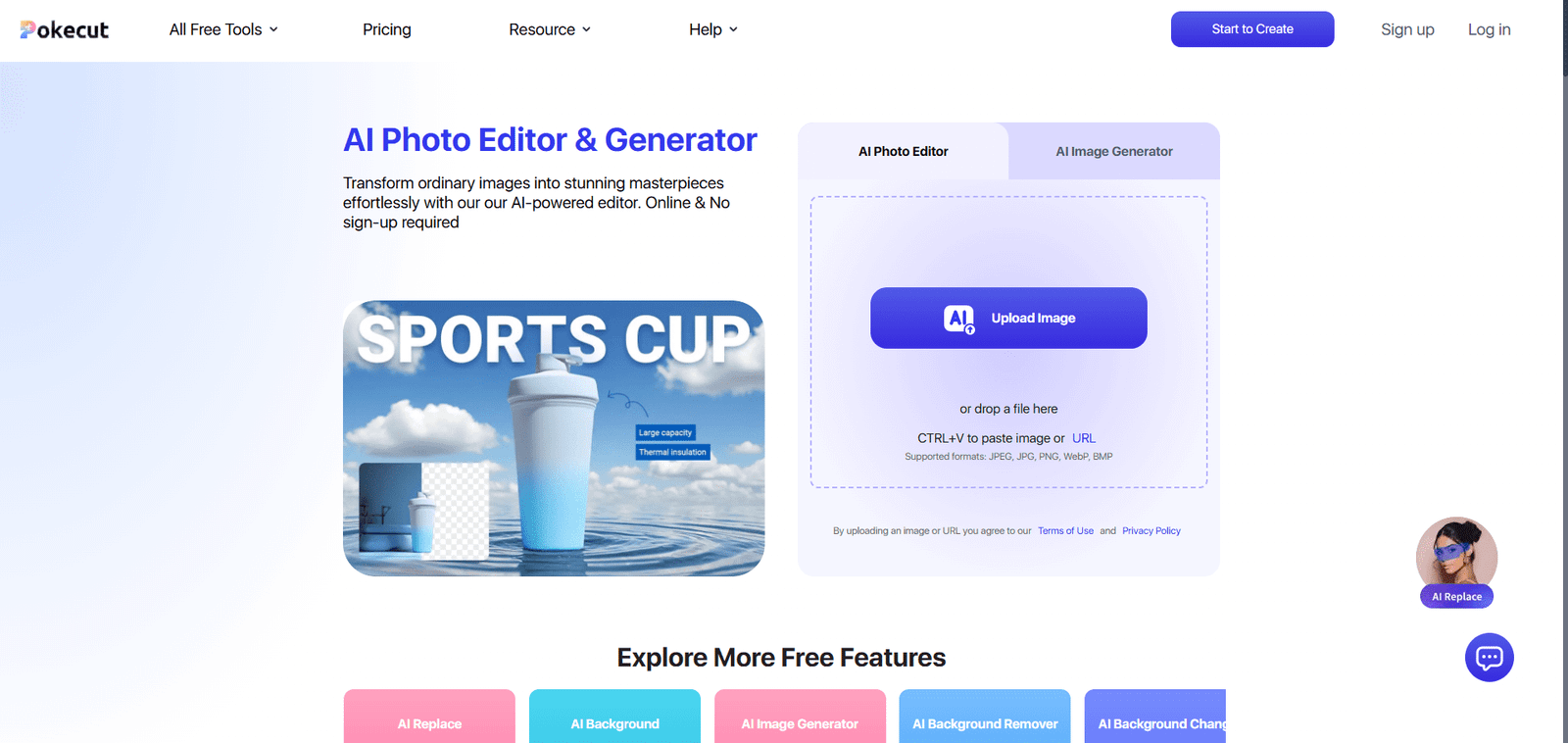
Pokecut is an AI photo editor and image generator with a free background remover, background changer, batch editing of up to 50 images, Magic Eraser and photo enhancement, usable in the browser without sign-up and on iOS and Android.

No sign-up requiredBatch editing of up to 50 imagesAI Background ChangerNo ads or watermarks
Visit Website

Updated Oct 8, 2026

Pricing Freemium

Rating No reviews yet

Key Features

What’s in the toolkit?

  • 01

    AI Background Remover

  • 02

    AI Background Changer

  • 03

    Blur Background

  • 04

    Batch editing up to 50 images

  • 05

    Magic Eraser

  • 06

    HD, text, portrait and ultra enhance

  • 07

    AI Image Extender

  • 08

    Replace Object

  • 09

    Clothes Changer

  • 10

    ID Photo Maker

  • 11

    AI Image Generator

  • 12

    iOS and Android apps

What is Pokecut?

All-in-one AI photo editor with free background removal, no sign-up

Pokecut is an all-in-one AI photo editing and image generation platform for portraits, product images and social content. Its AI Background Remover works in the browser with no sign-up.

Background tools

  • AI Background Remover for clean cutouts.
  • AI Background Changer and AI Background to place subjects in new scenes.
  • Batch editing of up to 50 images: remove or change backgrounds, resize and enhance.
  • Blur Background for a quick depth-of-field look.

Much more than cutouts

Pokecut adds Magic Eraser, HD and portrait enhancement, image extender, object replacement, clothes changer, ID photo maker, collage maker and an AI image generator, with apps for iOS and Android. With free credits, no ads and no watermarks, it is a friendly AI background remover for everyday users and sellers.


Pricing
Freemium
Company
Pokecut
Platform Access
2 features

Use Cases

Where teams put it to work

  • 01

    Product photos

  • 02

    Portraits and ID photos

  • 03

    Social media content

  • 04

    Batch photo editing

  • 05

    Creative image generation

Workflow

How to use Pokecut?

  1. 01

    Open pokecut.com (no sign-up needed).

  2. 02

    Choose the Background Remover and upload a photo.

  3. 03

    Let the AI remove the background.

  1. 04

    Change the background or keep it transparent.

  2. 05

    Export your image.

Pricing

Pricing for Pokecut

Freemium

Pokecut is free to use with limited free credits for basic features such as background removal and enhancement. The Pro plan unlocks more edits, higher resolution and full feature access. Check pokecut.com for current prices.

Who is it for

Who is Pokecut for?

Everyday users editing photos.Online sellers.Social media creators.

Frequently Asked Questions

An AI photo editing platform for portraits, product images and creative content, including background removal, object erasing, enhancement and AI image generation.

Yes, with limited free credits. The Pro plan unlocks more.

Yes.

Yes, up to 50 images at once.

Images generated with Pokecut's tools may be used commercially. Design resources not provided by Pokecut are not covered; see the Terms of Use.

Explore More Similar Tools

More tools worth checking out from the same category.

Never Miss a New AI Tool

Subscribe to get the latest AI tools, deals, and resources delivered straight to your inbox — no spam, unsubscribe anytime.





